Marker Outline on Your Car
AI photo template · from a car photo
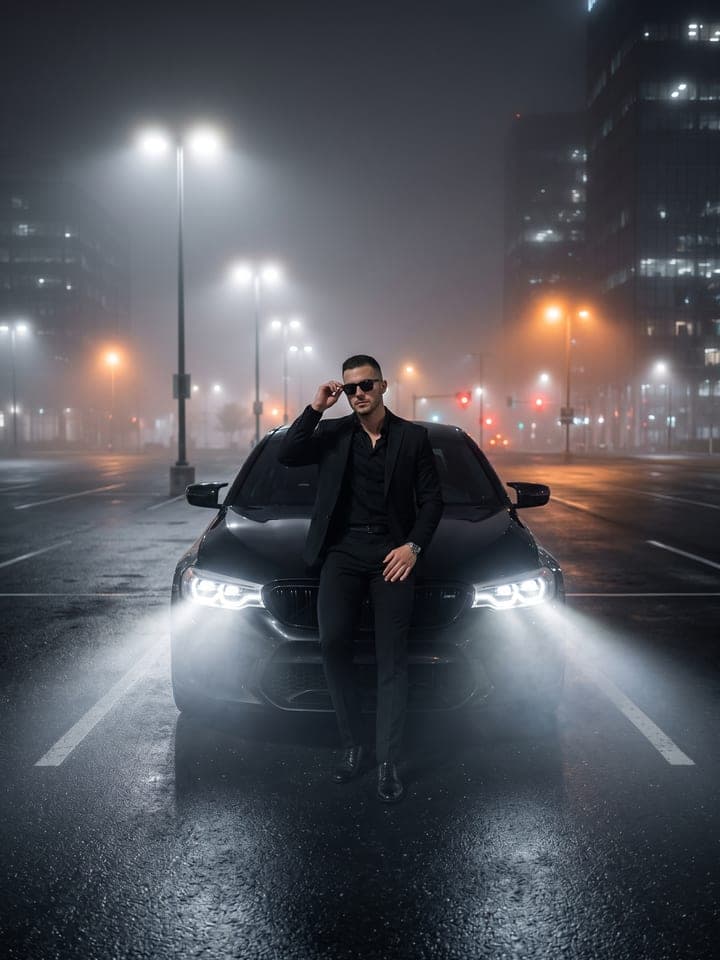
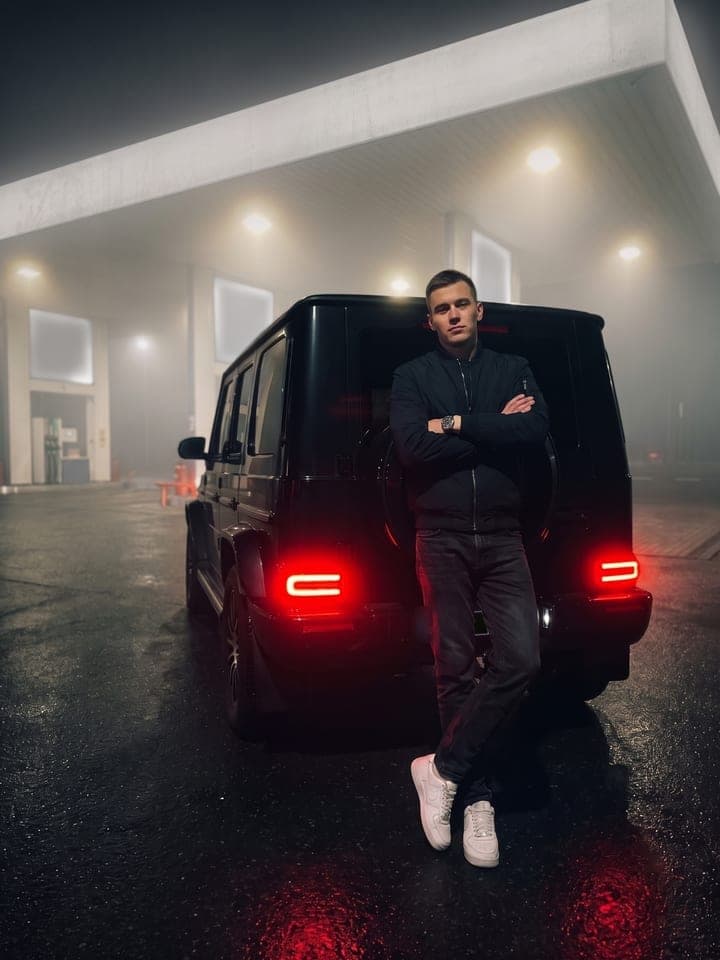
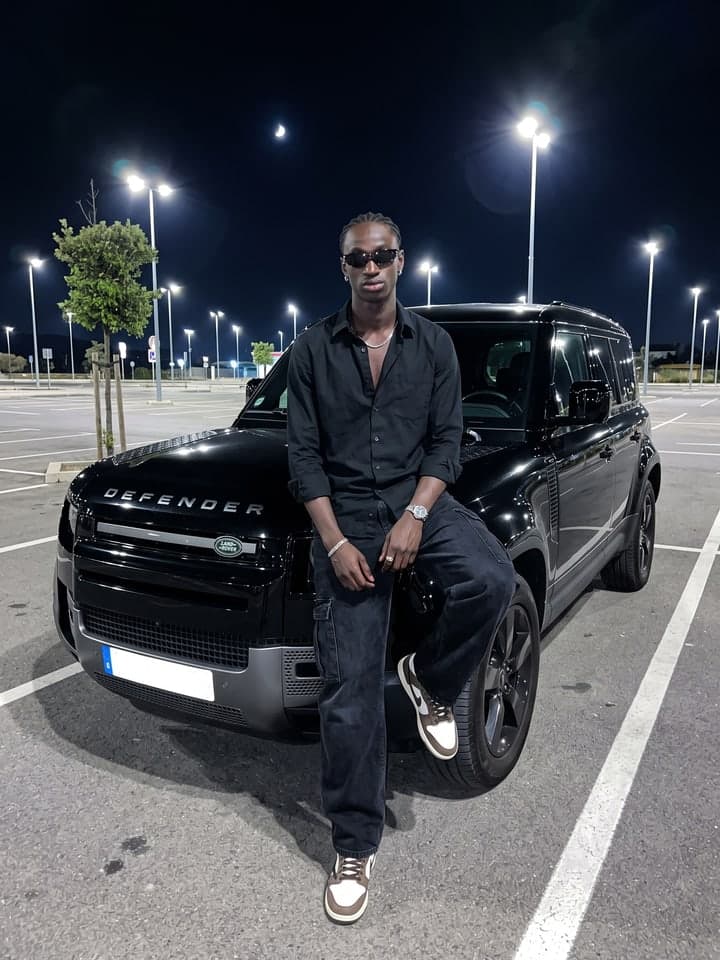
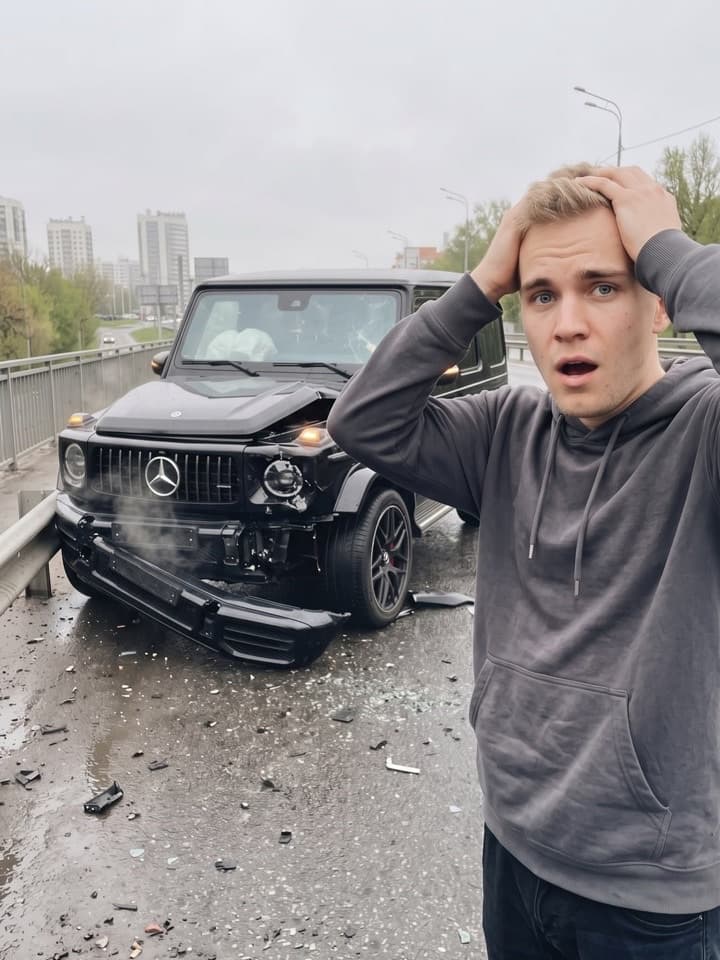
Your car stays itself, its lines traced in thick marker.
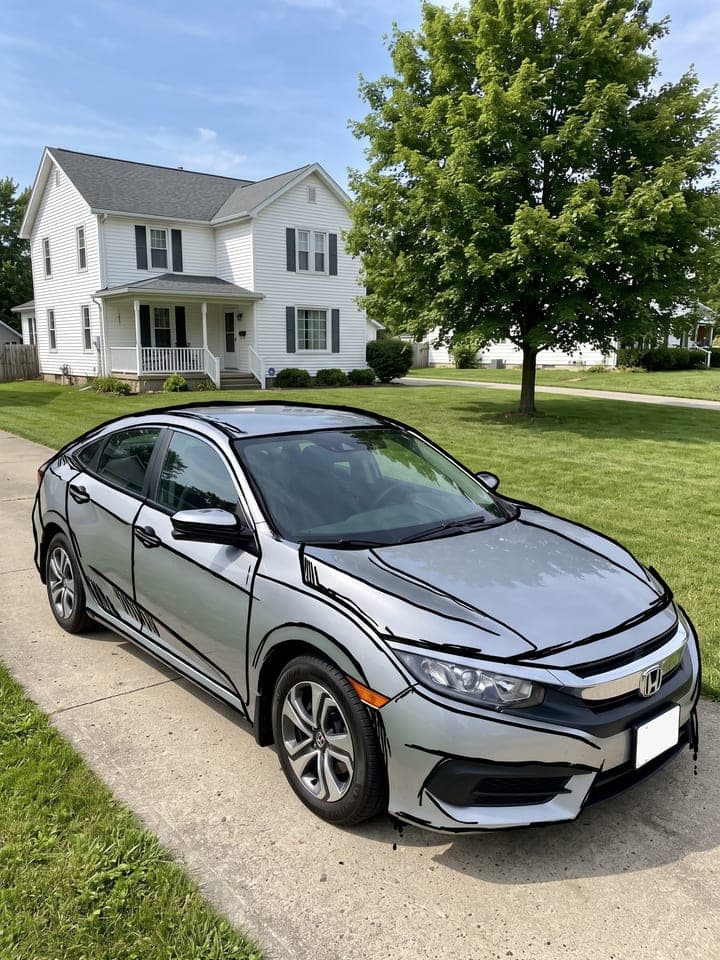
Example result. Yours is made from your own photo.
Your car stays exactly as it is, but its edges are traced with thick marker: hood, arches, sills, lights and mirrors. The body color, wheels and background are not touched; a black car gets white lines.
1 photo
per result
Output: same shape as your photo. How photos are counted
How to add a marker outline to your car photo with AI
This AI car photo editor does one thing: add a photo of your own car to Marker Outline on Your Car, and the car comes back with its edges traced in thick, hand-drawn marker while the paint, wheels and background stay as they were. One run is 1 photo on any plan, and a new account gets 3 free photos; on the Free plan the result is watermarked.
- Upload one shot to the Photo of your car slot: the whole car in frame, seen at a three-quarter angle, in daylight. That angle shows the nose and one flank together, so the grille, headlights, both arches and the side line all get a stroke.
- Press Create (1 photo). You don't set a color, a thickness or a style; the template picks a black or a white marker from the body color and follows the car's real edges.
- Save the result from My creations. Its frame may not match your original exactly, so check how the car sits in it before you post.
What gets traced, and what is left alone?
The edit looks as if someone took a fat marker to a printed photo of the car. Strokes run along the hood and its creases, the seam between hood and fender, the roof and pillars, window edges, door openings and handles, the side character line, the arches, sills, bumper, grille, lights and mirrors. Each line is about a finger thick at the scale of the body, with ragged edges, short hatching and the odd drip, so it reads at a glance on a phone.
Everything under the ink is locked: the paint's tone, brightness and reflections, the wheels, tires, glass, license plate, background, light and time of day. The template is also told not to alter the model or its proportions and not to add text, logos, numbers, people or a second car.
How do I get a better result?
- Give the marker clear edges to follow. Lines only go where the car has a real edge, so a person leaning on a door, a pole in front of an arch or a car parked tight alongside hides parts that would otherwise be traced.
- Leave some room around the whole car when you shoot, so the bumpers and mirrors stay in even if the result is framed tighter than your photo.
- Avoid hard sun glare across the panels. Highlights and reflections are kept exactly as they are, so a bright streak of glare over a door stays in the finished picture too.
What goes wrong most often?
- Expecting a drawing of your car. The photo stays a photo; cartoon, anime and render looks are ruled out.
- Hoping for a tidier background. The parking lot, the street and the sky stay as they are; Background Swap is the tool that replaces what's behind a subject, from the Weekly Pass.
- Sending a close-up of one detail, such as a wheel or a headlight. The template is built to trace a whole body, and the slot asks for the entire car in frame.
What you need
Photo of your car
Whole car in frame, three-quarter angle, daylight.
Works well
- The whole car in frame at a three-quarter angle
- Daylight
Avoid
- Close-ups of one detail
- Night shots and strong reflections