8 tools
Tools for the jobs templates can’t do.
Guided, step by step: you add the photos, pick a couple of options and get the result. 4 tools come with the Weekly Pass and up; all 8 come with Basic.
Most used
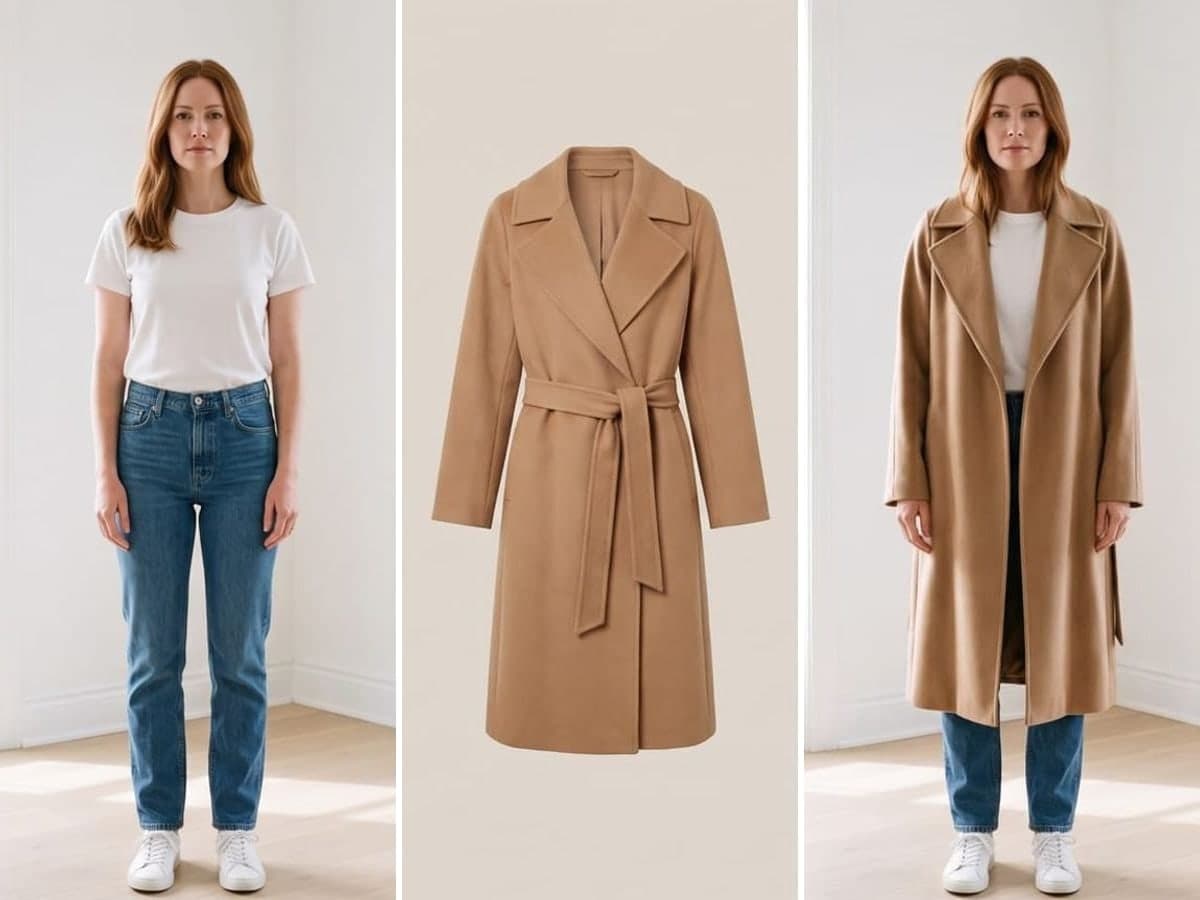
Virtual Try-On
Start here if you shop online.
Virtual Try-On puts clothes from any online shop on your own full-length photo. Upload your photo and up to four product screenshots, pick the type of item, and get four looks with realistic fit, folds and shadows; then make the one you like HD.
5 photos a run for 4 looks · Basic and up
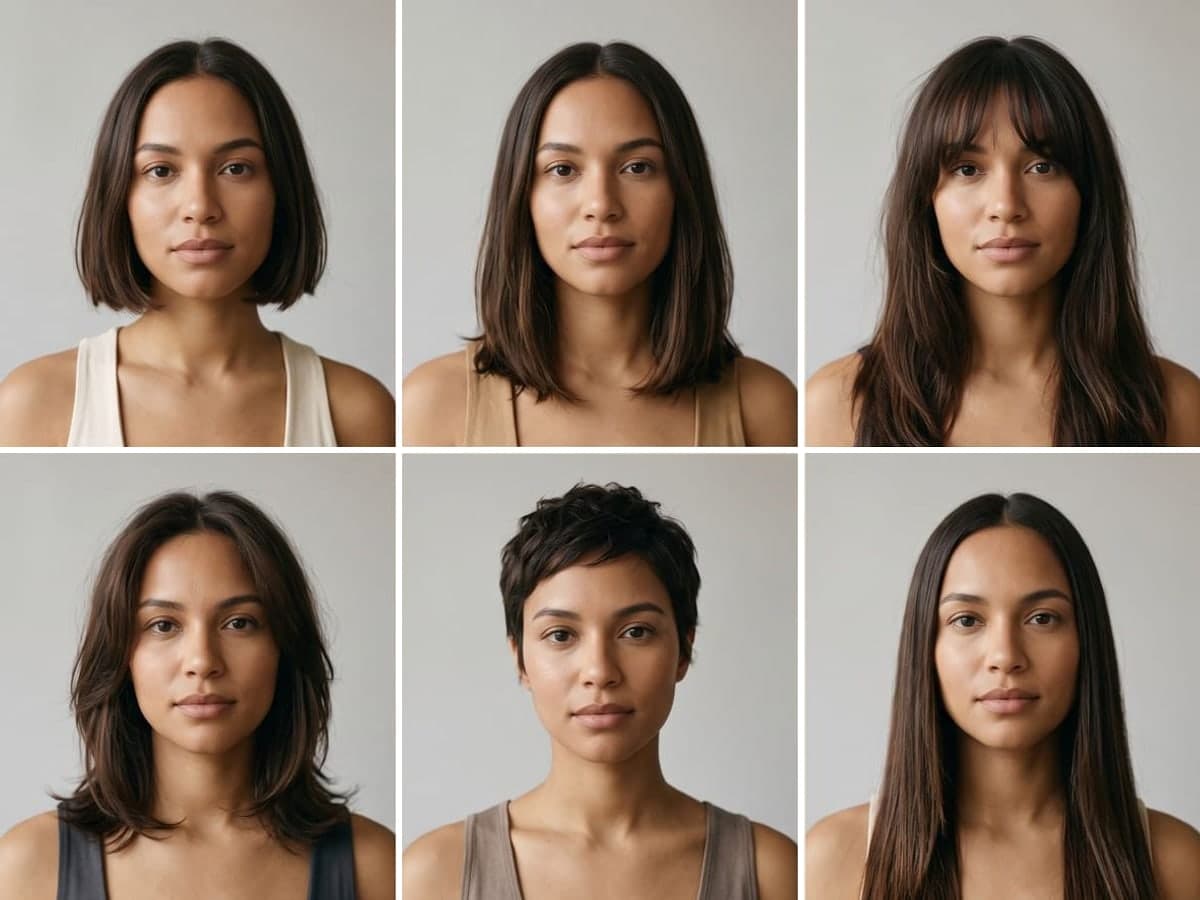
Hairstyle Try-On
Six haircuts on your face before you book the salon.
4 photos a run for 1 poster of 6 haircutsBasic and up
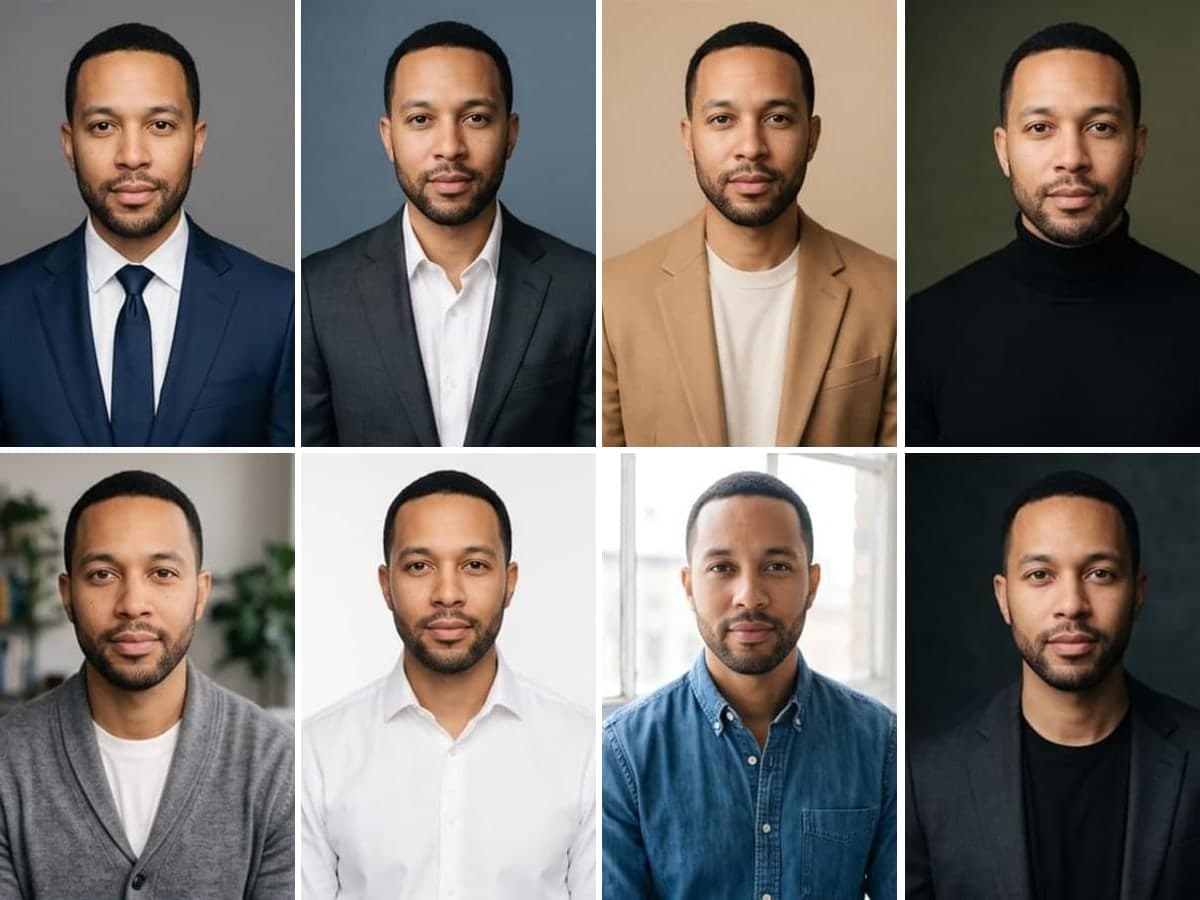
Headshot Studio
Eight professional headshots from one selfie.
16 photos a run for 8 headshotsBasic and up
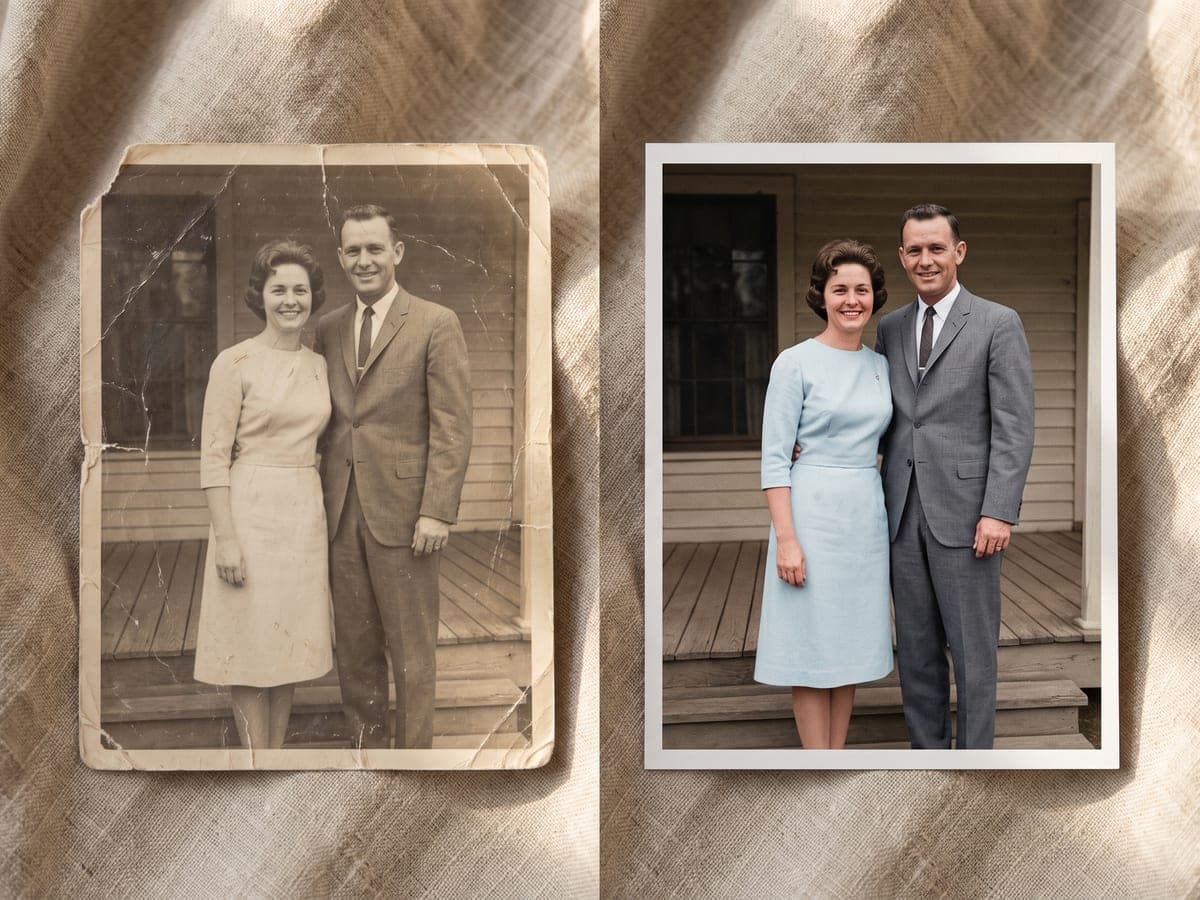
Restore & Colorize
Fix and color an old family photo.
1 photo a run for 1 restored photoWeekly Pass and up
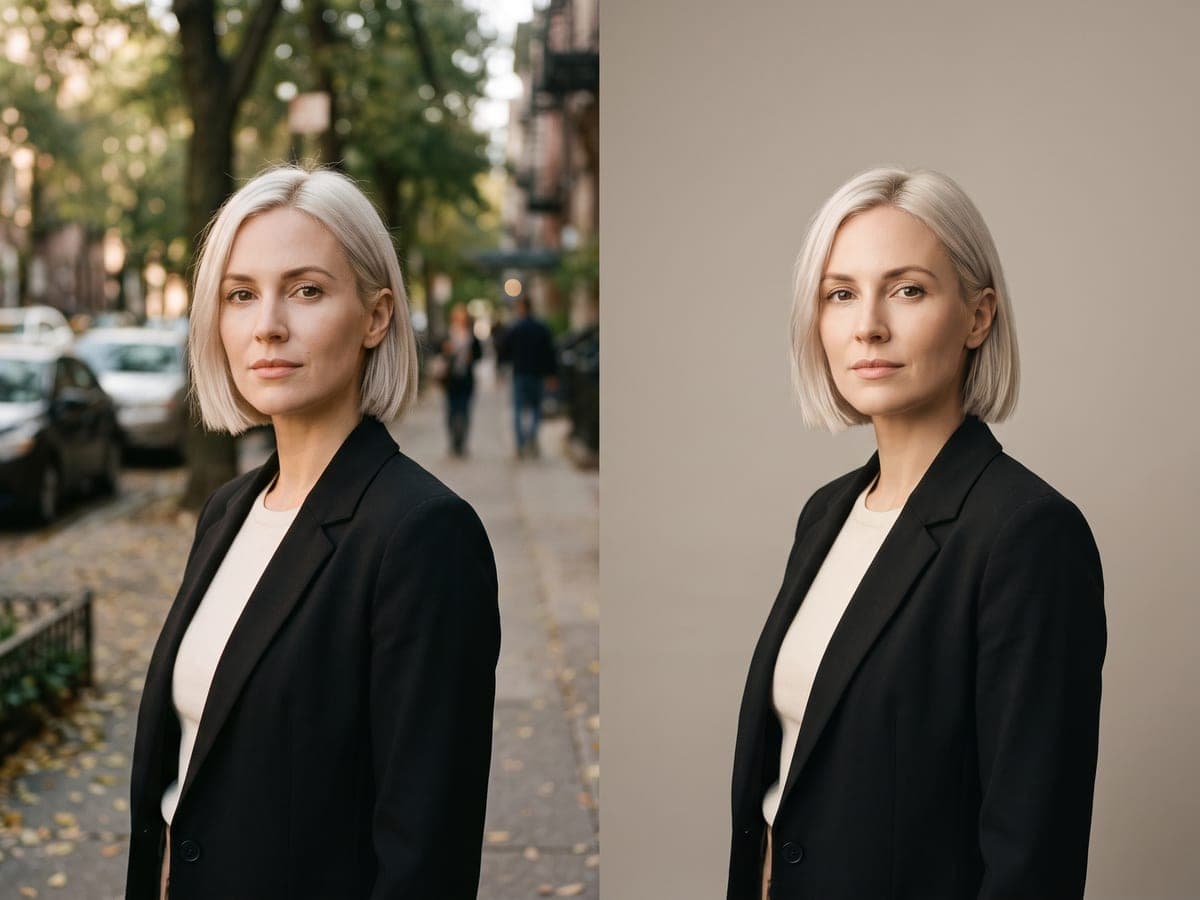
Background Swap
Change the background, keep the person.
1 photo a run for 1 edited photoWeekly Pass and up
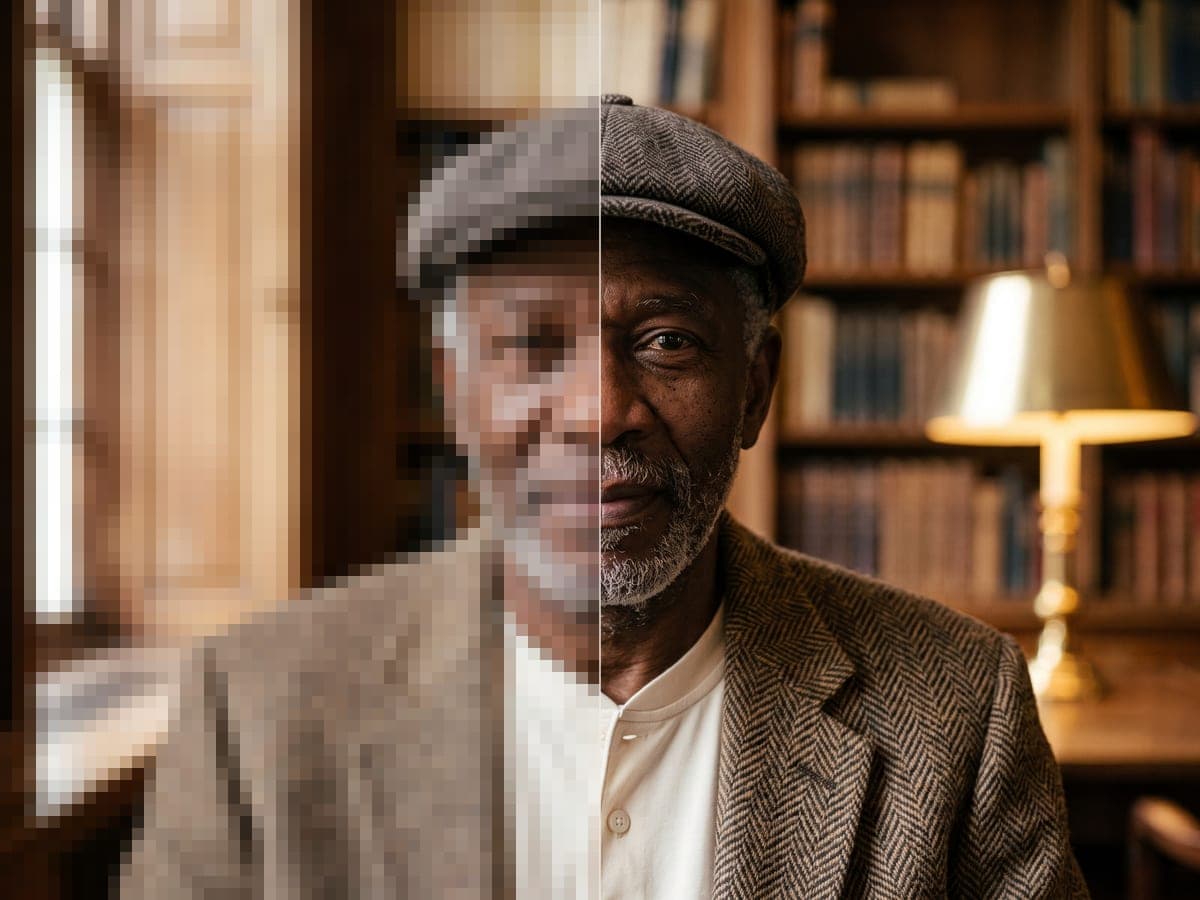
Upscale to 4K
Print-ready resolution from a phone shot.
1 photo a run for 1 photo in 4KBasic and up
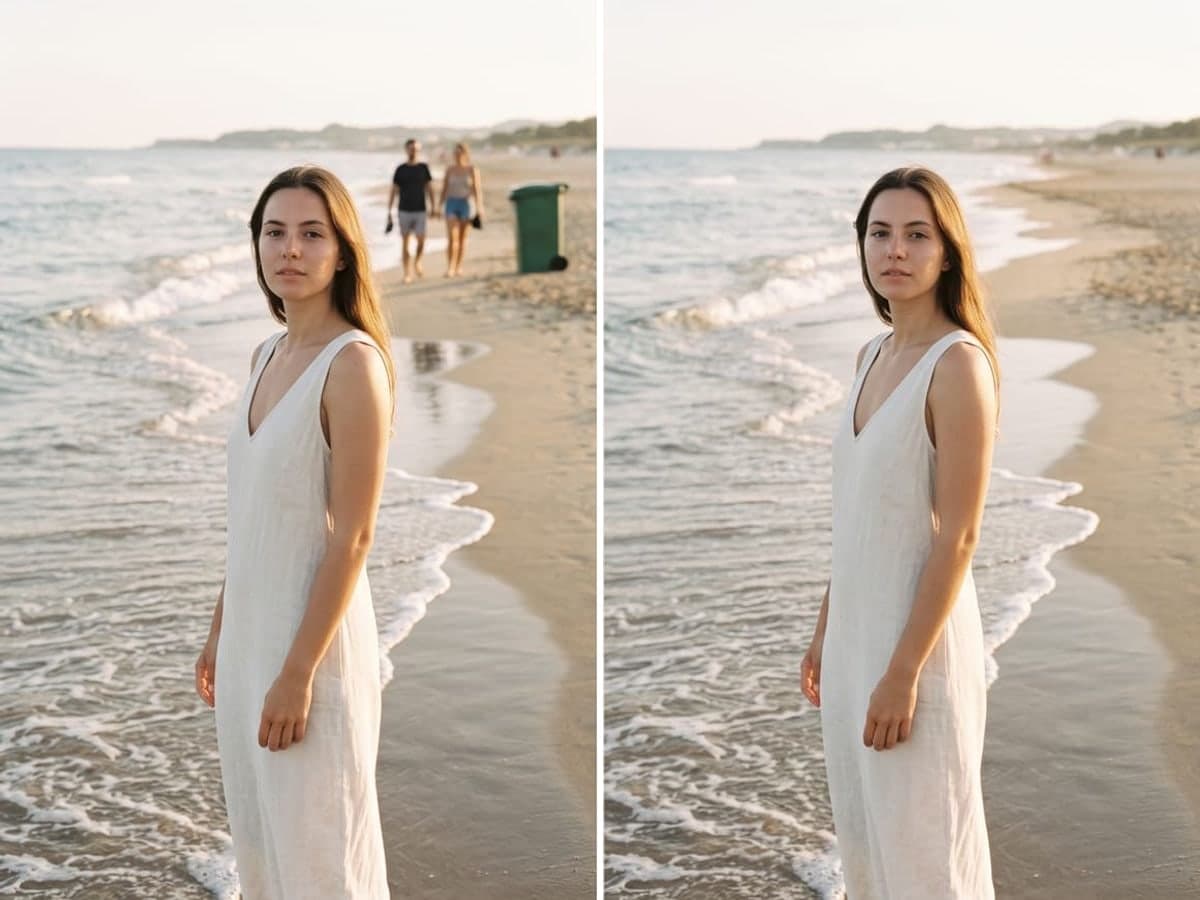
Remove Anything
Erase a stranger, an object or text from a photo.
1 photo a run for 1 edited photoWeekly Pass and up
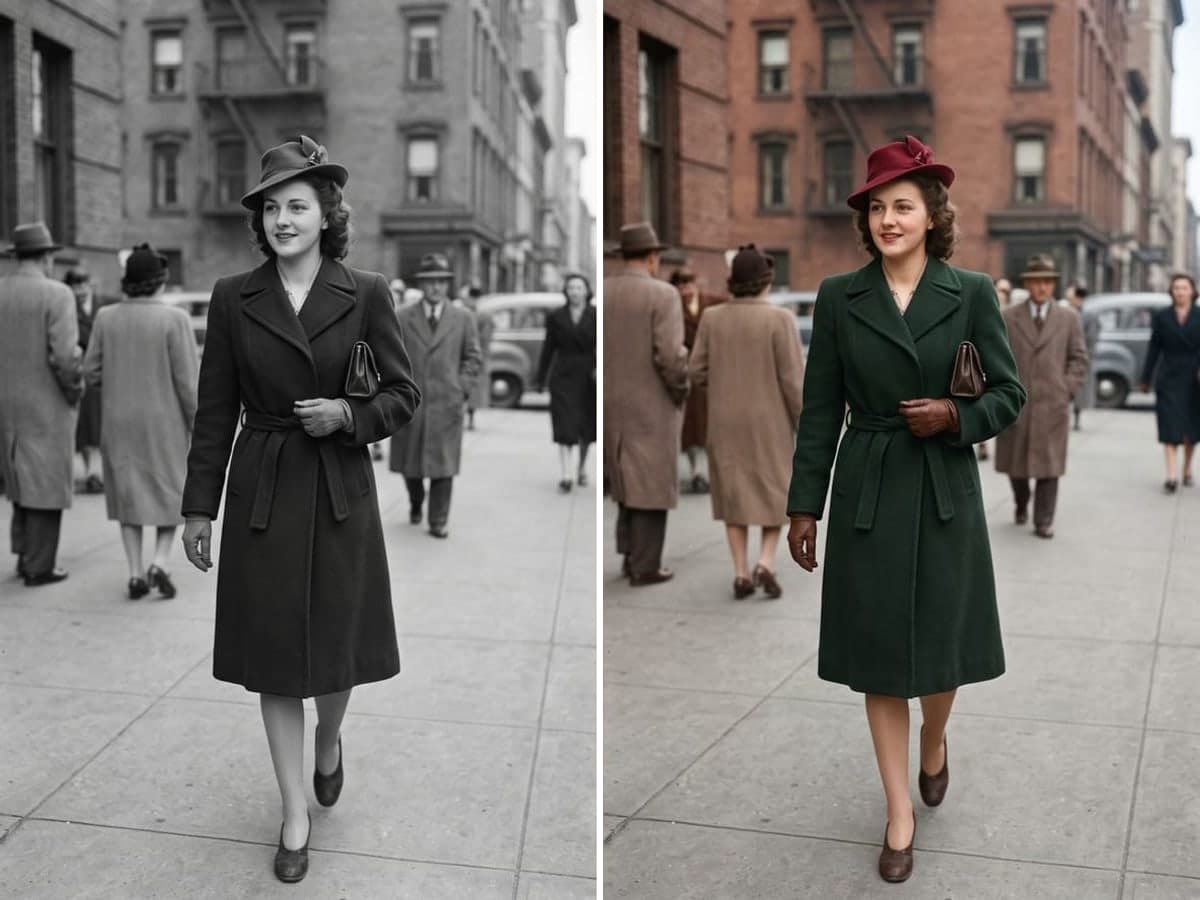
Colorize B&W
Natural color for an old B&W photo.
1 photo a run for 1 colorized photoWeekly Pass and up
- 8tools4 with Weekly Pass, all 8 with BasicCompare what each plan includes.
Start with a photo you already have.
Your first 3 photos are free, and you don't need a card to start.