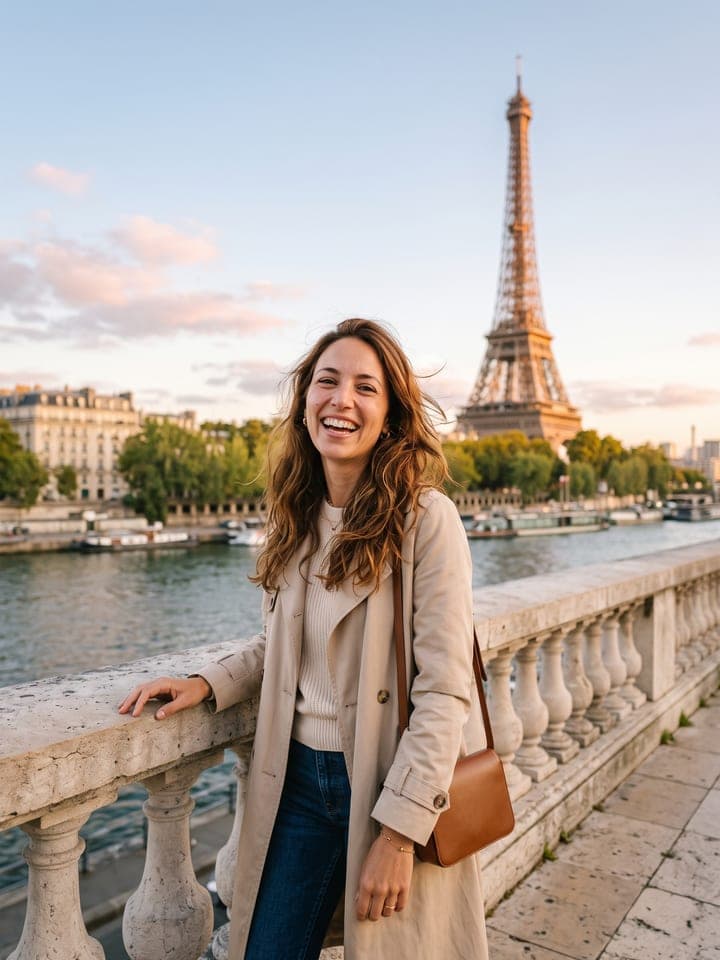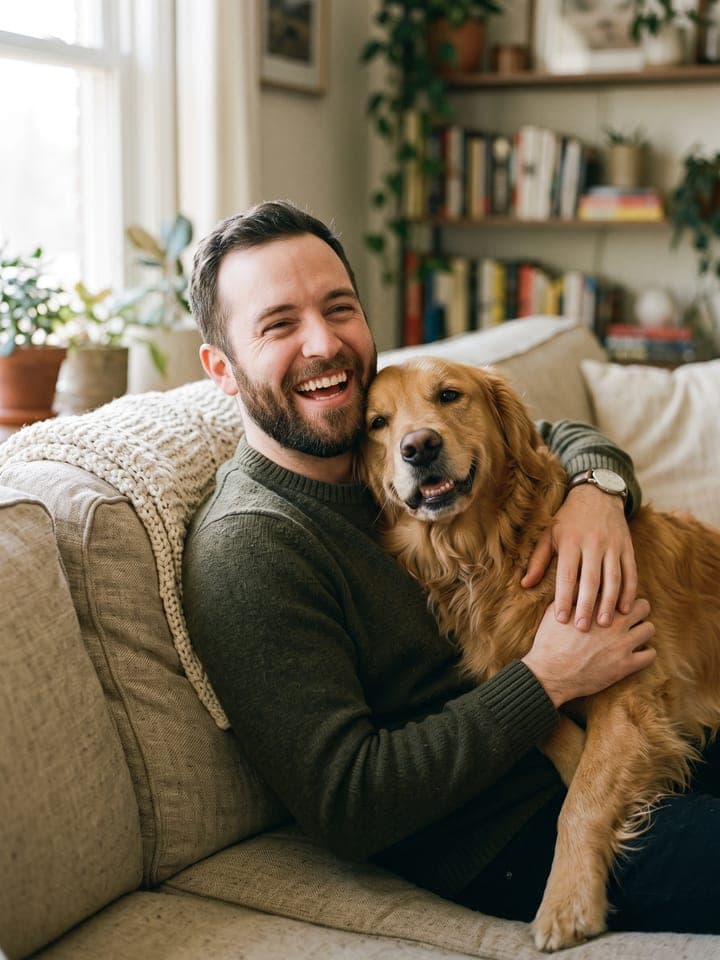
Business Portrait
A photo for LinkedIn and your resume.
For him1 photo
1 photo a run · Weekly Pass and up
To put a person or a product in front of a new background, Background Swap cuts them out of your photo, keeps them untouched and places them in one of six scenes or in a background photo you upload, with the light matched. One run costs 1 photo and returns 1 edited photo. It is one of the 4 basic tools included from the Weekly Pass ($6.99 a week) up, so it doesn't need a Basic plan.
1 edited photo per run. Weekly Pass and up.
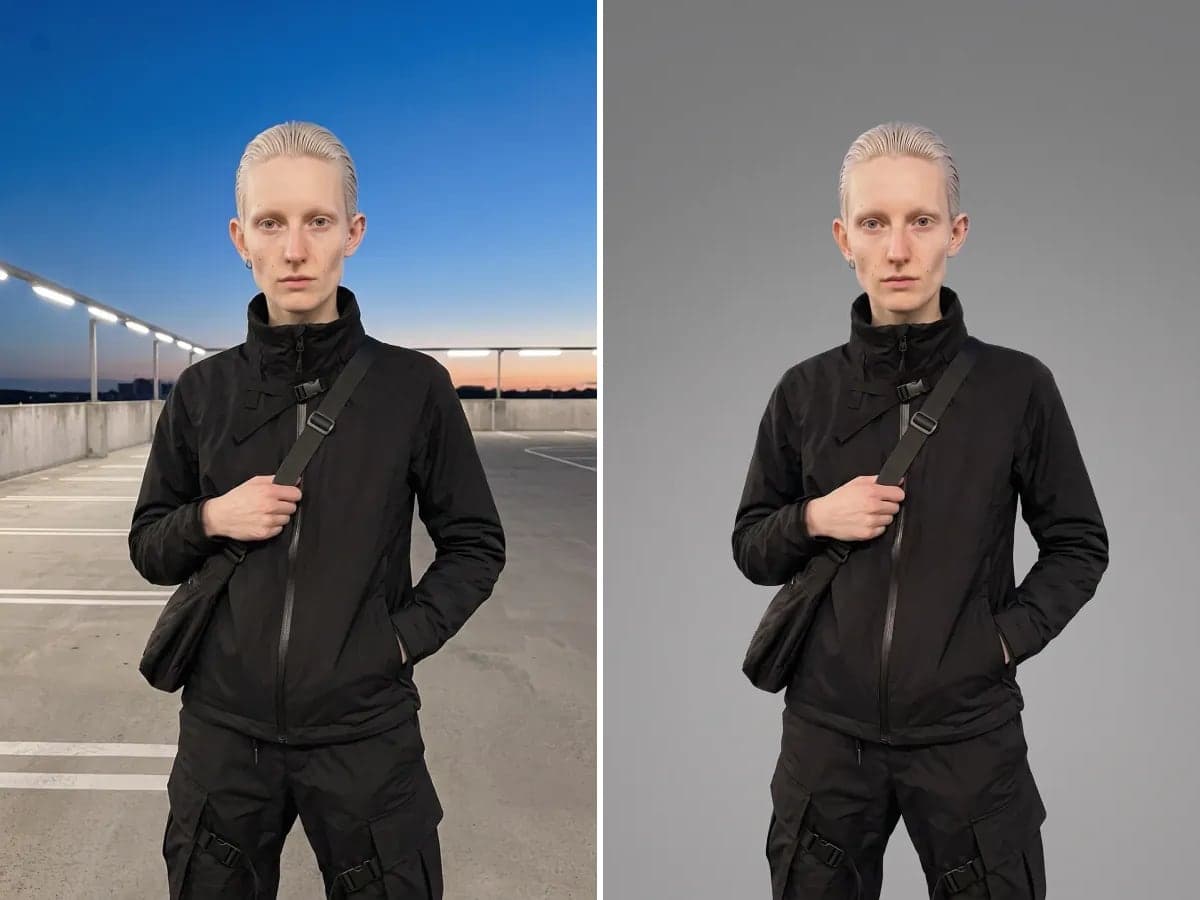
Background Swap keeps the person in your photo exactly as they are and replaces everything behind them: a clean studio backdrop, a beach, a city at night, a café, an office or a garden — or an image of your own. Light and shadows are matched so it does not look pasted on.
Any photo with a person or object you want to keep.
Choose one of six scenes, or upload your own background image.
The person stays untouched; light and shadows are matched to the new scene.
1 photoper run
Each run makes 1 edited photo. Photos come from your plan, the cost is on the button before you start, and a failed run costs nothing.
How photos are countedSame idea, one photo, one fixed look.
Not on the free plan; it is included from the Weekly Pass ($6.99 a week) and on every plan above it. A new free account gets 3 photos for templates.
Upload a photo where the person is clearly separated from what is behind them, in good light. Pick one of the six scenes, or add your own background image, which replaces the chip choice. The person, their pose and their clothes stay untouched; only the background changes, and the light on the person is matched to the new scene. It works for objects too, such as a product on a table. Leave the Your own background slot empty to use the Background choice, which starts on Studio gray; the other presets are Beach, City at night, Café, Office and Garden. To take out one thing and keep the rest of the scene, use Remove Anything instead.
A clear outline helps most: hair against a busy, similar-colored wall is the hardest edge to separate, while a person in front of a plain door or sky is easy. For your own background, use a wide, sharp photo of the place with no people in it. Studio gray is the safe choice for a profile picture or a product listing; the café and garden scenes suit casual photos. If the edge around the hair still looks cut out, pick a photo where the person stands a step further from the wall, so there is a softer, less detailed background to separate them from.
Yes. Upload any outdoor or indoor photo in the Your own background slot and it replaces the six preset scenes. Use a wide, sharp picture taken at a similar height to your original, so the person doesn't look like they are floating above or below the horizon. A background with strong sunlight from one side works best when the person in your photo is also lit from that side, since the tool matches the light on the person to the new scene.
FAQ
Last updated
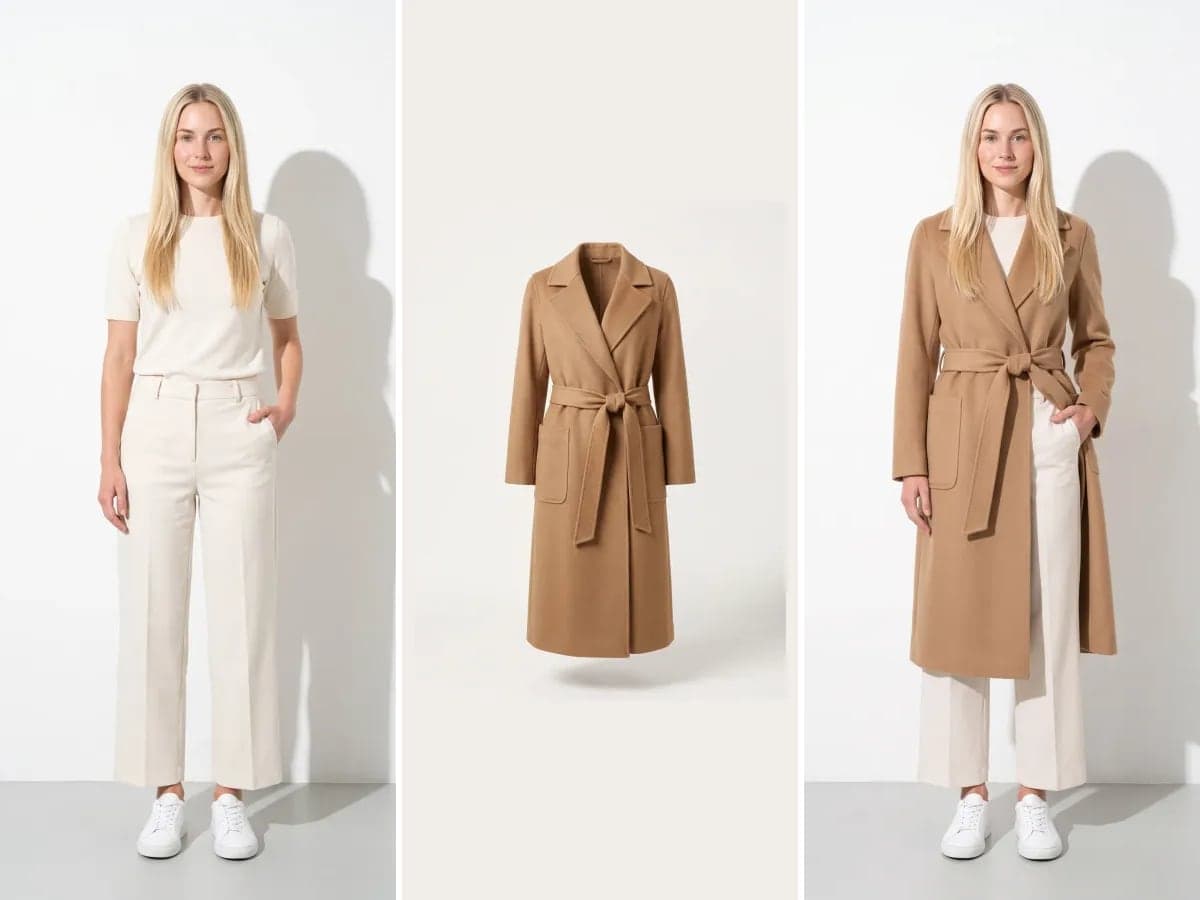
See clothes from any shop on your own photo.
4 photos a run for 4 looksBasic and up
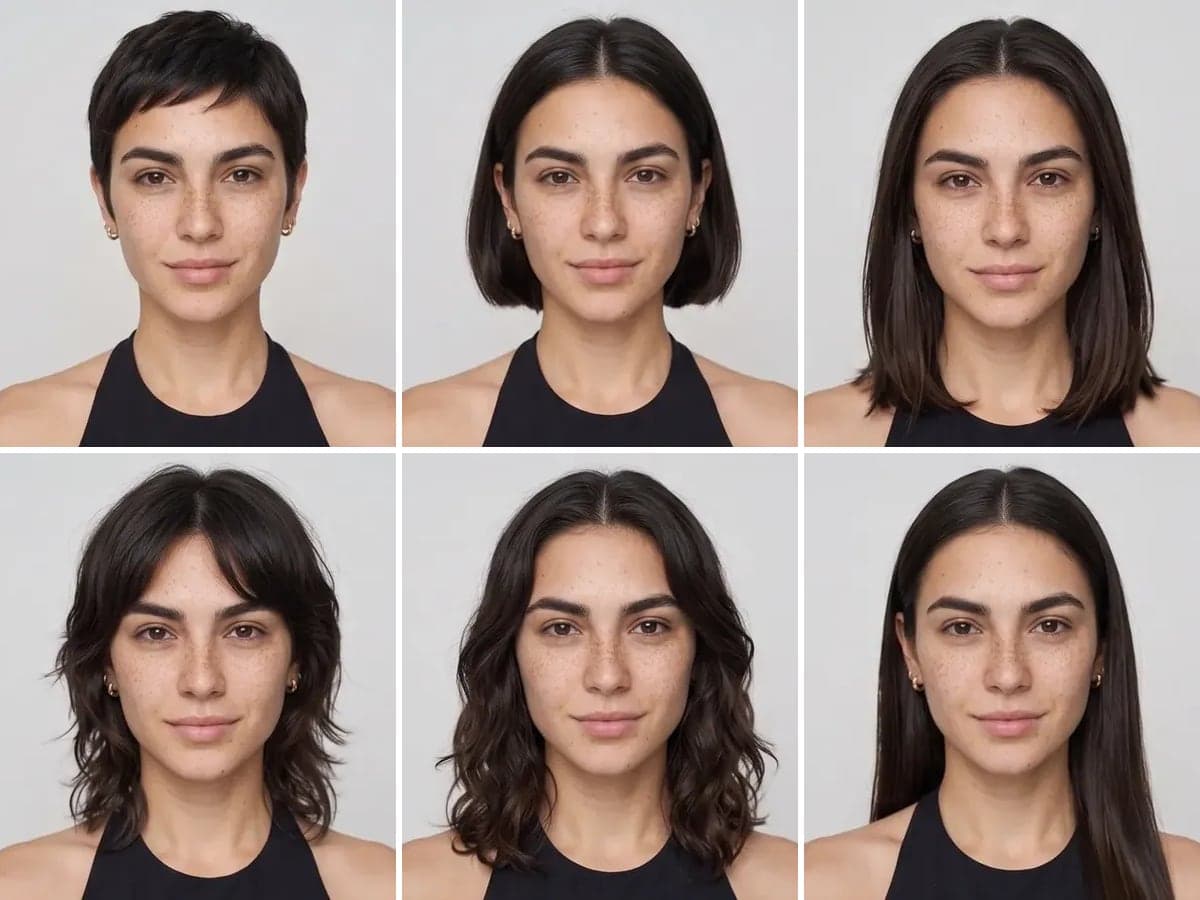
Six haircuts on your face before you book the salon.
1 photo a run for 1 poster of 6 haircutsBasic and up
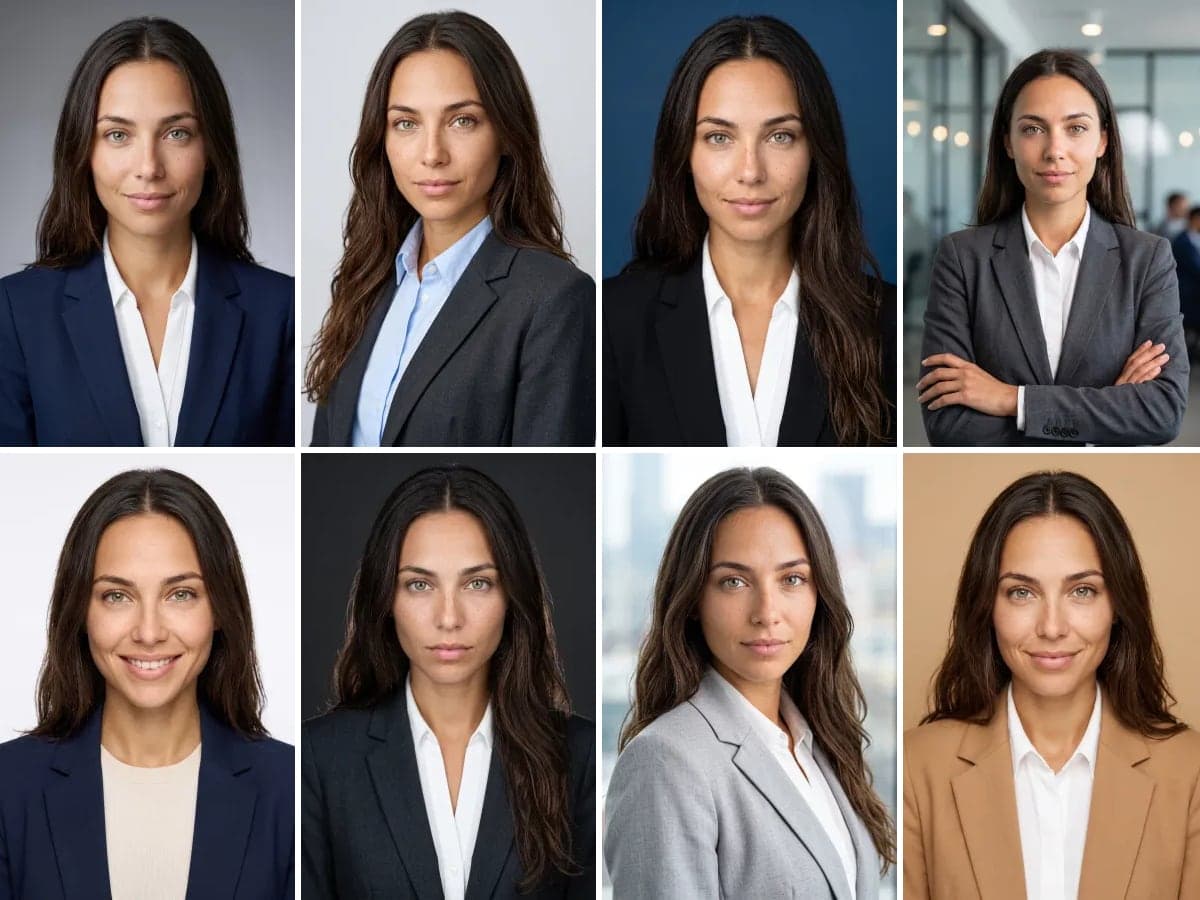
Eight professional headshots from one selfie.
8 photos a run for 8 headshotsBasic and up
One run costs 1 photo. Uploads are deleted within 24 hours.
We count visits to see which pages work, without a tracking cookie (in the EU only if you accept). May we also use cookies to see which ad or link brought you here? If you say yes, Meta, TikTok and OpenAI also learn when you sign up or subscribe. “Reject” turns off both. Cookie policy