AI Engagement Photoshoot
AI photo template · from 2 photos
Engagement photos of you two, ring on, shot like a wedding pro.
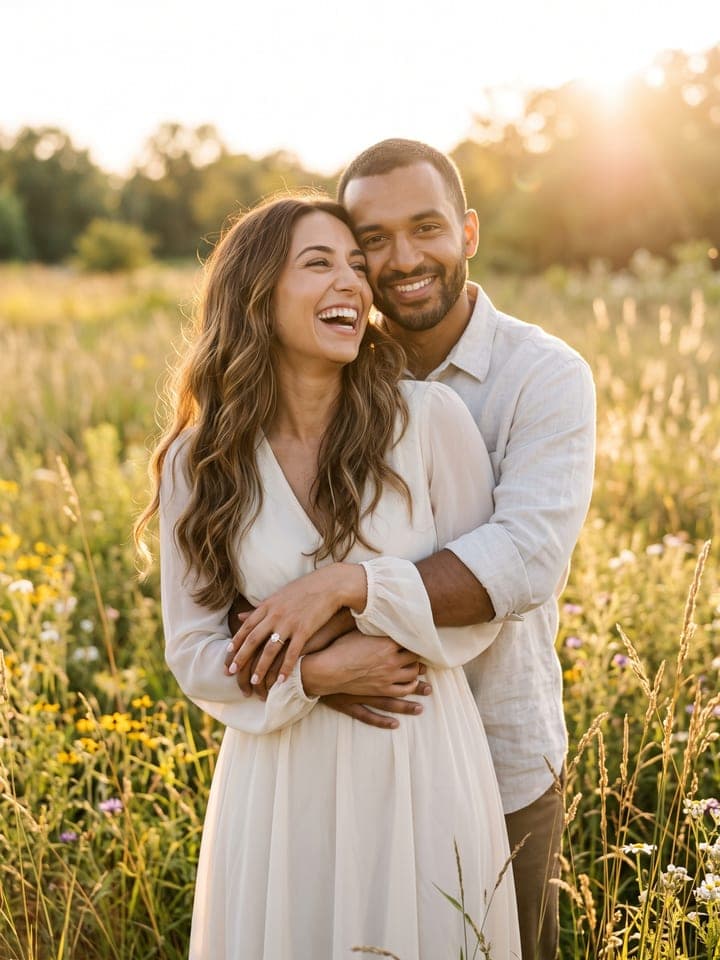
Example result. Yours is made from your own photo.
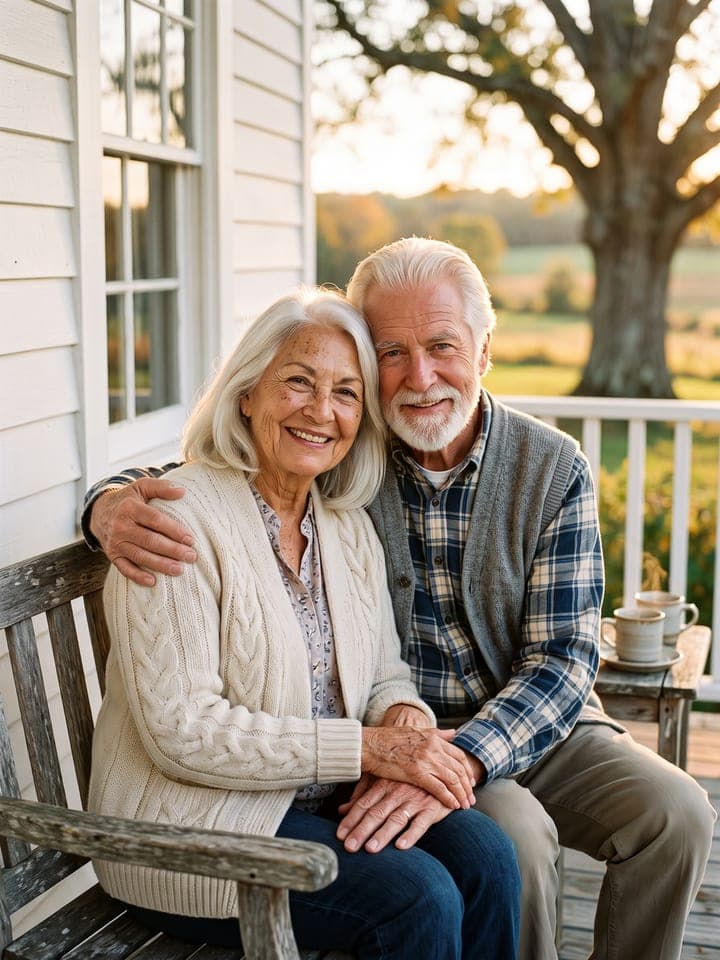
Engagement photos of you and your partner, shot the way a wedding photographer would: a golden-hour field, a city street at night, a canopy of Christmas lights after dark, or a close-up of the two of you showing off the ring. Upload your photo first, then your partner's, and pick the ring: both faces are kept from their own photos, and there is no text in the frame, so the shot is ready for an announcement post or a save-the-date.
1 photo
per result
Shapes: 9:16 · 3:4 · 4:5 · 1:1 · 4:3 · 16:9. Example shown in 3:4. How photos are counted
- It uses more than one person's photo. Upload only photos of people who agreed to it.
How to make engagement photos of the two of you with AI
To make AI engagement photos, upload your photo and then your partner's to AI Engagement Photoshoot, pick a scene and a ring, and press Create: 1 photo per run on any plan, with 3 free photos for new accounts. You get one photo of the two of you, shot like a wedding photographer's engagement session, with the ring on the left hand of whoever is in the first photo.
- Put the person who wears the ring in the first slot and the partner in the second: one adult face each, close up, in daylight.
- Pick a Scene and a Ring (Oval solitaire, Round solitaire, Emerald cut or Vintage halo), then tick the box that says you have the consent of everyone shown.
- Press Create (1 photo). The photo lands in My creations; zoom in on the ring hand before you post it.
What changes between the four scenes?
Each scene sets its own framing, pose and outfit colors. Golden-hour field is framed from mid-thigh up in a meadow, the sun low behind you, your partner hugging you from behind, in cream and dusty blue. City at night is waist-up on a wet street after rain, lit by a soft on-camera flash, in black, charcoal and camel. Under Christmas lights is chest-up after dark under fairy lights and falling snow, your hand on your partner's cheek. Showing off the ring is the tight shoulders-up shot: cheek to cheek, ring hand raised under your chin.
The template asks for a ring of real proportions, a center stone about 7 to 9 millimeters across, so in the wider scenes it is small. The styles are generic: an oval on yellow gold, a round or an emerald cut on platinum, a vintage halo on rose gold. There is no ring box, logo or kiss on the lips, and both faces stay turned toward the camera.
What can you use it for?
- An announcement post when nobody photographed the proposal.
- The picture for a save-the-date card; names and the date go on in the card designer you use.
- Seeing how an oval, a round, an emerald cut and a halo look in a photo of you two before ring shopping.
What does an example run look like?
- AI-generated sample input
 Result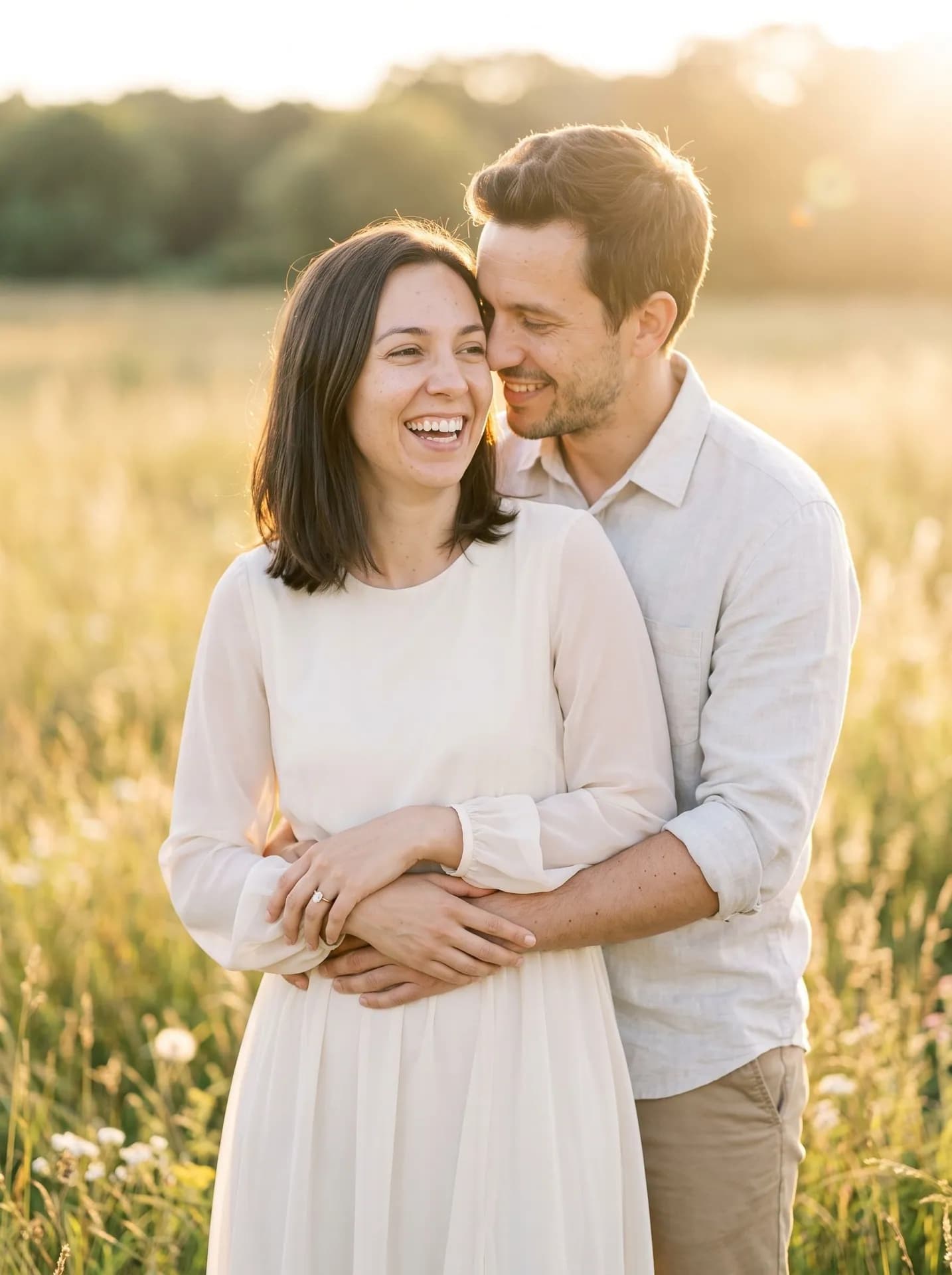
Golden-hour field with the oval solitaire, made from the synthetic test selfie on the left plus a man's synthetic selfie. At mid-thigh framing the ring is small but on her left ring finger. - AI-generated sample input
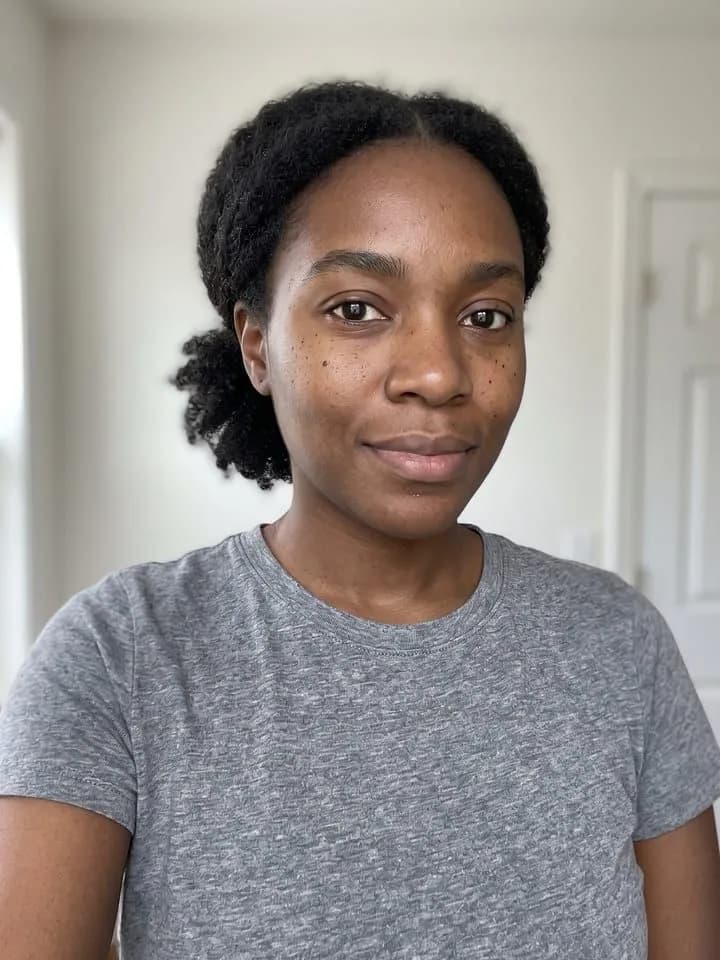 Result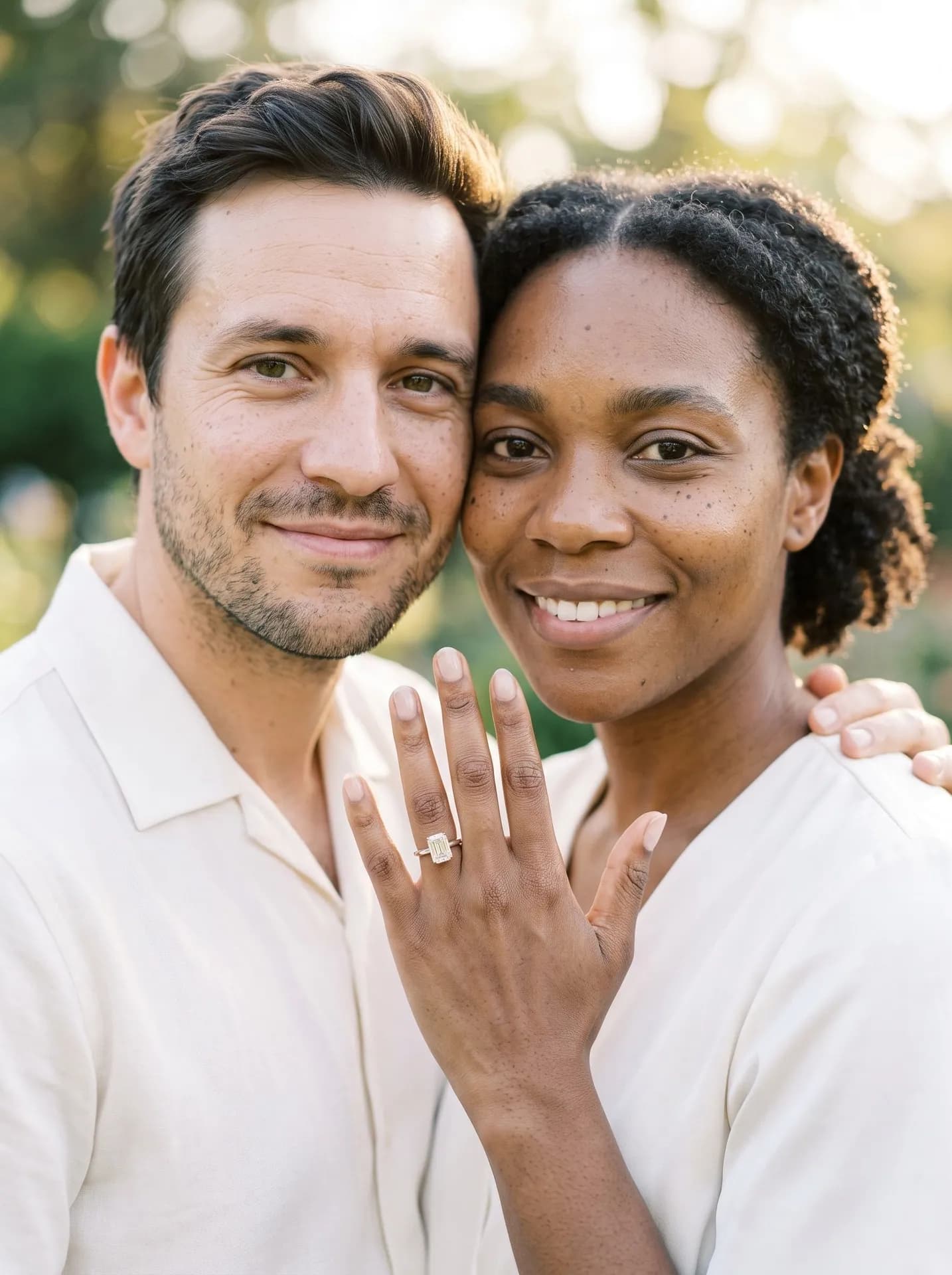
Showing off the ring with the emerald cut, made from the synthetic test selfie on the left plus a man's synthetic selfie. Her freckles and coils are kept; the band came out rose-toned instead of platinum.
Which two photos give the best engagement shot?
- Upload photos with your hair the way you want it. Each of you keeps your own length, color and parting, and beards, freckles, moles and glasses stay.
- Ask your partner to send a photo rather than taking one from their profile: the second slot asks for a photo taken with their consent.
- If the ring's shape matters most, choose Showing off the ring. In our wider test shots a small solitaire sometimes looked like a tiny cluster when zoomed in.
What goes wrong most often?
- Swapping the slots. The ring always goes on whoever is in the first photo, and the second person wears none.
- Waiting for your names or a date on the image. The frame has no text at all; add the wording when you design the card.
- Using it for wedding-day photos. The outfits are engagement-session clothes; to see yourself in a gown, try Wedding Dress Try-On.
Guide: Is It Safe to Upload Your Face to an AI Photo App? A 7-Point Checklist
What you need
Your photo
Upload yours first (the ring goes on your hand): close-up, daylight, one face.
Your partner's photo
Theirs second: a clear face photo of one adult, taken with their consent.
- You pick the scene
- Golden-hour field, City at night, Under Christmas lights, Showing off the ring
- You pick the ring
- Oval solitaire, Round solitaire, Emerald cut, Vintage halo
Works well
- Your face close to the camera, looking straight in
- Daylight from a window in front of you
- Only you in the frame
- A clear close-up of the other person, taken with their consent
Avoid
- Sunglasses, masks or hair over your eyes
- Beauty filters and heavy edits
- Dark rooms and photos taken from far away
- Photos of people who haven't agreed to it