AI Polaroid with Your Person
AI photo template · from 2 photos
An instant flash photo of you two, with the white frame and grain.
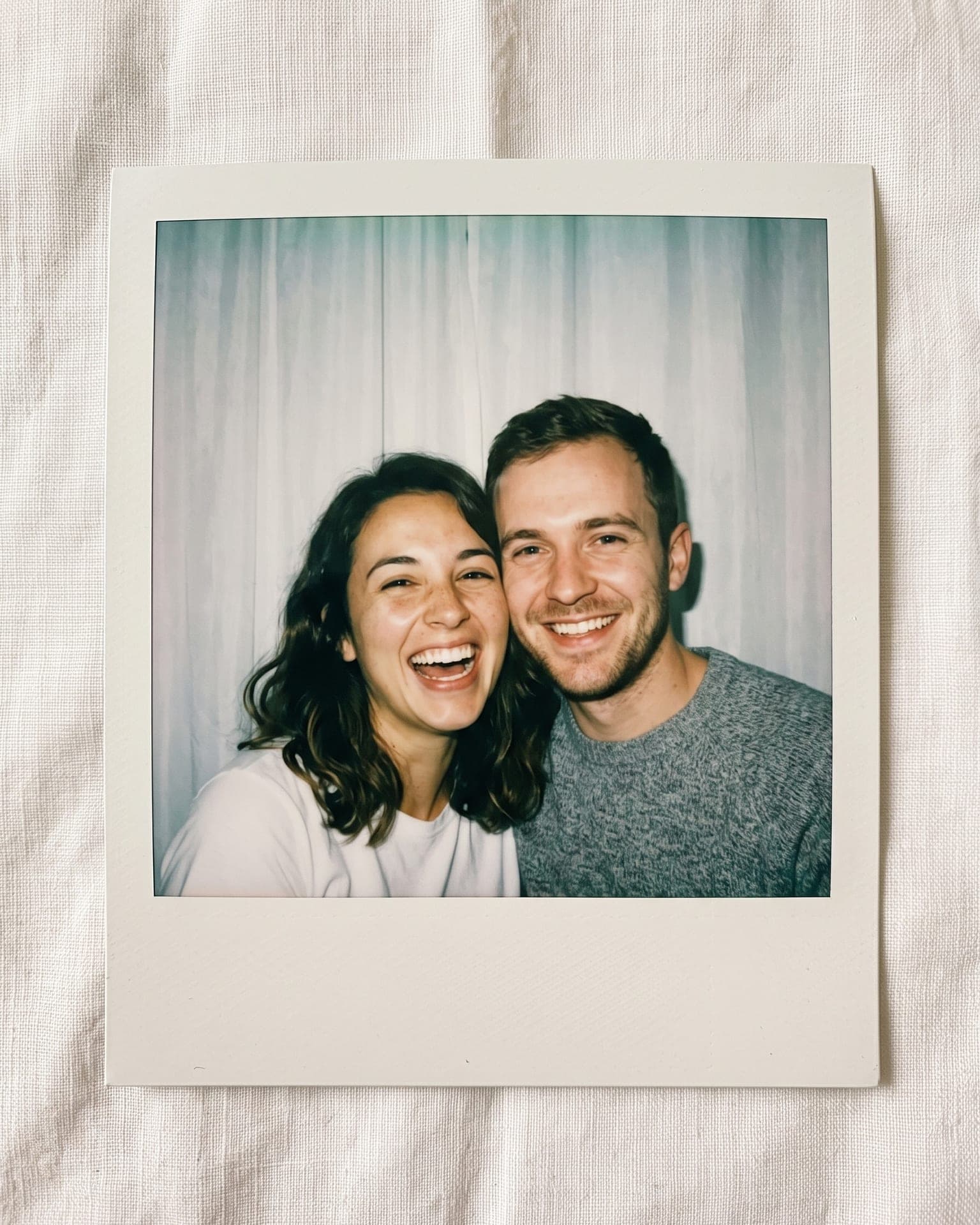
Example result. Yours is made from your own photo.
The viral AI Polaroid trend: one instant photo of you and your person, shot with a harsh direct flash against a white curtain, with the white frame, a soft overexposed glow and real film grain. Upload your photo first, then theirs (a partner, a best friend, a sibling or a parent), pick a pose and choose black and white or washed color.
1 photo
per result
Output: Portrait 4:5. How photos are counted
- It uses more than one person's photo. Upload only photos of people who agreed to it.
How to make the AI Polaroid trend photo with your person
To make an AI Polaroid of you and someone close, upload your photo first and theirs second to AI Polaroid with Your Person: 1 photo per run on any plan, and new accounts get 3 free photos. You get one instant print of the two of you lying on linen: a harsh direct flash, a white curtain, a blank white frame and fine grain, in washed color or black and white.
- Add your own chest-up photo first, then your person's: a partner, a best friend, a sibling or a parent. One adult per photo.
- Choose a Pose (Cheek to cheek, Hug from behind or Head on shoulder) and a Film (Washed color or Black & white), and confirm that both of you agreed.
- Press Create (1 photo). The vertical 4:5 image, the shape of an Instagram feed post, is saved in My creations.
What makes it look like a real instant print?
The trend puts two people in one close-up instant photo, the kind a friend snaps at a party with the camera's built-in flash. Here the flash is the only light: faces come out slightly overexposed with a sheen on foreheads and noses, a dark flash shadow outlines your heads on the sheer curtain just behind you, and the corners fall off into gray. The picture is a little soft, with grain and milky blacks.
The print itself is photographed from above, lying flat on warm-white linen, with narrow borders at the top and sides and the deep border at the bottom. That frame stays blank: no date, caption, sticker or brand name. Outwow isn't affiliated with Polaroid; the word only names the look people search for.
What can you use it for?
- A best-friend birthday post made from two selfies taken in different cities.
- A mother-and-daughter or sibling print when the last photo of you together is years old.
- An anniversary post in black and white that looks like it came out of a party camera.
What does an example run look like?
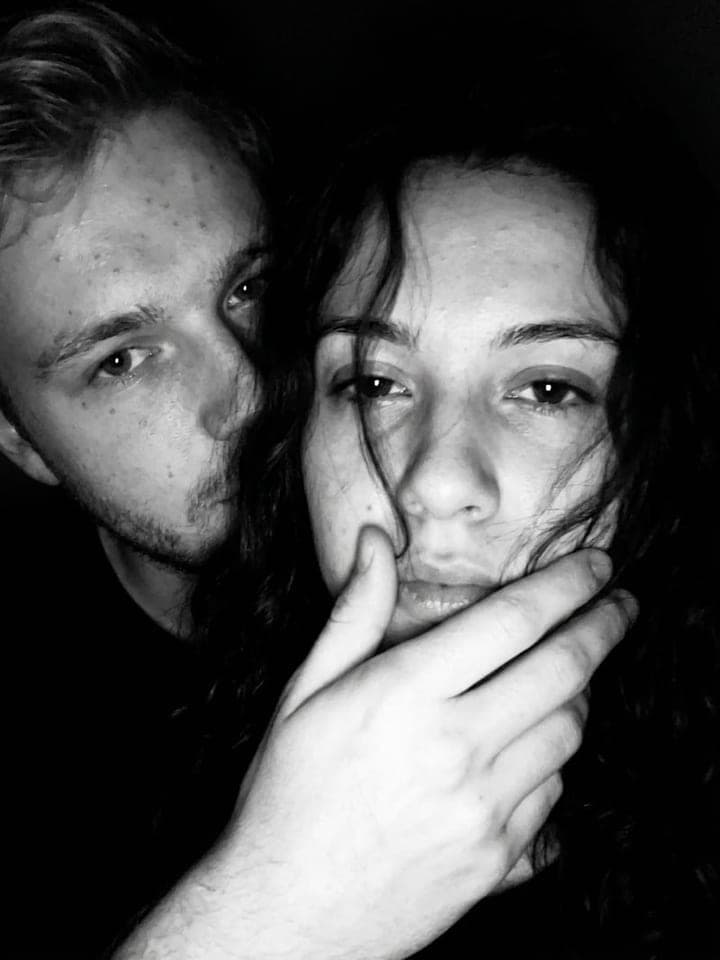
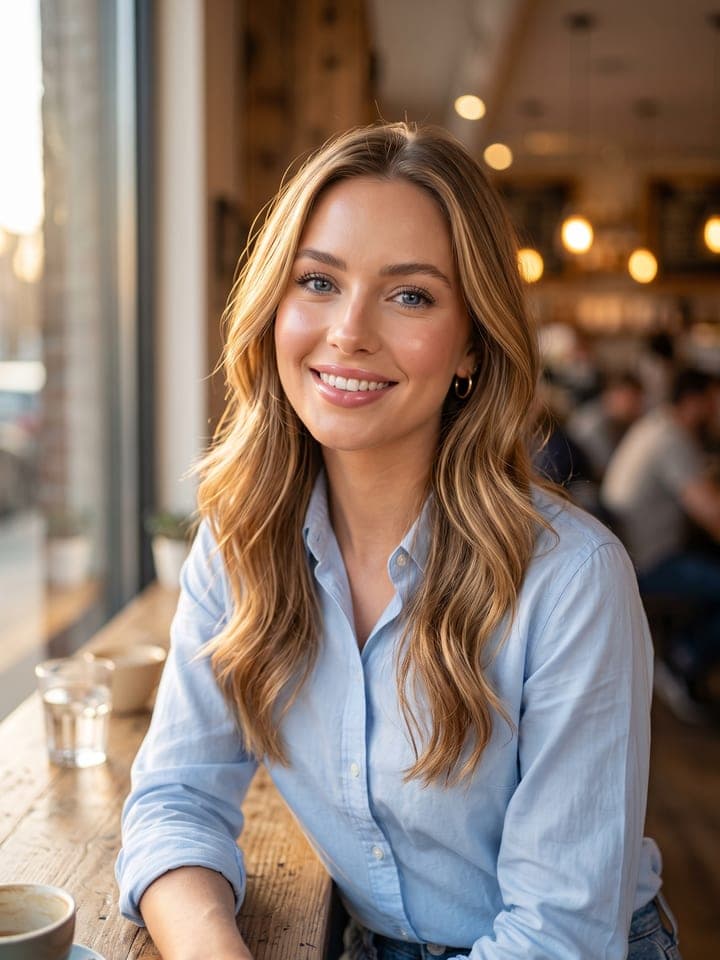
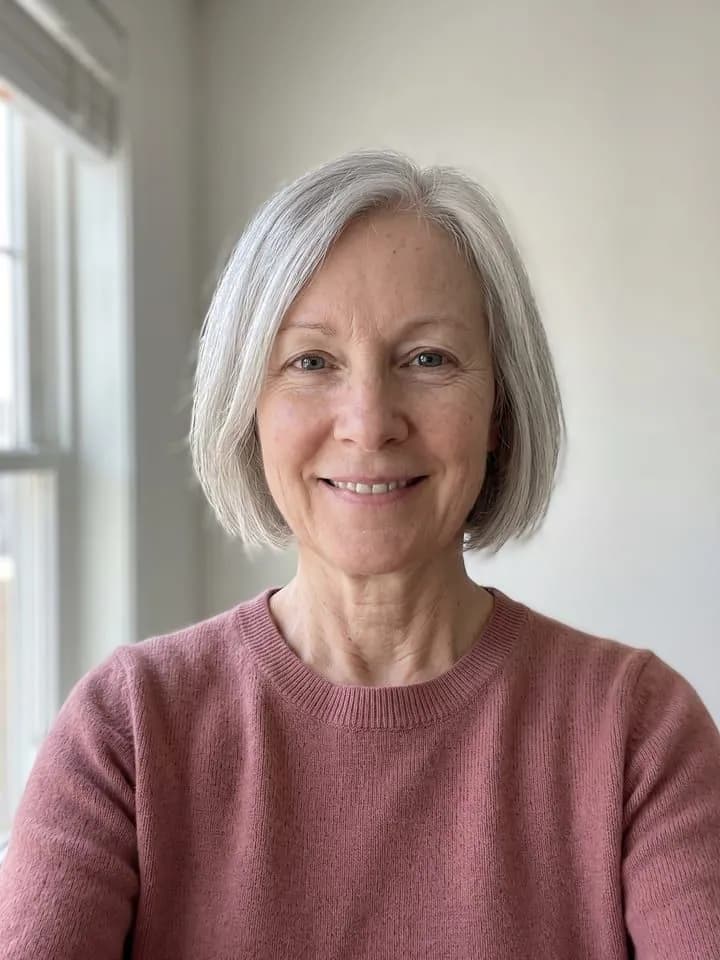
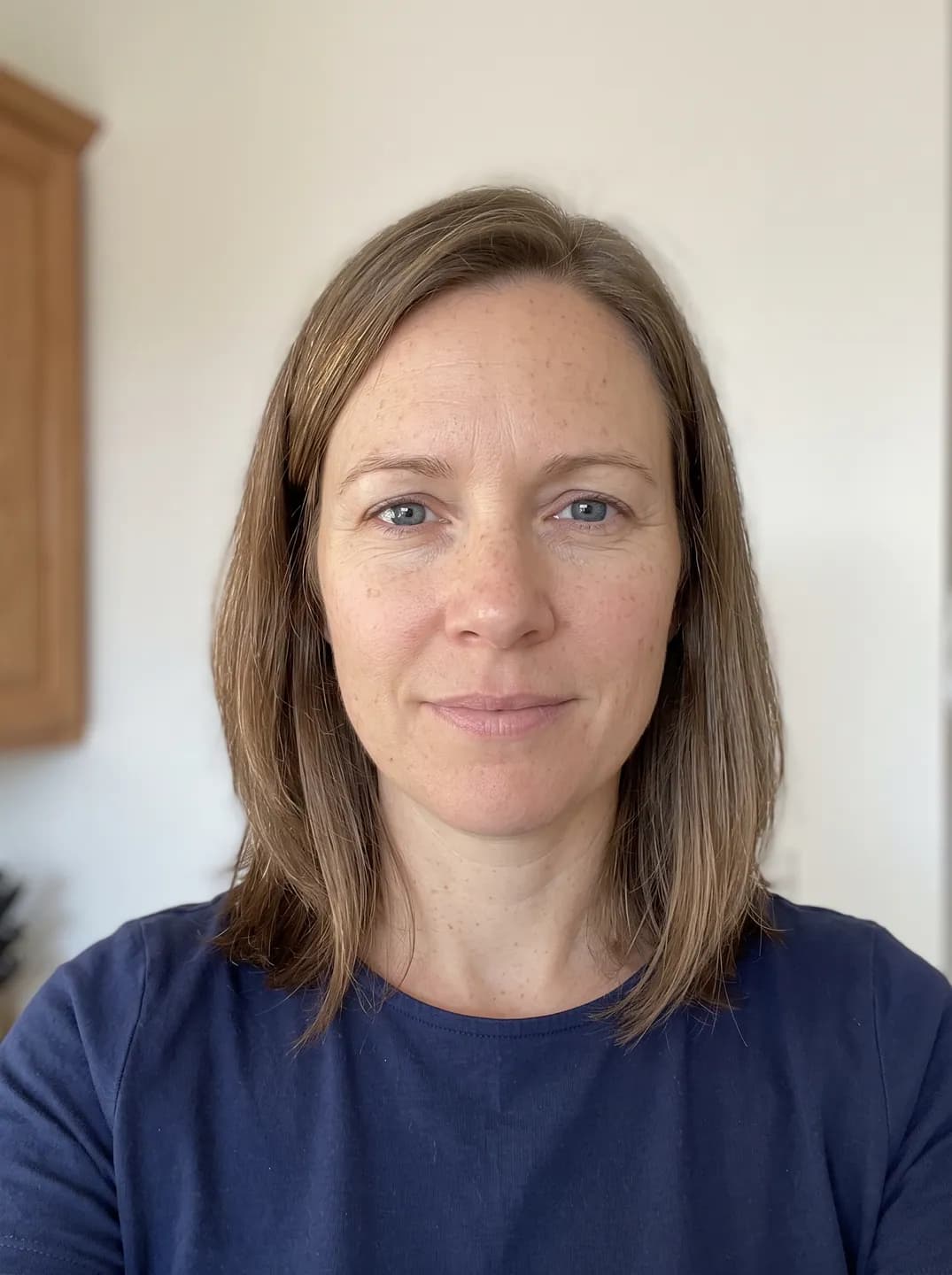
- AI-generated sample input
 Result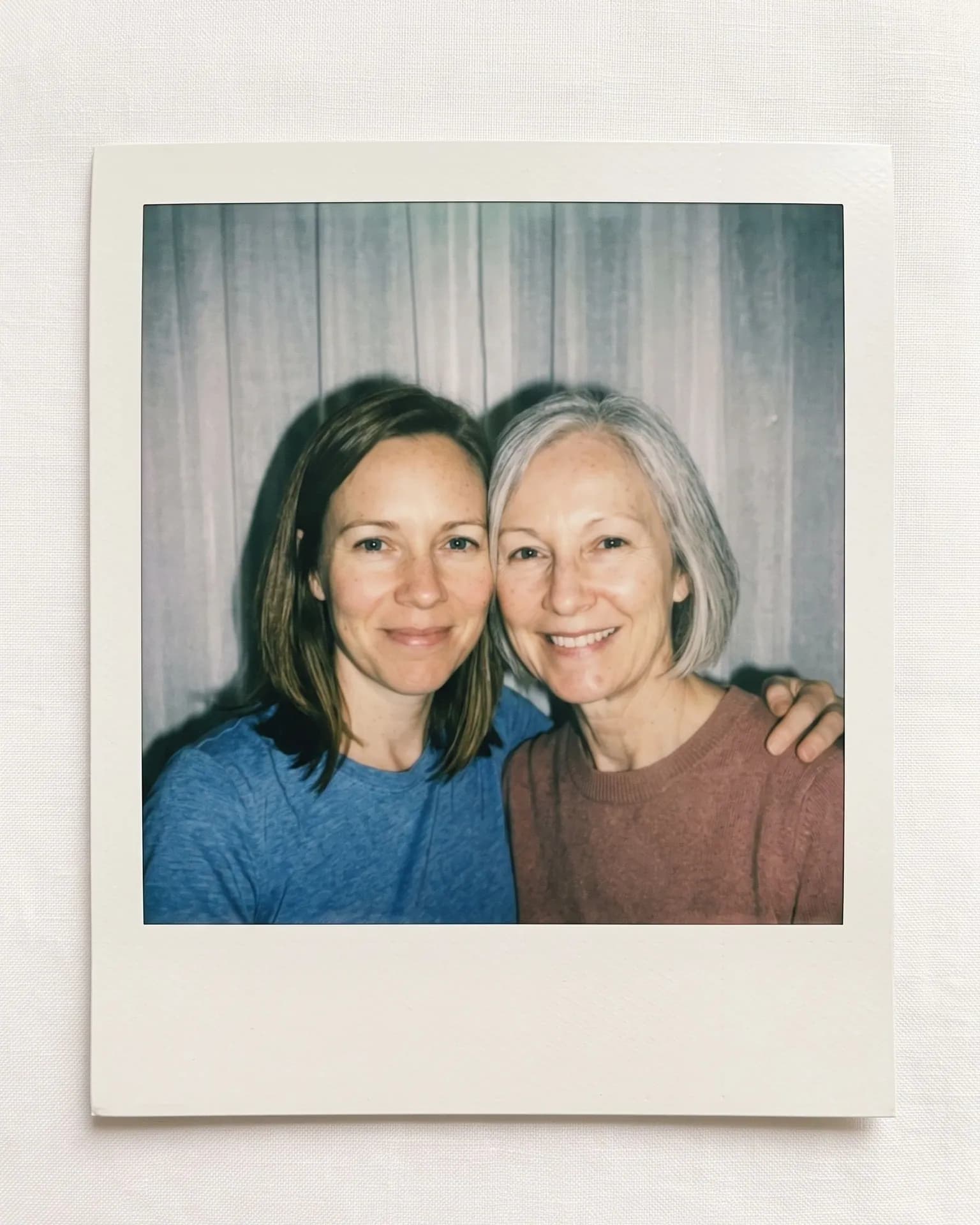
Cheek to cheek in washed color, made from the synthetic test selfie on the left plus a younger woman's synthetic selfie in the first slot. Both ages kept; the younger woman's navy T-shirt came out a brighter blue. - AI-generated sample input
 Result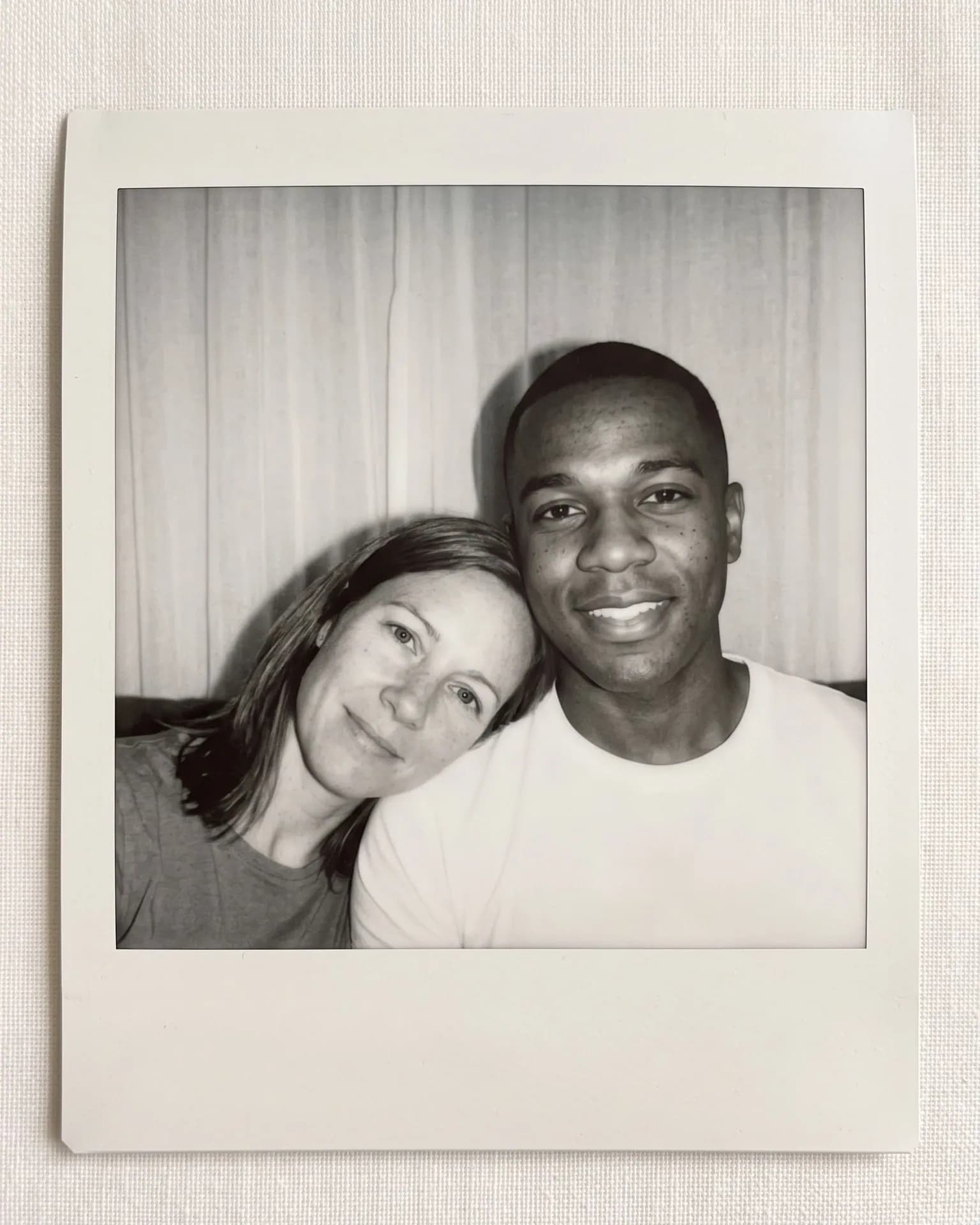
Head on shoulder in black and white, made from the synthetic test selfie on the left (first slot) plus a man's synthetic selfie. He stays clean-shaven as in his photo, and the frame is blank.
How do I pick the two photos?
- Wear the top you want in the print. Each of you keeps the top from your own photo, same color and neckline; logos and lettering on it are dropped, and bare shoulders or swimwear are meant to become a plain crew-neck T-shirt.
- Pick photos where you both smile the way you like. Smiles stay close to your uploads instead of being stretched into a wide grin, and hair stays as worn: loose hair isn't tied back, short hair stays short.
- Decide the order with the pose in mind. In Cheek to cheek and Head on shoulder the first photo is on the left, and in Head on shoulder that person leans on the other. In Hug from behind the first person stands in front.
What goes wrong most often?
- Expecting the same hard shadow every time. In our test runs the flash shadow on the curtain was crisp in some prints and faint in others, so run it again for the harsher look.
- Hoping for a date in the corner. The frame stays blank; 90s Film Photo adds an orange date, though it works on one person's photo.
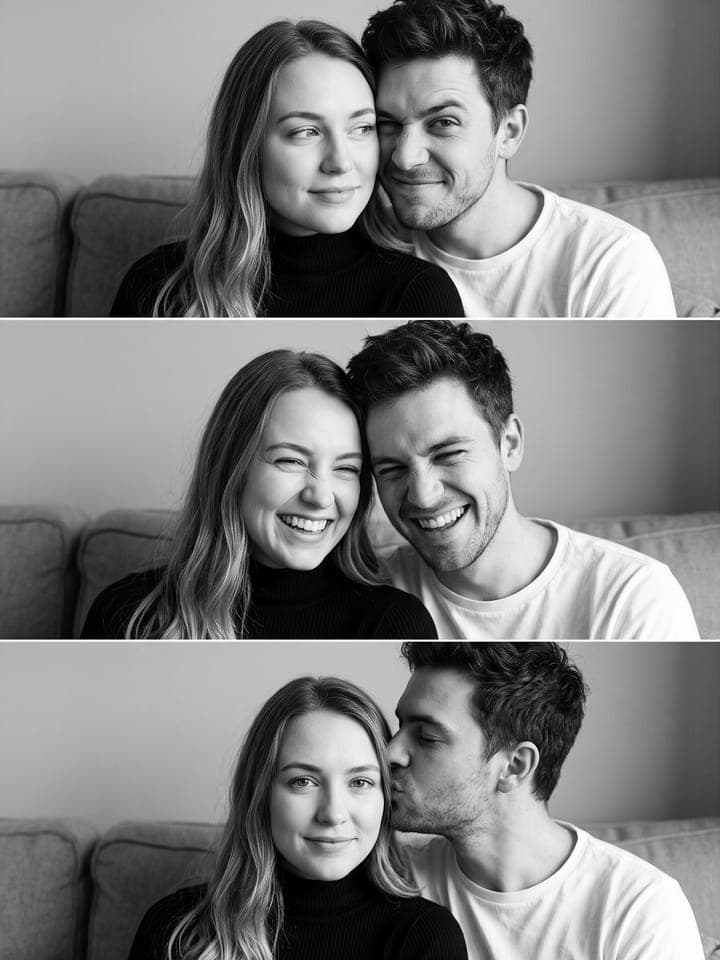
- Wanting several frames. This is one print; for you and a boyfriend, 3 Shots with Your Boyfriend makes a black-and-white strip of three, the last a kiss on the temple.
What you need
Your photo
Upload yours first: chest up, daylight, one face.
Your person's photo
Theirs second: a clear chest-up photo of one adult, taken with their consent.
- You pick the pose
- Cheek to cheek, Hug from behind, Head on shoulder
- You pick the film
- Washed color, Black & white
Works well
- Your face close to the camera, looking straight in
- Daylight from a window in front of you
- Only you in the frame
- A clear close-up of the other person, taken with their consent
Avoid
- Sunglasses, masks or hair over your eyes
- Beauty filters and heavy edits
- Dark rooms and photos taken from far away
- Photos of people who haven't agreed to it