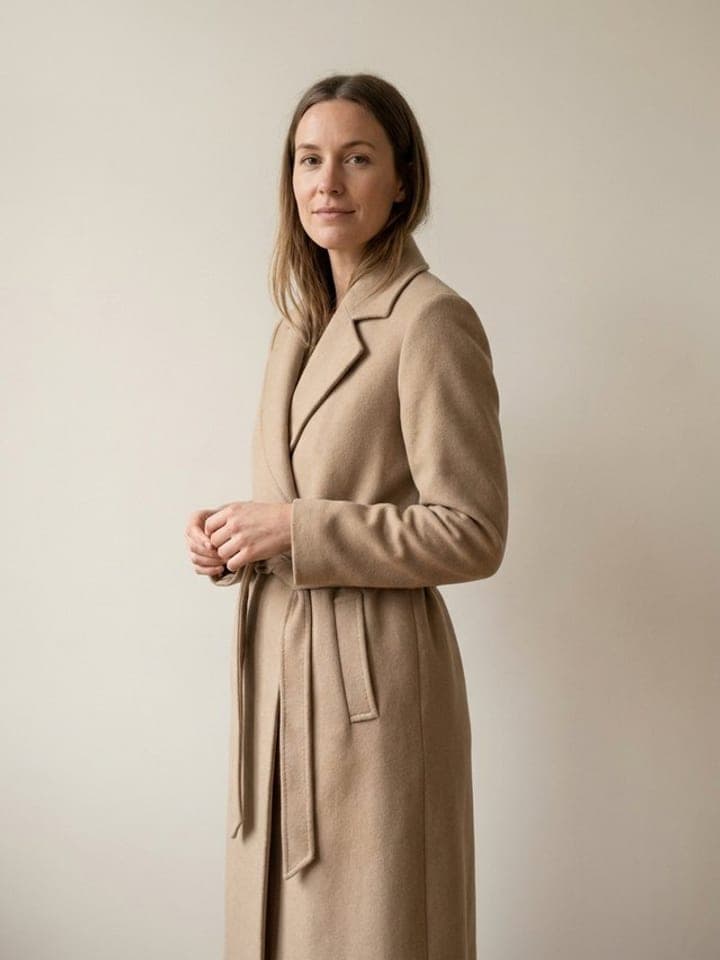
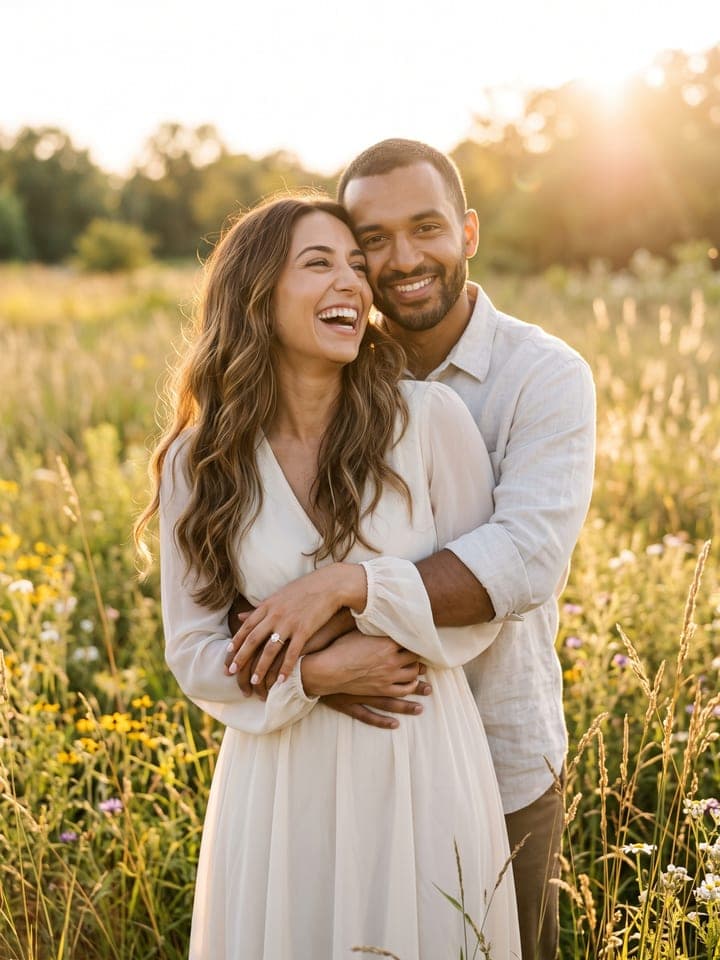
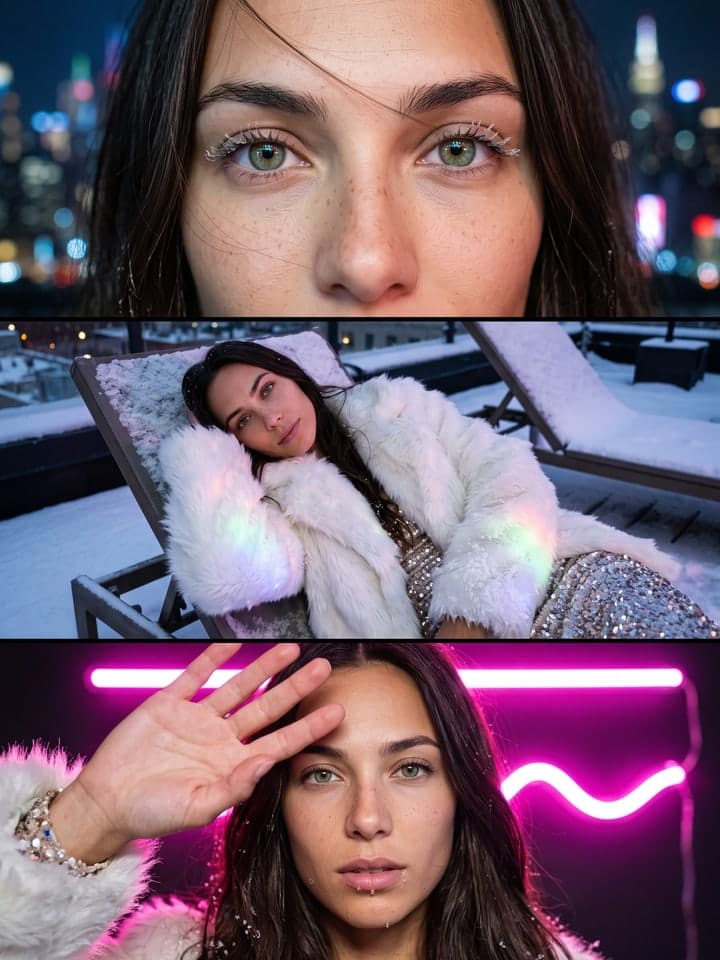
Wedding Dress Try-On
AI photo template · from 1 photo
Four wedding dress silhouettes on you, or the one gown you dream of.
3 free photos, no card
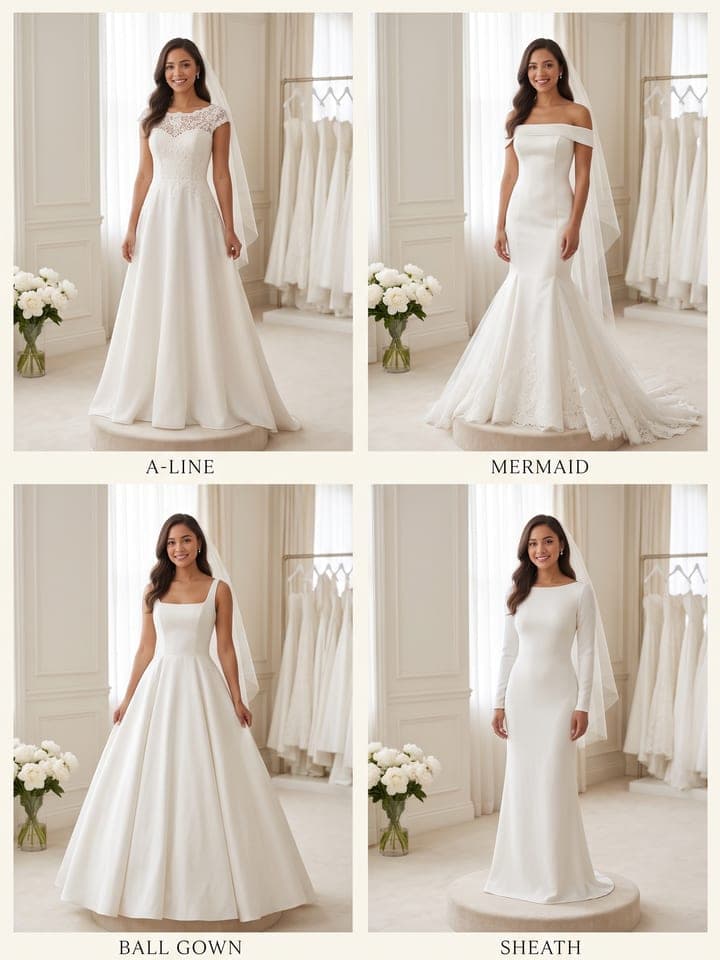
Example result. Yours is made from your own photo.
See yourself in a wedding dress before the first appointment: four silhouettes side by side (A-line, mermaid, ball gown and sheath), each labeled, or one gown in full size, from mermaid and ball gown to boho lace and minimalist satin. The gown is fitted to your real figure in a bright bridal salon, a lookbook studio or a garden at golden hour, and your face, build and skin tone stay yours.
1 photo
per result
3 free photos, no card
Shapes: 9:16 · 3:4. Example shown in 3:4. How photos are counted
How to try on wedding dresses with AI
For an AI wedding dress try on, upload one photo of yourself to Wedding Dress Try-On and keep the default, Compare 4 silhouettes: 1 photo per run on any plan, and new accounts get 3 free photos. You get one image with four labeled full-length frames of you in an A-line, a mermaid, a ball gown and a sheath, or pick a single gown to see it large. Your face, build and skin tone come from your photo.
- Add one photo of yourself alone. Head to toe gives the truest fit; from a waist-up photo or a selfie the rest of the figure is continued.
- Set Dress to Compare 4 silhouettes for the grid or to one of six gowns, then pick Bridal salon, Lookbook studio or Garden at golden hour.
- Press Create (1 photo) and open the result at full size: four whole figures share the grid, so each face is small. Zoom in before you judge the likeness.
What does each dress option look like?
The grid always puts the same gowns in the same places: top left an A-line with a lace bodice and cap sleeves, flaring gently from the waist; top right a satin mermaid fitted to the knee, then opening into a tulle flounce; bottom left a ball gown with a square neckline and a skirt far wider than the shoulders; bottom right a narrow sheath with long sleeves and no flare. Each frame is named on an ivory band underneath; single gowns carry no text.
Two single options sit outside the grid. Boho lace has bell sleeves and a shallow V that closes well above the bust; Minimalist satin has no lace or beading, just a folded off-the-shoulder neckline. Every gown is ivory and modest, with no plunging cut, sheer bodice or high slit, and none copies a designer.
What can you use it for?
- Narrowing four silhouettes to one or two before the first salon appointment.
- Sending your mom or maid of honor one image instead of a page of links.
- Seeing a gown on a garden aisle at golden hour while you weigh an outdoor ceremony.
What does an example run look like?
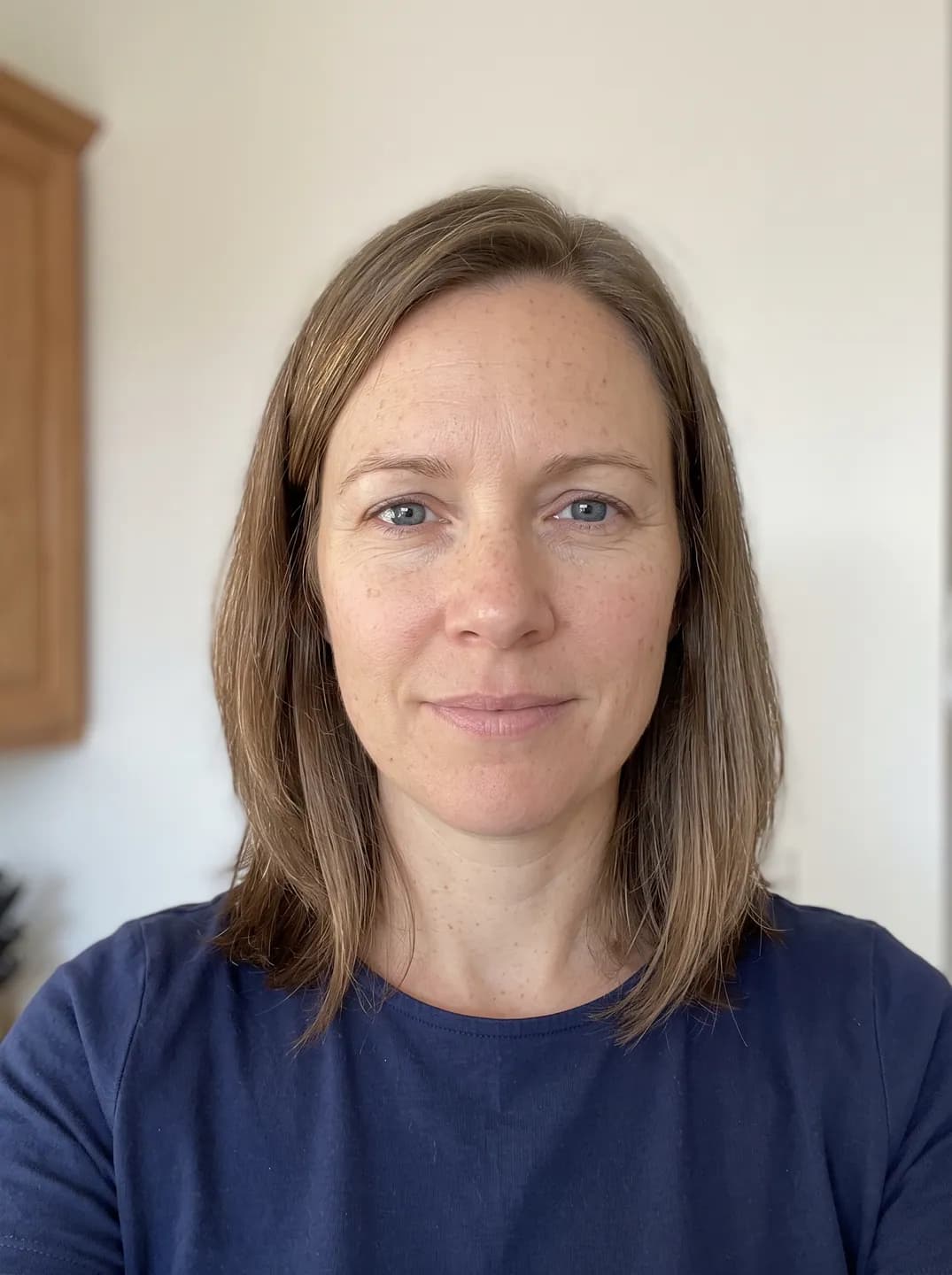
- AI-generated sample input
 Result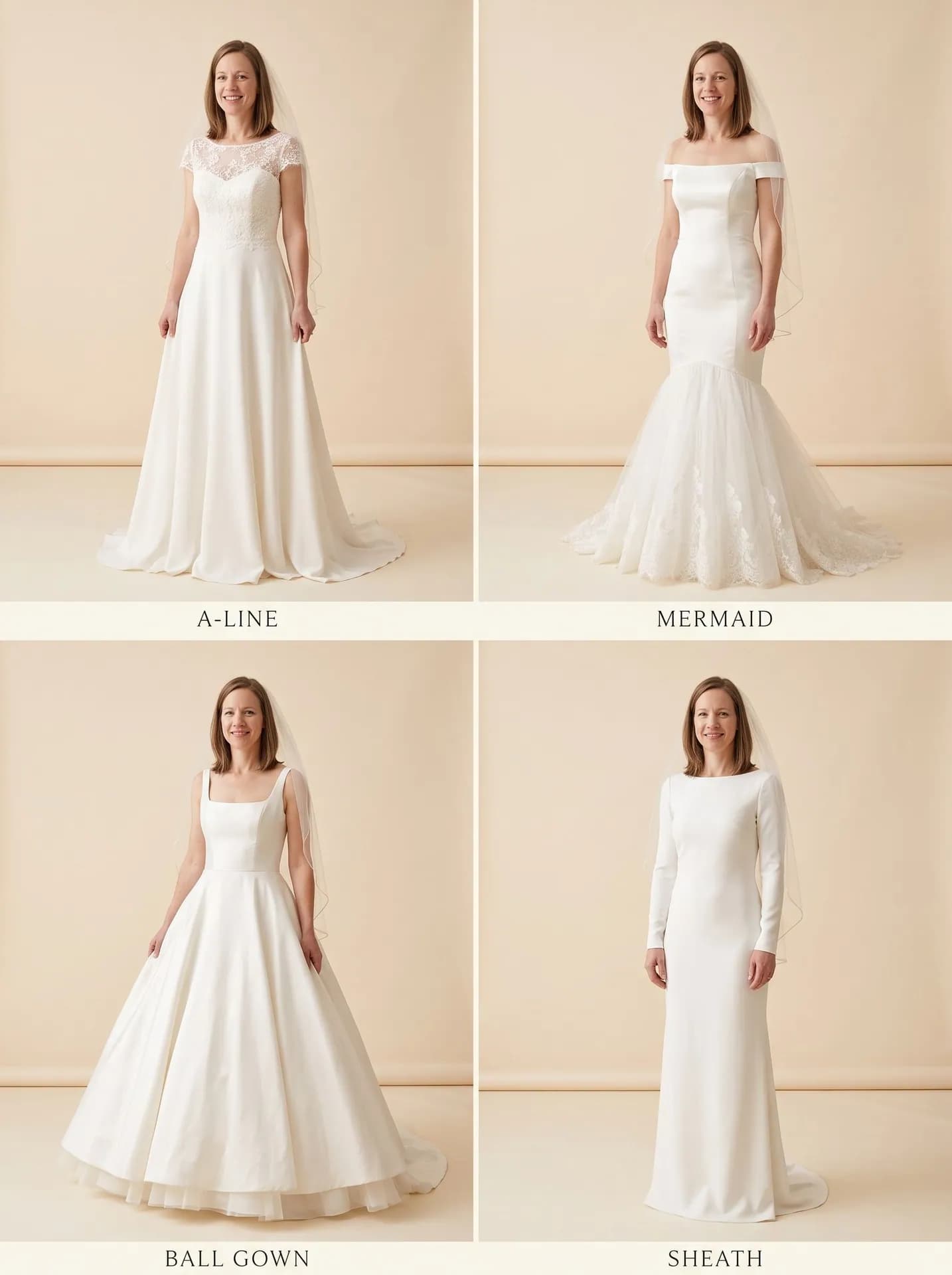
Compare 4 silhouettes in the Lookbook studio, made from the synthetic test selfie on the left. The body below the shoulders was continued; each caption appears once, spelled right. - AI-generated sample input
 Result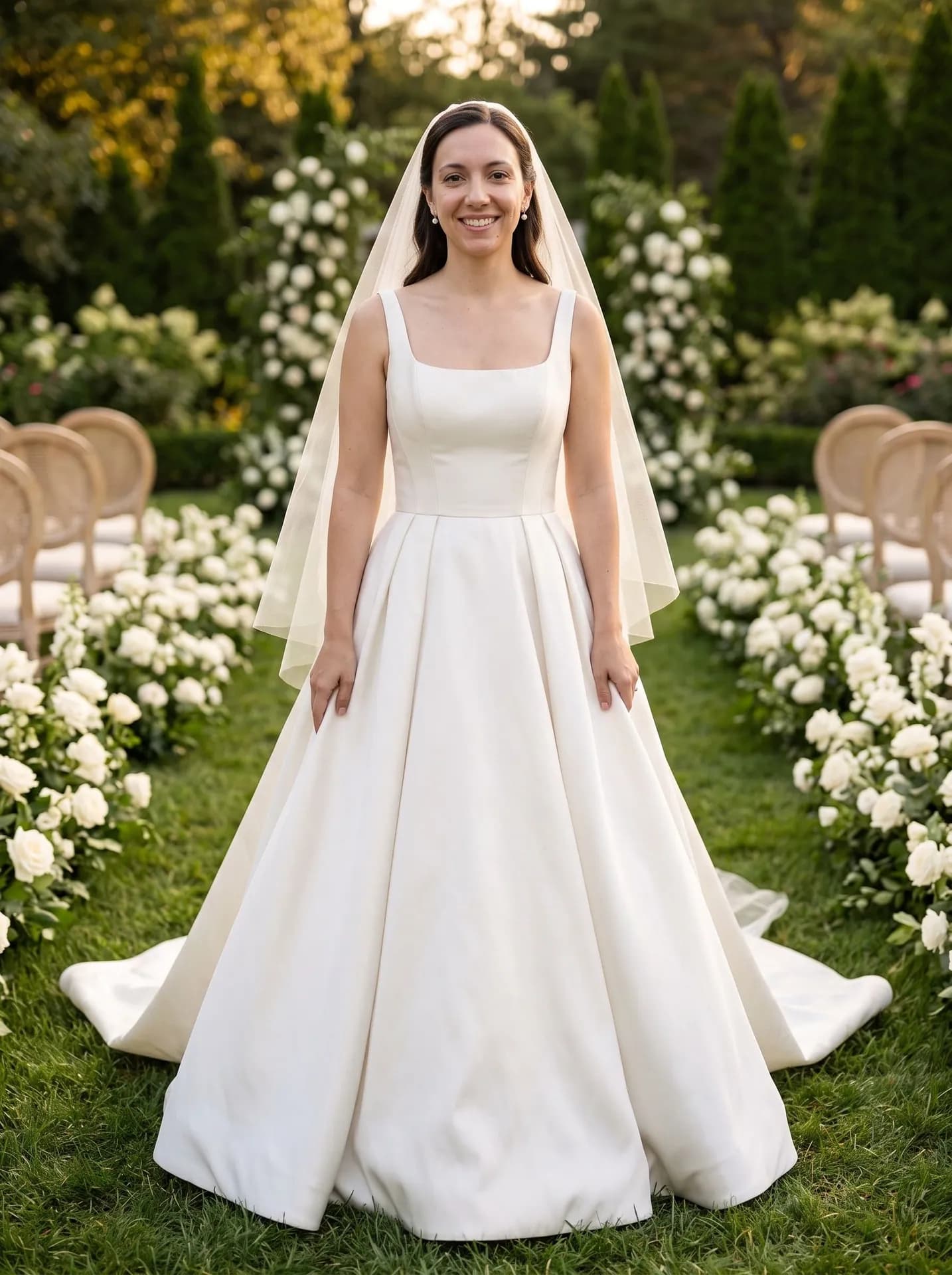
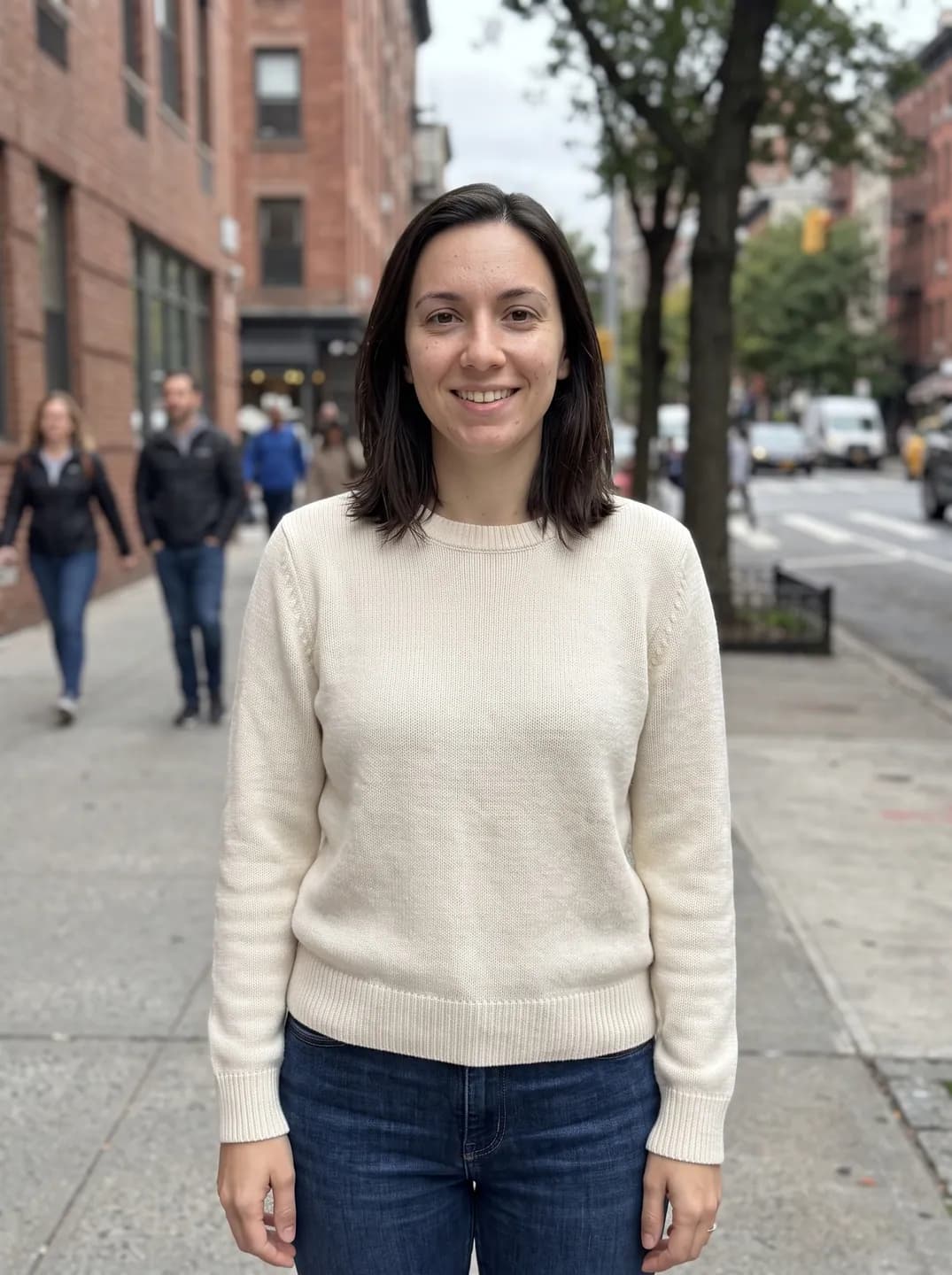
Ball gown in the Garden at golden hour, made from the waist-up synthetic test photo on the left. The veil fell over her shoulders in front, although the template asks for it to hang behind.
How do I get a better result?
- Wear something close-fitting. The gown is cut to the shoulders, waist and hips the photo shows, and an oversized hoodie hides the waist.
- Expect your own hair color and length, softly waved or in a low updo; a planned bridal cut won't show. In one grid run it was loose in one frame and pinned up in three.
- Skip the beauty filter. Light bridal makeup goes over your real skin, freckles and moles, so smoothing from another app stays in the result.
What goes wrong most often?
- Uploading a photo with friends in it. The slot is for one person, and nobody else appears in the result.
- Hunting for the gown you saw in a shop. These are original designs; for a dress on a store website, Clothes Try-On puts one item from a shop photo on your full-length photo, for 1 photo.
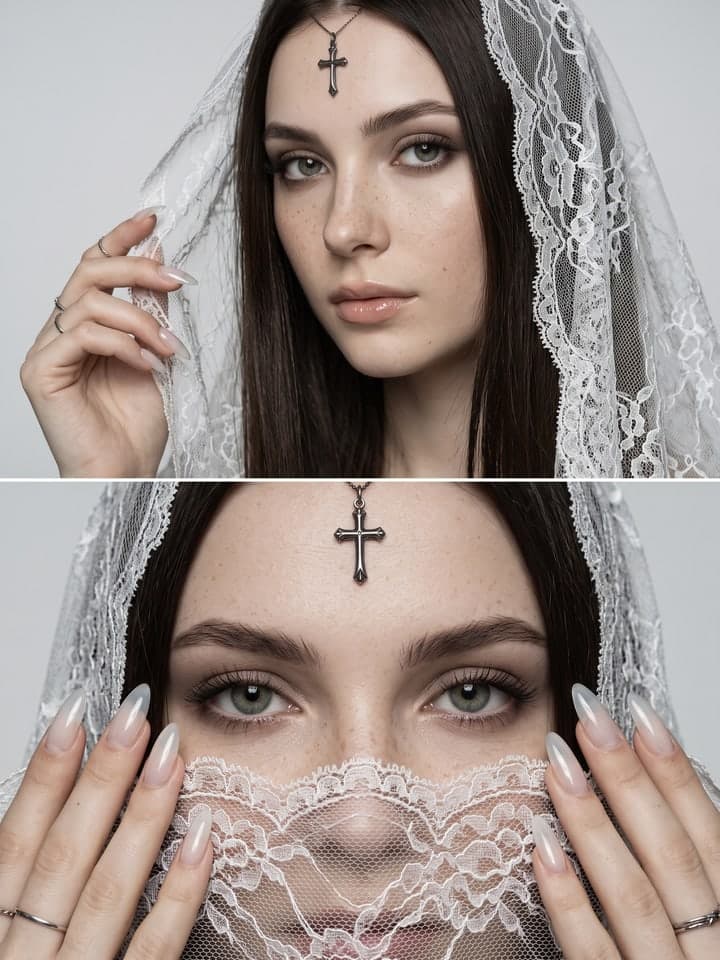
- Expecting a black or deep-cut gown. All six gowns are ivory and modest; for a moodier bridal look, Gothic Bride gives two close-ups of your face under a white lace veil, with no gown in the shot.
Guide: Virtual Try-On Apps Compared (2026): Free and Paid Options
What you need
Your photo
Head to toe is best, waist-up works too. Face clearly visible, daylight, one person.
- You pick the dress
- Compare 4 silhouettes, A-line, Mermaid, Ball gown, Sheath, Boho lace, Minimalist satin
- You pick the setting
- Bridal salon, Lookbook studio, Garden at golden hour
Works well
- Waist-up, with your face and outfit visible
- Daylight or bright, even room light
Avoid
- Tight crops that cut off your hair or shoulders
- Mirror selfies where the phone covers your face
Found the dress in a shop? Virtual Try-On puts that exact dress on you from a screenshot.