90s Film Photo
AI photo template · from 1 photo
Your photo, as if shot on film in the nineties.
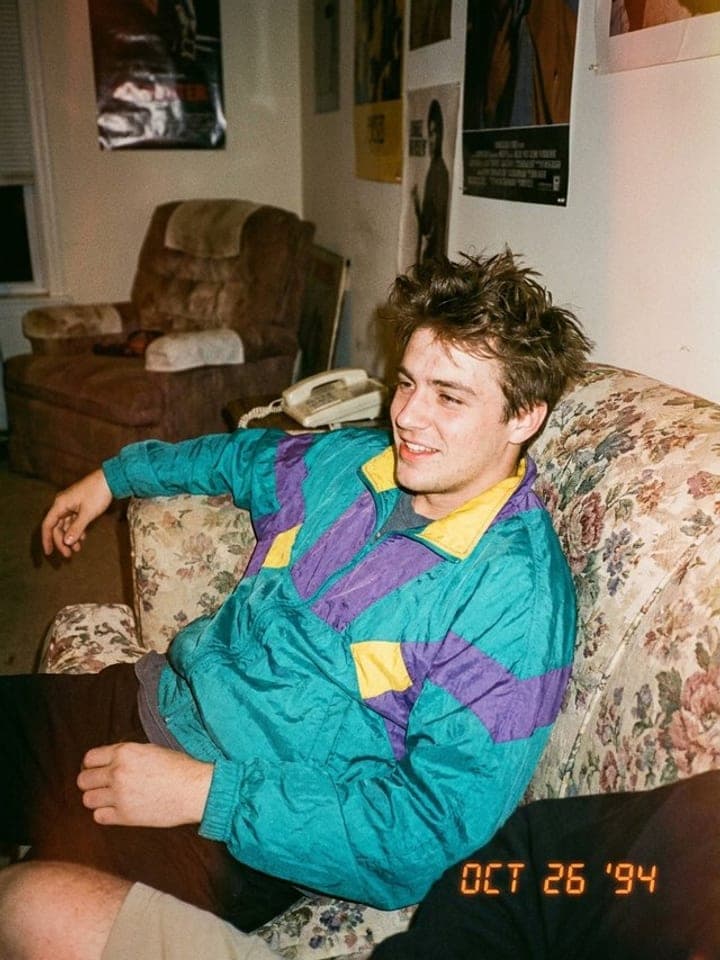
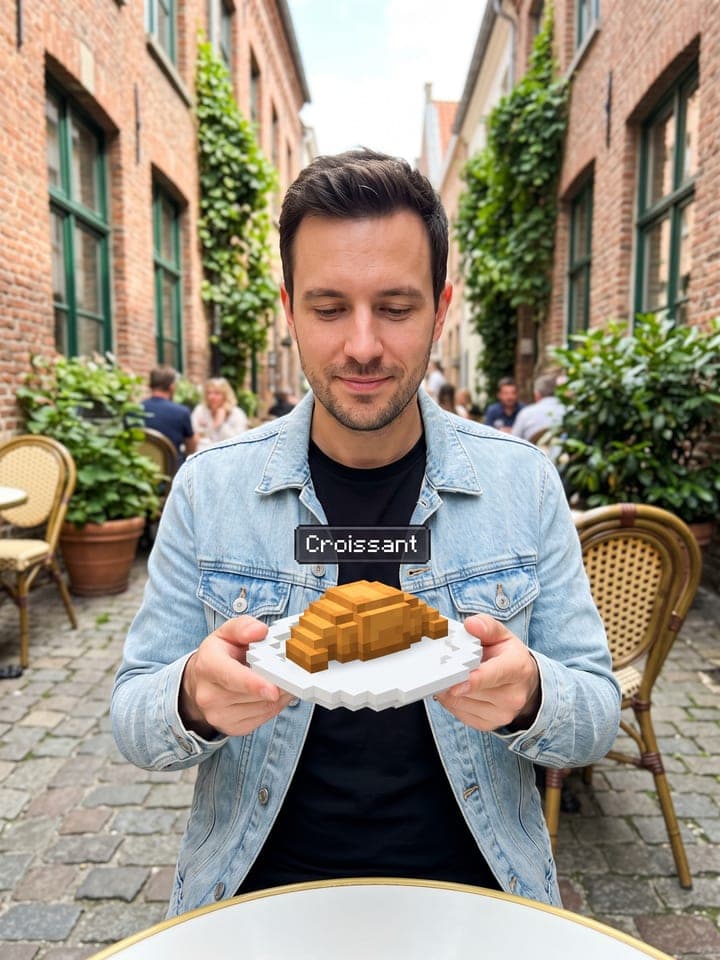
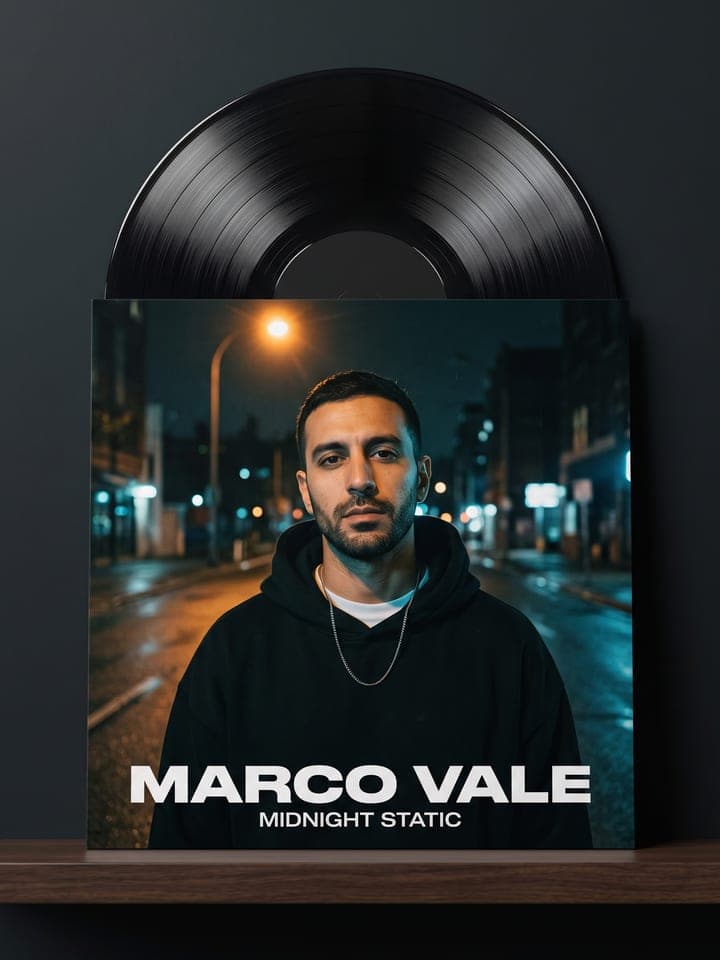
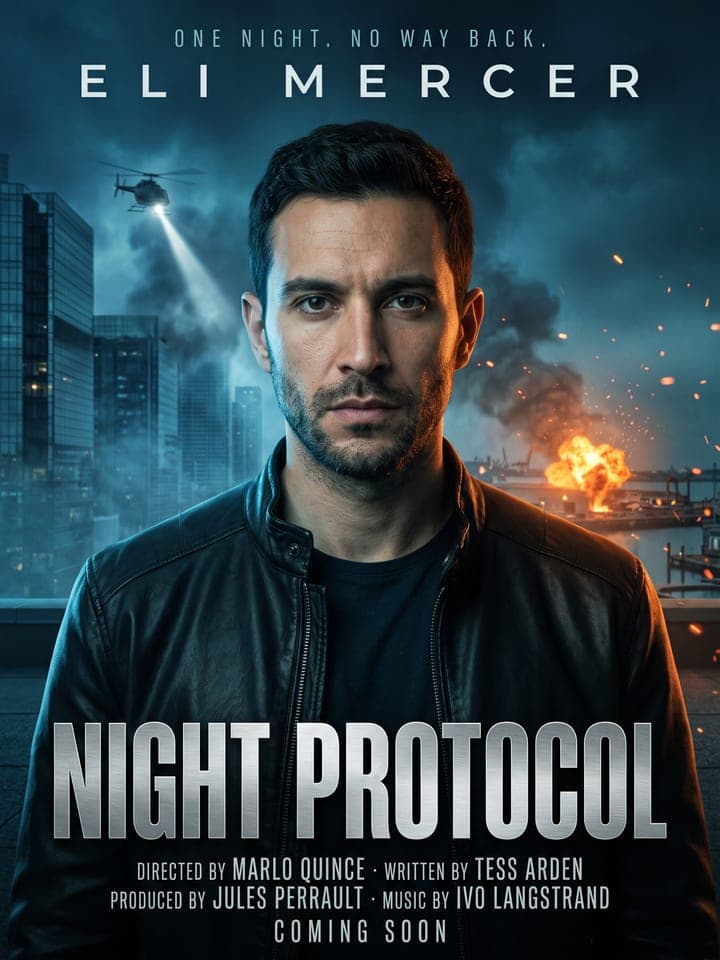
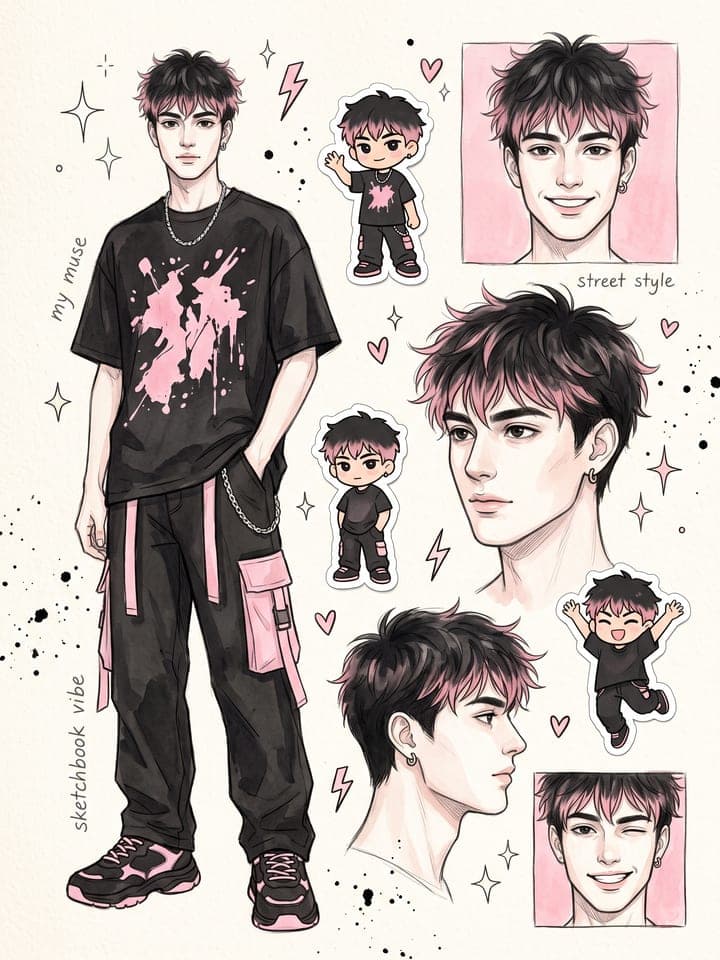
Example result. Yours is made from your own photo.
Your photo as a shot from a 90s film point-and-shoot: warm faded colors, light grain, soft sharpness, direct on-camera flash and an orange date in the corner. A home photo archive vibe.
1 photo
per result
Shapes: 9:16 · 3:4 · 4:5. Example shown in 3:4. How photos are counted
How to make a 90s disposable camera photo with AI
To get the disposable camera look on a photo you already have, upload one picture of yourself to 90s Film Photo: 1 photo per run, on any plan, and a new account's first 3 photos are free. It comes back with warm faded colors, light grain, soft focus, a direct on-camera flash and an orange date in the corner, in a vertical frame like one shot from an old roll of film.
- Open 90s Film Photo and upload one picture of yourself with your face clearly visible. A casual phone snapshot works; it doesn't need to be posed.
- Press Create. There is nothing to set: the grain, the flash, the faded color and the orange date are all part of the look, and the button shows the cost (1 photo) before you start.
- Open the result in My creations and download it. Run it again on other pictures from the same day if you want a whole set in one look.
Where does the disposable camera look come from?
Film point-and-shoot cameras of the nineties fired their flash straight at whoever stood in front of them, and many models printed the date in orange digits in a corner of the frame. Single-use cameras gave the same flat flash and warm, washed-out color. Together that is what people now call the disposable camera look: faces lit hard from the front, visible grain and a date stamp, like a print from a shoebox of family photos.
What can you use it for?
- A throwback post that sits next to a real childhood print without clashing.
- A profile picture that reads as a found snapshot rather than a selfie.
- A carousel of party or trip photos, each run through the same film look.
- A mixed set: daytime shots in this look, the after-dark ones in Night Beach with Flash.
How do I get a better result?
- Choose a photo where you face the camera. The template adds a hard flash from the front, and a face lit from the side in the original can end up with light coming from two directions.
- Keep one person in the frame, as the Your photo slot asks. The template is built around a single subject, like a friend's snapshot.
- Upload the original file from your camera roll, not a screenshot of a post. The template adds its own grain, and compression blocks from a screenshot get baked in under it.
What goes wrong most often?
- Starting from a photo that already has a vintage filter. The template fades the colors and adds grain again on top, so the result can turn muddy.
- Expecting to pick the date. There is no text field on this template, so the orange date stamp is part of the look and not something you type.
- Using a group photo for a portrait. Several faces compete for the flash, and the one you care about may come out smaller or softer than you hoped.
What you need
Your photo
Face clearly visible, good light, one person.
Works well
- A sharp photo with the face clearly visible
- Good, even light
Avoid
- Blurry photos and heavily compressed screenshots
- Faces hidden by hands, hats or shadows