Photo Like a Canon G7X
AI photo template · from 1 photo
Warm cinematic processing in the style of the cult Canon G7X.

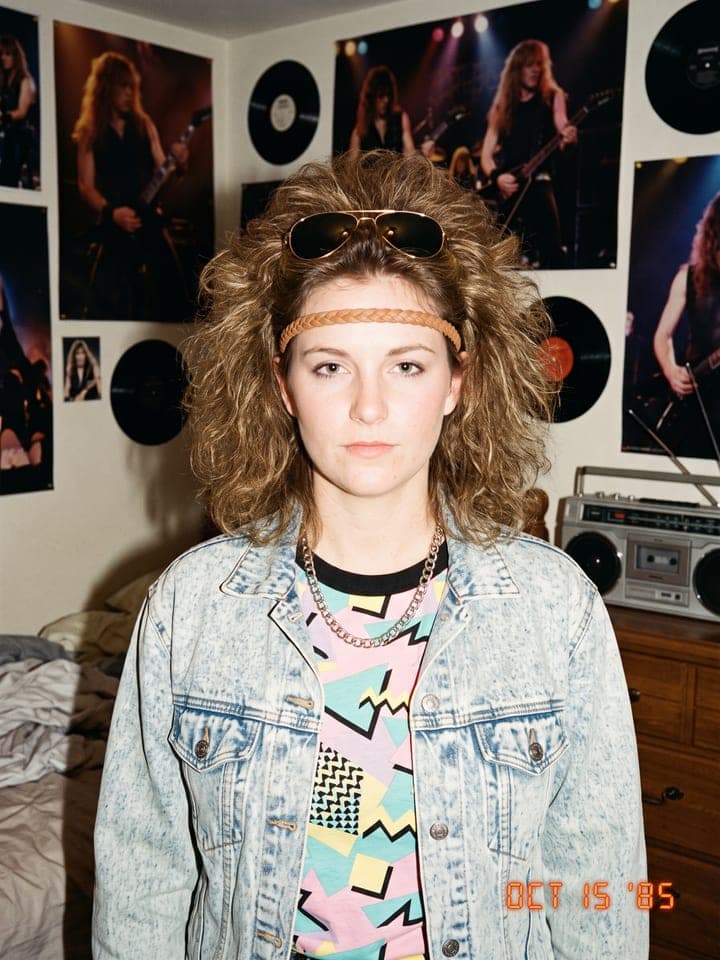
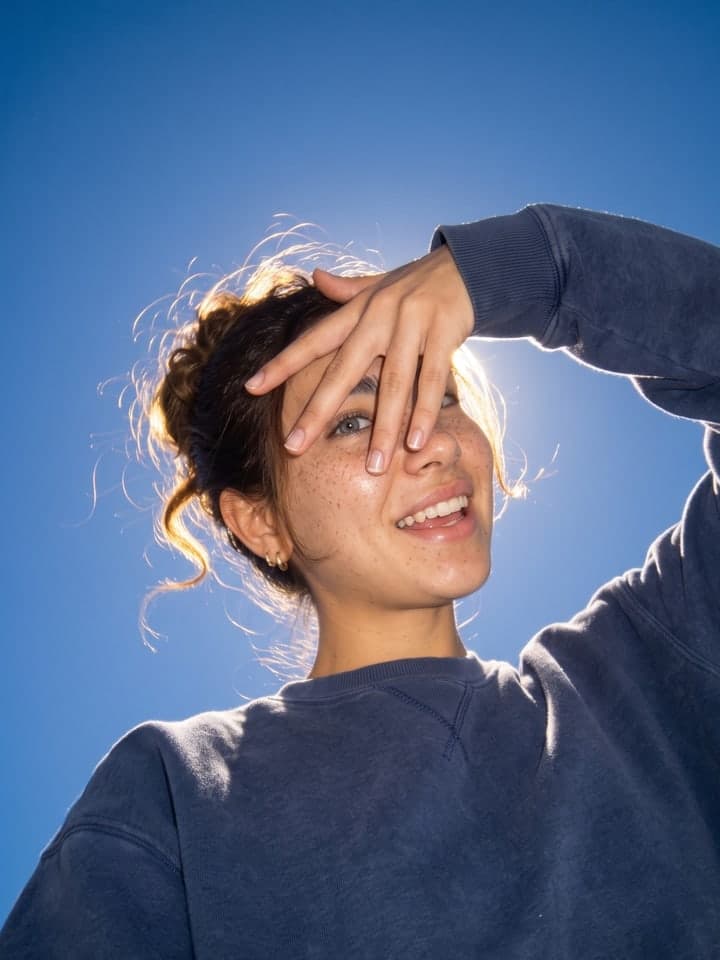
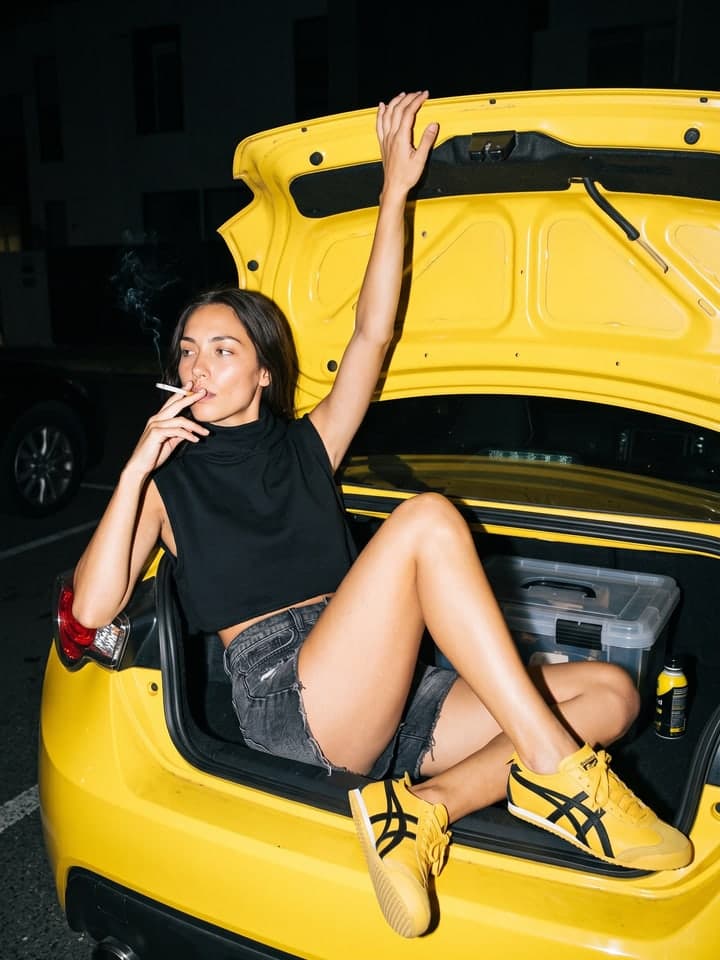
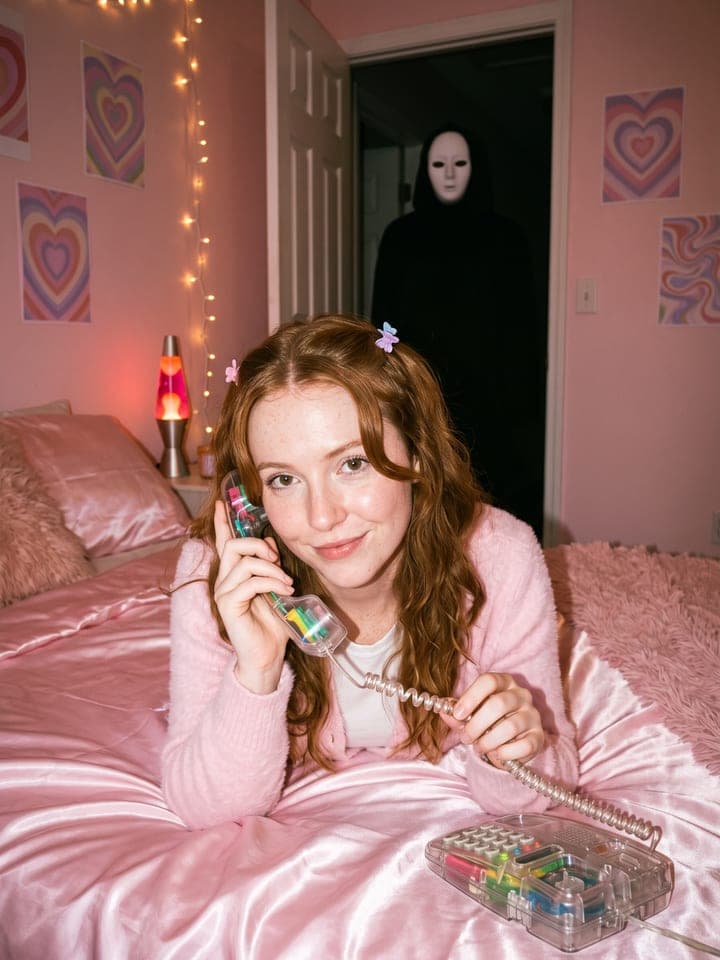
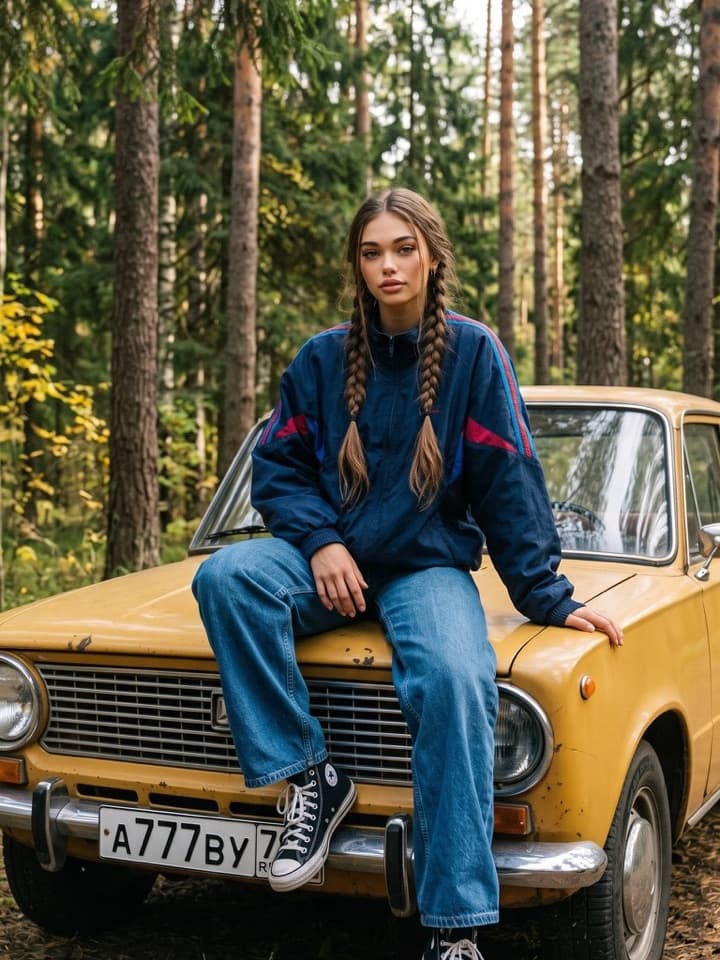
Example result. Yours is made from your own photo.
Your photo processed as if shot on the cult Canon G7X compact: warm cinematic light, golden highlights, deeper shadows, richer but real colors and glossy skin. The face, pose, clothes and composition stay as they are.
1 photo
per result
Output: same shape as your photo. How photos are counted
How to make a Canon G7X-style photo with AI
To get the Canon G7X effect on a photo you already have, upload it to the Photo Like a Canon G7X template: it comes back with the warm, glossy processing of the cult compact camera, golden highlights and deeper shadows, while your face, pose, outfit and background stay in place. It takes one photo and 1 photo per run. The template is on the Free plan, so a new account's first 3 photos cover a few tries.
- Open Photo Like a Canon G7X and add one picture to the Your photo slot: a selfie, a waist-up shot or a full-length outfit photo, as long as your face is clearly visible.
- Press Create. The template has no options to set, because the digicam look is fixed; the button shows the cost (1 photo) before it runs.
- Compare the result with your original in My creations at full size. Only light, color, contrast and sharpness should differ, and the difference is small, so look at skin and highlights rather than the whole frame.
Good to know before you start
The camera behind the trend is Canon's PowerShot G7 X, mostly the Mark III: a pocket compact with a 1-inch sensor, a 24-100mm-equivalent zoom and a screen that flips up 180 degrees for selfies, which is why vloggers carried it for years (DPReview's review lists all three). Gen Z then picked it up as a point-and-shoot to use instead of a phone. In January 2025 Digital Camera World reported that it was hard to find in stock, with used ones selling for close to double the retail price, after Canon closed the Zhuhai factory that made its compact cameras in 2022.
What people copy from the camera is its processing, and that is all this template recreates: warm cinematic light, golden highlights, deeper shadows, richer but still real colors and glossy skin. It doesn't add a date stamp, film grain or a flash burst. Outwow (outwow.app) is not affiliated with Canon; "Canon G7X" only names the look people search for.
What can you use it for?
- Camera vs template: the camera takes new photos through a real zoom lens; the template restyles photos you have already taken, including ones from last summer.
- Camera vs template: the camera is a one-time purchase at camera prices; the template costs 1 photo per photo you restyle.
- Trying the digicam aesthetic on your own photos before deciding whether the look is worth buying the camera for.
- Giving a set of photos from one day the same warm point-and-shoot color, so a carousel looks as if it came off one camera.
- Rescuing a flat, gray-toned phone photo whose pose and outfit you like but whose color you don't.
What does an example run look like?
- AI-generated sample input
 Result

Photo Like a Canon G7X, cafe photo in gray rainy light, first attempt. Face, pose, mug and table unchanged. - AI-generated sample input
 Result
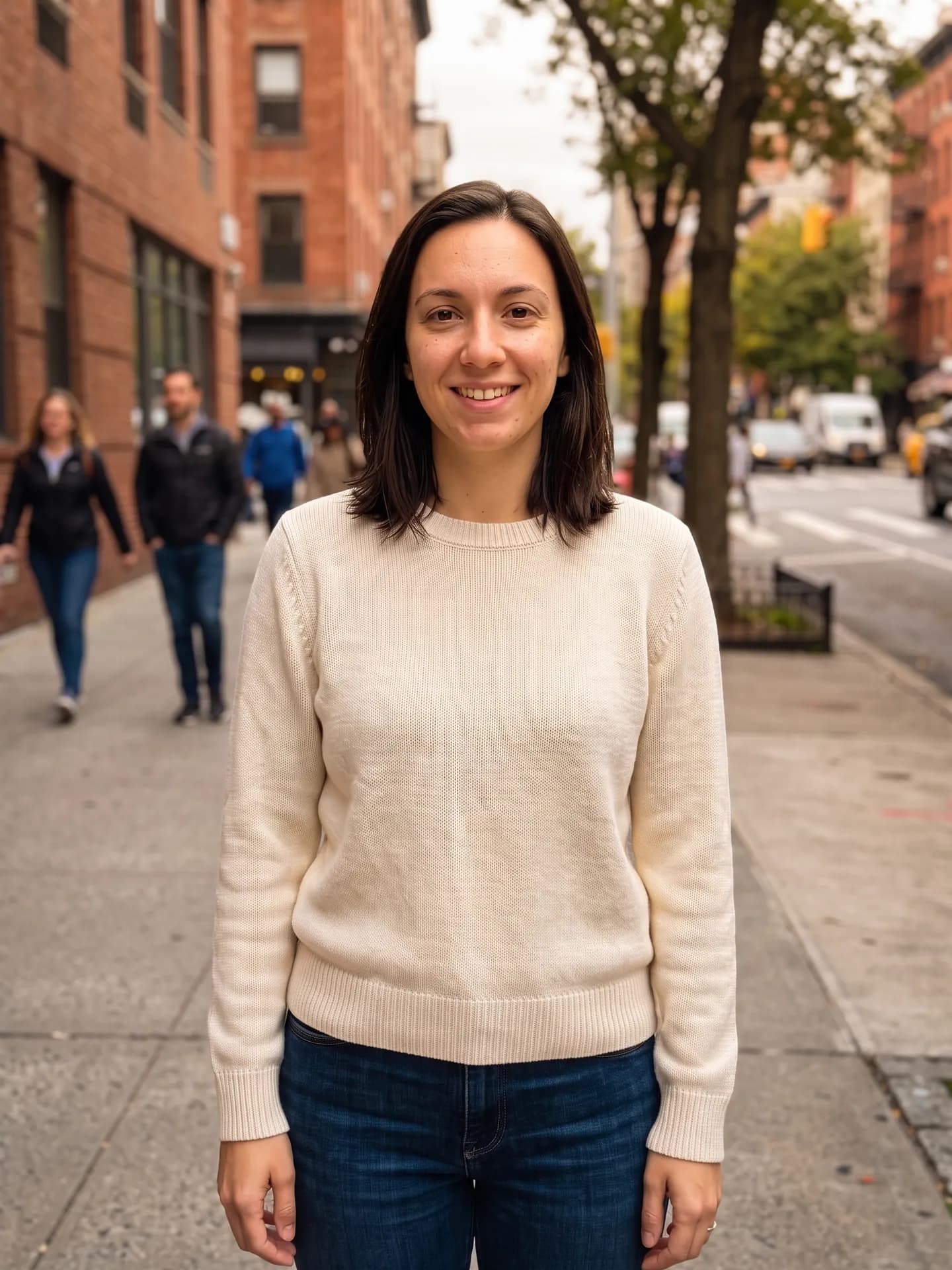
Photo Like a Canon G7X, waist-up street photo in daylight, first attempt. A subtle change: warmer highlights, glossier skin.
How do I get a better result?
- Pick a photo with some real light in it, such as a window, a street at dusk or daylight on your face. The golden highlights are built on light that is already there, not added from a new direction.
- Use the version without a beauty filter. Your face is kept as it is, so a smoothing filter from another app survives under the new G7X color.
- Expect a gentle grade, not a filter-app look. On our flat daylight street and park photos the change was subtle in 2 of 2 runs: slightly warmer highlights and glossier skin, with the same framing, clothes and background, hard to tell from the original at thumbnail size. A gray, rainy cafe-window photo changed far more: warmer skin and walls, golden highlights, deeper shadows.
What goes wrong most often?
- Expecting a timestamp or grain. This look is color and light only; the 90s Film Photo template is the one with a direct flash and an orange date.
- Running an already warm-graded photo through it. Golden tones stack on golden tones, and skin can drift toward orange.
- Uploading a group shot. The slot asks for one person with the face clearly visible, and the processing is tuned around that one face.
What you need
Your photo
Face clearly visible, good light, one person.
Works well
- A sharp photo with the face clearly visible
- Good, even light
Avoid
- Blurry photos and heavily compressed screenshots
- Faces hidden by hands, hats or shadows