Baby's Doodle Adventure
AI photo template · from 1 photo
Your baby's photo stays, a marker adventure appears around the pose.
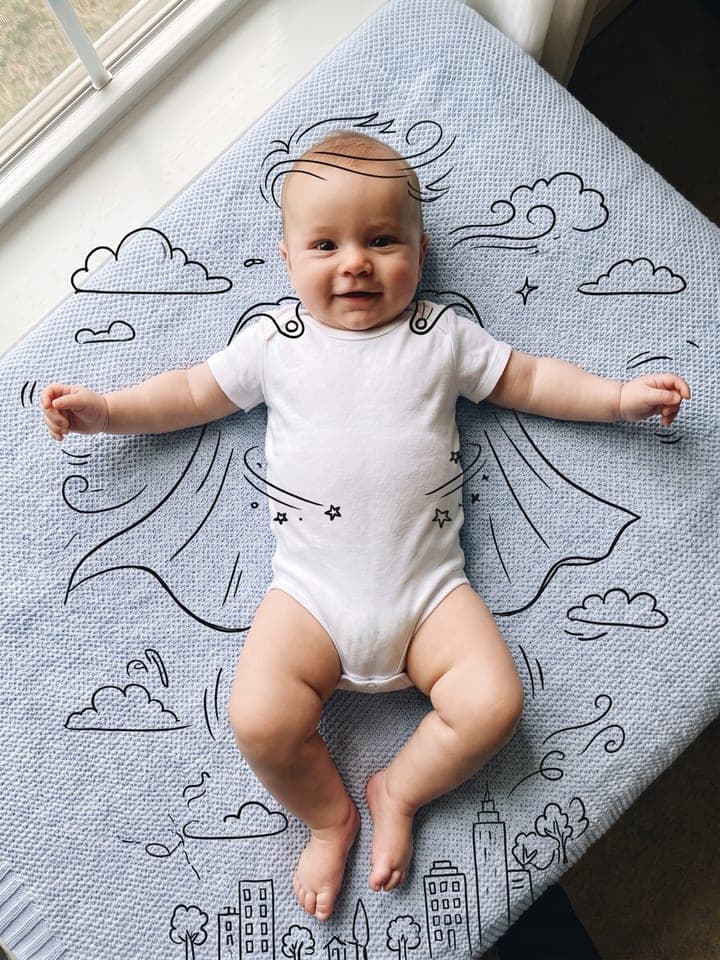
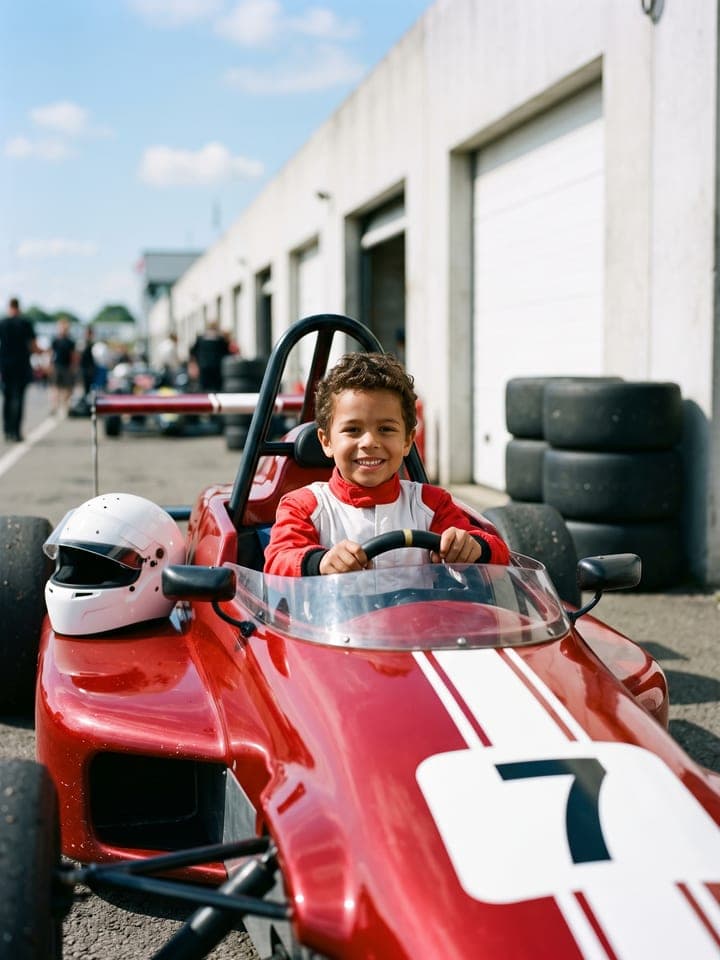
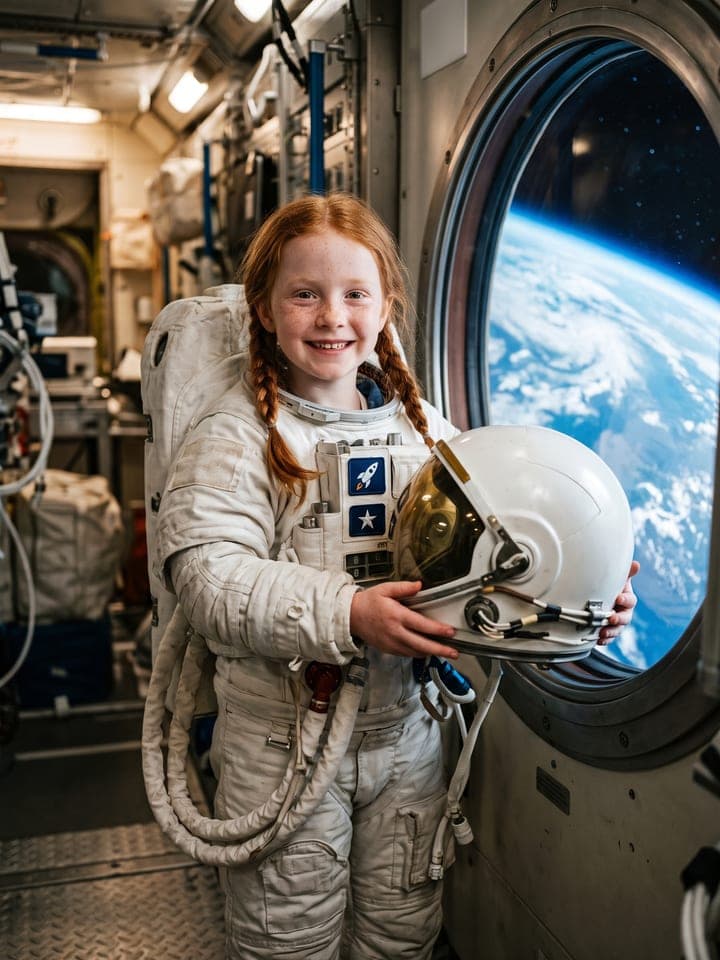
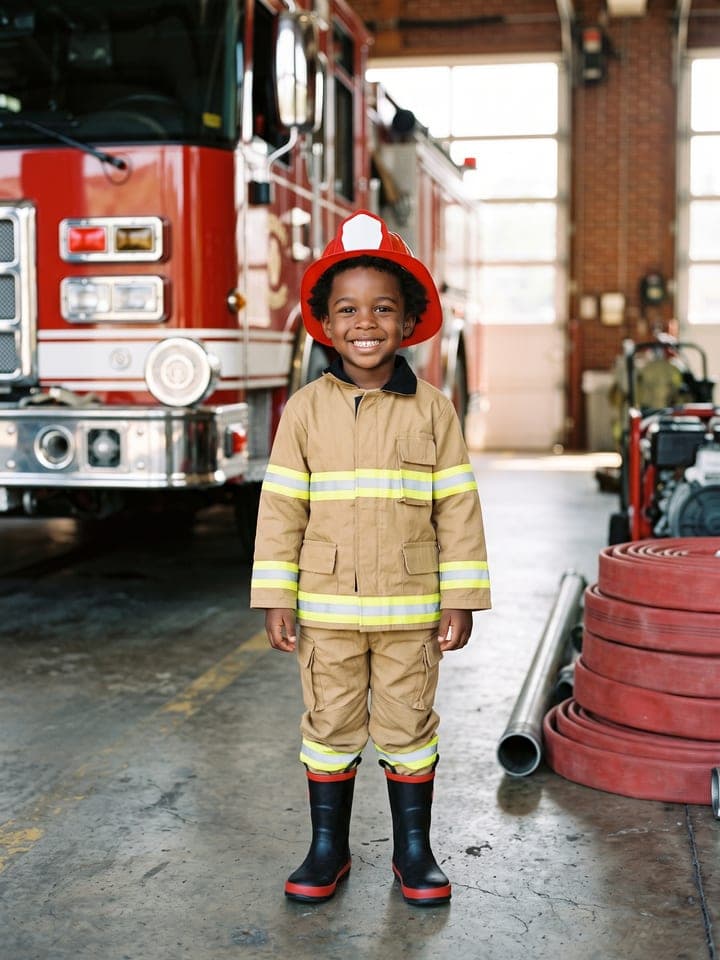
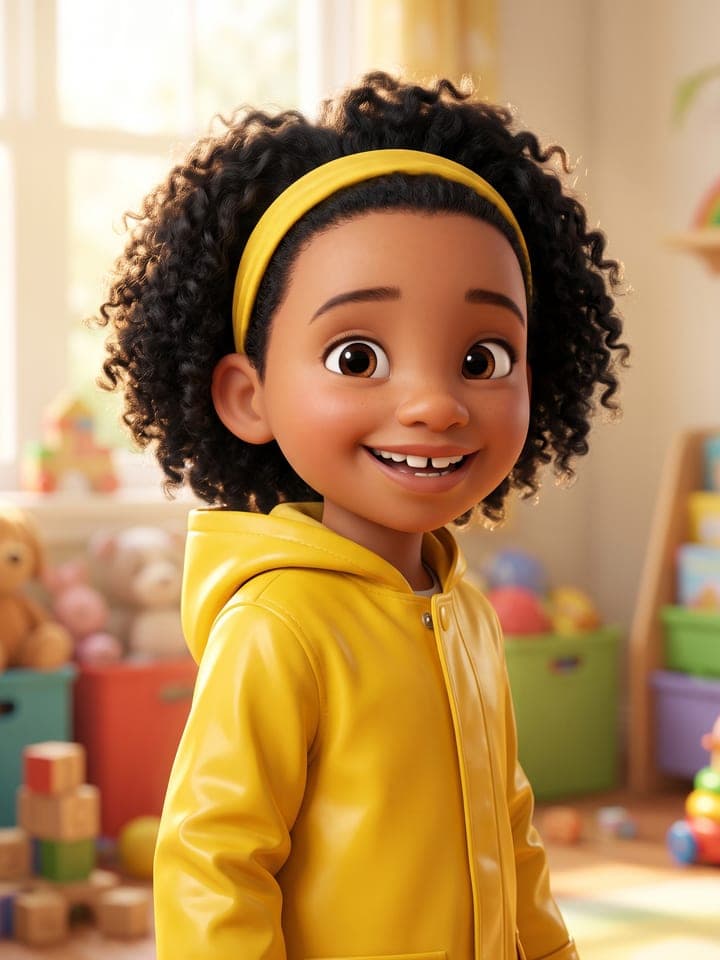
Example result. Yours is made from your own photo.
Your baby's photo stays exactly as it is, and a black marker doodle adventure appears around it, built on the pose: reaching for a ball, steering, conducting. No letters, the face never covered.
1 photo
per result
Output: same shape as your photo. How photos are counted
- For parents and guardians. Photos of children are deleted within 24 hours.
How to add a doodle adventure to your baby's photo with AI
For AI baby photo editing that leaves your baby exactly as photographed, upload one photo to Baby's Doodle Adventure: 1 photo per run on any plan, with 3 free photos for new accounts. A black marker doodle adventure is drawn over and around the picture, built on your baby's pose: a raised hand can get a ball or a balloon, outstretched arms can fly like a superhero. Face, skin, clothes and background are not retouched.
- Choose a photo where your baby is doing something with their body: reaching, kicking, waving, lying with arms out. The drawing grows out of that gesture.
- Upload it to Photo of your baby, confirm that you are the parent or guardian, and run it for 1 photo. There is no theme to choose.
- Download the picture from My creations. Running the same photo again can bring a different story, since the scene is invented from the pose each time.
How does the pose decide the story?
Before anything is drawn, the template reads the pose: where your baby is looking, what each arm, hand and leg is doing, and whether they seem to hold, push, steer or dance. Then it picks a scene that carries the movement on. A hand near the face can become a phone call, bent legs can get a bicycle under them, and arms spread wide can turn into conducting an orchestra.
Rockets and spacesuits are saved for poses that look weightless, so the story usually comes from other worlds: sports, music, animals such as a dragon or a giraffe, transport like a train or a hot-air balloon, jobs like chef or firefighter, and fairy tales with knights, wizards and pirates. Capes, helmets and uniforms are only outlined over the photo, so your baby's real body and outfit stay visible underneath.
What can you use it for?
- A monthly milestone series where every month gets a new drawn adventure.
- A nursery print that still shows the real photo rather than a cartoon of your baby.
- A first-birthday invitation picture, with the wording added afterwards in an editor.
- A plain blanket shot made more fun for the family group chat.
How do I get a better result?
- Keep the hands and feet in view. Drawn objects are placed at them, so visible fingers give a ball, a wand or a microphone somewhere to sit.
- A calm surface behind your baby, such as a plain blanket or wall, gives the thin black lines room to read. The background is kept, and fine marker lines show up better on it than on a busy pattern.
- Only your baby in the frame. A sibling or an adult's arm in the shot adds a second pose for the drawing to make sense of.
- Pick the photo you already like best. Nothing about your baby is smoothed or changed, so what you upload is exactly what stays.
What goes wrong most often?
- Expecting a cartoon version of your baby. The baby stays a real photograph; only the doodle layer is new, and it is drawn in black.
- Hoping for a name, a date or the month number in the picture. The drawing contains no letters or numbers in any language, so add those later.
- Expecting a full costume or a mask. The doodle never covers the face, and costumes are thin outlines over the clothes your baby is wearing.
What you need
Photo of your baby
Face clearly visible, daylight, only your kid in frame.
Works well
- Only your child in the frame, face clearly visible
- Daylight
Avoid
- Other children or adults in the shot
- Photos of a child you're not the parent or guardian of