Turn Your Kid Into a Cartoon: 3D Animated-Film Character
Kid as a 3D Character · AI photo template · from 1 photo
Your kid as the star of an animated film, kid proportions kept.
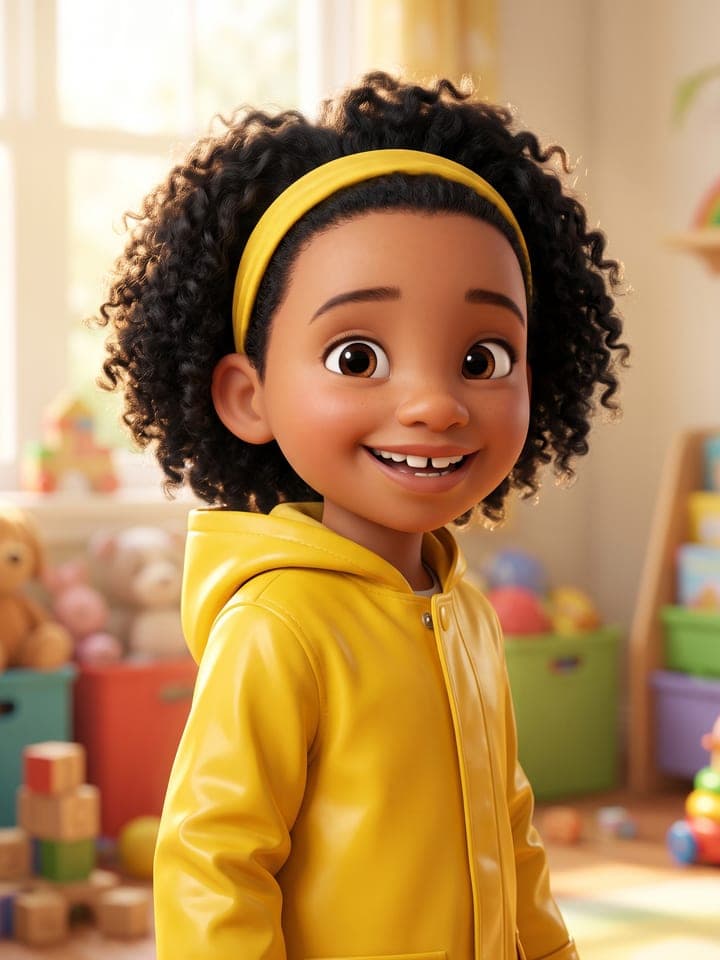
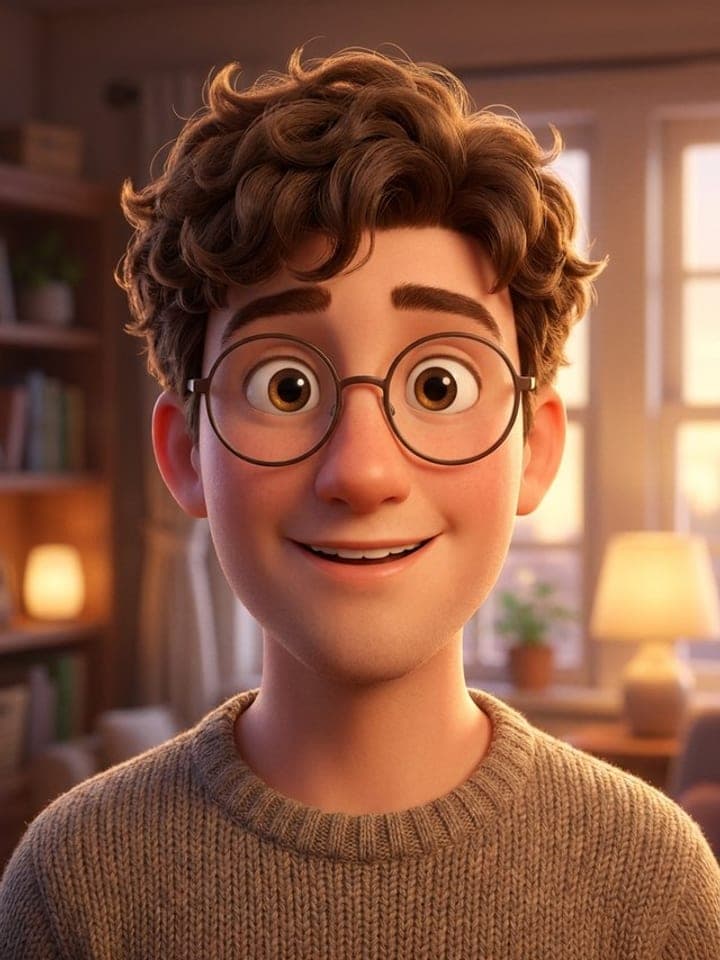
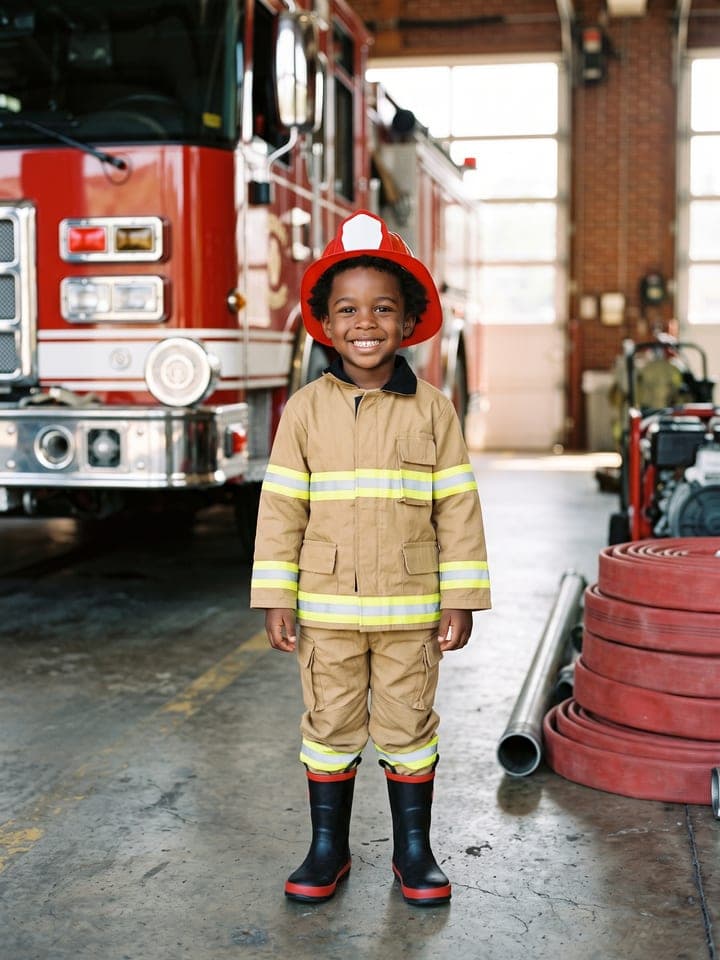
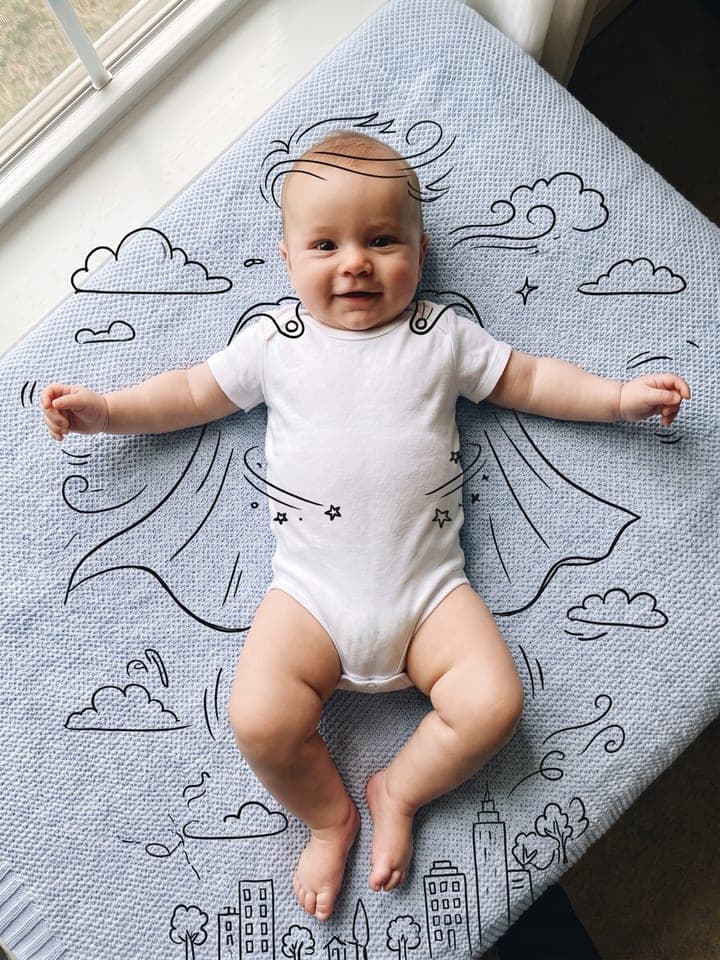
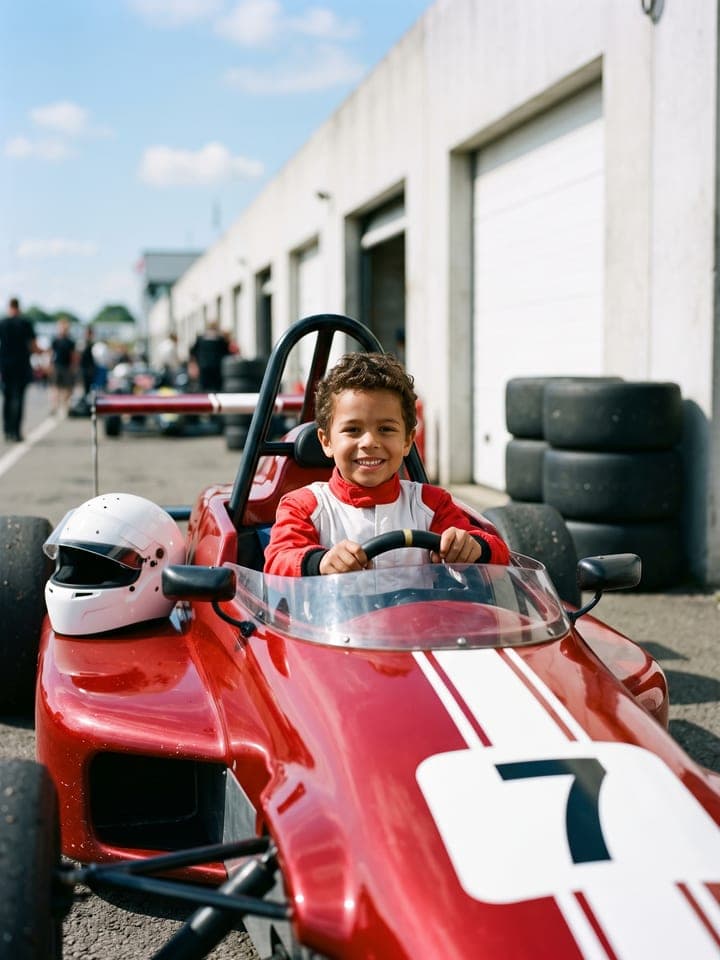
Example result. Yours is made from your own photo.
Your child as the lead of an animated family film: soft 3D shading, big bright eyes and a playful scene. It keeps kid proportions and your child's hair, eye color and smile, and never makes them look older.
1 photo
per result
Shapes: 9:16 · 3:4 · 4:5 · 1:1 · 4:3 · 16:9. Example shown in 3:4. How photos are counted
- For parents and guardians. Photos of children are deleted within 24 hours.
How to turn a photo of your child into a 3D cartoon
To turn your kid into a cartoon with AI, upload one photo of your child to Kid as a 3D Character: 1 photo per run on any plan, and the first 3 photos on a new account are free. You get a portrait of your child as the lead of a 3D animated family film, with big expressive eyes, soft rounded features and warm light, in a sunny playroom or backyard. Hairstyle, eye color, skin tone, smile, freckles and glasses come from the photo.
- Choose a photo with your child's hair done the way it usually is. The character keeps the hairstyle along with its color and texture, so a ponytail day gives you a ponytail character.
- Upload it to Photo of your kid and tick the parent-or-guardian box. One portrait costs 1 photo; the animated style and the scene are fixed, so there is nothing to pick.
- Save the portrait from My creations. It is framed from a close-up to the waist, so you can crop a square from it for a profile picture.
How is it different from the grown-up version?
Pixar Character is made for an adult's selfie. This template is written for children: it keeps a child's proportions, with a big head, a small body and soft round features, keeps their real age and never adds makeup or grown-up styling. Those three limits are spelled out in the prompt, because a cartoon of a five-year-old that reads as a teenager misses the point.
The rest is the look of a frame from a family animated feature: detailed hair with a cartoon sheen, big eyes, warm cinematic light and a playful expression, with toys softly out of focus behind. No existing movie character is copied, and there is no text or logo anywhere in the picture.
What can you use it for?
- A family set: your child here and each grown-up from their own selfie in the adult version, printed side by side.
- The cover of a homemade storybook that stars your kid.
- A cartoon picture for a birthday card or a party invitation.
- An avatar for your child's profile on a family tablet, so there's no real photo on the screen.
How do I get a better result?
- If your child wears glasses, take the photo with them on. Glasses and freckles are on the short list of features the character keeps.
- Pick a shot with open eyes in soft light. Eye color is copied into eyes the style draws much larger than life, so a squint or a dark room leaves the color to chance.
- Keep the gap-toothed grin. The smile is carried over to the character, and a real one says more about your kid than a posed school-photo face.
What goes wrong most often?
- Asking for a well-known animated hero or a princess dress. Copyrighted characters are ruled out and there is no costume option; your child appears as themselves.
- Expecting a 3D model to print or rotate. The result is a flat image that looks like a film still, framed from close-up to waist.
- Uploading your own selfie here. The template is written for a child's face and proportions; adults belong in the grown-up version linked above.
Guide: Is It Safe to Upload Your Face to an AI Photo App? A 7-Point Checklist
What you need
Photo of your kid
Face clearly visible, daylight, only your kid in frame.
Works well
- Only your child in the frame, face clearly visible
- Daylight
Avoid
- Other children or adults in the shot
- Photos of a child you're not the parent or guardian of