Business Portrait
AI photo template · from a description or photo
A photo for LinkedIn and your resume.
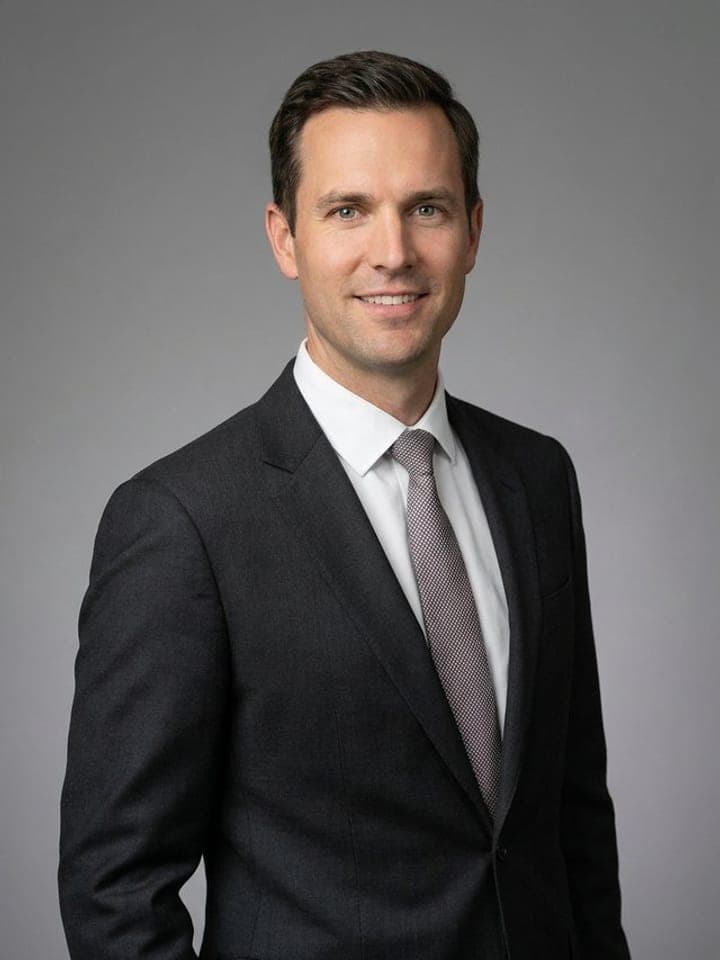
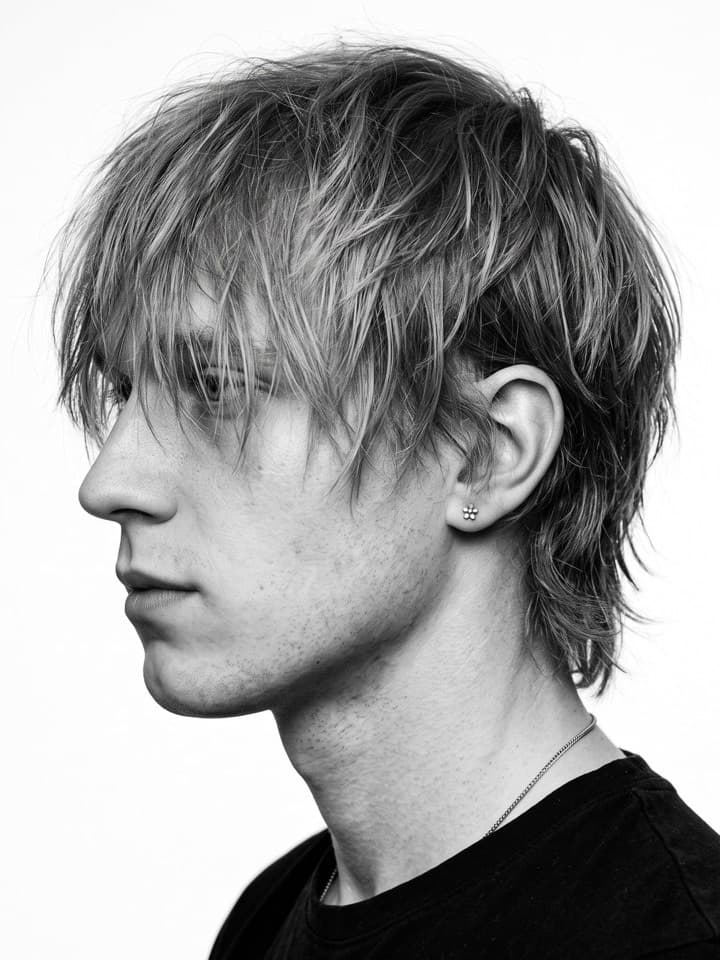
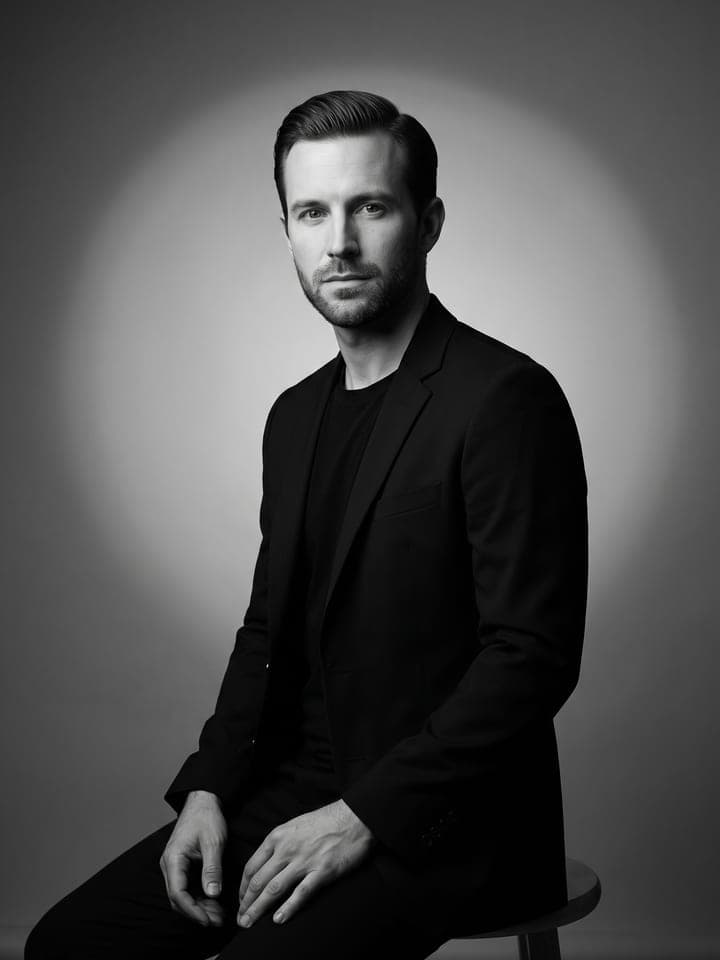
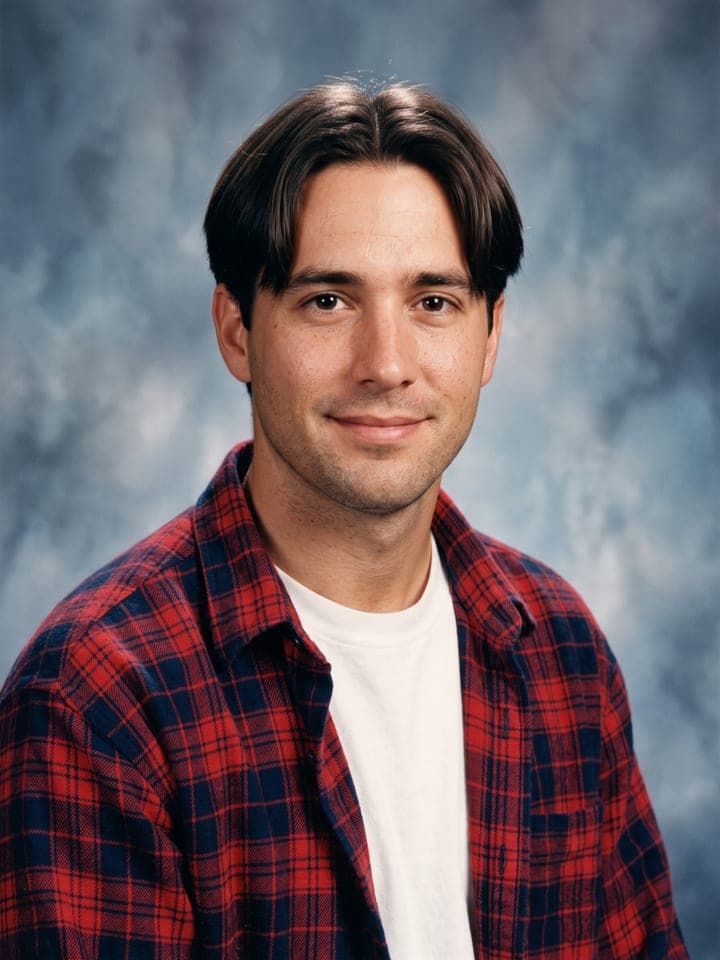
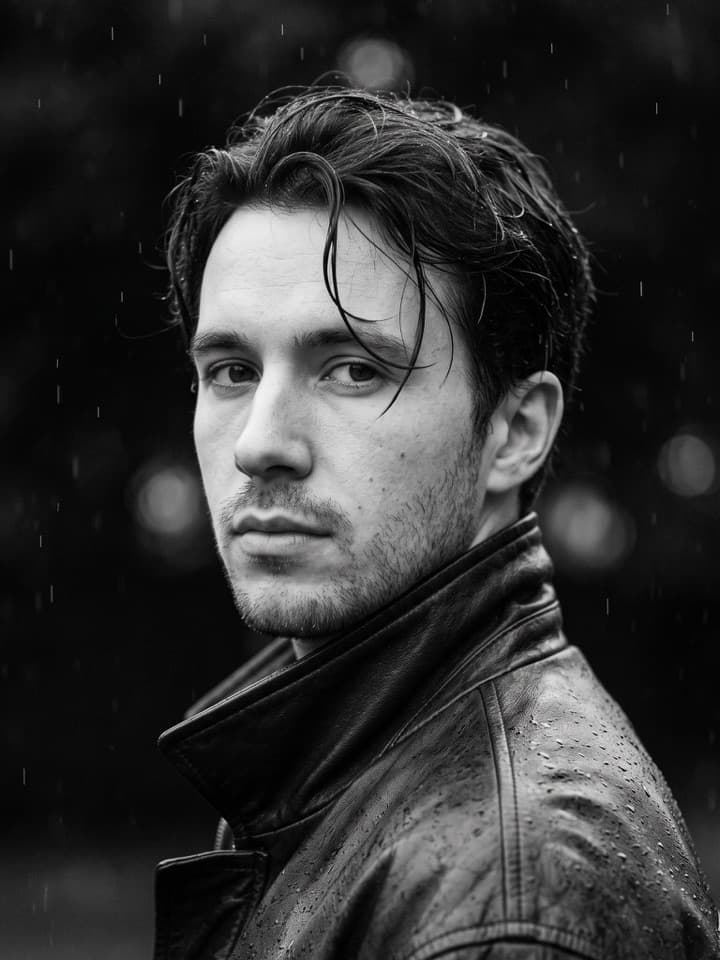
Example result. Yours is made from your own photo.
A professional business portrait: a strict business look, a neutral studio background, soft even light, a confident gaze into the camera and sharp eyes, corporate style. Attach your photo, describe the person, or both.
1 photo
per result
Shapes: 9:16 · 3:4 · 4:5 · 1:1 · 4:3 · 16:9. Example shown in 3:4. How photos are counted
How to make a LinkedIn profile photo from a selfie with AI
For a LinkedIn profile photo from a selfie, upload one clear photo to Business Portrait: 1 photo per portrait on the free plan, so a new account's 3 free photos cover it. You get one professional portrait with a strict business look, a neutral studio background, soft even light and sharp eyes looking into the camera. For a set of 8 headshots in different styles, backdrops and angles, use Headshot Studio, our AI Headshot Generator.
- Take a selfie facing the camera in daylight, with no sunglasses or hat, and upload it to Your photo.
- Leave Describe the person empty to go by your photo, or add a few words in English, such as "navy suit, short dark hair".
- Press Create (1 photo) and crop the result to a square for your profile.
What can you use it for?
- A LinkedIn or resume photo when you don't have a recent professional one.
- A consistent photo for an email signature and a company chat profile.
- A speaker bio picture for a meetup page.
How do I get a better result?
- Face the camera straight on. The portrait has a confident gaze into the lens, and a side glance in the selfie has to be turned.
- Use the description field for what the photo can't show, like "gray blazer" or "glasses". Keep it short and in Latin letters.
- LinkedIn shows profile photos in a circle, so leave some space around your head when you crop.
What goes wrong most often?
- Skipping the photo. Without it the portrait can't be you, so for a profile picture always upload one and use the description only for details.
- Using a group photo from an event. One face per selfie, or the portrait can pick the wrong person.
- Expecting several options in one run. The template makes one portrait; Headshot Studio makes 8 headshots.
What you need
Your photoOptional
Face clearly visible, good light, one person.
Describe the personOptional
In Latin letters. Leave it empty to go by your photo. Up to 120 characters.
Works well
- A sharp photo with the face clearly visible
- Good, even light
Avoid
- Blurry photos and heavily compressed screenshots
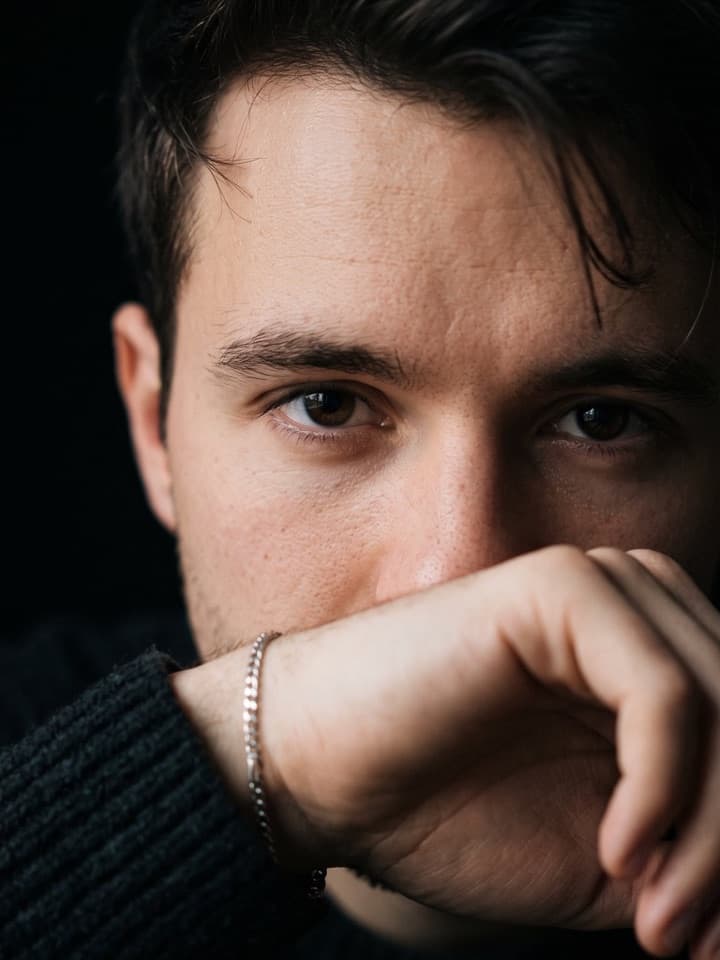
- Faces hidden by hands, hats or shadows
Guides with Business Portrait
Want more options in one go? Headshot Studio does this job in more depth: 8 headshots per run.