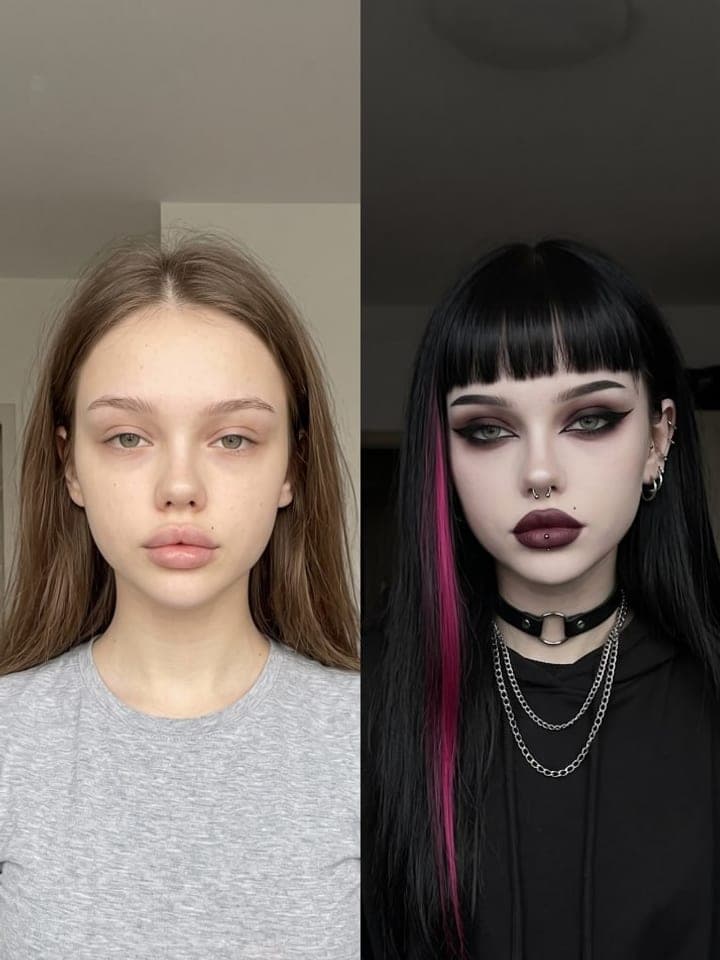
Crying Girl
AI photo template · from 1 photo
Late-night webcam shot: teary eyes and a Don't Die tattoo.
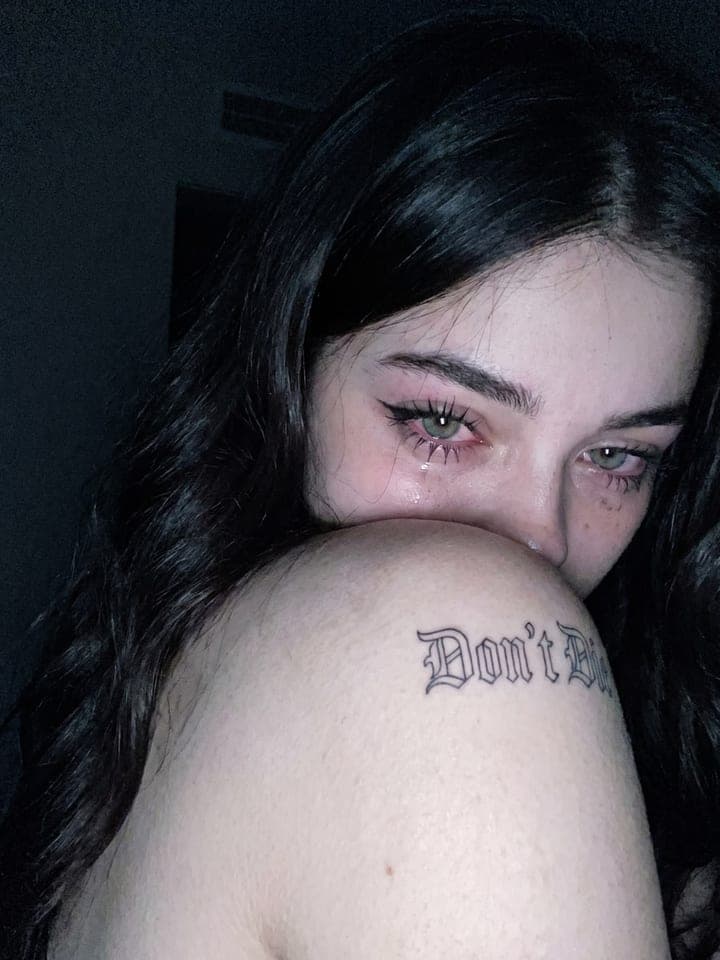
Example result. Yours is made from your own photo.
A very dark, grainy close-up like a random late-night MacBook webcam frame: your raised shoulder covers the lower face, teary eyes look into the camera, and a small gothic Don't Die tattoo sits on the shoulder. Dyson-styled curls, cold screen light.
1 photo
per result
Shapes: 3:4 · 4:3 · 16:9. Example shown in 3:4. How photos are counted
How to make a crying webcam photo with AI
For a crying webcam photo made with AI, upload one selfie to Crying Girl: 1 photo per run on the Free plan. You get a very dark, grainy close-up that looks like a random late-night frame from a laptop camera: your raised shoulder hides the lower half of your face, teary eyes look straight into the lens, and a small "Don't Die" tattoo in thin gothic lettering sits on that shoulder. You don't have to cry for it.
- Upload a close-up with both eyes open and visible. The eyes are the only full feature left in the frame.
- Press Create (1 photo); the tears, the tattoo, the curls and the screen light are all added by the template.
- Save it from My creations. Grain, low-light noise and soft focus are part of the webcam look, so leave them in.
What makes it read as a webcam frame?
Three things. The light is weak and slightly cool, as if from a laptop screen, and reaches only your eyes, part of your face, the shoulder and the tattoo; everything else sinks into black. The camera is almost touching you, so the shoulder fills the lower part of the picture and your head is turned a little to the side. And the whole image is heavily darkened, with digital grain and soft sharpness, the way a built-in camera looks at night.
How do I get a better result?
- A neutral face is enough. The redness, the slight puffiness and the moisture along the lower lid are drawn by the template.
- Your hair comes back extremely long, in big blown-out curls falling down your back, whatever you have now.
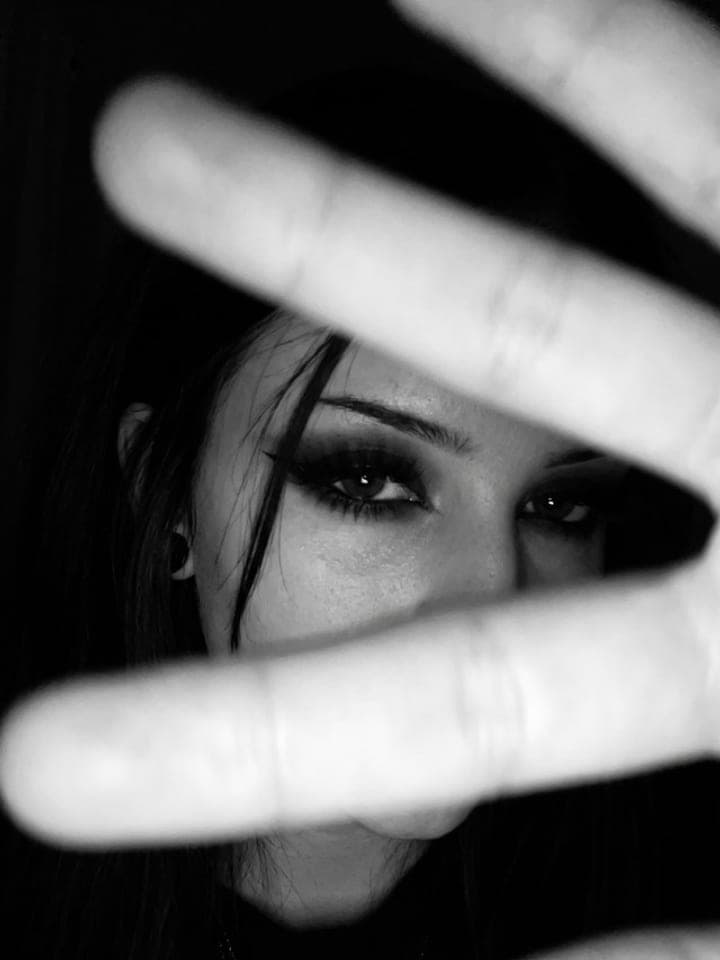
- For another dark, eyes-only shot without tears, Look Through the Fingers frames your eyes between your fingers.
What goes wrong most often?
- Expecting to change the tattoo. The text is always "Don't Die", and there's no field for your own words.
- Uploading a selfie taken in heavy shadow. The result is dark already, and a dim original leaves the eyes without detail.
What you need
Your selfie
Close-up, daylight, one face. No filters or sunglasses.
Works well
- Your face close to the camera, looking straight in
- Daylight from a window in front of you
- Only you in the frame
Avoid
- Sunglasses, masks or hair over your eyes
- Beauty filters and heavy edits
- Dark rooms and photos taken from far away