In a Cloud of Bouquets
AI photo template · from 1 photo
White dress, soft daylight and huge bouquets of peony roses around you.
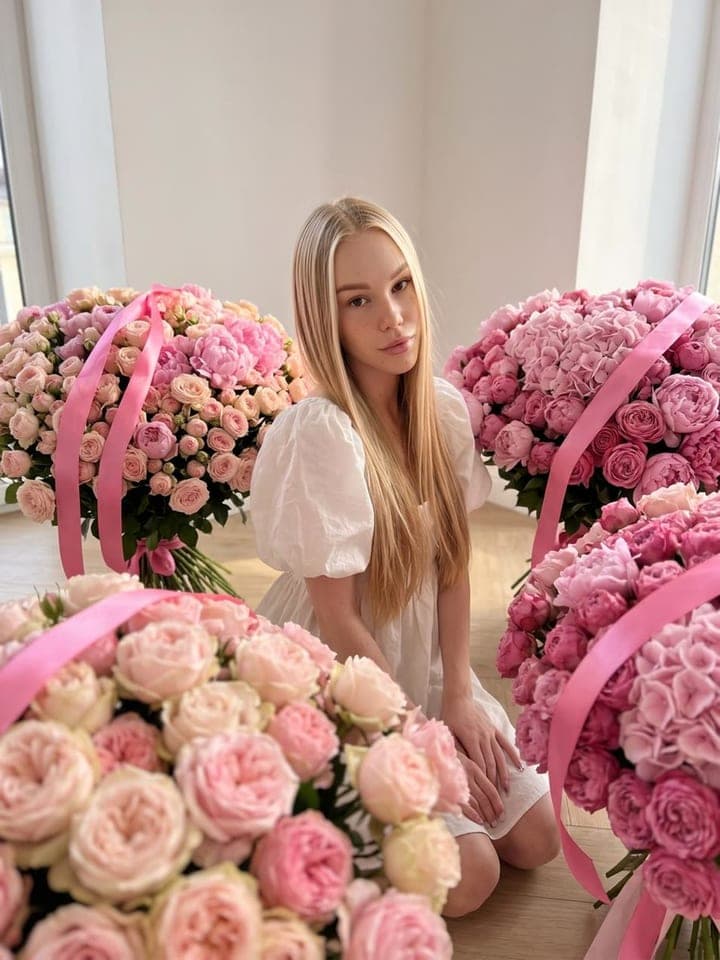
Example result. Yours is made from your own photo.
A realistic photo from your selfie: you kneel in a bright white room in a white summer dress, sinking into at least three huge bouquets of pink peony-like roses, hydrangeas and peonies with satin ribbons. Instagram-influencer light, no text.
1 photo
per result
Shapes: 9:16 · 3:4 · 4:5. Example shown in 3:4. How photos are counted
How to make an AI flower photoshoot from a selfie
An AI flower photoshoot takes one selfie here: upload it to In a Cloud of Bouquets and you get a realistic photo of you kneeling in a bright white room, in a white summer dress with puff sleeves, sinking into at least three huge bouquets of pink roses, peonies and hydrangeas. A run costs 1 photo on the Free plan, and new accounts start with 3 free photos that carry a watermark.
- Upload a selfie with your hair down. The template asks to keep its length, color and styling as in the photo and also wants it loose, so with an updo or a ponytail those two requests contradict each other.
- Create the image (1 photo). The room, the dress, the flowers and the ribbons are part of the template, and none of them can be swapped.
- Check the picture in My creations. The front bouquets overlap you at the bottom by design; a second run arranges the flowers differently if you want to compare.
What exactly is in the frame?
Each bouquet is almost as big as you: soft pink peony-like roses, spray roses, hydrangeas and peonies, from creamy to bright saturated pink, packed so densely that the greenery barely shows. Wide bright-pink satin ribbons hang from them with no lettering, so there's no shop name to blur out before posting. Daylight from a large window keeps the room warm and airy, and the closest bouquet is slightly out of focus, as it would be on a phone camera.
What can you use it for?
- A birthday post when the real flowers were one bouquet, not three.
- A Valentine's Day or anniversary picture with a soft, bright mood.
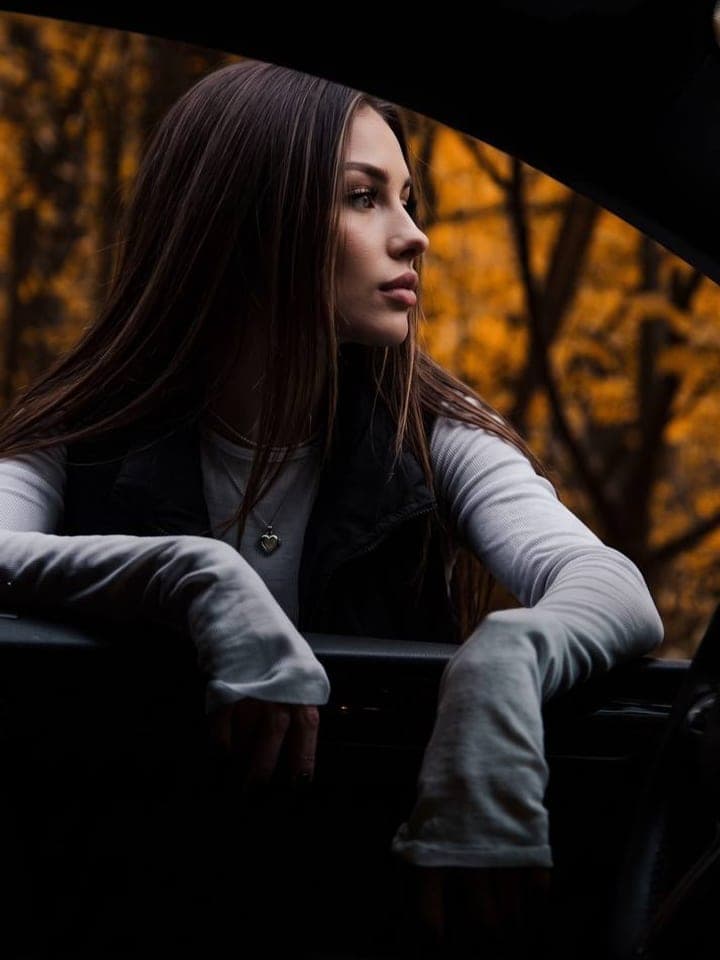
- A light counterpart to darker shots on your grid, such as From the Car Window from the same selfie.
How do I get a better result?
- A relaxed face works best. The scene asks for a calm, tender look softly into the camera, which is closer to a quiet smile than to a big laugh.
- Upload the photo straight from the camera roll. The template keeps a light natural skin texture, and a smoothing filter in the original would carry into the result.
- Your clothes don't matter: whatever you wear in the selfie is replaced by the white puff-sleeve dress.
What goes wrong most often?
- Looking for a color option. Every flower stays in shades of pink; for another palette, this isn't the template.
- Expecting a full-length fashion shot of the dress. You kneel among the bouquets and the front ones overlap you at the bottom of the frame.
What you need
Your selfie
Close-up, daylight, one face. No filters or sunglasses.
Works well
- Your face close to the camera, looking straight in
- Daylight from a window in front of you
- Only you in the frame
Avoid
- Sunglasses, masks or hair over your eyes
- Beauty filters and heavy edits
- Dark rooms and photos taken from far away