Rhinestones on Your Face
AI photo template · from 1 photo
Three frames, your face covered in colorful rhinestones, hard flash.
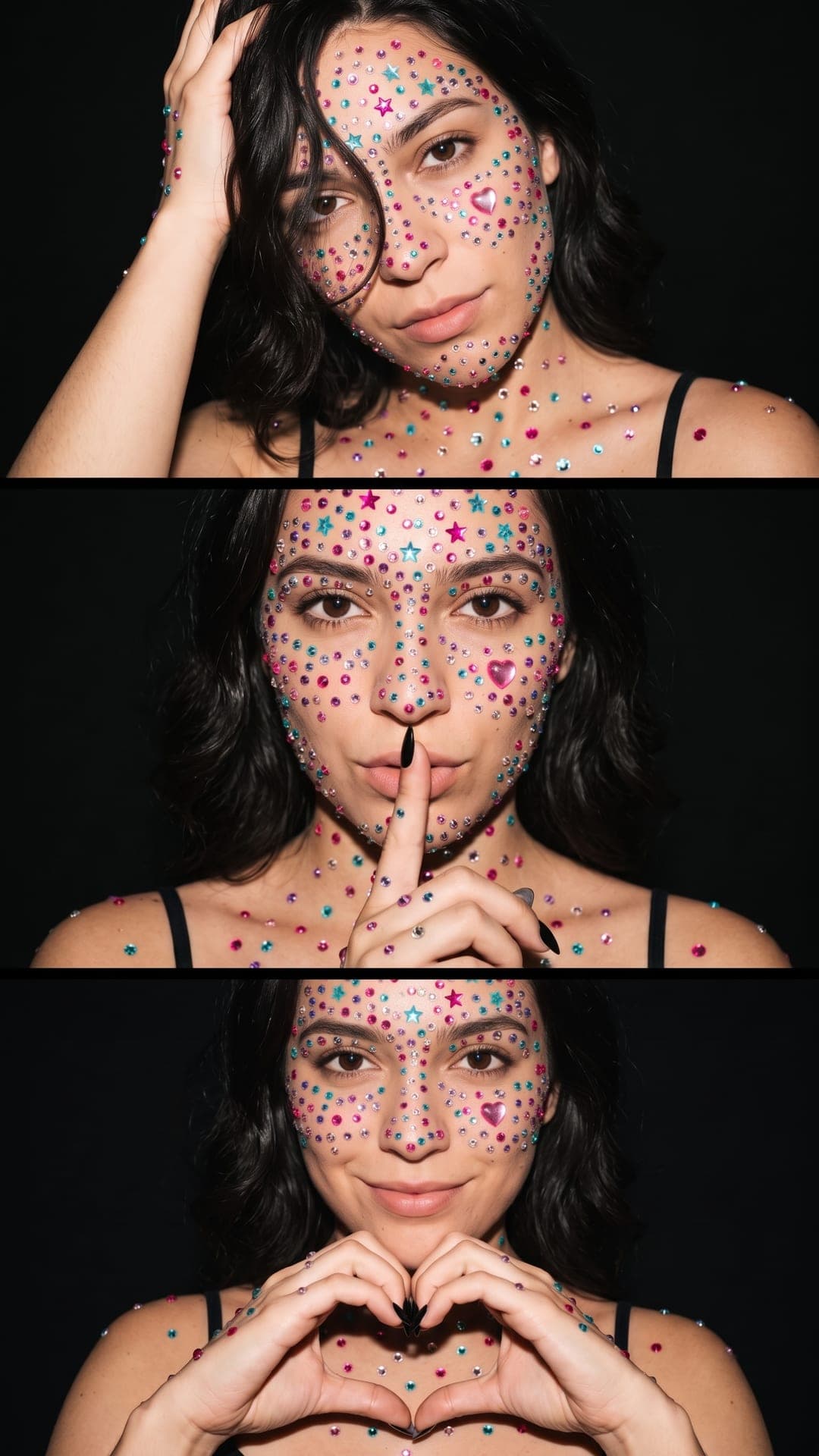
Example result. Yours is made from your own photo.
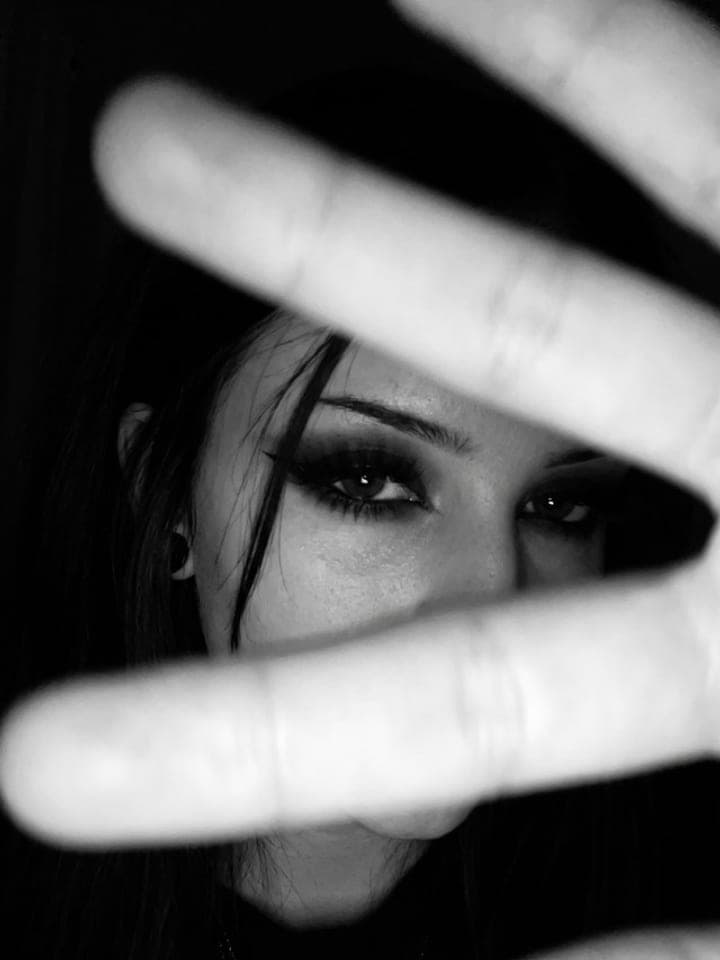
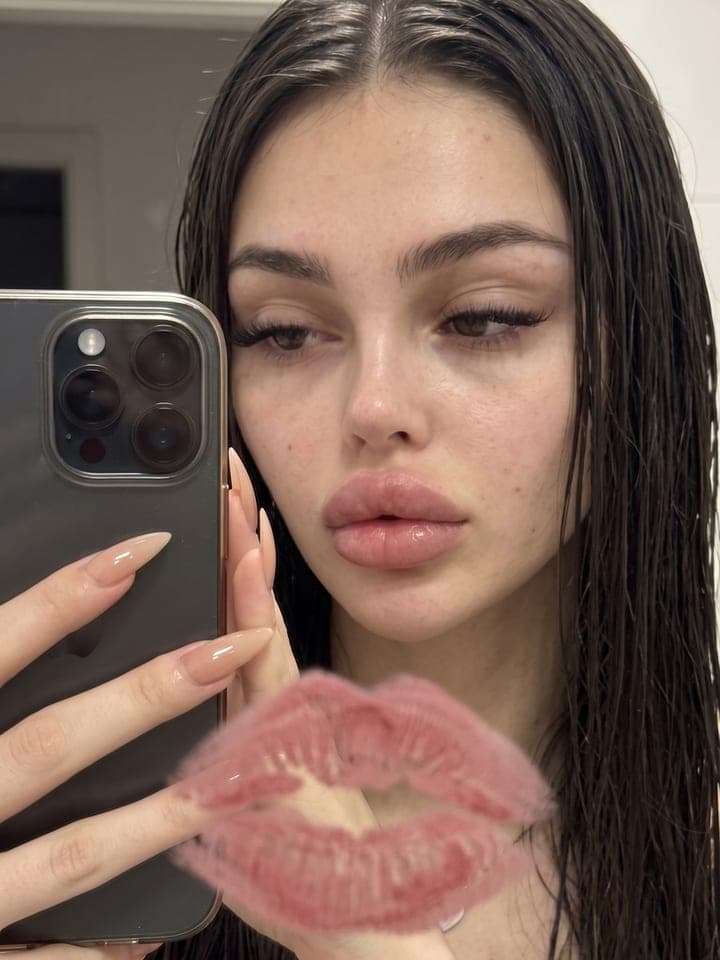
A vertical triptych from your selfie: dense Y2K rhinestones, hearts and stars over your face, a hush pose with a finger to the lips and a heart made with your hands. Black background, Canon G7 X flash look.
1 photo
per result
Output: Vertical 9:16. How photos are counted
How to make a rhinestone face photo with AI
For a rhinestone face photo without gluing on a single gem, upload one selfie to Rhinestones on Your Face: a run costs 1 photo and works on the Free plan. It returns one tall 9:16 image split into three frames of you, your forehead, cheeks, nose and lips covered in colorful crystals with pink and purple hearts, stars and flowers, against a charcoal-black background under a hard compact-camera flash. The template asks to keep your hair as it is in the selfie.
- Upload a front-facing selfie. The over-the-shoulder and hush poses are built from that one picture, so you don't need shots from other angles.
- Run it for 1 photo. The poses, the crystals and the black backdrop are fixed, so there is nothing to place or pick.
- Download the tall image from My creations and post it whole as a story, or crop it into three frames for a carousel.
What happens in each of the three frames?
Frame one is over the shoulder: you are turned away and looking back at the camera, one hand in your hair, the shoulder partly in front of your face. Frame two faces the lens, one index finger held upright against slightly parted, glossy lips, with a glossy black manicure. Frame three is the boldest: both hands form a big heart in front of your face, one eye looking through it, and the stones continue onto your fingers, shoulders and collarbones.
The styling mixes Y2K rhinestone beauty with the flash of a small digital compact: warm-neutral skin, visible pores, a little film grain, soft bloom and a dark, moody grade, so the stones catch the light while the skin stays real. For a different take on the same camera, the Canon G7X effect gives a photo you already have warm, golden G7X processing and leaves your pose and clothes as they are.
What can you use it for?
- A story or reel cover: the 9:16 frame fills a phone screen without cropping.
- A three-slide carousel, each frame cropped out and posted in order.
- A rough reference for a makeup artist planning face gems for a party or a festival.
How do I get a better result?
- Keep heavy makeup off in the selfie. Crystals cover most of the face, and glitter or a bold lip in the original competes with them.
- Show your hair. In the first frame you look back over your shoulder with one hand in your hair, and the template asks to keep its color, length and texture as in your photo.
- Nail length in your photo doesn't matter: the black manicure is part of the look in frames two and three.
What goes wrong most often?
- Expecting three separate files. It is one image with three frames stacked, and splitting it is up to you.
- Uploading a photo with a second face close behind you. The triptych repeats one person three times and needs a selfie with only you in it.
What you need
Your selfie
Close-up, daylight, one face. No filters or sunglasses.
Works well
- Your face close to the camera, looking straight in
- Daylight from a window in front of you
- Only you in the frame
Avoid
- Sunglasses, masks or hair over your eyes
- Beauty filters and heavy edits
- Dark rooms and photos taken from far away