Ghibli-Style Portrait
AI photo template · from 1 photo
Your photo as a hand-painted frame from a Japanese animated film.
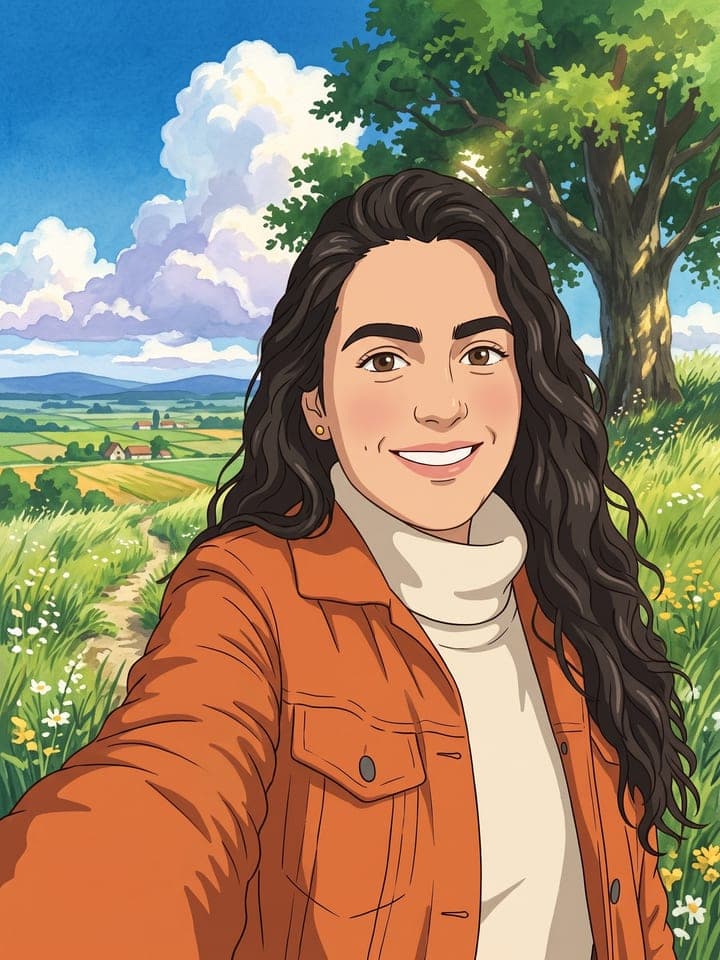
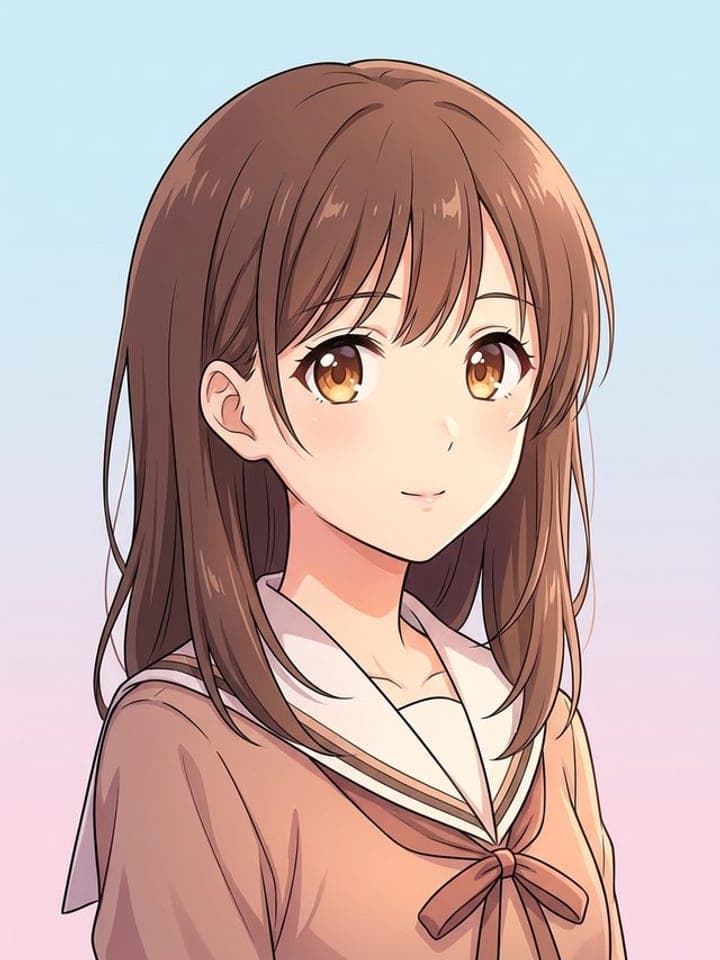
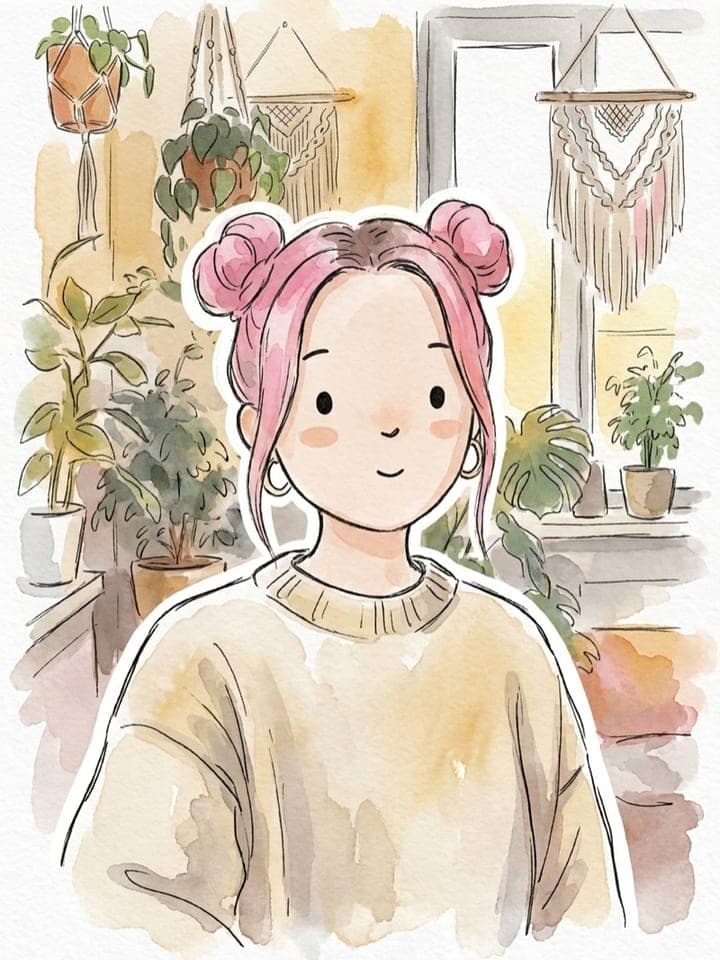
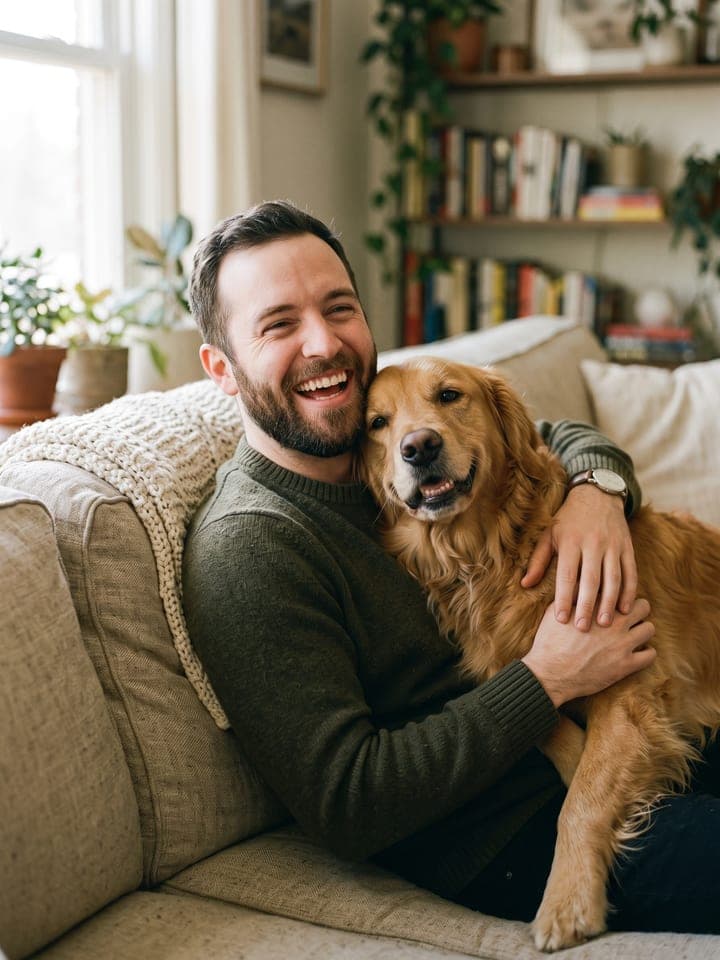
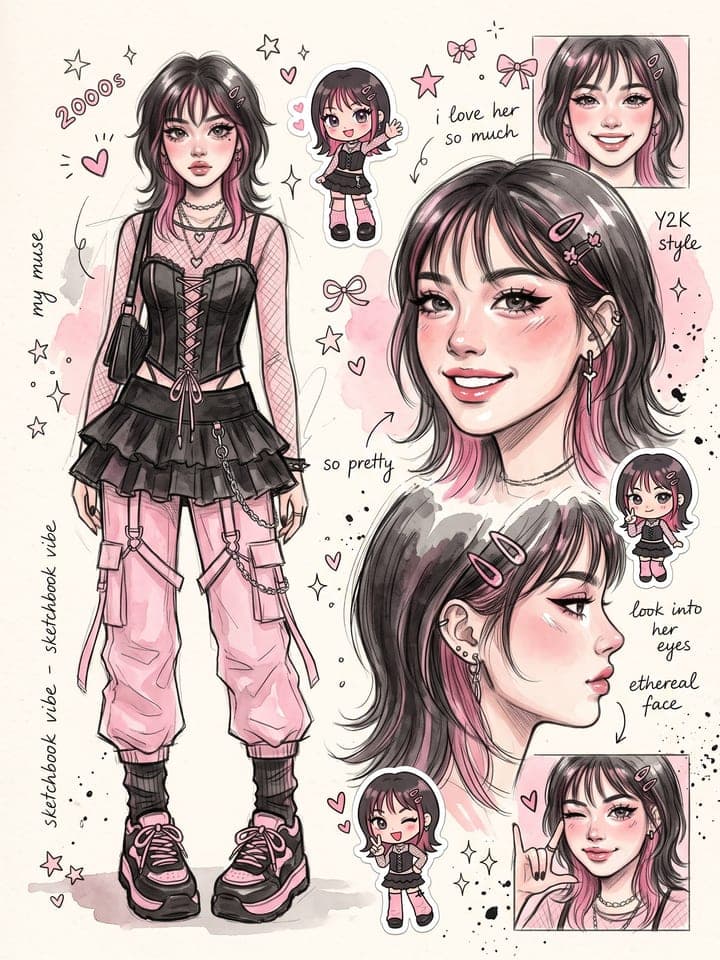
Example result. Yours is made from your own photo.
The Ghibli filter trend from one photo: you redrawn as a frame from a hand-painted Japanese animated film, with your face, pose and outfit kept, soft cel colors and a watercolor sky full of towering clouds. Upload a photo of you alone, the two of you, or you with your dog or cat, then pick a summer meadow, a seaside town, a rainy street at dusk, or your own background.
1 photo
per result
Shapes: 9:16 · 3:4 · 4:5 · 1:1 · 4:3 · 16:9. Example shown in 3:4. How photos are counted
- It uses more than one person's photo. Upload only photos of people who agreed to it.
How to turn your photo into a Ghibli-style frame with AI
To try the Ghibli filter on a photo of your own, upload it to Ghibli-Style Portrait and pick a setting. It comes back as one frame from a hand-painted Japanese animated film: the same people in the same pose and clothes, painted into a summer meadow, a seaside town, a rainy street or your photo's own place. It takes a solo shot, a couple photo or a picture with your dog or cat. Each run costs 1 photo on the Free plan, and a new account starts with 3 free photos.
- Add one picture to Your photo. Its framing carries over: a close selfie stays a close portrait, and in a full-length shot the faces stay as small as they were.
- Pick the Setting: Countryside meadow (the default), Seaside town, Rainy street, or My own background, which repaints your photo's place instead of replacing it.
- Confirm that everyone in the photo agreed to it, then press Create (1 photo).
How close does it get to the film look?
The backgrounds get closest: gouache and watercolor brush texture, layered greens, cumulus clouds with lilac-grey undersides, a light film grain. Faces get thin warm-brown lines and flat color but keep some realism on real photos, such as a lightly shaded nose and colored lips, instead of the films' simplified character design. The template pins eye shape and eyelids (monolid eyes are not to be widened), eye color, hair shade, glasses and age. In our final runs they held, apart from the red-hair slip described below, and anyone past forty keeps a few simple age lines.
The filter trend spread with couple selfies, pets and family photos redrawn in this style. Outwow isn't affiliated with Studio Ghibli: the name describes the look, and nothing from any film is drawn.
What can you use it for?
- An anniversary picture of the two of you on a windy summer hillside.
- You with your cat or dog, keeping the animal's real markings.
- A trip photo repainted in place with My own background, so the harbor or porch stays where it was.
What does an example run look like?
- AI-generated sample input
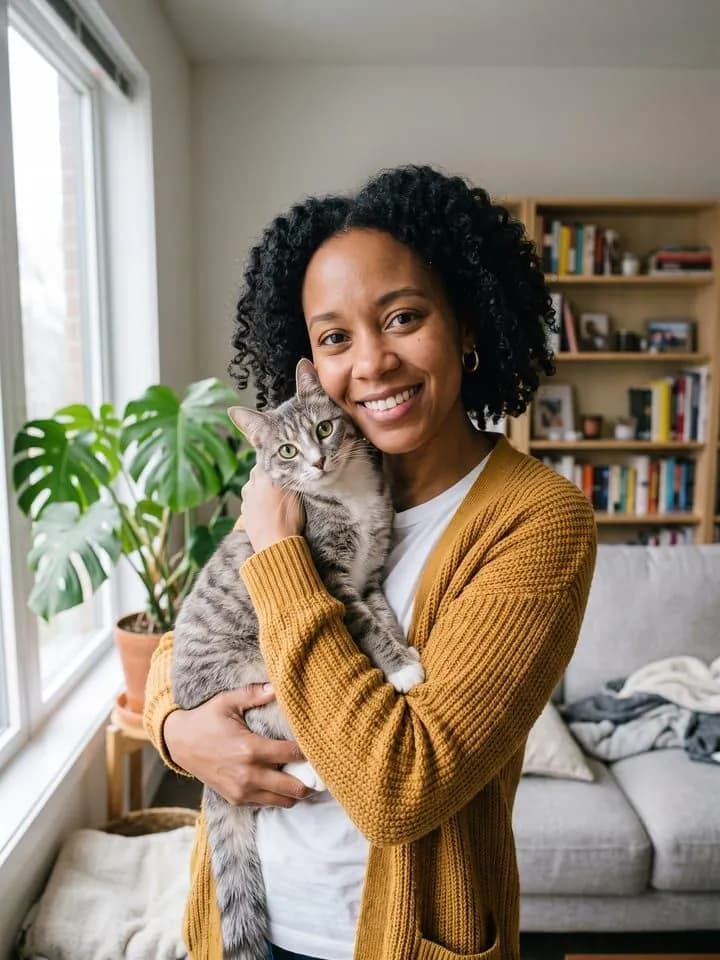 Result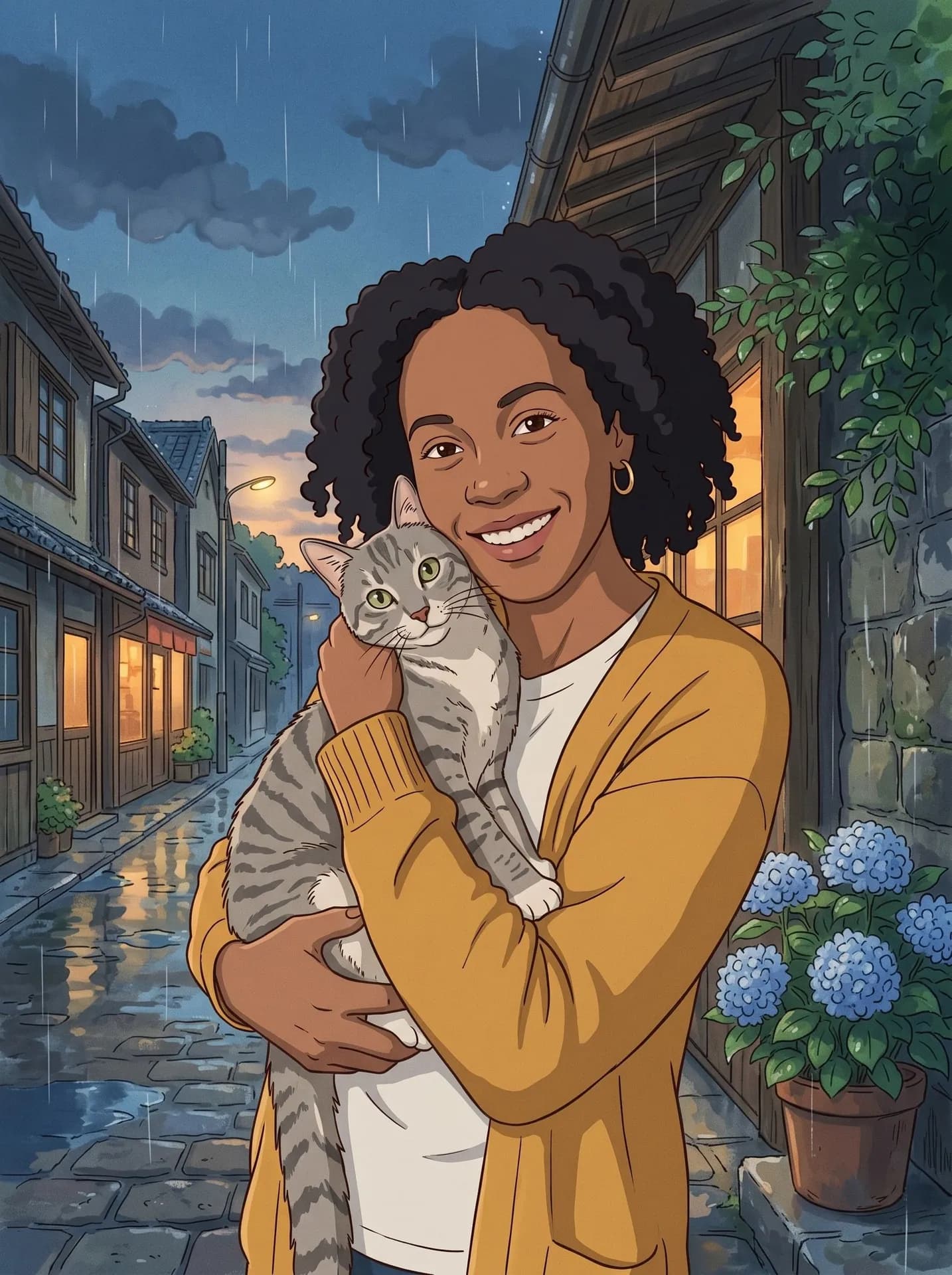
Rainy street, made from the synthetic test photo on the left. The tabby kept its stripes and green eyes, held the same way, and no freckles were added. - AI-generated sample input
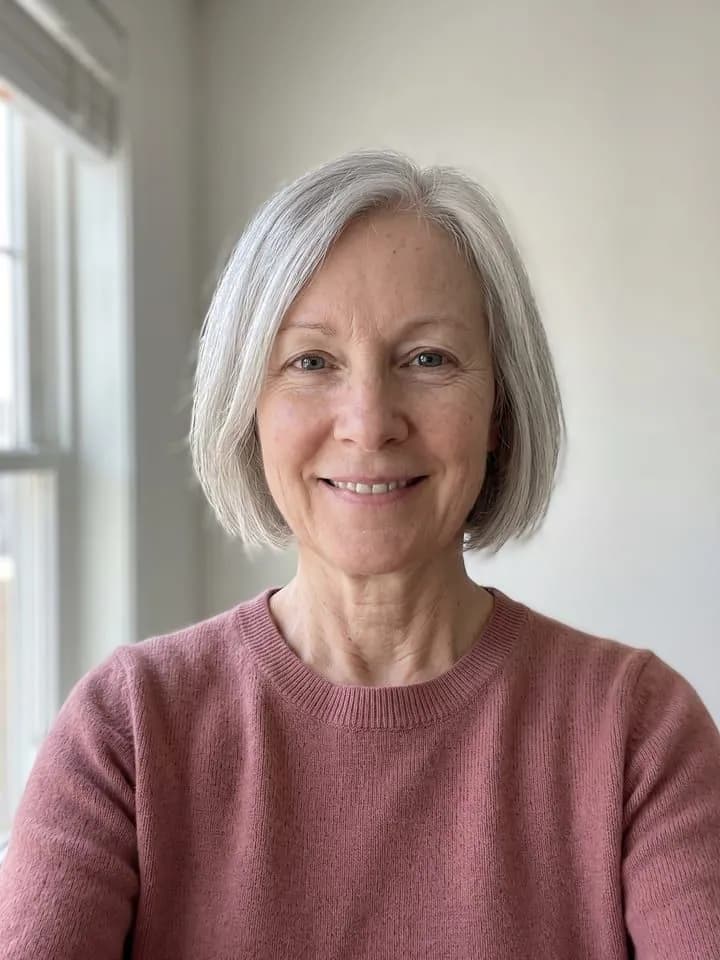 Result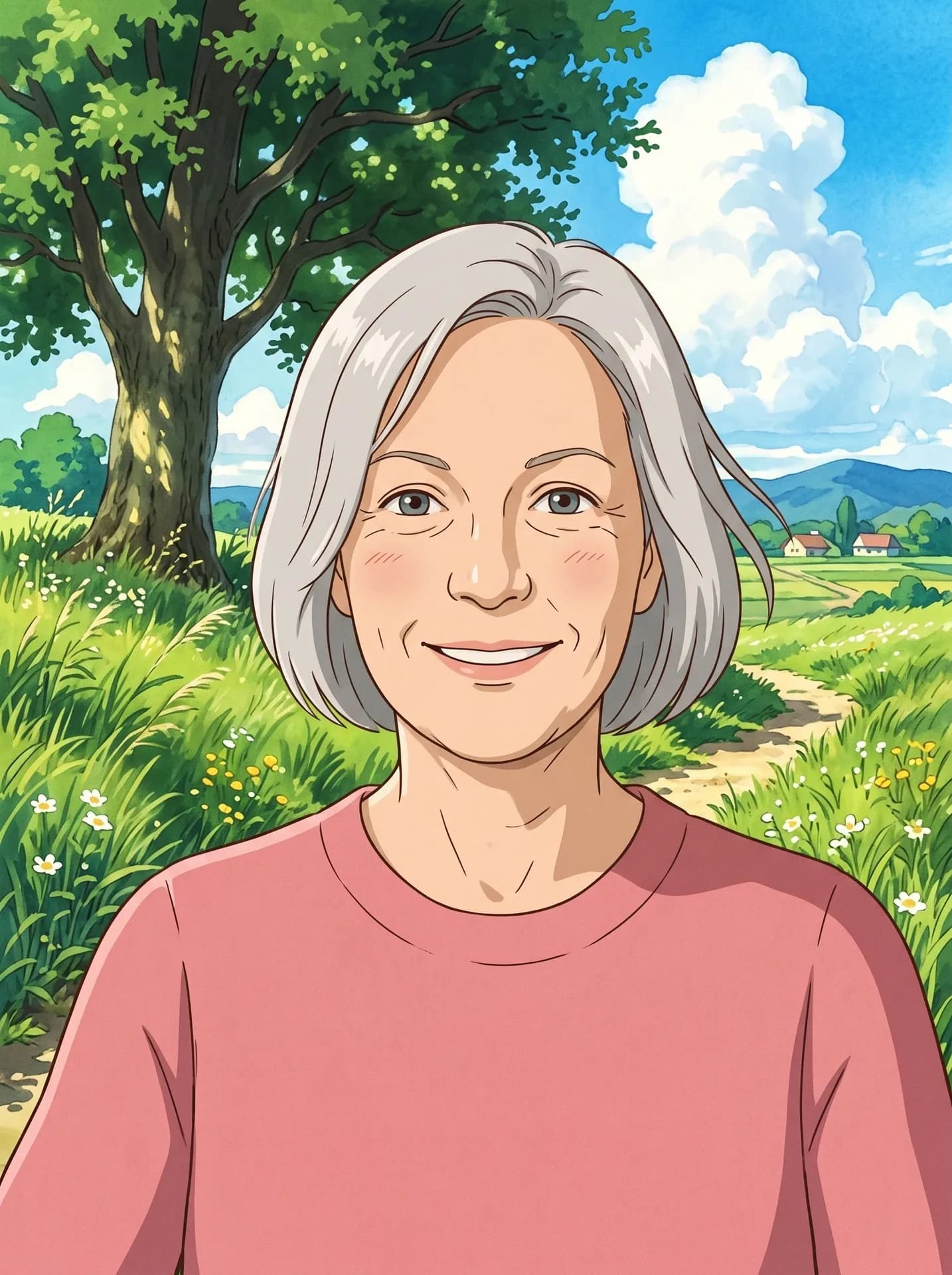
Countryside meadow, from the synthetic selfie of a woman around sixty. Her eye lines and crow's feet stayed; the most film-like face of our final round.
Which photo should I upload?
- Crop out anyone you don't want painted. Passers-by and blurred strangers are dropped, but everyone posing in the foreground stays.
- Your pet has to be in this same photo; it is never added from a second picture. With only separate photos of you and your pet, Me and My Pet puts the two together, photoreal.
- Sitting on a chair is fine: in the three painted settings the seat is meant to become a low stone wall, a bench or a few steps so the pose survives (seated photos are untested, so check it).
- With My own background, the time of day and the weather stay as in the photo, so a night shot stays a night scene. Signs, book spines and logos on clothes lose their words.
What goes wrong most often?
- Searching for a moving clip. This makes one still frame, not a video.
- Expecting the face an animator would draw. For a fully drawn character bust on a gradient, Anime Portrait is the closer fit.
- Keeping a result where strawberry-blonde hair went orange. In one of three couple test runs it turned saturated orange with denser freckles; the other two kept the pale golden-red. Run it again.
What you need
Your photo
You alone, the two of you, or you with your pet. Faces clearly visible, good light.
- You pick the setting
- Countryside meadow, Seaside town, Rainy street, My own background
Works well
- A sharp photo with the face clearly visible
- Good, even light
Avoid
- Blurry photos and heavily compressed screenshots
- Faces hidden by hands, hats or shadows