Your Winx Fairy
AI photo template · from 1 photo
Viral trend: a detailed Winx fairy profile from your photo.
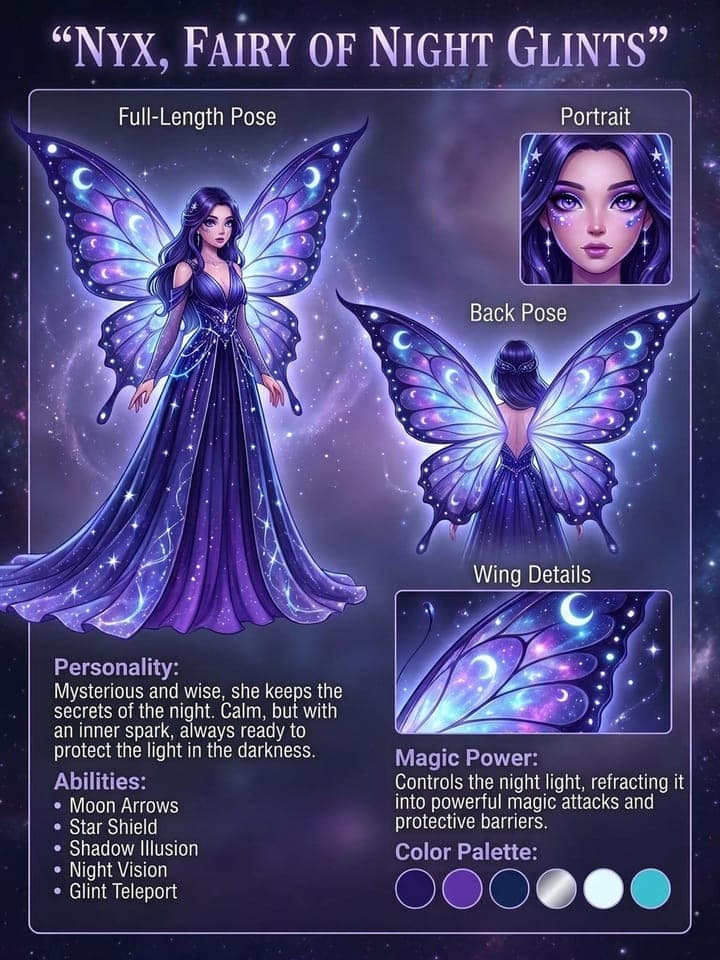
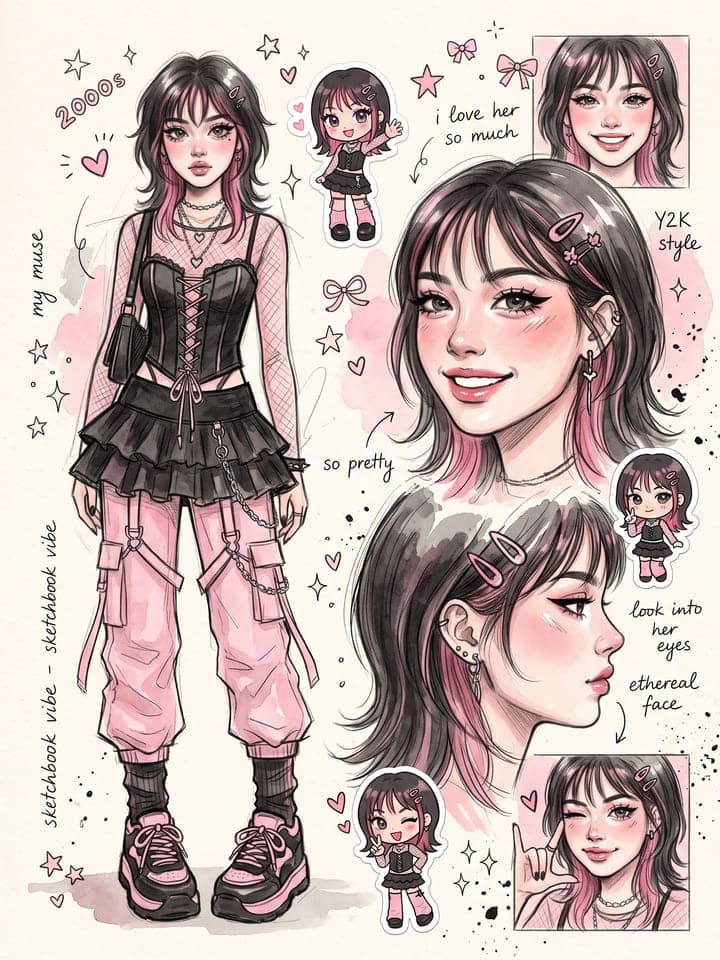
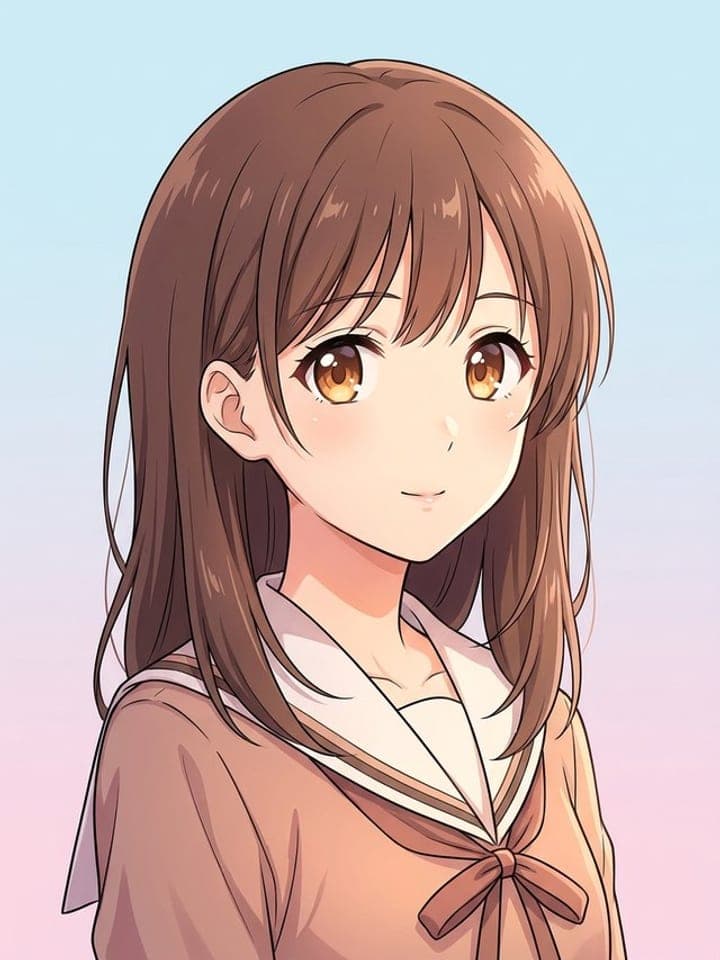
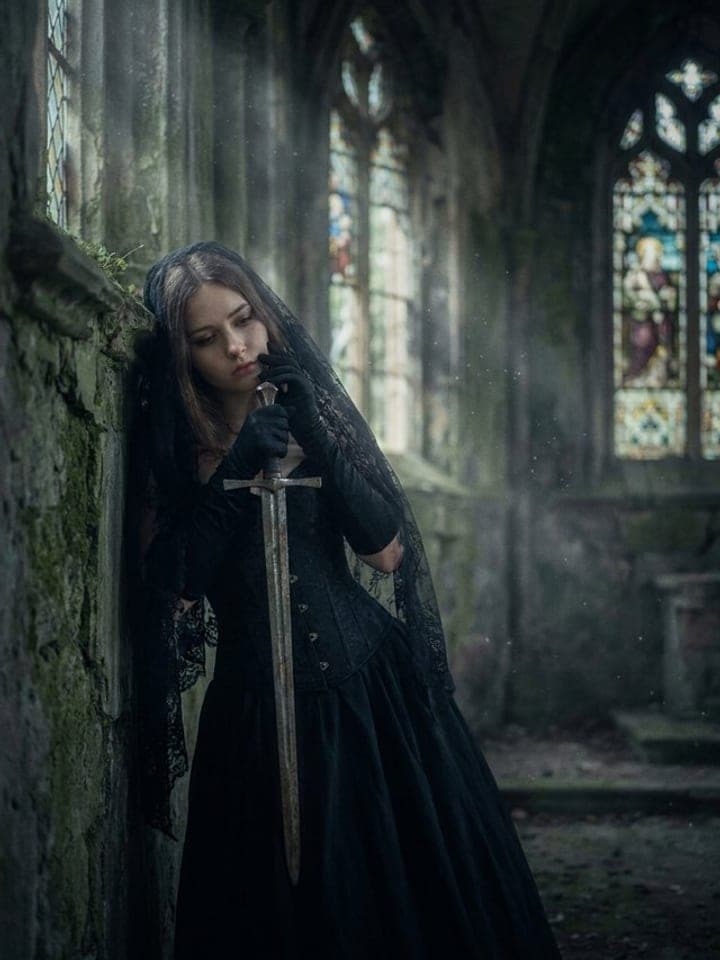
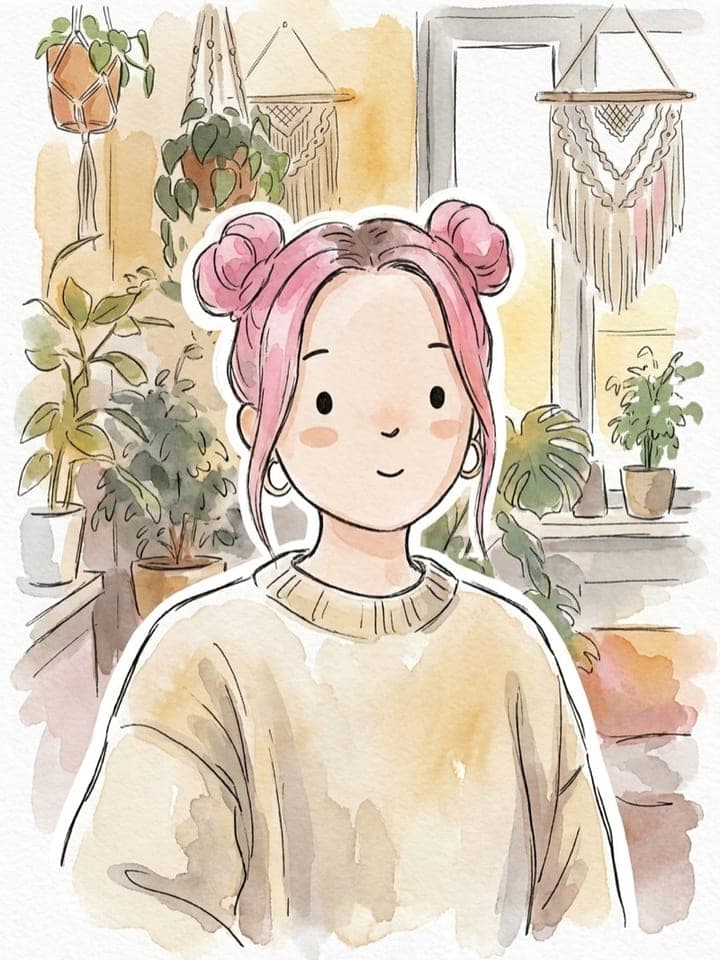
Example result. Yours is made from your own photo.
An original fairy in the style of Winx Club, drawn from your photo: a fairy name and title, a magic power, full-length and back poses, wing details, personality, abilities and a color palette. The whole sheet is colored to match your power.
1 photo
per result
Output: Portrait 3:4. How photos are counted
How to make a Winx fairy character sheet from your photo
To turn yourself into a Winx fairy with AI, upload one close-up selfie to Your Winx Fairy: 1 photo per run on any plan, and a new account's first 3 photos are free. You get a vertical character reference sheet drawn in a detailed, semi-realistic Winx Club style: an invented fairy name and title, a magic power, a full-length pose in a transformation dress, a back view with spread wings, a face portrait, a wing close-up, and short Personality, Abilities and Color Palette blocks.
- Take a close-up selfie by a window, facing the camera, with your hair worn the way you like it. The sheet copies your eye shape and eye color, hair color, hair length and skin tone, so the fairy gets what the photo shows.
- Add it to Your selfie and start the run (1 photo). Nothing needs choosing: the name, the power and the colors are all invented along the way.
- Download the sheet from My creations. To use only the face, crop the Portrait block; keep the full sheet for a post or a costume plan.
Why is the whole sheet one color family?
In Winx Club each fairy has her own power, such as fire, nature or music. This template builds your whole sheet around one invented power: it first picks a power for you, then paints the background, the glow, the dress and the wings in a matching palette: light gives gold and warm tones, twilight gives violet and indigo, fire gives scarlet, water and ice give turquoise, nature gives emerald. The mood stays dark and elegant, with stardust and a soft glow around the figure. Your features are kept in every run; the power, costume, wings and palette are what change.
What can you use it for?
- A costume reference for Halloween or cosplay: the front and back poses show the dress and the wing shape from both sides.
- A group-chat game where each friend runs their own selfie and you compare fairy names, powers and palettes.
- A profile picture cropped from the Portrait block, with the full sheet saved for a carousel.
Which selfie makes a better fairy?
- Let your hair down if you want long fairy hair. Length is copied, and a tight bun hides the length the drawing is told to keep.
- Skip colored contacts and tinted filters unless you want them in the drawing. Eye color and skin tone carry over, and so does a filter's tint.
- Don't dress up for it. The sheet puts you in a transformation gown with large butterfly wings, so a T-shirt selfie works as well as an evening look.
What goes wrong most often?
- Trying to choose the power or the palette. There is no option for either; to get a different element, simply run it again.
- Expecting a screenshot from the show or a flat kids' cartoon. The character is original and drawn with fine detail and big expressive eyes; for a classic anime look, use Anime Portrait.
- Posting without reading the text. The headings are fixed, but the personality lines and ability names are written fresh every time, and generated lettering can drop or swap a letter.
What you need
Your selfie
Close-up, daylight, one face. No filters or sunglasses.
Works well
- Your face close to the camera, looking straight in
- Daylight from a window in front of you
- Only you in the frame
Avoid
- Sunglasses, masks or hair over your eyes
- Beauty filters and heavy edits
- Dark rooms and photos taken from far away