Heart-Shaped Hair
AI photo template · from 1 photo
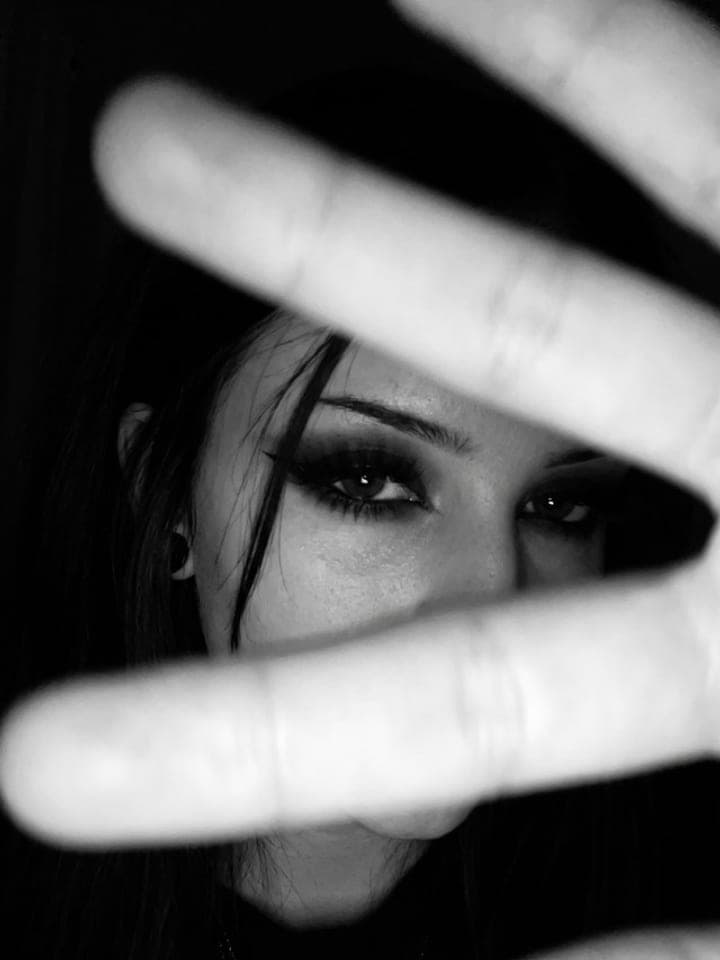
Dramatic B&W art portrait: your hair laid out in hearts on the sheets.
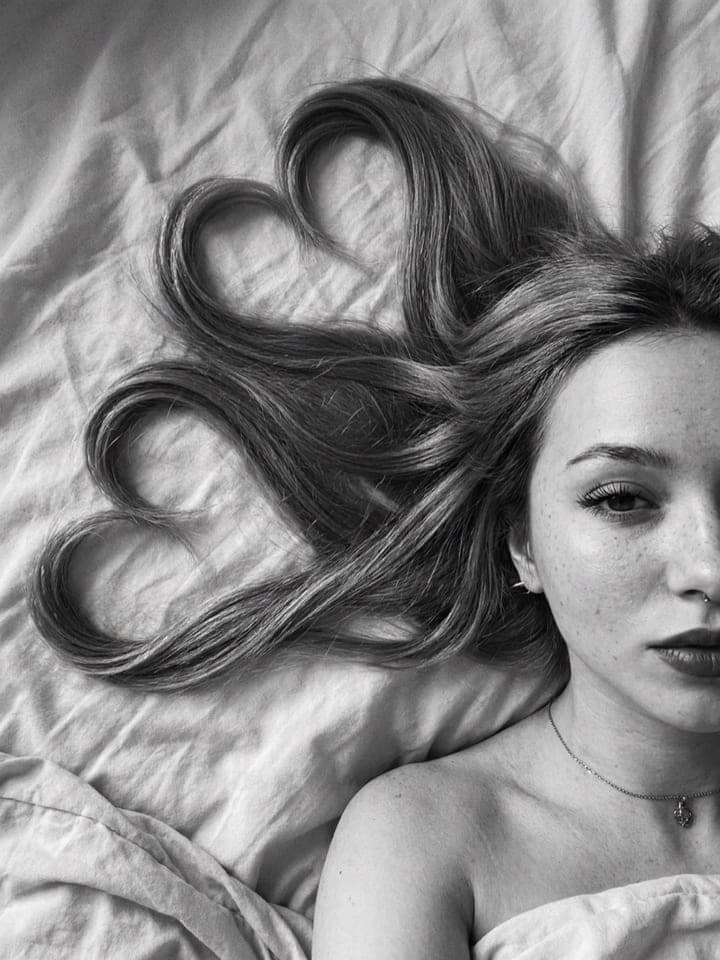
Example result. Yours is made from your own photo.
A black-and-white art portrait shot from above: you lie on crumpled light bedding, your long hair curled into two or three clean hearts. Soft window light, film grain, dreamy melancholy.
1 photo
per result
Shapes: 9:16 · 3:4 · 4:5. Example shown in 3:4. How photos are counted
How to make a heart-shaped hair photo with AI
To make a heart shaped hair photo with AI, upload one selfie to Heart-Shaped Hair: 1 photo per run on the Free plan, and a new account's 3 free photos are enough to try it. You get a black-and-white art portrait shot from straight above: you lie on crumpled light bedding, long hair spread out and curled into two or three clean hearts, in soft window light with film grain.
- Upload a selfie with your face clear and turned toward the camera. Freckles, brow shape and lip shape are copied from it.
- Run it for 1 photo. The hearts, the bedding and the black-and-white grade are set by the template.
- Count the hearts when it's ready. The template aims for two or three with smooth, complete outlines; if one looks broken, a second run lays the hair out again.
Why is this shot hard to take for real?
A real version usually takes long hair, a helper to shape the strands into hearts, and a camera held straight above the bed, often from a chair or a step ladder, while the model lies still. One turn of the head and the hearts lose their shape, and the photographer's own shadow easily falls across the frame.
The template skips the setup. Your face sits in the right third of the frame in three-quarter view, with a calm, languid look up into the lens; the hearts fill the space to the left and above; your shoulders are covered by fabric or hair. A thin chain with a pendant, open lashes and dark lips that read as deep grey finish the picture.
How do I get a better result?
- Short hair isn't a problem. The hearts need long hair, so the template gives you long hair whatever length you have now.
- Keep freckles visible in the selfie if you want them in the portrait; a smoothing filter would erase what the template is told to keep.
- For an upright monochrome close-up in a strict black blazer under studio light, see the AI black and white portrait.
What goes wrong most often?
- Expecting any color. Even the lips come out grey, and there is no color version.
- Uploading a profile shot. The face is shown in three-quarter view looking up at the lens, which needs both eyes to work from.
What you need
Your selfie
Close-up, daylight, one face. No filters or sunglasses.
Works well
- Your face close to the camera, looking straight in
- Daylight from a window in front of you
- Only you in the frame
Avoid
- Sunglasses, masks or hair over your eyes
- Beauty filters and heavy edits
- Dark rooms and photos taken from far away