One Whole 💔
AI photo template · from 2 photos
One frame of two halves: your photo and your pet's.
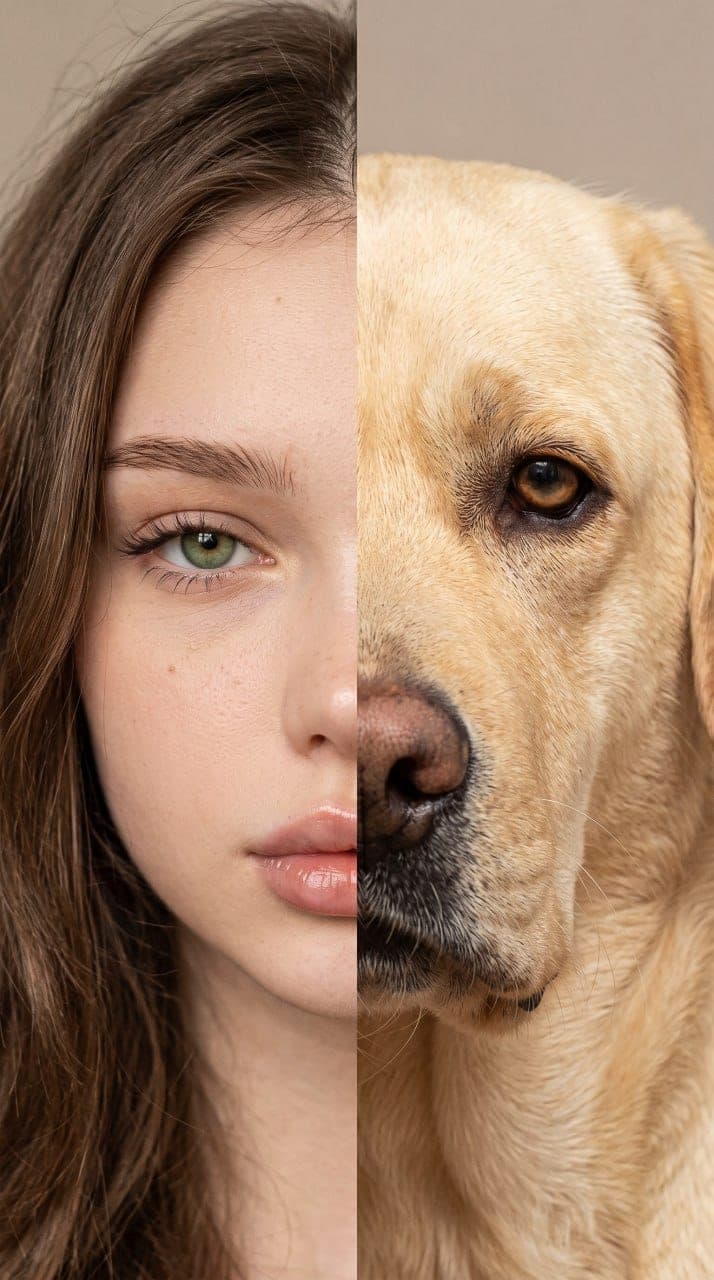
Example result. Yours is made from your own photo.
One vertical photo split down the middle: the left half is your face, the right half your pet's, matched eye to eye, nose to nose and mouth to lips so they read as one face. Upload your photo first, then your pet's.
1 photo
per result
Shapes: 9:16 · 3:4 · 4:5. Example shown in 9:16. How photos are counted
How to make a half-face photo with your pet
For the half face with my pet trend, upload a close-up of yourself first and a photo of your cat or dog second to One Whole: 1 photo per run on any plan, and the first 3 photos on a new account are free. You get one vertical photo split down the middle, your face on the left and your pet's on the right, scaled so your eye, nose and lips line up with its eye, nose and mouth.
- Upload your photo to Your photo: a close-up facing the camera in daylight. This slot always becomes the left half.
- Add your pet to Your pet's photo, ideally looking straight at you with both eyes and the nose in view. Only the right half of its face is used, cut along the middle of the nose.
- Press Create (1 photo). The split down the middle, the soft even light and the warm neutral tone come with the template and can't be changed.
How are a human face and a muzzle lined up?
The template matches the halves at three heights: your eye and your pet's eye sit level and come out the same size, the two noses sit level, and the pet's mouth line meets the line of your lips. To make that work, the pet's head is scaled up until it fills its half from the top edge to the bottom and out to the right edge, as big as your face, with no background showing around it.
Both halves are asked for the same soft, diffused light, the same warm neutral tone and the same sharpness, so a kitchen selfie and a garden pet photo can meet at one seam; look at the join before you post, and run again if one side is brighter. The finish is an ordinary photo with faint grain: clear, unairbrushed skin on your side, single hairs and whiskers on the pet's side, nothing that looks like a 3D render. The name says the idea: two halves, one whole.
What can you use it for?
- A profile picture for a pet account that shows owner and pet as one face.
- A full-screen Story or TikTok cover: at 9:16 it fills a phone screen.
- A print for the fridge door, next to the photos it was made from.
How do I get a better result?
- Photograph your pet head-on and at its eye level. The seam runs down the middle of its face, and a muzzle turned to the side has no clean center line to cut along.
- Get close to small pets. A kitten or a toy breed is enlarged to the size of a human face, so a shot where its head fills most of the frame keeps fur and whiskers sharp after scaling.
- Pull your hair away from your eye and brow. Your half keeps your own eye, brow, nose, lips and hair, and a fringe over the eye hides the point the pet's eye is matched to.
What goes wrong most often?
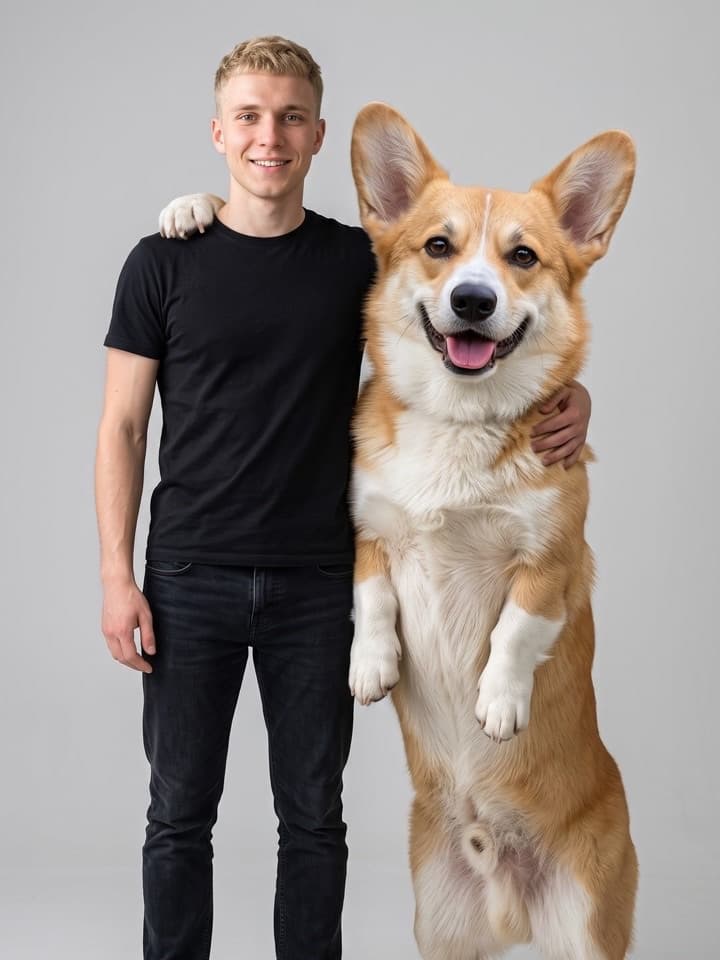
- Expecting the two of you side by side. That is Me and My Pet, which puts you and your dog or cat together in a park, at home or in a studio.
- Expecting a morph. The halves meet at a straight seam: your side grows no fur, and the pet's side keeps its own nose and whiskers.
- Using it with a partner instead of a pet. A face split with another person is Half Face with Your Boyfriend.
What you need
Your photo
Upload yours first: close-up, facing the camera, daylight.
Your pet's photo
Close-up in daylight, eyes visible. Small or dark photos can change the fur color.
Works well
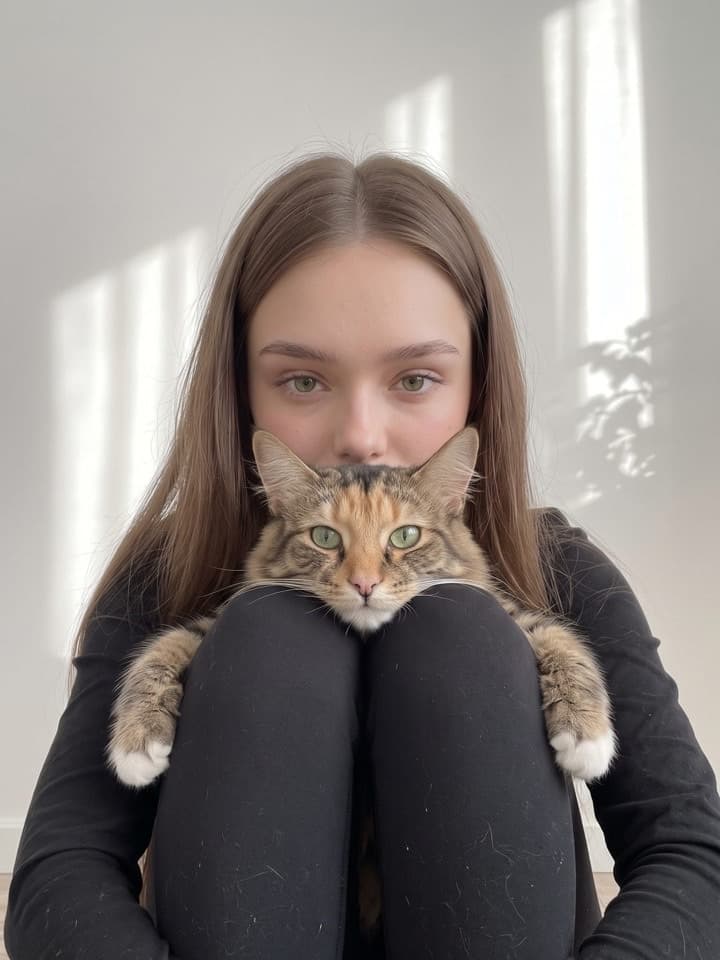
- Your face close to the camera, looking straight in
- Daylight from a window in front of you
- Only you in the frame
- Your pet's face close up, eyes open
Avoid
- Sunglasses, masks or hair over your eyes
- Beauty filters and heavy edits
- Dark rooms and photos taken from far away
- Dark or tiny photos: they can change the fur color