Royal Portrait With My Pet
AI photo template · from 2 photos
You and your pet as nobles in one gilded oil painting.
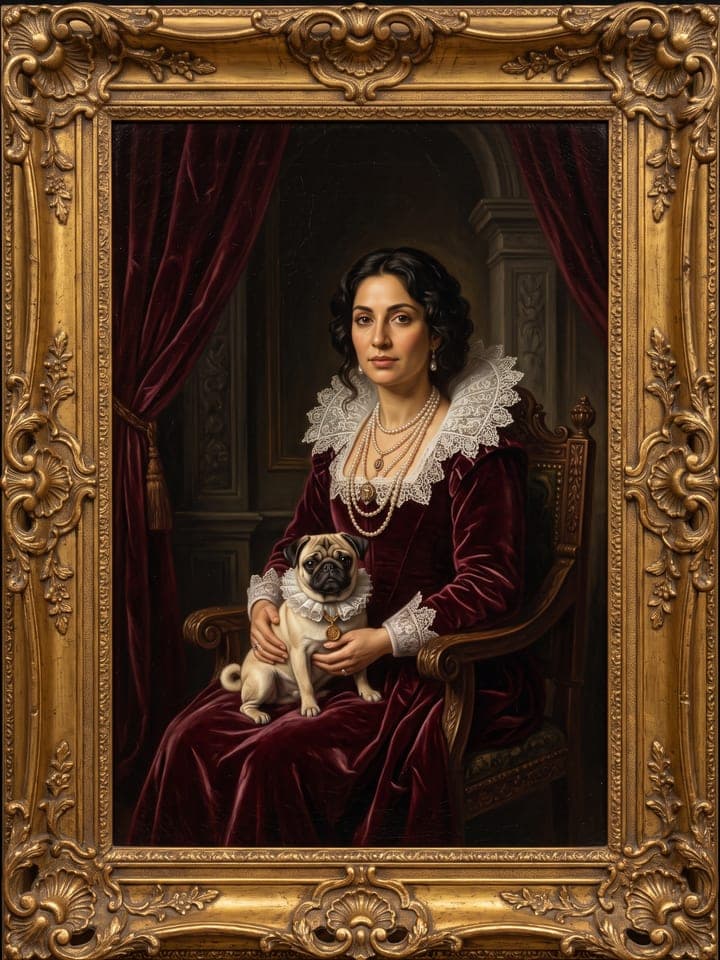
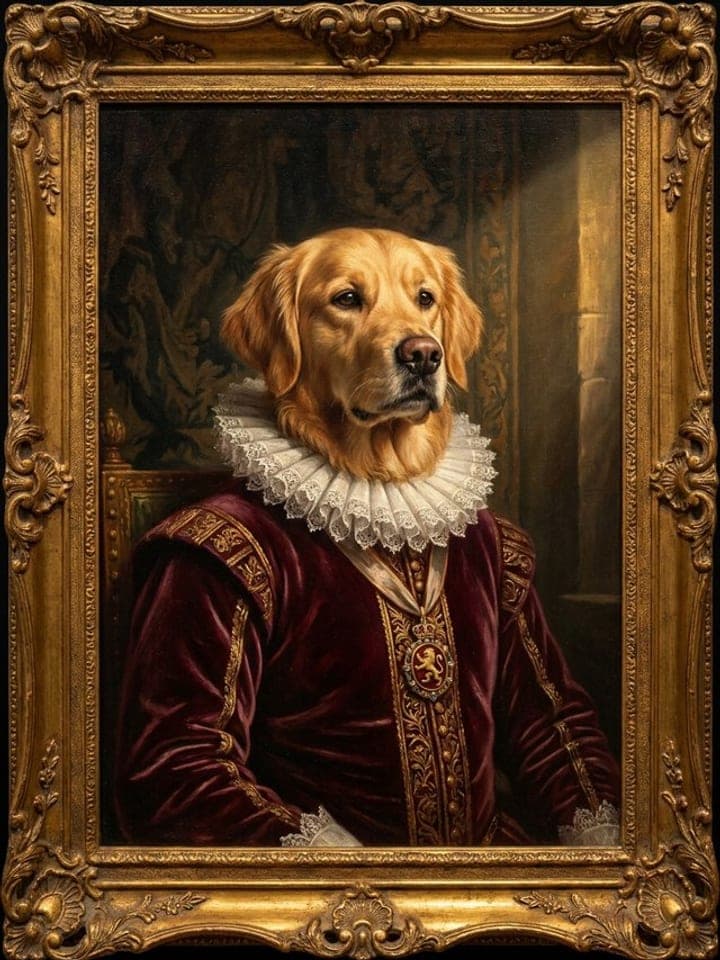
Example result. Yours is made from your own photo.
You and your pet together as nobility in an old-master oil portrait: you in velvet and lace, your pet in its own tiny royal attire, a dark palace backdrop and a heavy gilded frame. Both faces come from your photos.
1 photo
per result
Shapes: 9:16 · 3:4 · 4:5 · 1:1. Example shown in 3:4. How photos are counted
How to make a royal oil portrait of you and your pet with AI
For a royal portrait with my pet, upload a selfie and a photo of your dog or cat to Royal Portrait With My Pet: 1 photo per run on any plan, and new accounts get 3 free photos. You sit in a carved chair in velvet and lace, your pet on your lap or beside you in its own tiny cape or ruff, against a dark palace drape in a gilded frame. Both faces come from your photos.
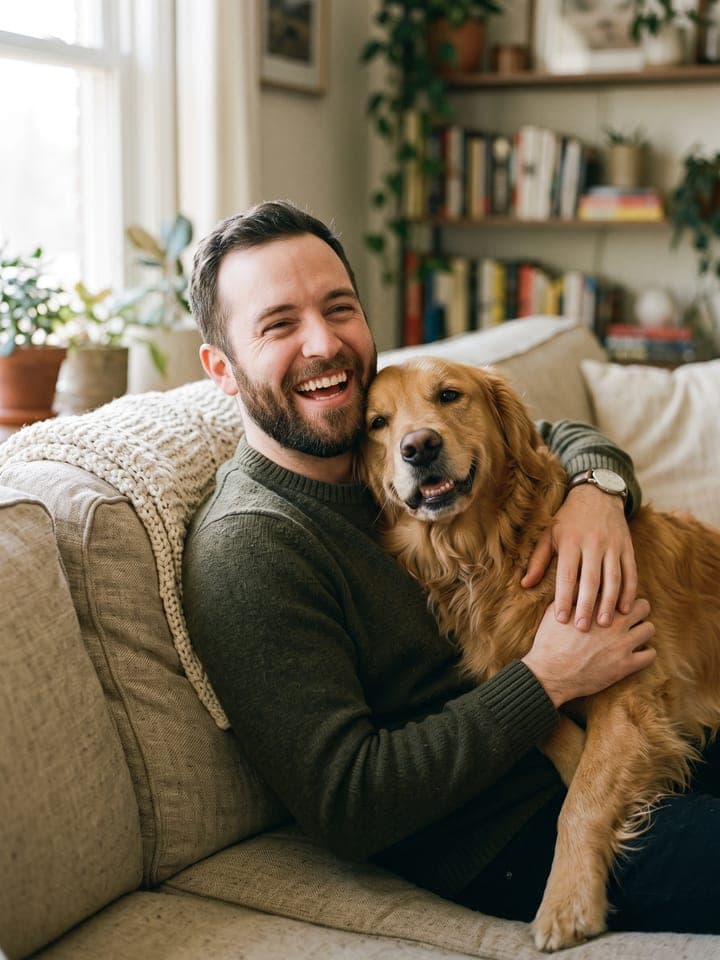
- Upload a close-up selfie in daylight to Your photo: one face, no filters or sunglasses.
- Upload a close-up of your pet with its eyes visible to Your pet's photo. The two photos can be taken on different days.
- Press Create (1 photo). The result is a three-quarter-length oil portrait; download it from My creations.
What can you use it for?
- A holiday or birthday gift for someone who talks about their dog more than their job.
- A framed portrait for the hallway, where a real sitting would never happen.
- A card for a new pet's first year at home.
How do I get a better result?
- Take the two photos in similar light if you can. The painting puts you both under one old-master light, and closer inputs blend more naturally.
- Your selfie sets your face; the outfit is replaced with period velvet in a deep jewel tone, so what you wear in the photo doesn't matter.
- Crop the pet photo to one animal. The portrait has room for exactly one pet next to you, and a second animal in the frame muddles which coat to paint.
- Hair color and skin tone stay as in your selfie. A photo with a strong color filter will carry that tint into the painting.
What goes wrong most often?
- Putting two people in the selfie. The portrait is made for one person and one pet; a second face in Your photo can end up in the wrong place.
- Wanting a portrait of the pet alone. Here you are always in the painting too; for your cat or dog as the only sitter, use Pet Aristocrat.
- Expecting a name or motto on the frame. The template leaves out text, plaques and signatures.
Guide: Royal Pet Portrait Ideas: Renaissance and Palace Oil Paintings of Your Pet
What you need
Your photo
Close-up, daylight, one face. No filters or sunglasses.
Your pet's photo
Close-up in daylight, eyes visible. Small or dark photos can change the fur color.
Works well
- Your face close to the camera, looking straight in
- Daylight from a window in front of you
- Only you in the frame
- Your pet's face close up, eyes open
Avoid
- Sunglasses, masks or hair over your eyes
- Beauty filters and heavy edits
- Dark rooms and photos taken from far away
- Dark or tiny photos: they can change the fur color