Pet Photo With Santa
AI photo template · from a pet photo
Your pet with Santa: on his lap, by the tree or in his gift sack.
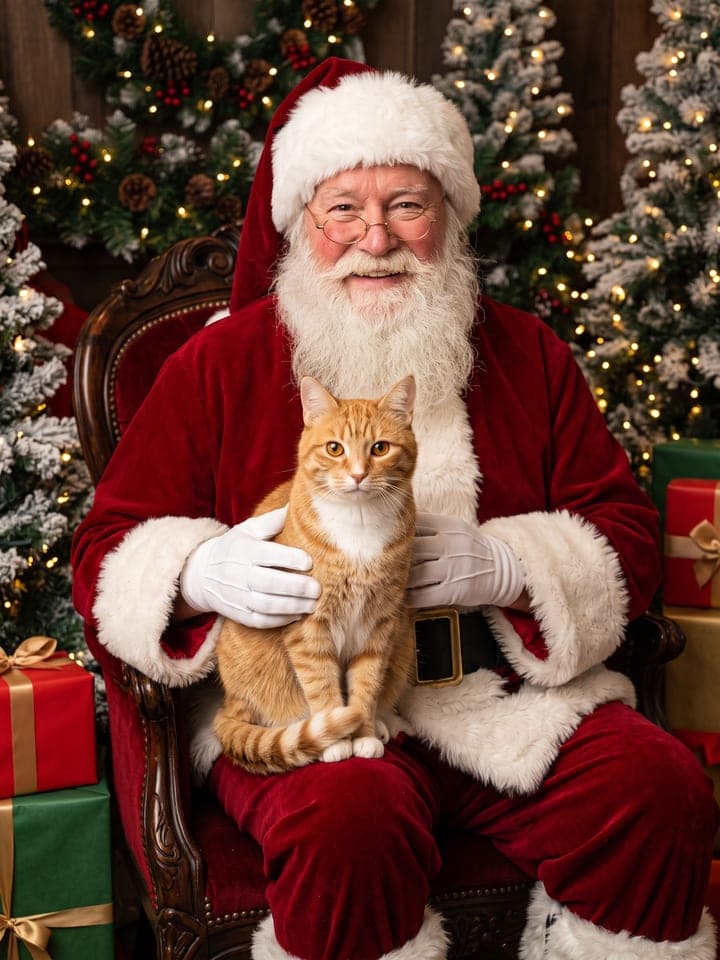
Example result. Yours is made from your own photo.
Your dog or cat's photo with Santa, without the mall queue: a friendly Santa with a real white beard and a red velvet suit, warm fairy lights and wrapped gifts, shot like a professional holiday photo session. Pick his lap in a cozy grotto, a spot next to him by the Christmas tree, or a peek out of his gift sack by the sleigh. The face, fur and markings stay your pet's.
1 photo
per result
Shapes: 9:16 · 3:4 · 4:5 · 1:1 · 4:3 · 16:9. Example shown in 3:4. How photos are counted
How to make a pet photo with Santa using AI
For a dog Christmas photo shoot with Santa and no mall queue, upload one close-up of your dog or cat to Pet Photo With Santa: 1 photo per run on any plan, and new accounts get 3 free photos. You get a photoreal holiday portrait of your pet with a kind, invented Santa in a red velvet suit, in one of three scenes: on his lap in a grotto, beside him by the tree, or peeking out of his gift sack.
- Add a daylight close-up of one dog or cat to Your pet's photo, with both eyes and the main markings in view.
- Choose a Scene: On Santa's lap (the default), By the tree or In Santa's sack, then press Create (1 photo).
- Check the paws and Santa's gloved hands at full size in My creations before you print.
How is this different from Santa photo night at the pet store?
Many malls and pet stores hold Santa photo nights for pets before Christmas: you book a time or stand in line, and your dog has to look at the camera in a busy room. Here you choose which photo is used: your pet's face, fur and markings come from it, and the scene sets a relaxed pose with your pet looking into the camera.
Santa is an invented character with gold-rimmed glasses, a long white beard of real hair and white cotton gloves, written to resemble no real person, actor or famous Santa. Your pet gets nothing new to wear, so no sweater or antlers cover the fur; a plain collar stays only if it is in your photo.
What can you use it for?
- The front of the family holiday card in a year when your dog won't sit for a real Santa.
- A Santa photo of a cat that would never put up with a carrier and a line.
- A framed gift for a relative, made from the best photo of their dog on your phone.
What does an example run look like?
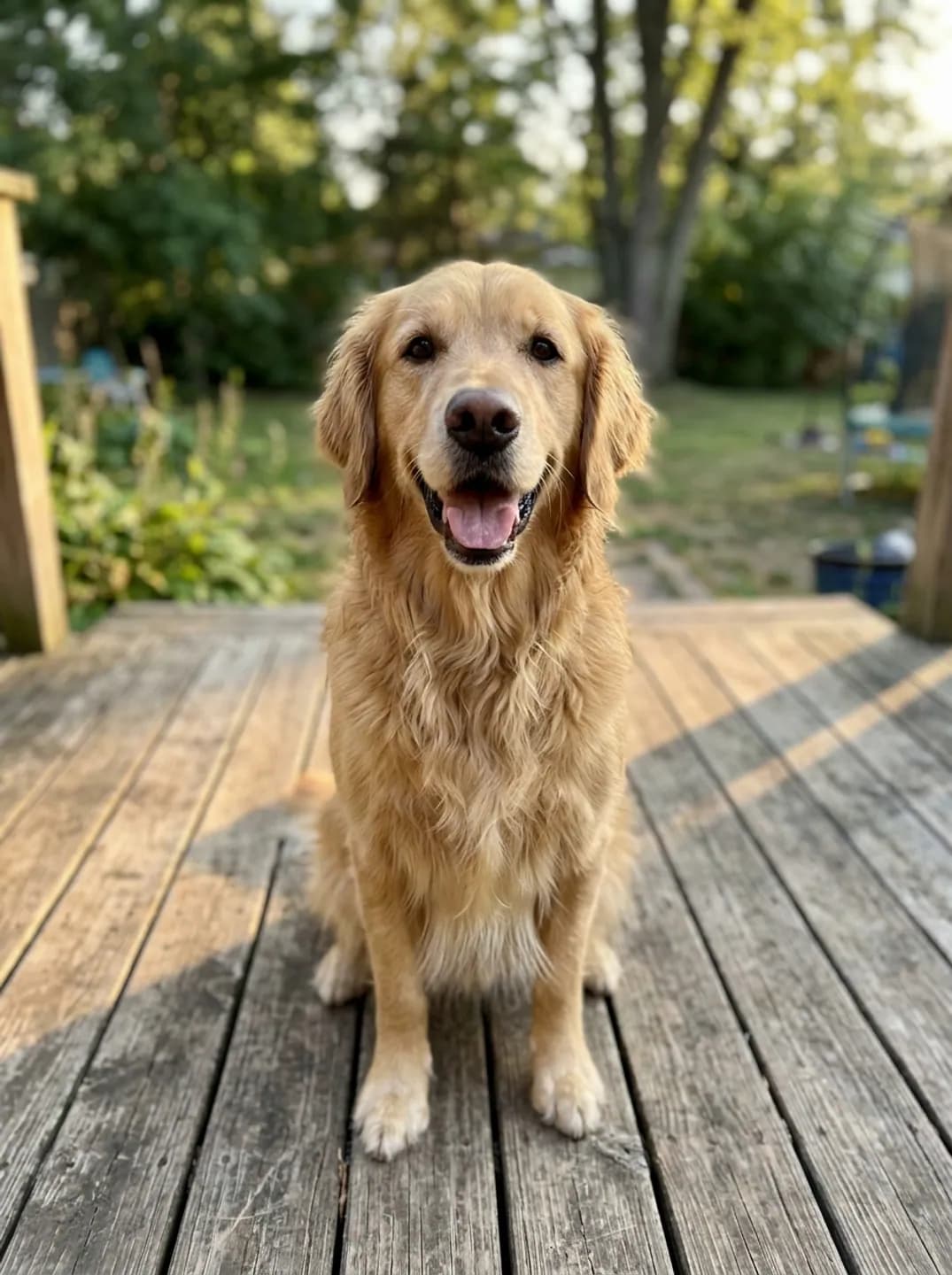
- AI-generated sample input
 Result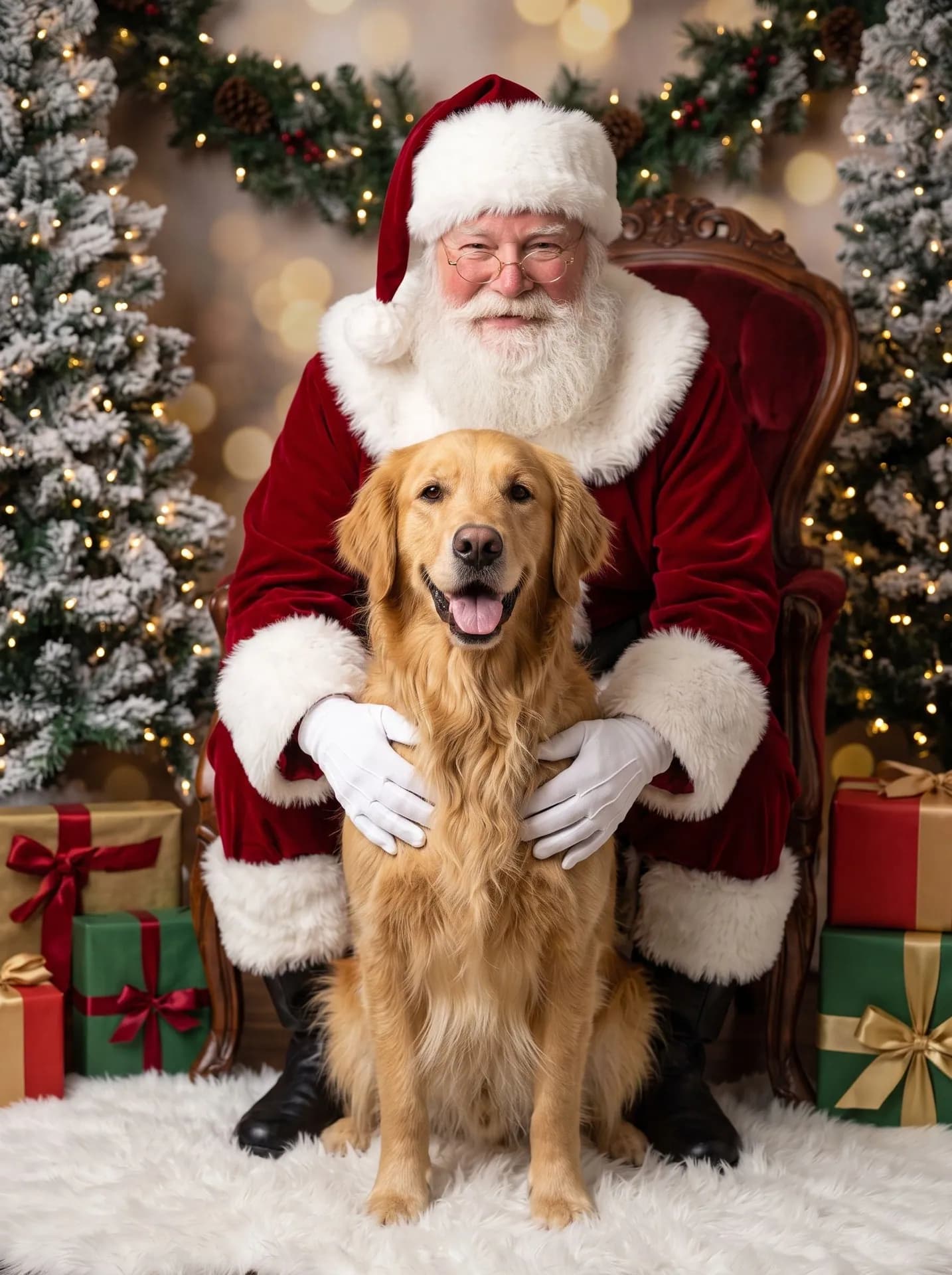
On Santa's lap, made from the synthetic test photo on the left, first attempt. Too big for a lap, the retriever sits between his knees. - AI-generated sample input
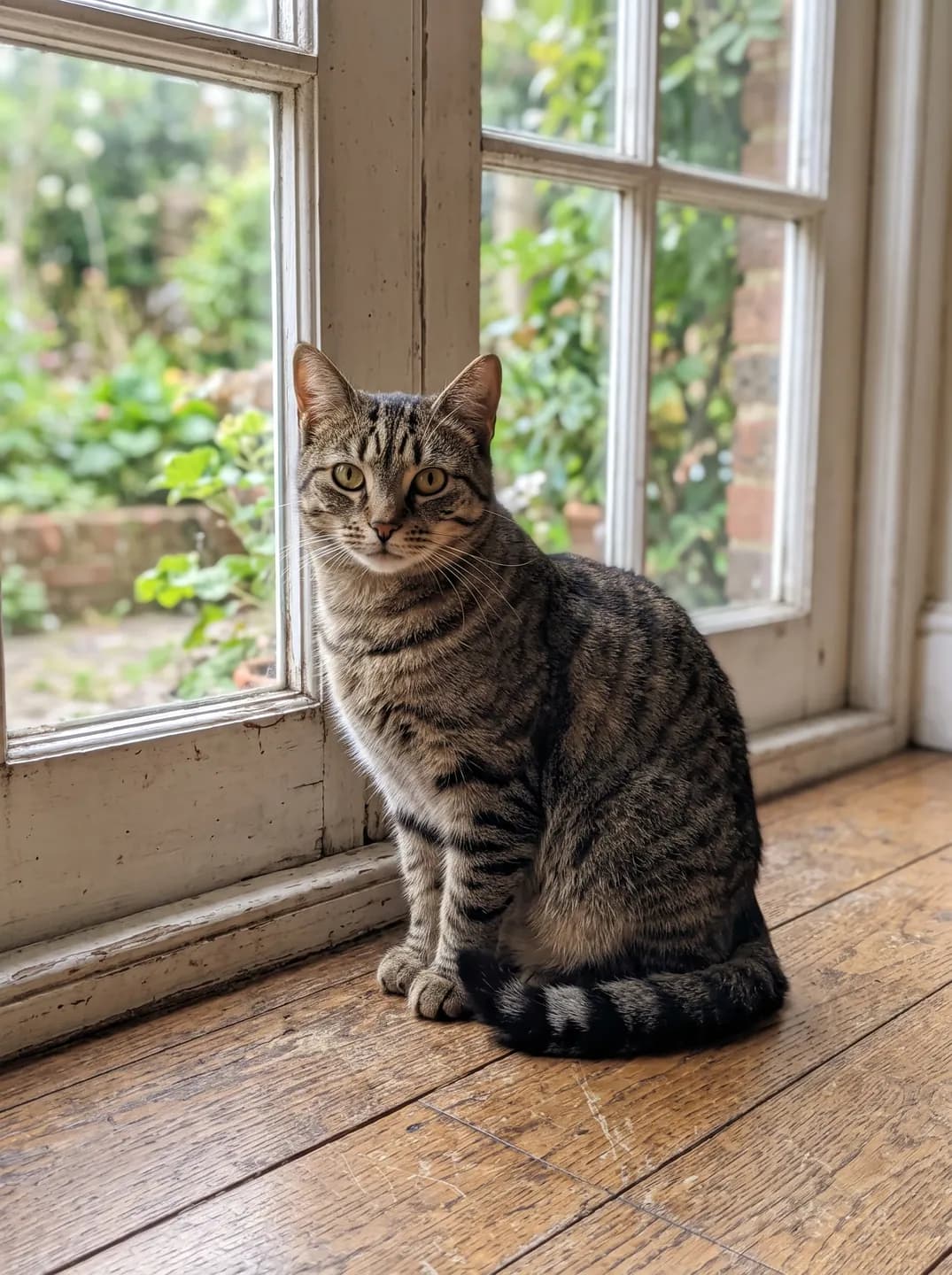 Result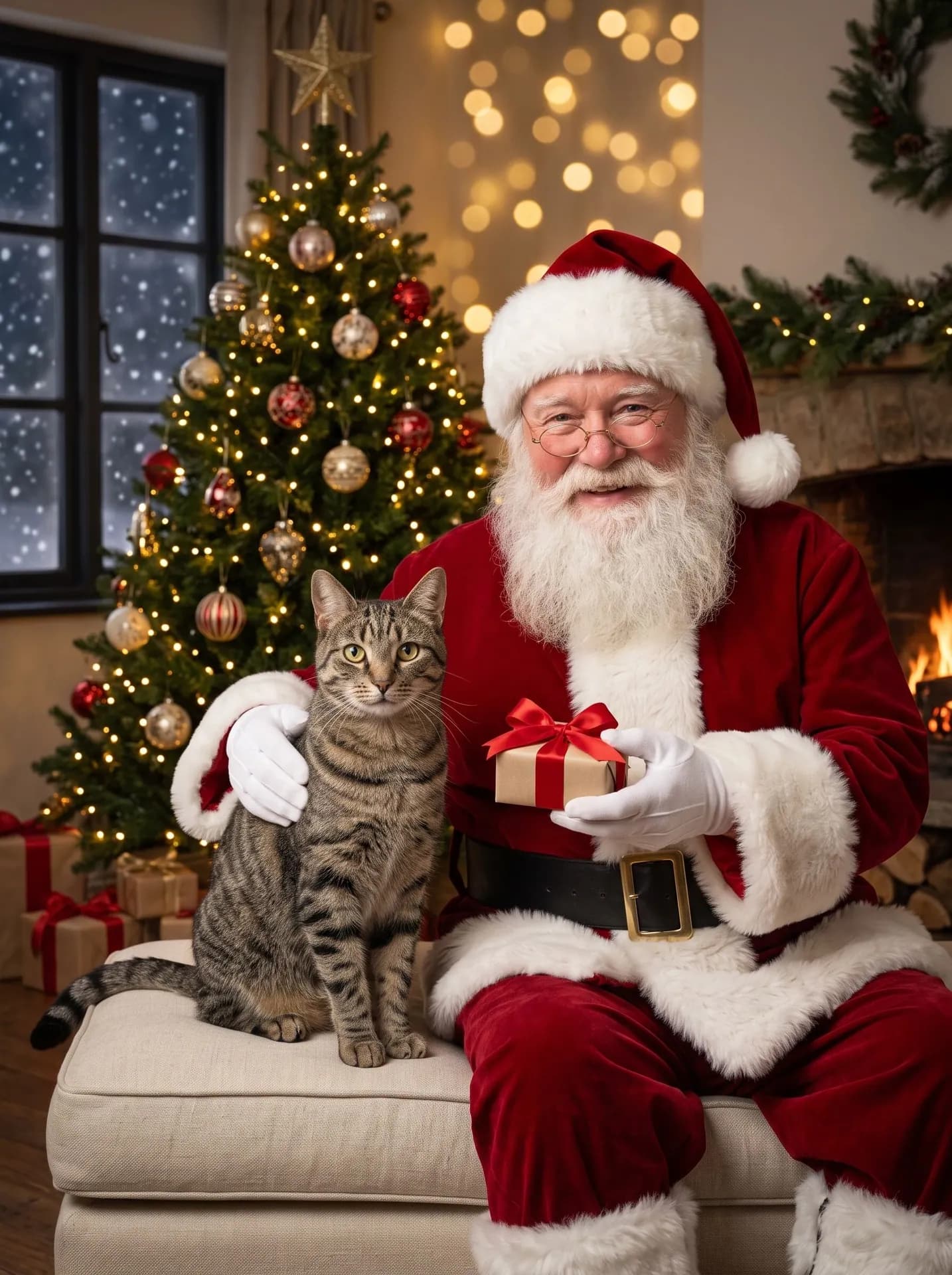
By the tree, made from the synthetic test photo on the left, first attempt. The scene was rewritten after an earlier run made another cat look oversized.
Which photo and scene give the best Santa picture?
- For a cat, By the tree puts it on the seat cushion against Santa's side, at its real size. In Santa's sack a cat can come out a little small in the frame.
- In Santa's sack shows only the head and front paws over the rim, so a sharp face matters more than a full-body shot; back markings stay hidden there.
- White and black coats hold up under the warm fairy lights: in our runs a white fluffy cat stayed white, and a black Lab kept visible fur detail and its own collar.
What goes wrong most often?
- Expecting a Santa hat or a holiday sweater on your pet. Nothing is added to the animal here; for a pet in a knit sweater by the tree, use Pet Christmas Portrait.
- Uploading two pets in one photo. Only one animal appears with Santa, so the template has to pick.
- Hoping to be in the shot yourself. For you and your pet together, use Me and My Pet.
What you need
Your pet's photo
Close-up in daylight, eyes visible. Small or dark photos can change the fur color.
- You pick the scene
- On Santa's lap, By the tree, In Santa's sack
Works well
- Your pet's face close up, eyes open
- Daylight, taken at your pet's eye level
Avoid
- Dark or tiny photos: they can change the fur color
- Motion blur, or other animals in the frame