Plush Version
AI photo template · from a pet photo
Your pet as a soft toy you want to hug.
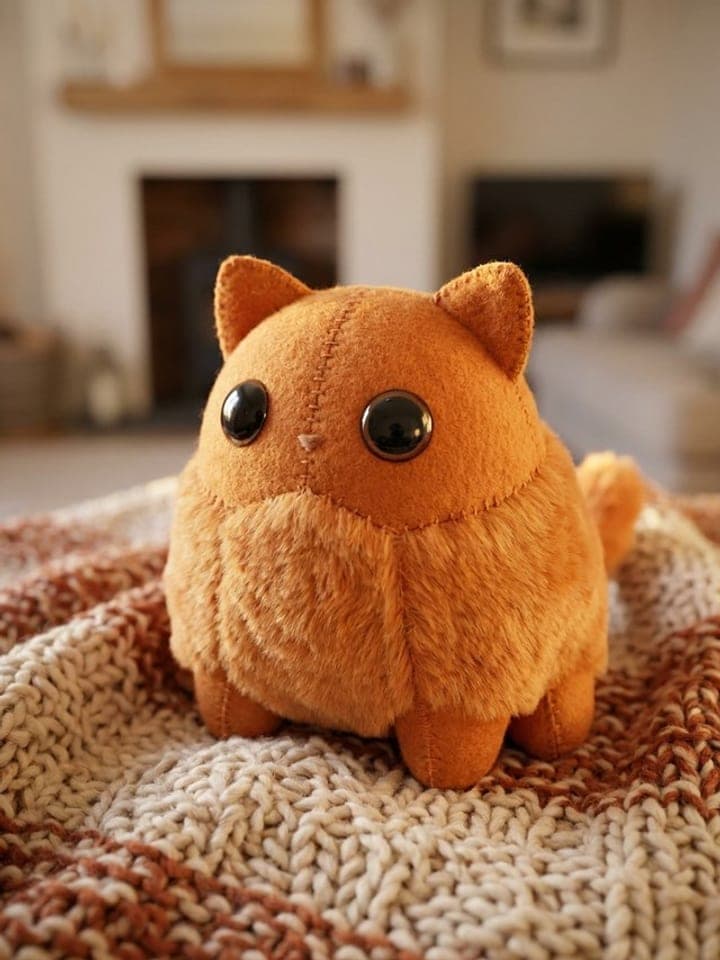
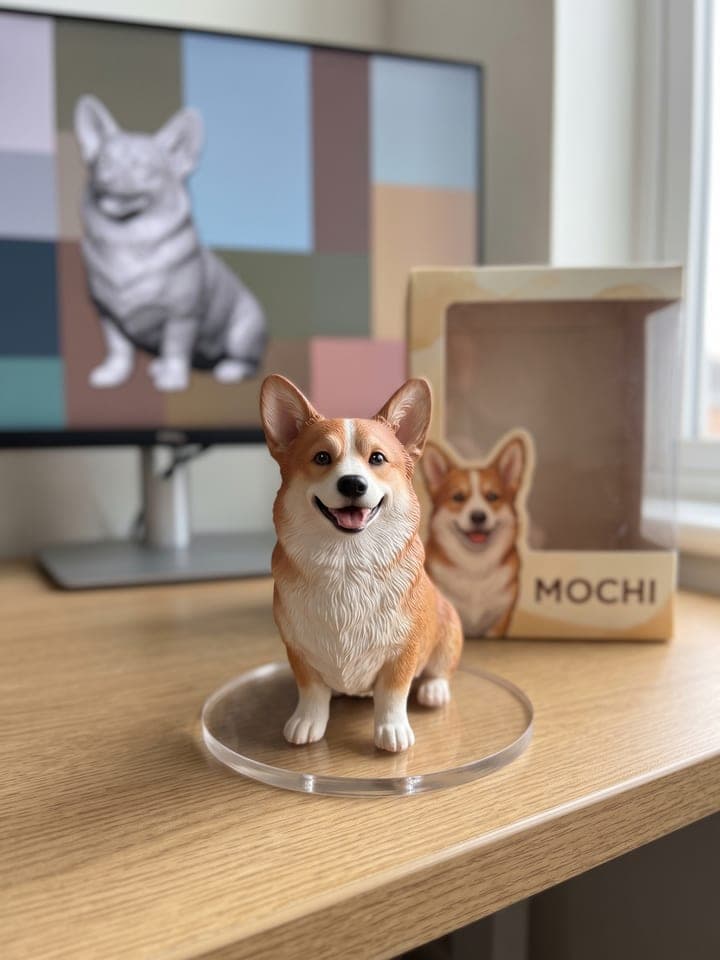
Example result. Yours is made from your own photo.
A cute plush version of your pet: a chubby soft toy with textured seams, big shiny button eyes and the coat from your photo, sitting on a soft blanket in warm cozy light. A close-up studio shot of the toy.
1 photo
per result
Shapes: 9:16 · 3:4 · 4:5 · 1:1 · 4:3 · 16:9. Example shown in 3:4. How photos are counted
How to make a plush toy picture of your pet with AI
To see a pet plush from a photo, upload one close-up of your cat or dog to Plush Version: 1 photo per run, on any plan, with 3 free photos for a new account. You get a studio close-up of a chubby soft toy with textured seams, big shiny button eyes and your pet's coat colors, sitting on a soft blanket in warm light. It is a picture of the toy, not a toy that ships.
- Pick a close-up of your pet taken in daylight, eyes visible, and upload it to Your pet's photo.
- Hit Create (1 photo). The toy shape, the blanket and the cozy light come with the template.
- Download the image from My creations. Run it again for a slightly different pose of the same toy.
What can you use it for?
- A cute post for your pet's birthday or adoption day.
- A reference picture if you want a custom plush sewn of your pet.
- A phone wallpaper or a sticker for the family chat.
- A gentle picture to remember a pet by.
How do I get a better result?
- The coat pattern is what makes the toy recognizable, so choose a photo where the markings on the face are clear: a blaze, a mask, spots around the eyes.
- A front-facing photo works best for the button eyes. In a side profile, one eye is hidden, and the toy's face has less to copy.
- Crop out other animals and people before uploading. The template sews one toy, and a second face in the frame can creep into its features.
What goes wrong most often?
- Confusing it with Drawing to Plush Toy. That template sews a toy from a kid's drawing; this one starts from a photo of a real pet.
- Picking a photo where your pet is curled up or turned away. The toy is a seated close-up whose features are copied from what the photo shows, so a hidden face or chest leaves less of your pet to sew.
- Expecting to order the toy. Outwow makes the picture only; take it to a plush maker if you want one sewn.
What you need
Your pet's photo
Close-up in daylight, eyes visible. Small or dark photos can change the fur color.
Works well
- Your pet's face close up, eyes open
- Daylight, taken at your pet's eye level
Avoid
- Dark or tiny photos: they can change the fur color
- Motion blur, or other animals in the frame