Night Beach with Flash
AI photo template · from 1 photo
A random phone shot: wind, hair, flash and a dark sea.
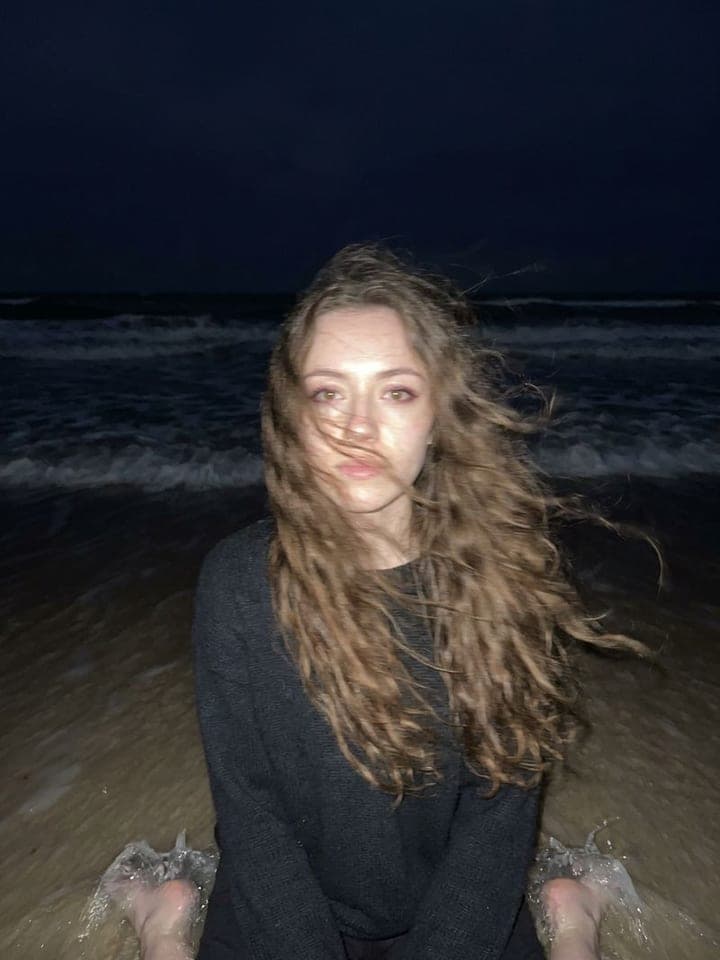
Example result. Yours is made from your own photo.
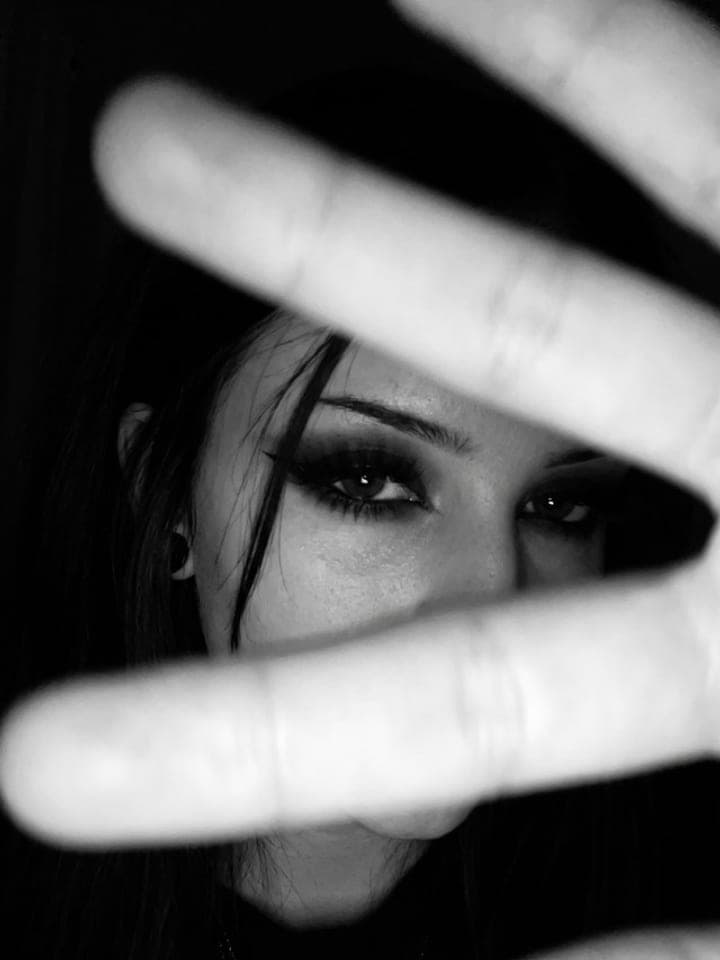
A photorealistic night photo on the beach, as if snapped on a smartphone with flash: you sit on dark sand at the surf line, very long hair whipped by the wind across your face. Strong motion blur, raw Pinterest aesthetic.
1 photo
per result
Shapes: 9:16 · 3:4 · 4:5 · 1:1 · 4:3 · 16:9. Example shown in 3:4. How photos are counted
How to make a night beach flash photo with AI
For the flash photo effect of a phone shot at night, upload one daylight selfie to Night Beach with Flash: 1 photo per run on any plan, with your first 3 photos free. You come back sitting on dark sand at the edge of the surf, a bright smartphone flash on your face, very long hair blown across it by the wind and the whole frame smeared with motion blur.
- Open Night Beach with Flash and add a close-up selfie taken in daylight: one face, no sunglasses, no beauty filter.
- Press Create. The beach, the dark sea, the wind and the flash come with the template, so there are no options to pick. The run costs 1 photo.
- Save the flash photo to your phone from My creations. If the hair hides more of your face than you like, run it again: the wind lands differently each time.
Where does the night flash look come from?
The look copies the kind of picture a friend takes on a phone with the flash on after dark: the person bright and flat against a black sea and sky, nothing staged, a bit out of focus. Here the blur is deliberate: the template asks for strong motion blur across the frame, so a soft result is the intended look, not a failed run.
What can you use it for?
- A summer-memory post in the middle of winter.
- A moody profile picture that doesn't look like a studio headshot.
- The last slide of a vacation carousel, after the daytime photos.
How do I get a better result?
- Your selfie is only the source of your face: the pose, the sand and the night are built around it. A clear, front-facing close-up gives the flash a face it can keep recognizable through the blur and the hair.
- Light makeup in the original suits the result best. The scene is written as a raw moment with light makeup, so heavy glam from your selfie can look out of place.
- On a woman's photo, expect very long hair in the result even if yours is short: the wind-blown hair is part of the scene. On a man's photo his own length stays, tousled by the wind. For your own cut as it is, 90s Film Photo keeps the photo closer to how it was.
What goes wrong most often?
- Re-running because the result is blurry. Motion blur is part of this template; if you want a sharp flash portrait, this is the wrong look.
- Uploading a night selfie that is already dark and grainy. Features get hard to read, and the template adds darkness and blur of its own.
- Using a mirror selfie with the phone covering part of your face. Half the face is hidden before the wind even starts.
What you need
Your selfie
Close-up, daylight, one face. No filters or sunglasses.
Works well
- Your face close to the camera, looking straight in
- Daylight from a window in front of you
- Only you in the frame
Avoid
- Sunglasses, masks or hair over your eyes
- Beauty filters and heavy edits
- Dark rooms and photos taken from far away