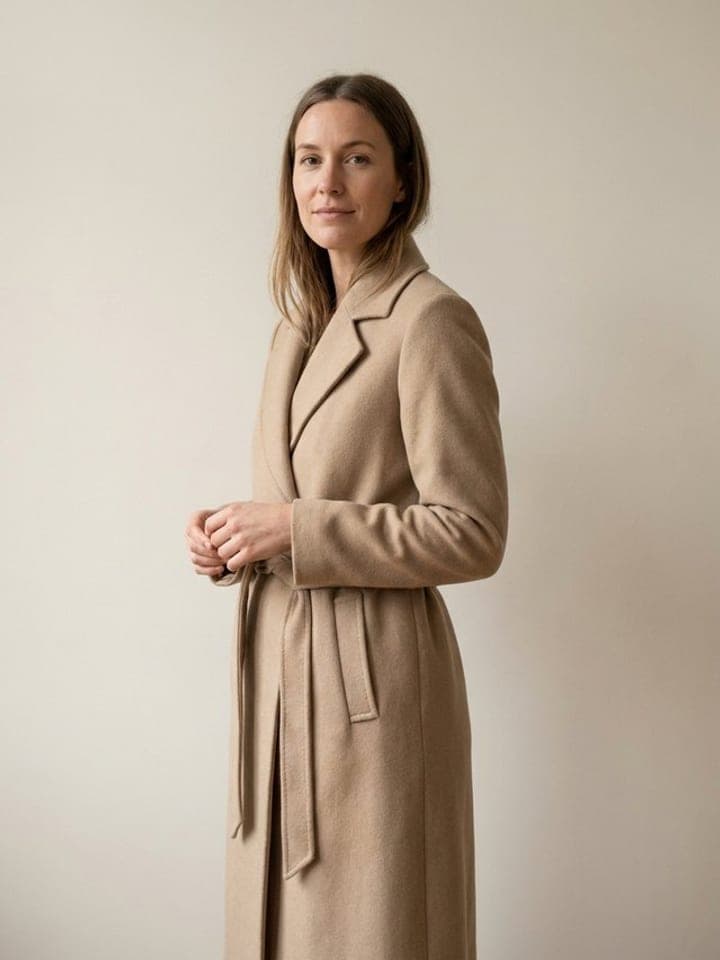
Clothes Try-On
Puts the item you picked on your photo, so you see how it fits.
For her1 photo
4 photos a run · Basic and up
To see clothes from an online shop on yourself before you order, Virtual Try-On takes one full-length photo of you plus up to four product screenshots and returns 4 looks in a single run, each with the garments fitted to your pose and build. A run costs 4 photos, one photo per look. It is included in Basic ($19.99 a month) and every plan above it, and it works with any shop, since it reads the item from the picture itself.
4 looks per run. Basic and up.
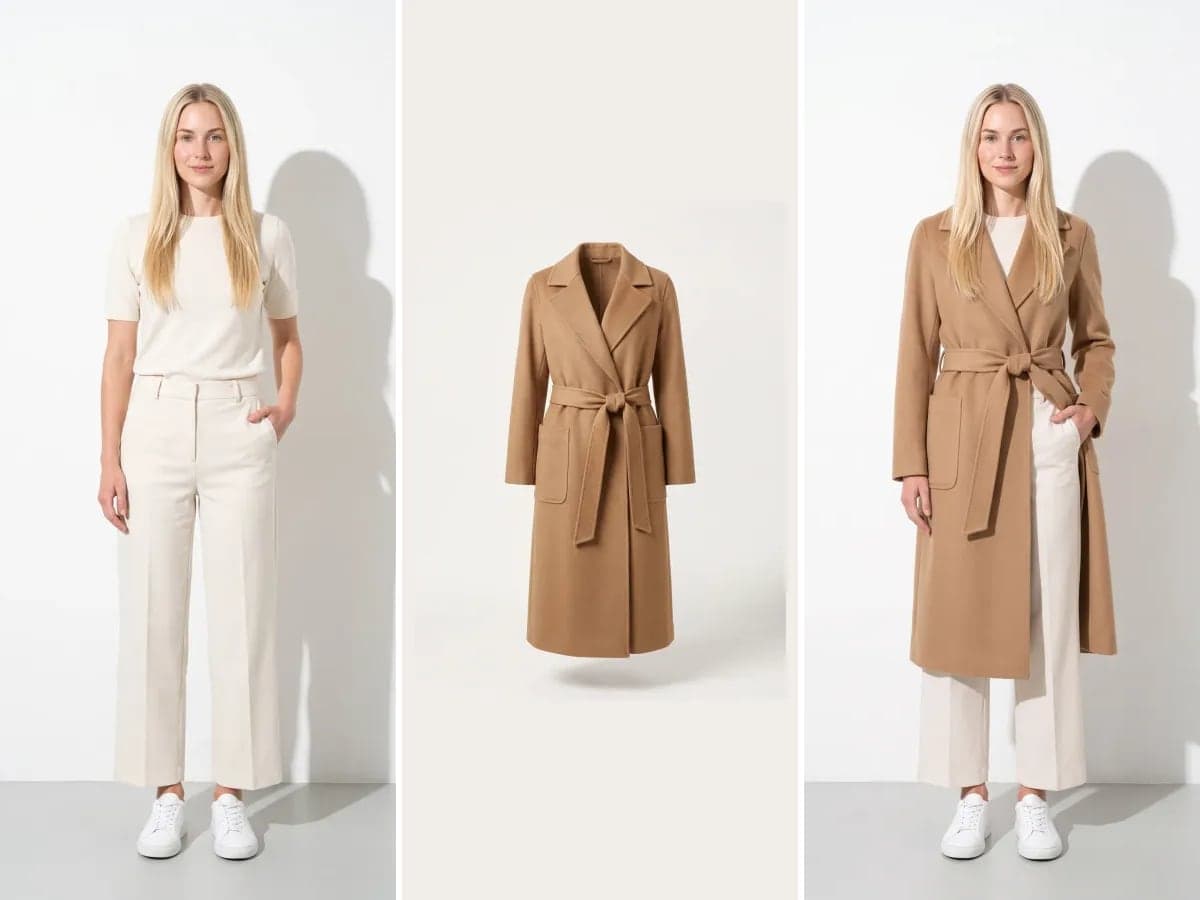
Virtual Try-On puts clothes from any online shop on your own full-length photo. Upload your photo and up to four product screenshots, pick the type of item, and get four looks with realistic fit, folds and shadows.
One full-length photo, standing straight, in fitted clothes and good light.
Screenshots or product photos from any shop. The model, mannequin and background are ignored.
You get four full-size looks. Download the ones you like.
4 photosper run
Each run makes 4 looks. Photos come from your plan, the cost is on the button before you start, and a failed run costs nothing.
How photos are countedOne photo each, a fixed look. All four are free to try.
Puts the item you picked on your photo, so you see how it fits.
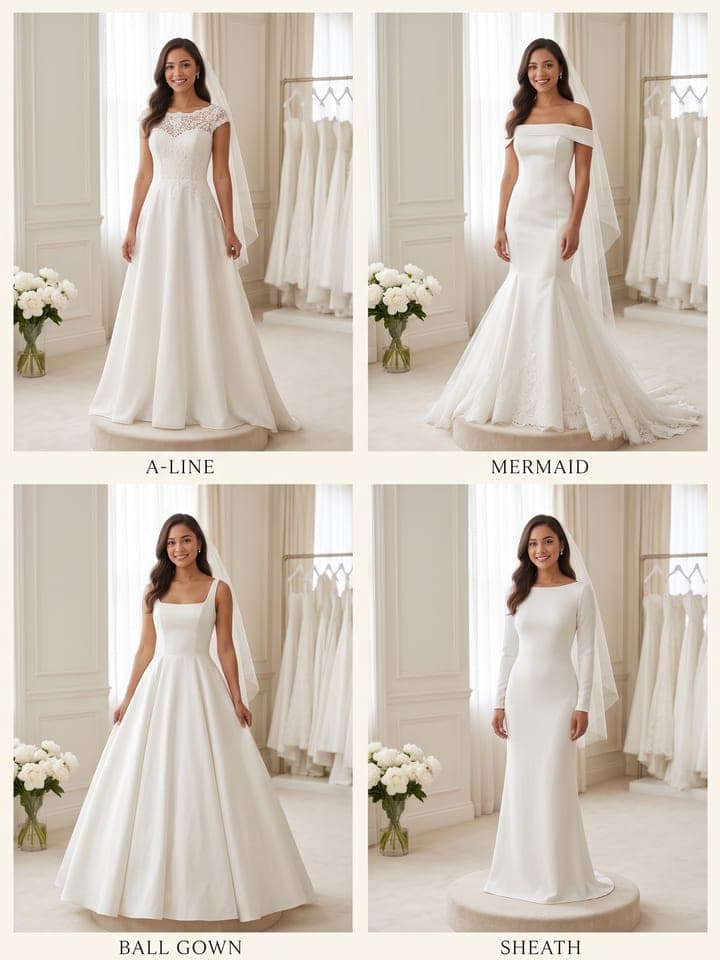
Four wedding dress silhouettes on you, or the one gown you dream of.

Old money, streetwear, techwear or smart casual — tried on you.
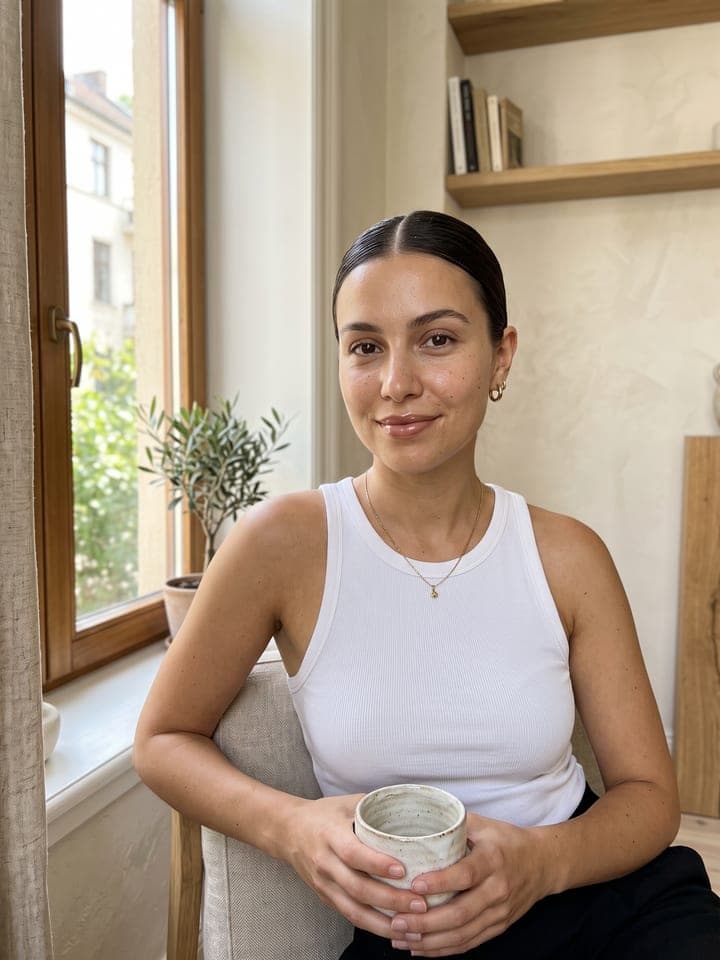
Pick the aesthetic — the hair, makeup, outfit and scene follow.
Not on the free plan: Virtual Try-On starts from Basic ($19.99 a month). The free entry is the Clothes Try-On template, which puts one item on your photo for a single photo and runs on the free plan, where a new account gets 3 photos. It makes one image per run instead of 4 looks.
Take one full-length photo standing straight, in fitted clothes and good light. Then save the product photos from the shop page: a screenshot from a website or an app works, because the tool reads the garment from the picture and ignores the model, the mannequin and the background. Add up to four items, choose the type (top, dress, jacket or coat, pants or skirt, shoes or a full outfit) and run it. You get 4 looks of the same photo, so you can compare the fit and the length before you order, and send the best one to a friend for a second opinion.
A head-to-toe photo taken from chest height, standing straight with arms slightly away from the body, in fitted clothes. A loose hoodie or a long coat hides your shape, and the new garment can only follow the figure it can see. Daylight or bright, even room light keeps the fabric colors true. Mirror selfies work if the phone doesn't cover your face or body. Pick Full outfit under Type of item when the screenshots show a complete look rather than one piece. Lingerie, swimwear and see-through items are not allowed, and neither are photos of children.
FAQ
Last updated
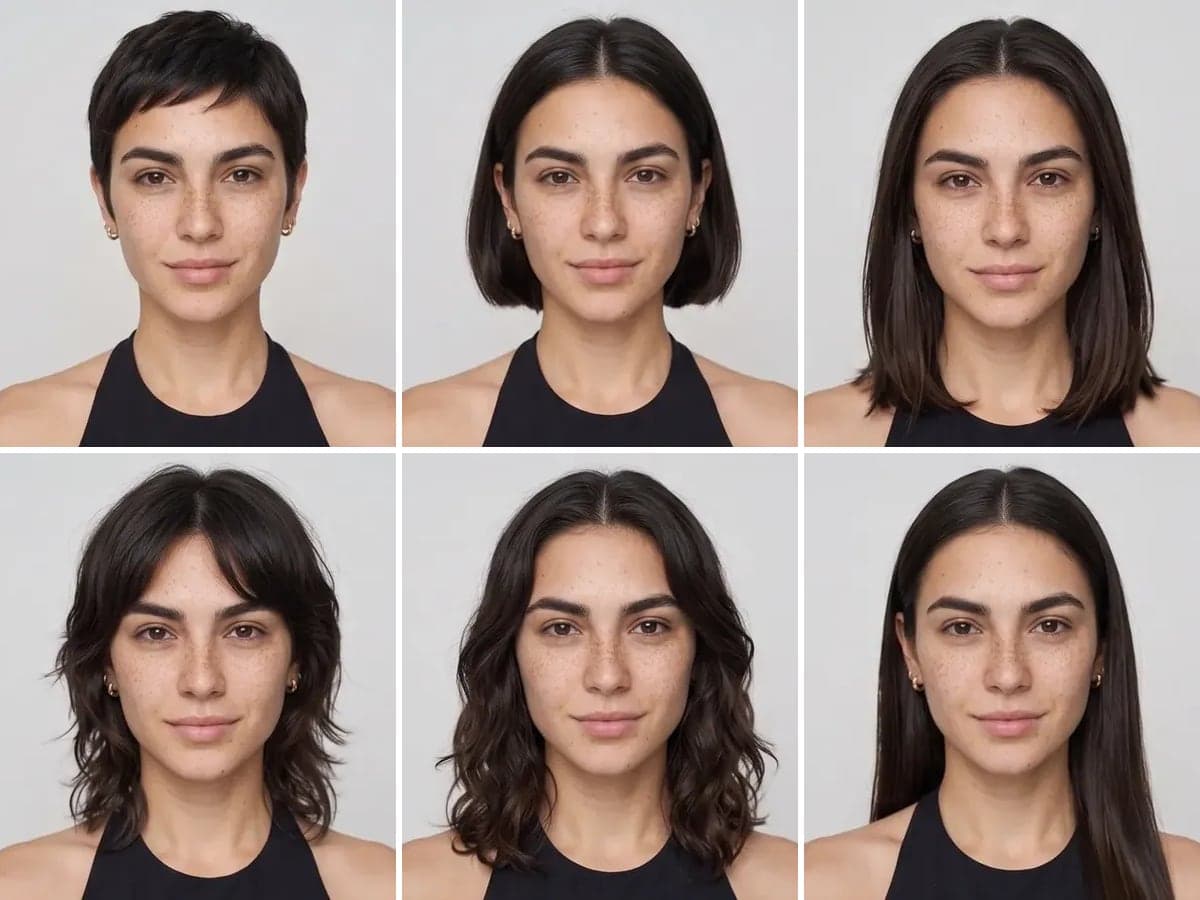
Six haircuts on your face before you book the salon.
1 photo a run for 1 poster of 6 haircutsBasic and up
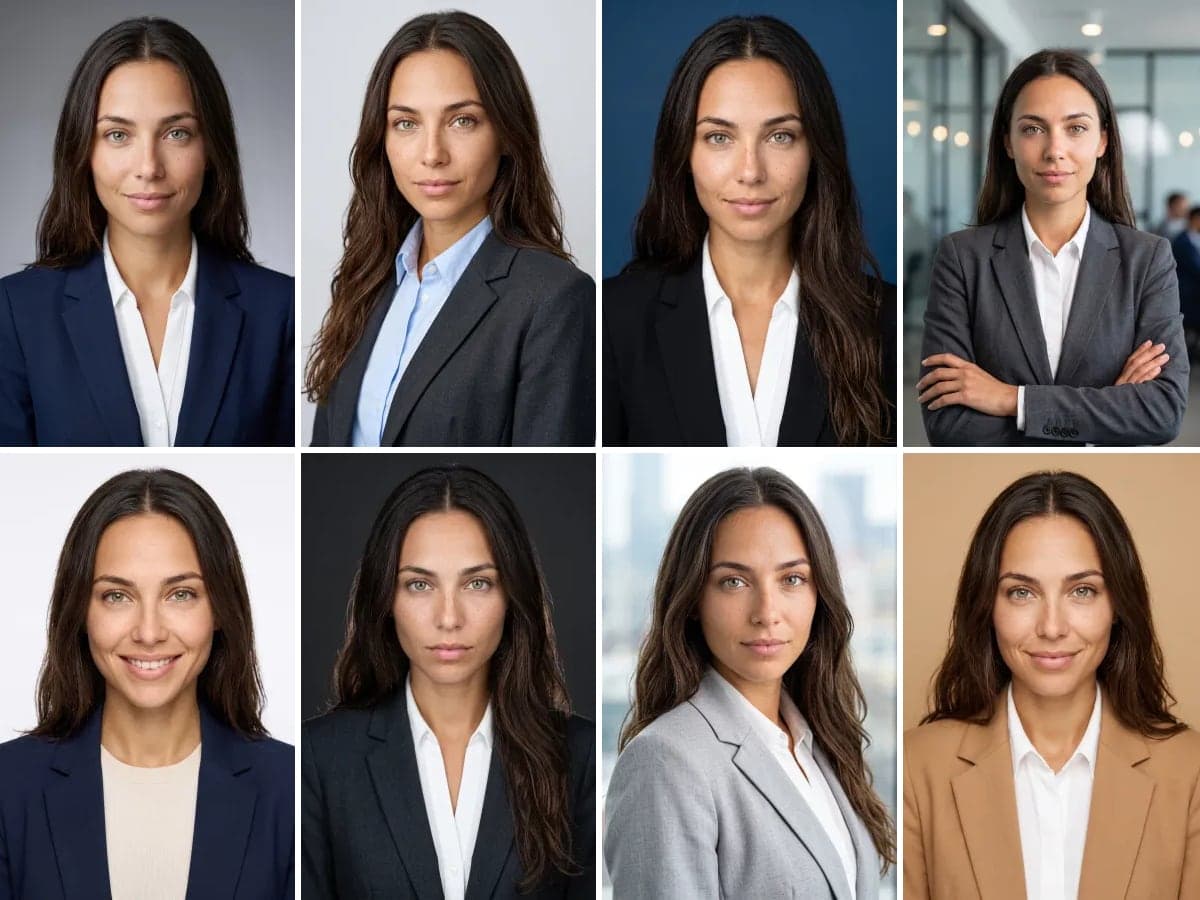
Eight professional headshots from one selfie.
8 photos a run for 8 headshotsBasic and up
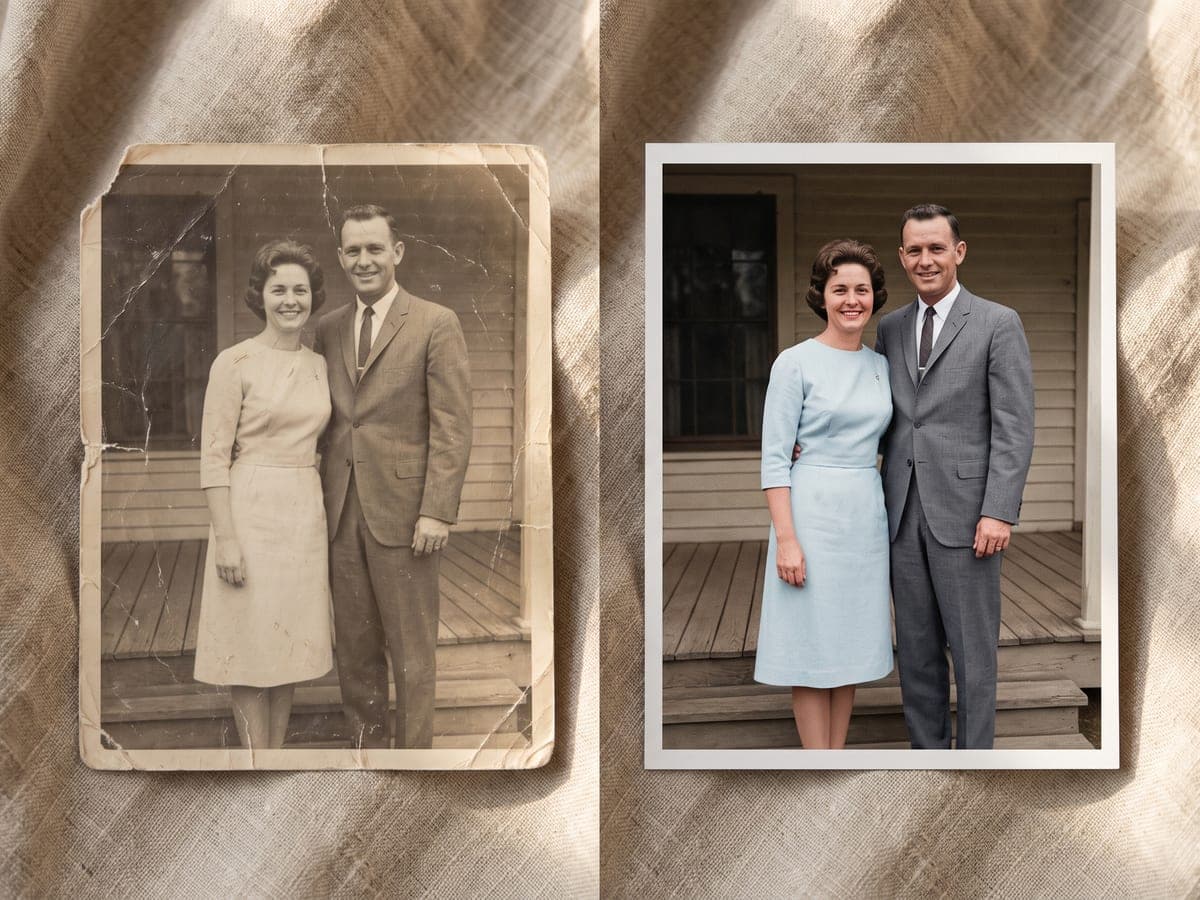
Fix and color an old family photo.
1 photo a run for 1 restored photoWeekly Pass and up
One run costs 4 photos. Uploads are deleted within 24 hours.
We count visits to see which pages work, without a tracking cookie (in the EU only if you accept). May we also use cookies to see which ad or link brought you here? If you say yes, Meta, TikTok and OpenAI also learn when you sign up or subscribe. “Reject” turns off both. Cookie policy