Vacation Photo Anywhere
AI photo template · from 1 photo
You in Paris, Santorini or Tokyo, like a friend took it on the trip.
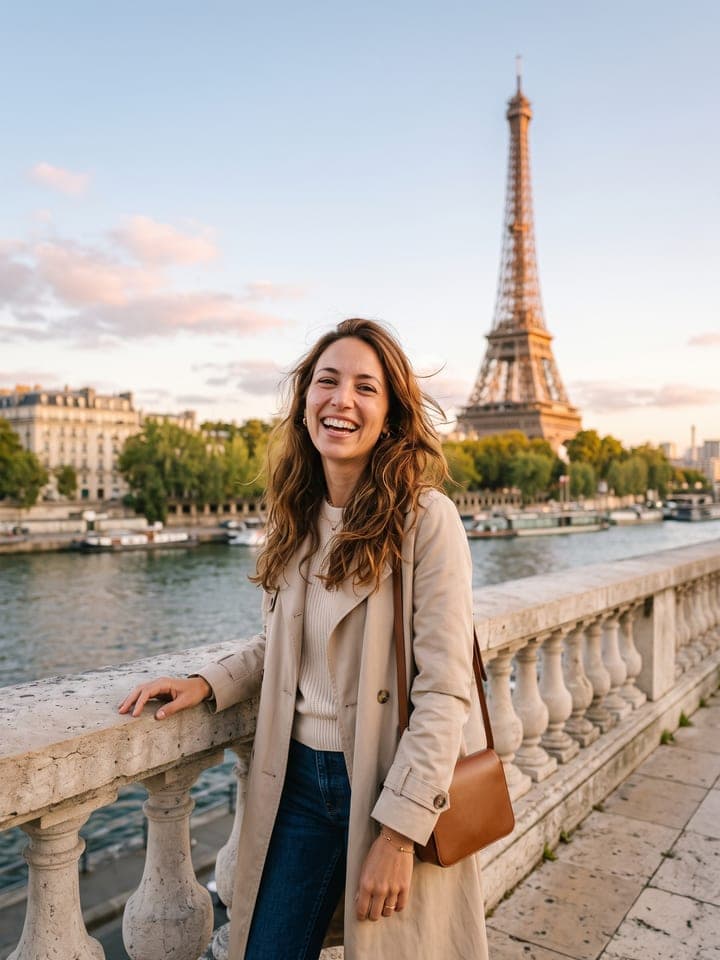
Example result. Yours is made from your own photo.
A travel photo of you that looks like a friend took it on the trip: the Eiffel Tower at golden hour, the white houses and blue domes of Santorini, a neon-lit Tokyo street after the rain, the Brooklyn Bridge, the rice terraces of Bali, an Alpine meadow, the Amalfi Coast or an old lane in Kyoto. The outfit is picked for the place, the light is warm and low, and your face, hair and build stay exactly as in your photo.
1 photo
per result
Shapes: 9:16 · 3:4 · 4:5 · 1:1 · 4:3 · 16:9. Example shown in 3:4. How photos are counted
How to put yourself in a travel photo with AI
To make AI vacation photos of yourself, upload one photo of you to Vacation Photo Anywhere and pick one of eight places: 1 photo per run on any plan, with 3 free photos for a new account. You get a travel shot in warm low sun (Tokyo: a wet neon street at night), framed as if the friend you travel with took it on a phone, in an outfit chosen for the place and with the place rising beside your shoulder.
- Add one photo to Your photo: waist-up or full-length, face clearly visible, daylight, nobody else in it. In our tests a close-up selfie worked too, the body continued in the same build.
- Pick a Place: Paris (Eiffel Tower, the default), Santorini, Tokyo at night, New York (Brooklyn Bridge), Bali rice terraces, Swiss Alps, Amalfi Coast or Kyoto. Press Create for 1 photo.
- Zoom in on the hands and the frame edges before you post, then run the next place if you are building a set.
How is each travel photo composed?
Every place has a fixed layout. You stand in one side third of the frame; the landmark rises whole in the other half, beside your shoulder, with sky above it, so no tower grows out of your head. The bottom edge cuts across your thighs, keeping your face large enough to recognize on a phone. The same warm sun lights your face and the landmark. Tokyo is the exception: a wet street at night, neon far behind, a clear umbrella over your shoulder.
Where it still slips: in Bali and on the Amalfi Coast the crop sometimes stopped at the shins, though no run came out full-length. Early Tokyo runs had readable shop signs, so the walls near you are now bare concrete and shutters, with signs only as blank blurs far away.
What can you use it for?
- One picture per slide for a "places I want to see" carousel.
- A countdown post for a trip you have already booked.
- A summer-looking picture of you in Santorini or Bali for a winter feed.
What does an example run look like?
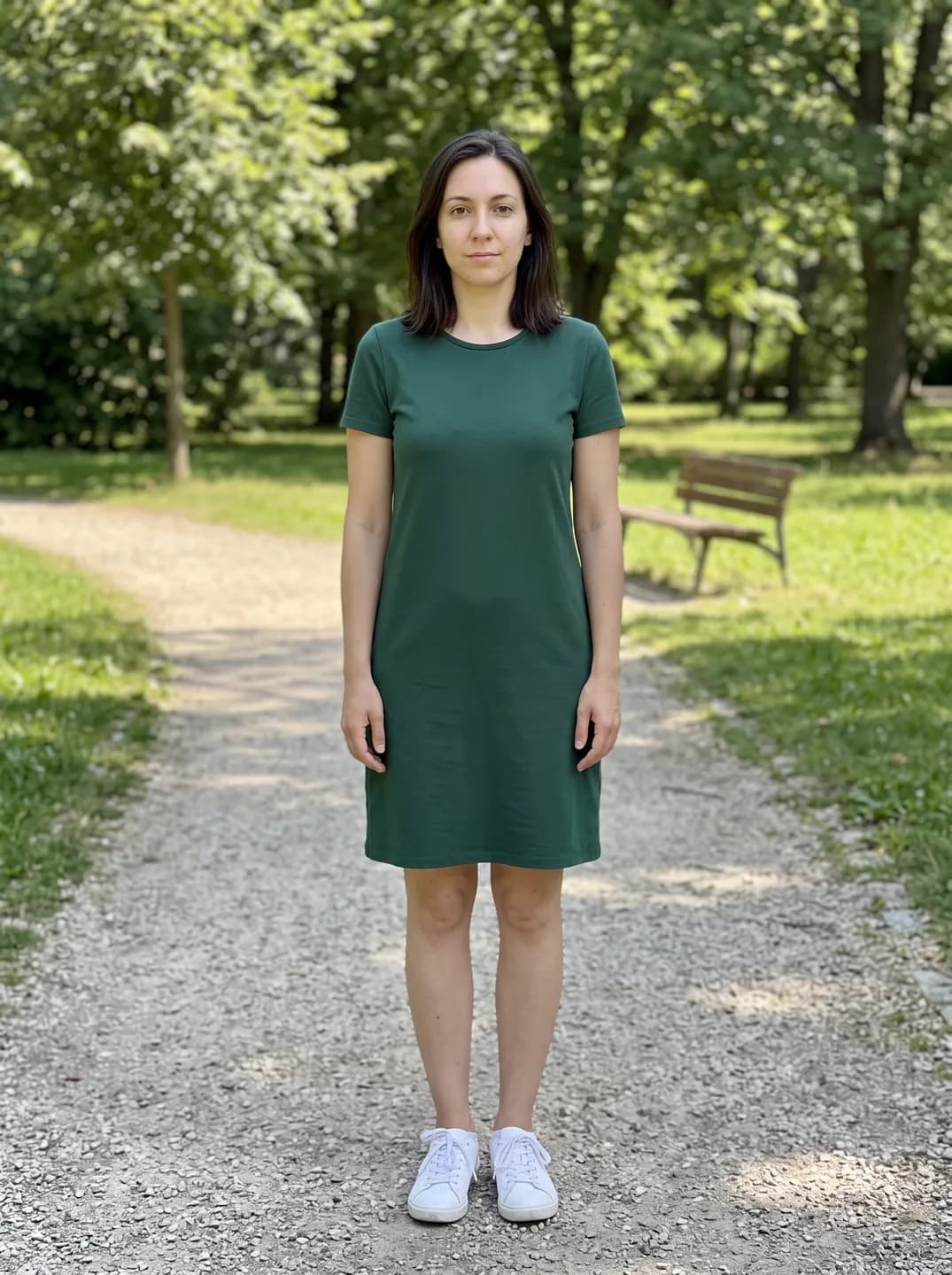
- AI-generated sample input
 Result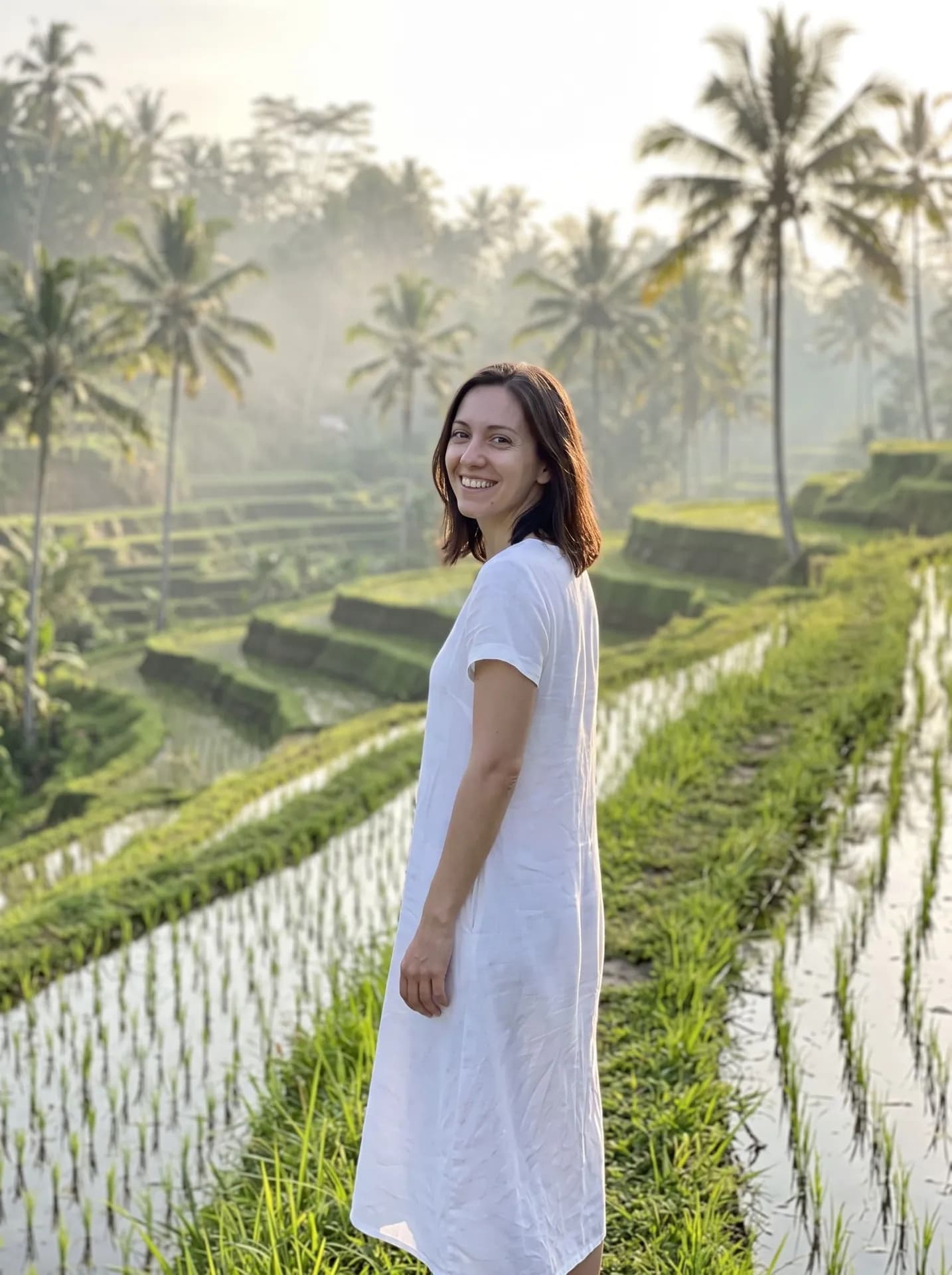
Bali rice terraces, made from the synthetic test photo on the left. The green dress became white linen; the crop stopped at the shins, not the thighs, and she stands nearer the middle than the side third. - AI-generated sample input
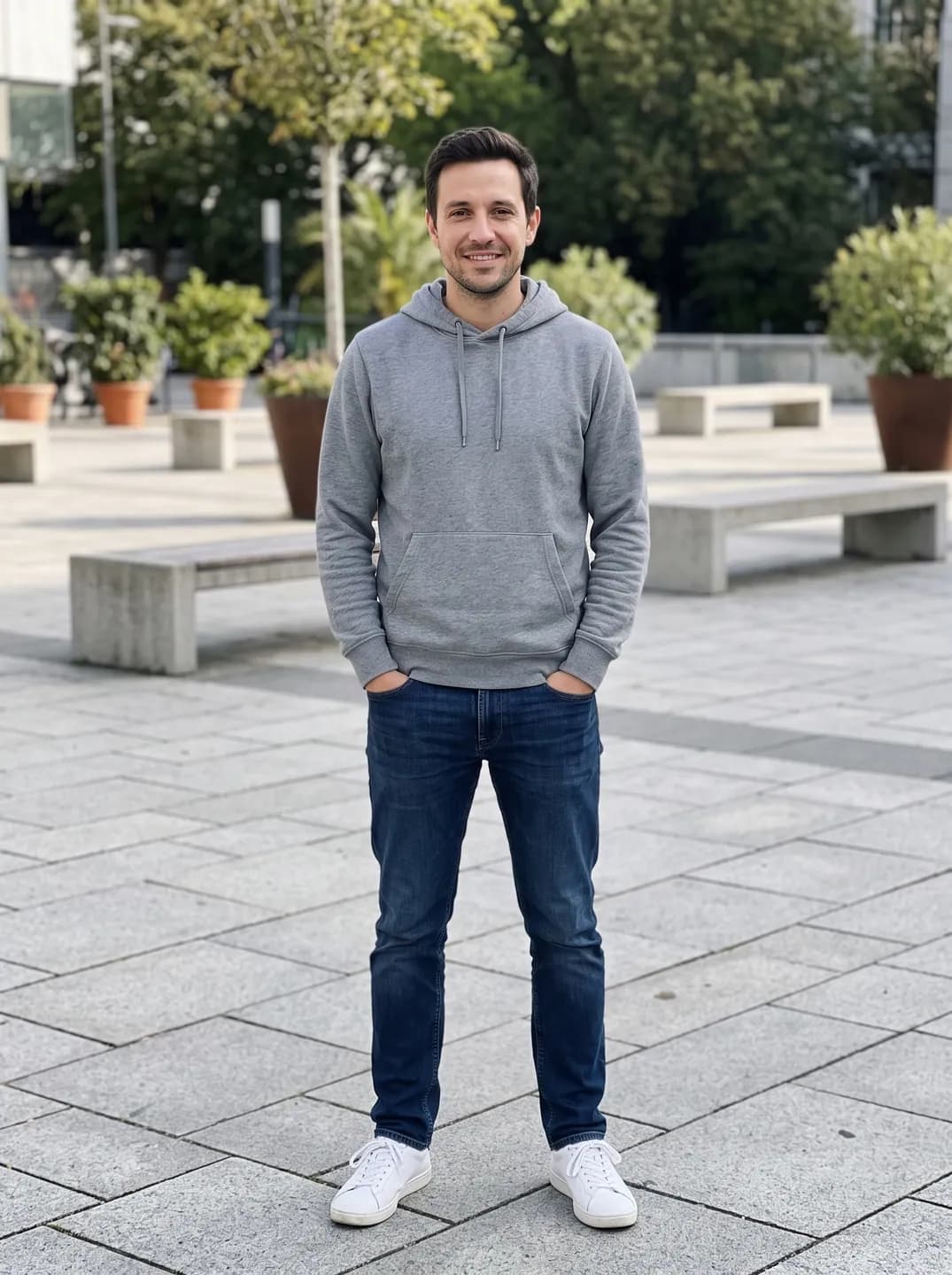 Result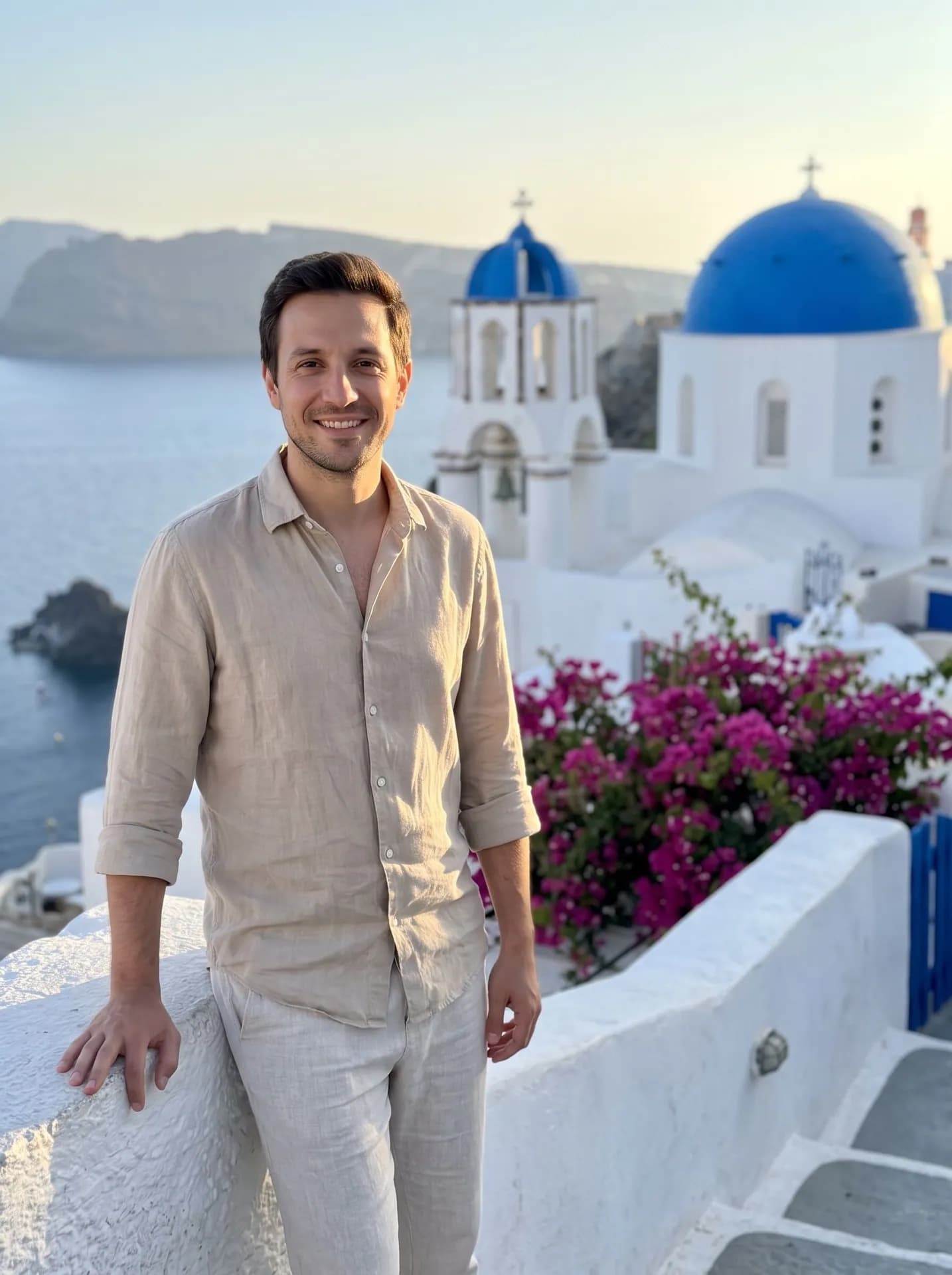
Santorini, made from the synthetic test photo on the left. Hoodie and jeans became linen; the run before put tourists behind him, so the terrace is now written as empty.
Which photo of you makes the best travel shot?
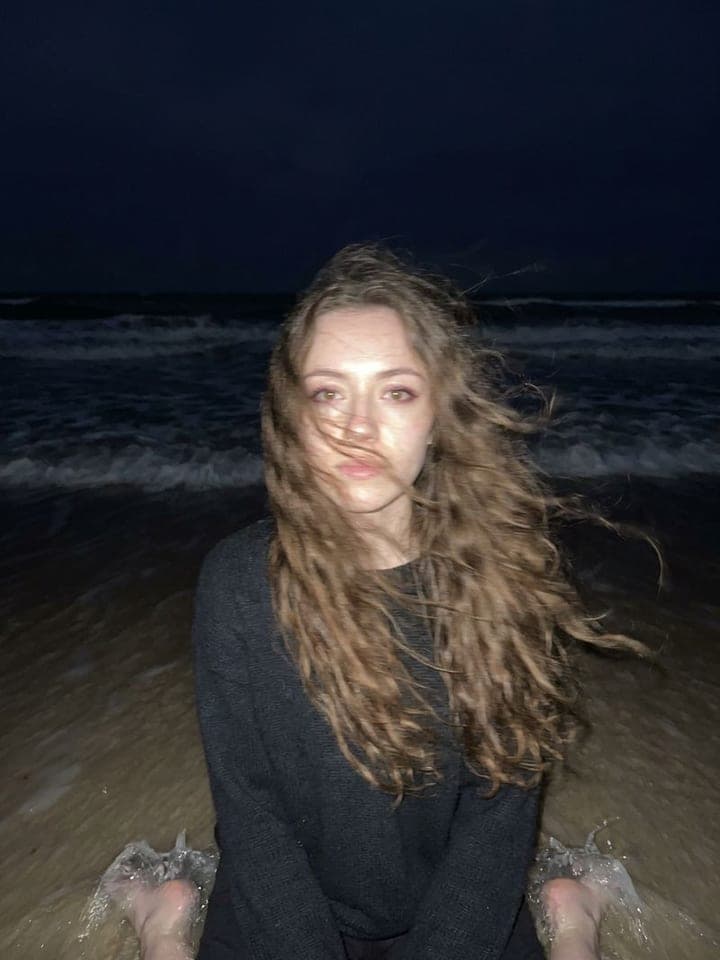
- Don't change clothes for the upload. The outfit is replaced by one picked for the place, so a hoodie works as well as a dress; your weight, height and proportions are what carry over.
- Style your hair before the upload. Loose stays loose and short stays short, only a few strands move in the breeze, and a headscarf is kept as worn.
- Leave off jewelry and bags you don't want in the result. After one early run invented a ring and a plain bag got a brand-like stamp, the template was told to add no jewelry or bag your photo doesn't show; tiny ear studs still turned up now and then.
What goes wrong most often?
- Looking for a place that isn't on the list. The eight are fixed; to stand in front of your own background photo, Background Swap keeps you as photographed.
- Uploading a photo with a partner or friends. One person is made, and the spot around you stays empty.
- Expecting swimwear on Santorini or the Amalfi Coast. Outfits there are modest linen dresses and shirts, never swimwear or low necklines.
What you need
Your photo
Waist-up or full-length, face clearly visible, daylight, one person.
- You pick the place
- Paris, Eiffel Tower, Santorini, Tokyo at night, New York, Brooklyn Bridge, Bali rice terraces, Swiss Alps, Amalfi Coast, Kyoto
Works well
- Waist-up, with your face and outfit visible
- Daylight or bright, even room light
Avoid
- Tight crops that cut off your hair or shoulders
- Mirror selfies where the phone covers your face
Want more options in one go? Background Swap does this job in more depth: 1 edited photo per run.