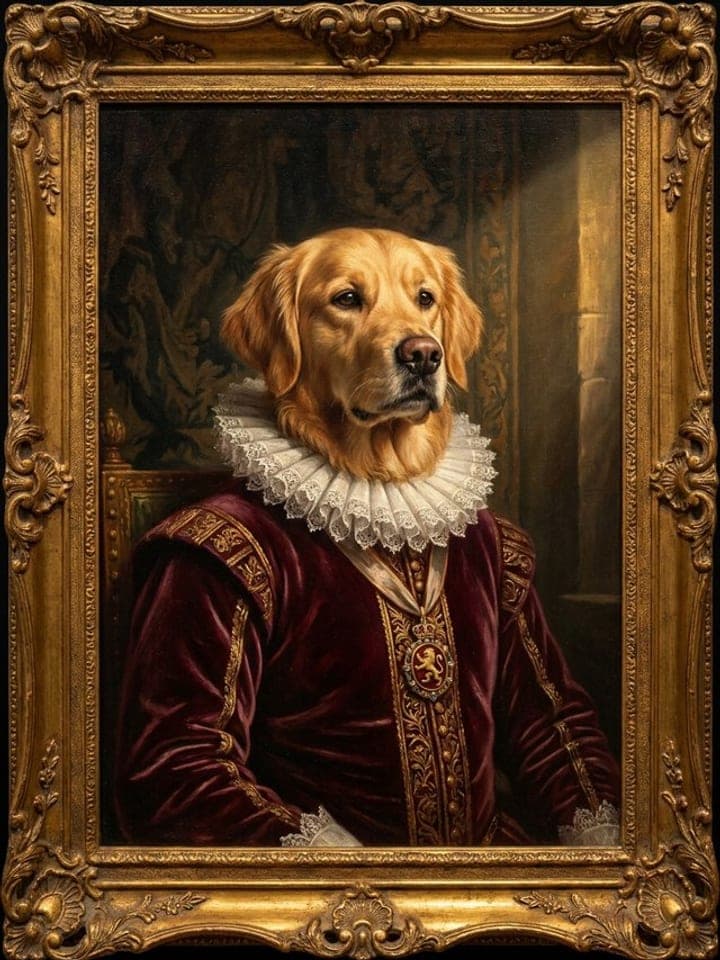
Pet Aristocrat
Your cat or dog as a palace oil portrait.
Pets1 photo
1 photo a run · Basic and up
To print a phone photo or a scan larger, Upscale to 4K returns 1 photo in 4K: about 4,000 pixels on the long side, with sharper detail and the same content, so no new faces and no restyling. There are no settings. One run costs 1 photo. It is included in Basic ($19.99 a month) and up, the plan with all 8 tools; it is not part of the Weekly Pass or Mini.
1 photo in 4K per run. Basic and up.
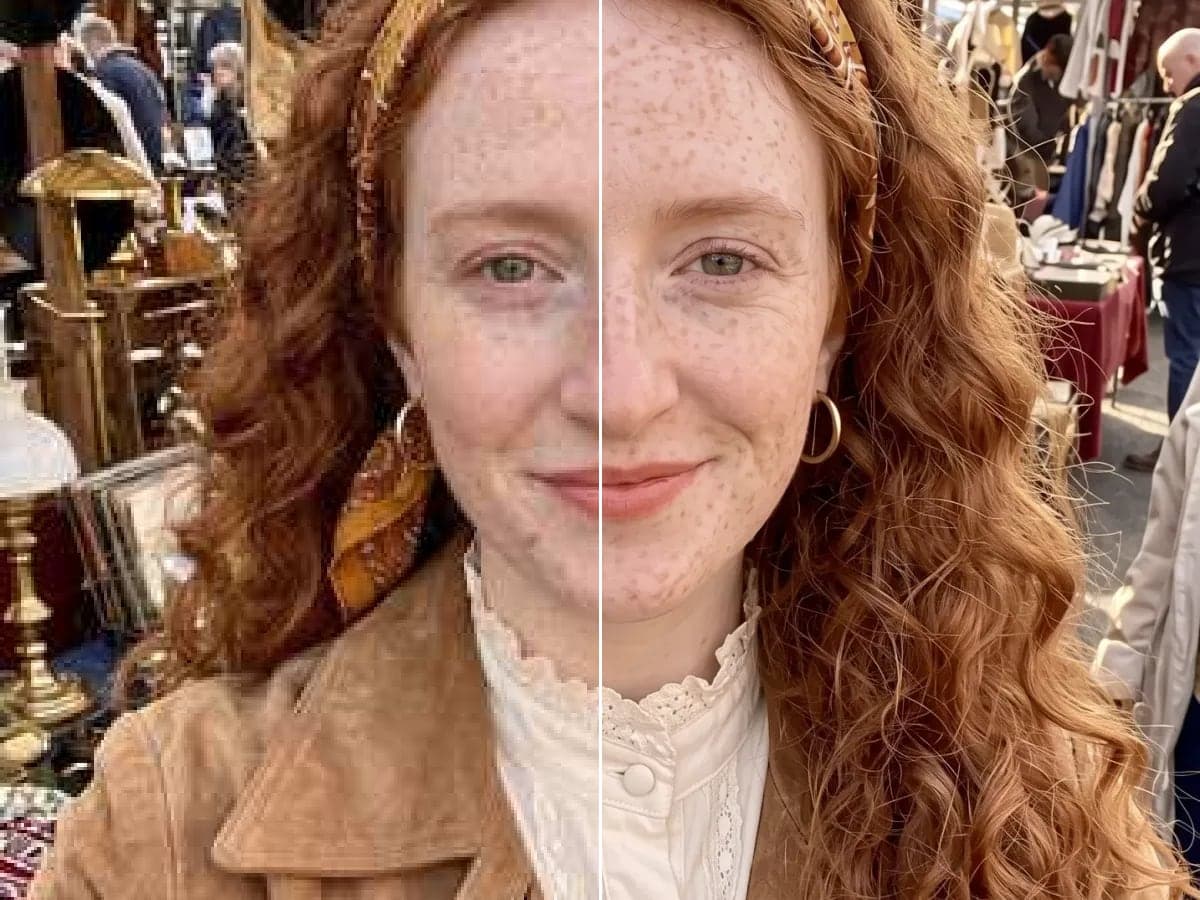
Upscale to 4K enlarges a photo to about 4,000 pixels on the long side and sharpens the detail, so a phone shot or an older result prints cleanly at poster size. It does not change the content — no new faces, no restyling.
A phone shot, a scan or one of your results.
No settings: the tool picks the scale for about 4,000 pixels on the long side.
Download a file big enough for posters and canvas prints.
1 photoper run
Each run makes 1 photo in 4K. Photos come from your plan, the cost is on the button before you start, and a failed run costs nothing.
How photos are countedSame idea, one photo, one fixed look.
No. It is not on the free plan and not in the Weekly Pass or Mini; it starts from Basic ($19.99 a month), the plan that includes every tool.
Yes. Photo labs usually ask for about 300 pixels per inch for a sharp print. A 4x6 print needs roughly 1,200 by 1,800 pixels and an 8x10 roughly 2,400 by 3,000. An upscaled file with about 4,000 pixels on the long side covers both, with room to crop, and prints sharply up to roughly 10 by 13 inches at 300 dpi. Posters viewed from a distance can go larger. Check the crop: a 3:4 image is a slightly different shape from 4x6 or 8x10 paper.
It sharpens what is there, but it can't invent detail that was never captured. A photo that is only small or slightly soft improves a lot. A face that is a smear of motion blur stays blurred, just bigger. Start from the best original you have, not a screenshot or a messenger copy, which are often compressed. Faces in a group photo that are only a few pixels wide stay soft, because there was never enough detail to sharpen. For an old print with scratches or fading, run Restore & Colorize first, then upscale the result.
Upscale last. Restore, colorize or swap the background first, then run the finished photo through the upscaler, so every earlier step works on the smaller file and the final print gets the full resolution. For your Outwow results the same applies: pick the one you want to print and upscale only that one. The upscaler keeps faces, colors and composition as they are, so it won't undo the edits you made before. Each upscale is a separate run of 1 photo, so upscaling only the final pick also costs the least.
FAQ
Last updated
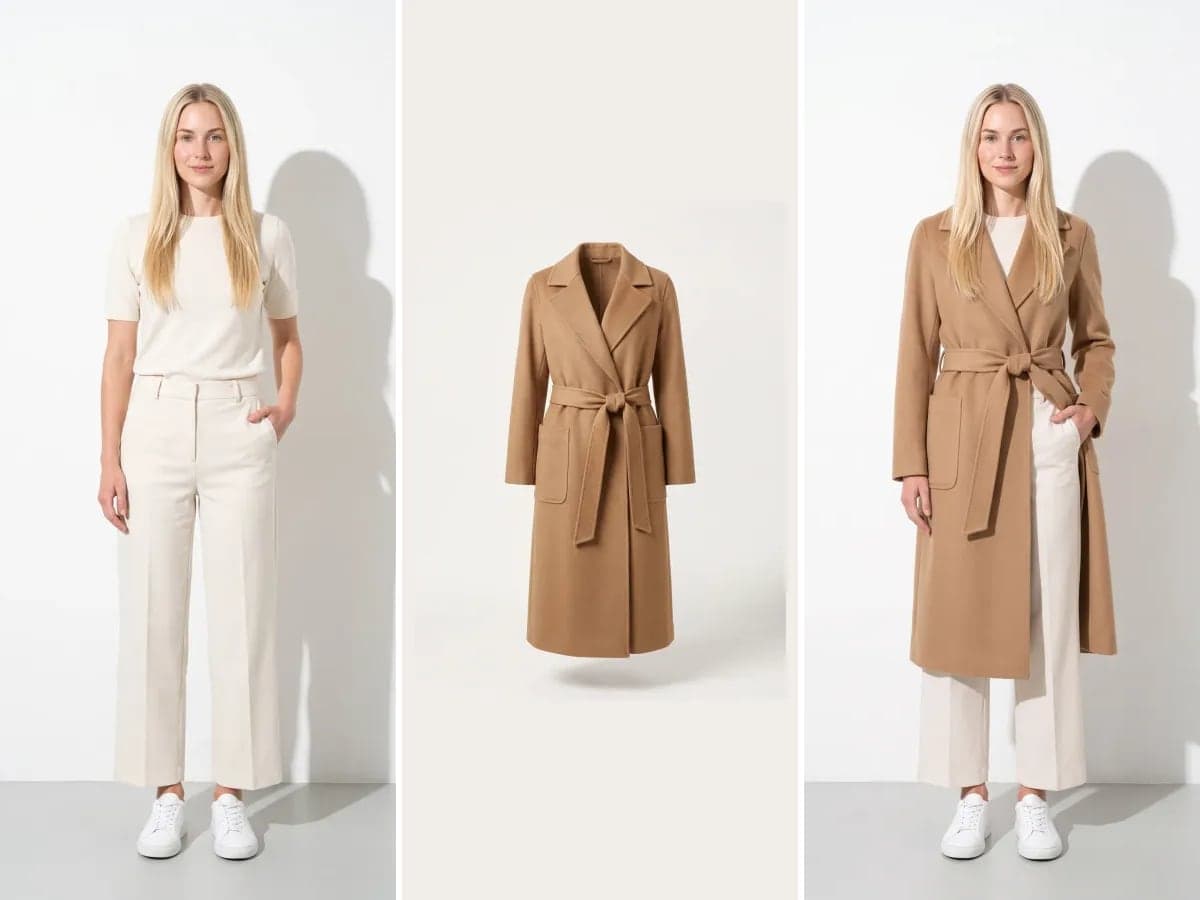
See clothes from any shop on your own photo.
4 photos a run for 4 looksBasic and up
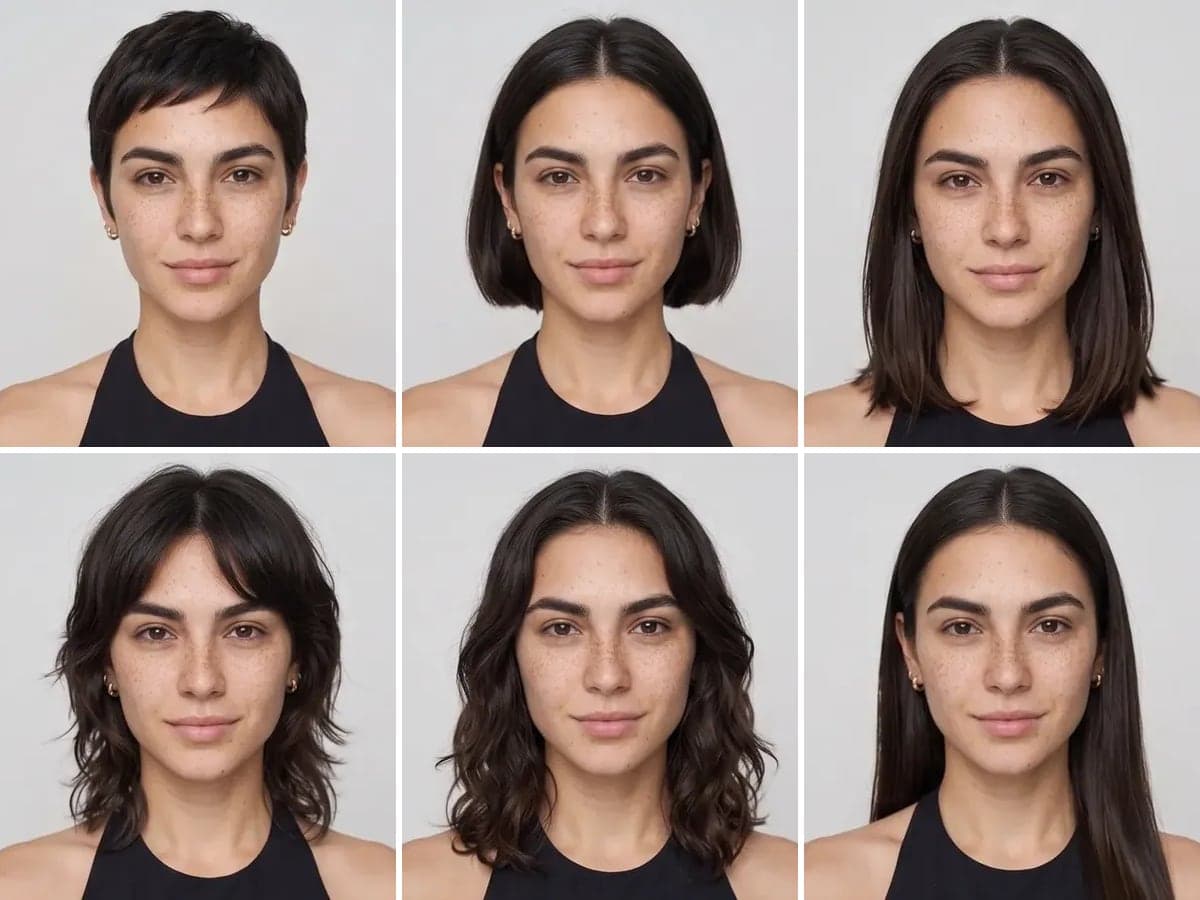
Six haircuts on your face before you book the salon.
1 photo a run for 1 poster of 6 haircutsBasic and up
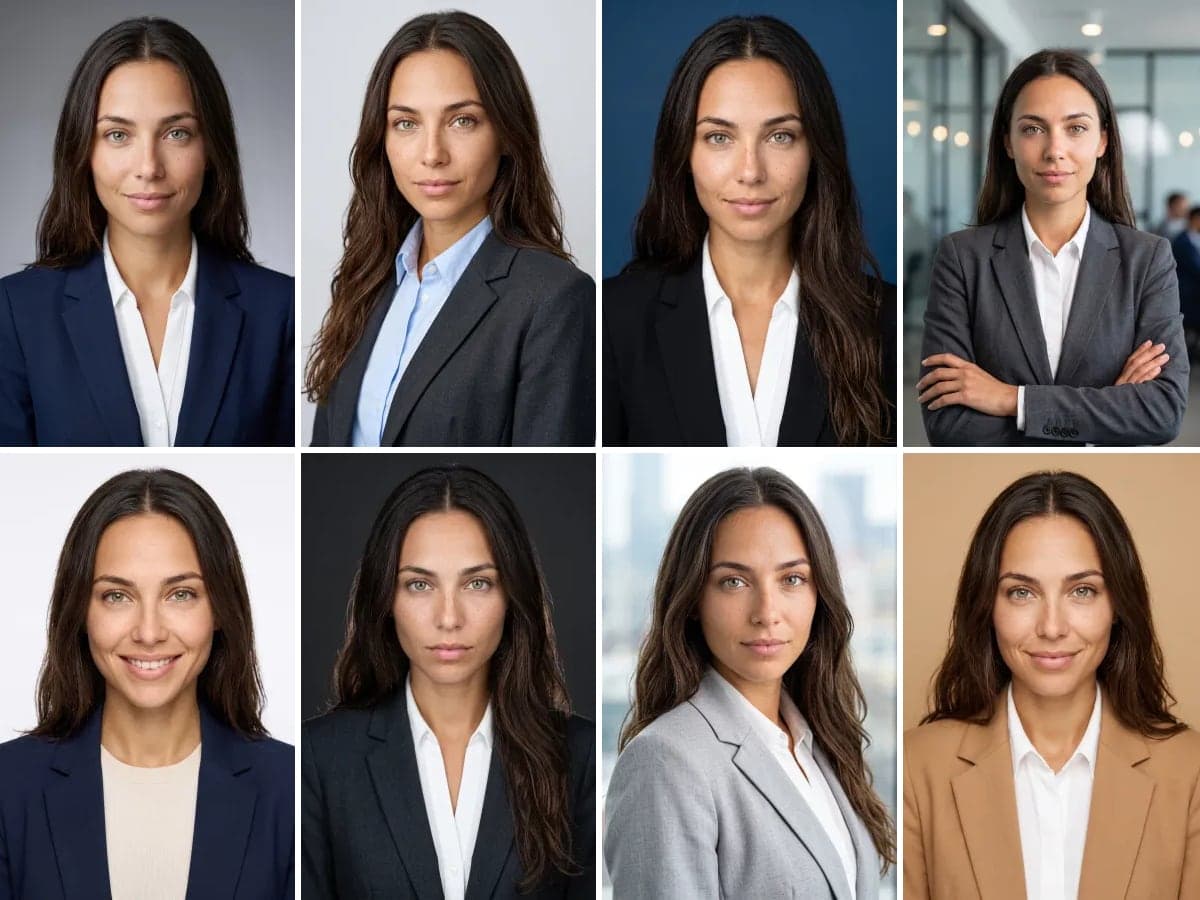
Eight professional headshots from one selfie.
8 photos a run for 8 headshotsBasic and up
One run costs 1 photo. Uploads are deleted within 24 hours.
We count visits to see which pages work, without a tracking cookie (in the EU only if you accept). May we also use cookies to see which ad or link brought you here? If you say yes, Meta, TikTok and OpenAI also learn when you sign up or subscribe. “Reject” turns off both. Cookie policy