Pet Aristocrat
AI photo template · from a pet photo
Your cat or dog as a palace oil portrait.
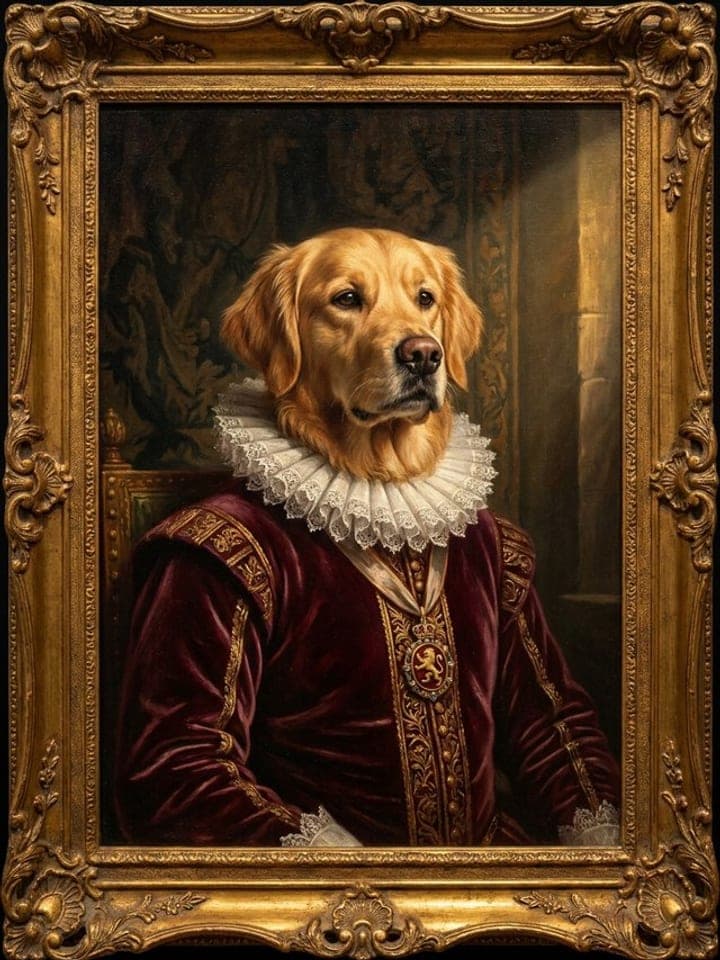
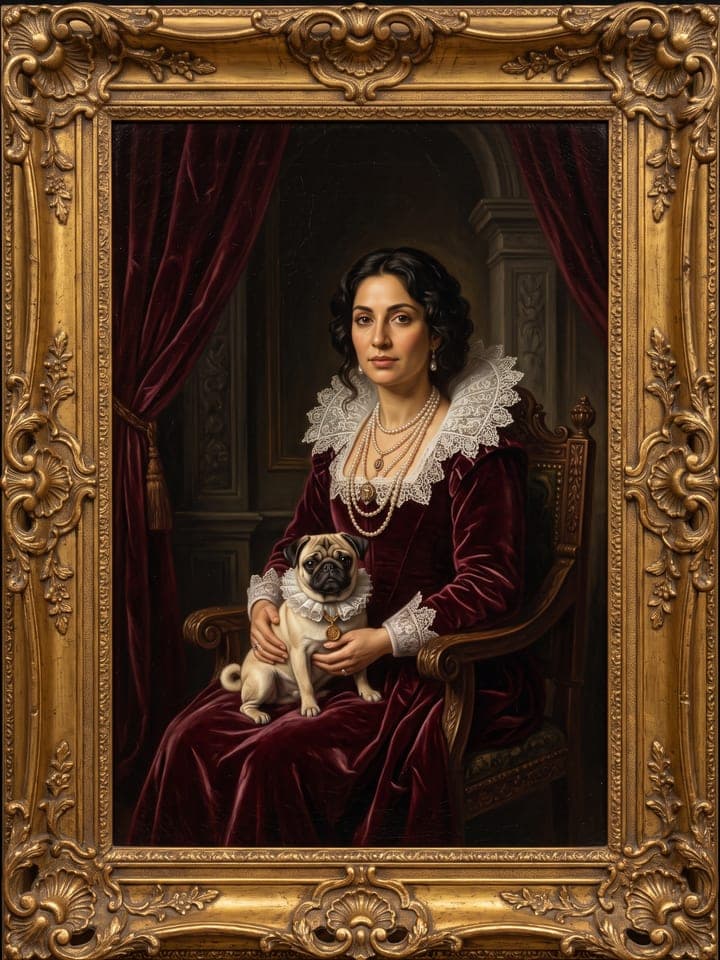
Example result. Yours is made from your own photo.
Your pet as a noble aristocrat in a Renaissance oil portrait: a royal doublet with a lace collar and an order, a proud pose, a dark palace background and old-master light. Canvas texture in a heavy gilded frame.
1 photo
per result
Shapes: 9:16 · 3:4 · 4:5 · 1:1. Example shown in 3:4. How photos are counted
How to make a Renaissance pet portrait with AI
To make a royal pet portrait from a photo, upload one close-up of your cat or dog to Pet Aristocrat: 1 photo per painting, on any plan, and a new account's first 3 photos are free. It comes back as a Renaissance oil painting, chest-up, in a royal doublet with a lace collar and a knightly order, lit like an old master against a dark palace wall in a heavy gilded frame. Fur color and markings come from your photo.
- Take or pick a close-up of your pet in daylight with both eyes visible, at the pet's eye level if you can.
- Open Pet Aristocrat, upload it in the Your pet's photo slot and press Create (1 photo). The costume, pose and frame are fixed; there are no options.
- Download the painting from My creations. It comes full size, ready to print for a frame or a gift.
Why paint a pet as nobility?
Dressing pets as nobility borrows from real history: court painters such as Anthony van Dyck and Diego Velázquez painted kings and royal children with their dogs beside them. The modern version turns the pet itself into the sitter, with the lace collar and the medal usually reserved for a duke.
What can you use it for?
- A gift for a pet owner's birthday or the holidays, printed and framed.
- A memorial portrait of a pet that has passed away, from a favorite photo.
- A wall piece for a home office or a vet's waiting room.
- A funny profile picture for your pet's own account.
How do I get a better result?
- Choose a photo where the head and chest are both in view. The painting is a chest-up portrait, so a face-only crop leaves the collar and the order with little to sit on.
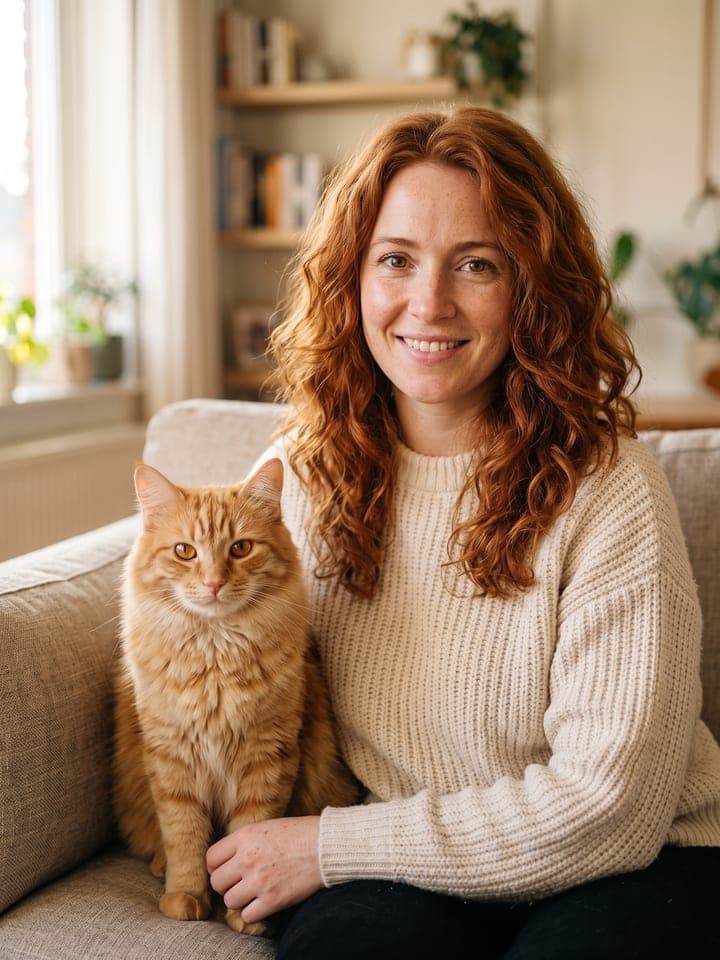
- Ginger coats shift most in poor light. A daylight photo keeps the orange from going gray or brown in the oil paint.
- A calm, upright pose in the original suits the proud posture of the portrait better than a mid-play shot with a blurred head.
What goes wrong most often?
- Uploading a photo with two pets. The portrait paints one sitter; for you and your pet together, use Royal Portrait With My Pet.
- Using a flash photo taken at night. Red or glowing eyes and flattened fur carry into the painting.
- Expecting a name plaque. There is no text field here, so the frame comes without an engraved name; add a caption when you print it.
Guide: Royal Pet Portrait Ideas: Renaissance and Palace Oil Paintings of Your Pet
What you need
Your pet's photo
Close-up in daylight, eyes visible. Small or dark photos can change the fur color.
Works well
- Your pet's face close up, eyes open
- Daylight, taken at your pet's eye level
Avoid
- Dark or tiny photos: they can change the fur color
- Motion blur, or other animals in the frame