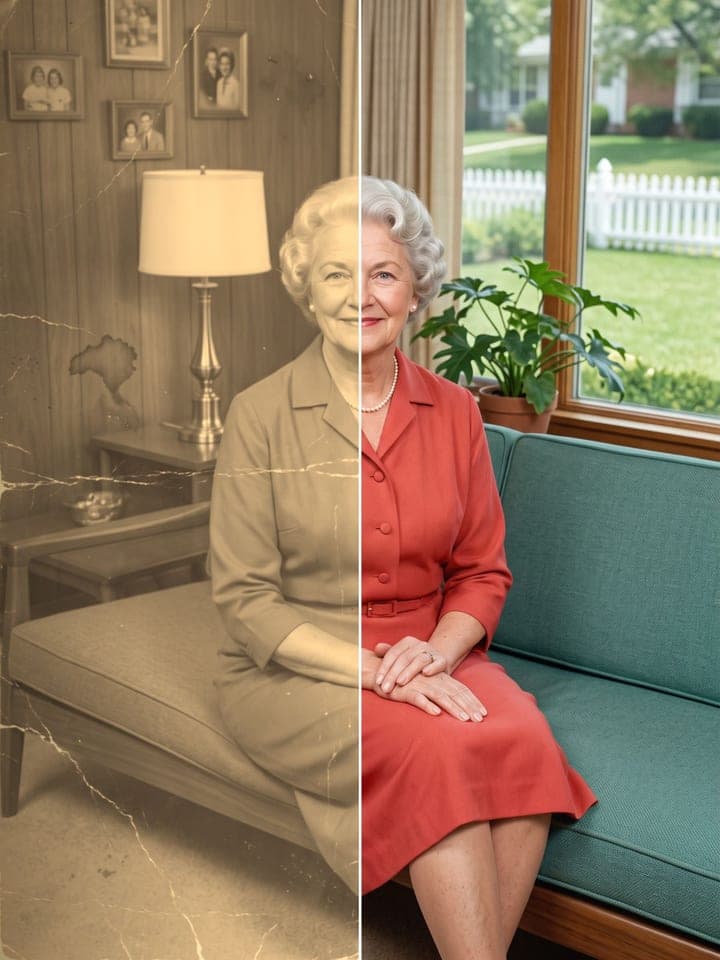
Old Photo Restoration
Brings grandma's photo from the family album back to life, in color.
Parents1 photo
1 photo a run · Weekly Pass and up
To fix an old family print, Restore & Colorize takes one scan or straight-on phone photo and returns 1 restored photo: scratches, creases, stains and fading repaired, lost detail recovered, and color added or left out as you choose. Nobody is added, removed or made younger. One run costs 1 photo. It is one of the 4 basic tools included from the Weekly Pass ($6.99 a week) up, and uploads are deleted within 24 hours.
1 restored photo per run. Weekly Pass and up.
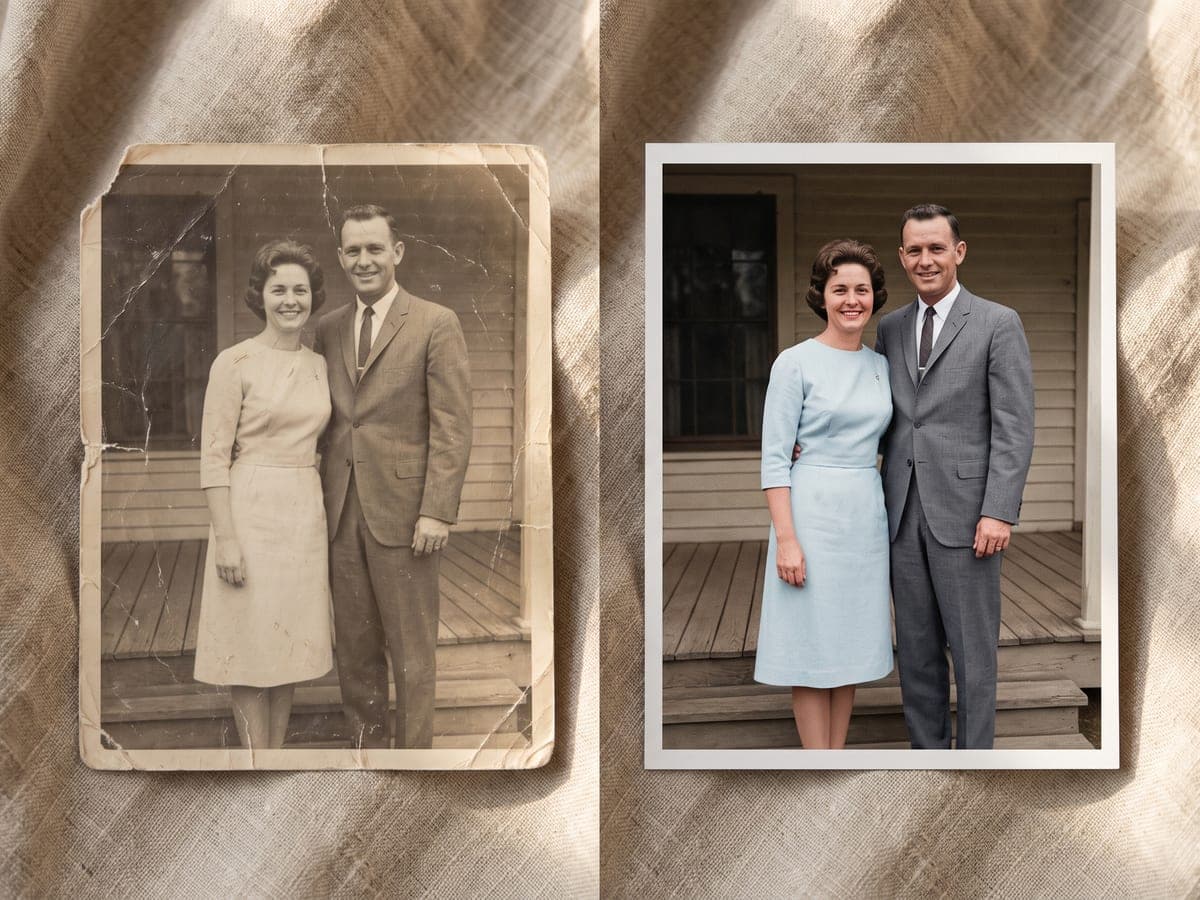
Restore & Colorize repairs a scanned old photo — scratches, creases, stains, fading and lost detail — and, if you want, adds natural color. Faces, poses and the look of the era stay as they were; nobody is added, removed or made younger.
A flatbed scan is best; a straight-on phone photo in daylight works too.
Add natural color or keep the original black and white.
Scratches and fading gone, faces and details kept.
1 photoper run
Each run makes 1 restored photo. Photos come from your plan, the cost is on the button before you start, and a failed run costs nothing.
How photos are countedSame idea, one photo, one fixed look.
Not on the free plan; it is included from the Weekly Pass ($6.99 a week). On the free plan, the Old Photo Restoration template does a one-button restore with color for 1 photo, and a new account gets 3 free photos. Uploads are deleted within 24 hours and are never used to train AI models.
Scan the print on a flatbed scanner at a high resolution, or photograph it flat and straight-on in daylight with no glare, and crop off the album page. Upload it, choose In color or Black and white, and run it. Compare the result with the scan before printing: the repair keeps faces and ages as they are, but a detail you remember may differ. For a large print, run the restored photo through Upscale to 4K. Keep the original scan too; it is the untouched record.
Yes. Group photos and wedding pictures work the same way; before the run you confirm you have the right to use the photo, which for old family pictures is usually you or your family. Small faces in the back row have the least detail to recover, so scan at the highest setting you have and crop to the part of the photo you care about most if the print is large. The Color choice, In color or Black and white, works the same as for a single portrait, and a group photo costs the same 1 photo per run.
FAQ
Last updated

See clothes from any shop on your own photo.
4 photos a run for 4 looksBasic and up
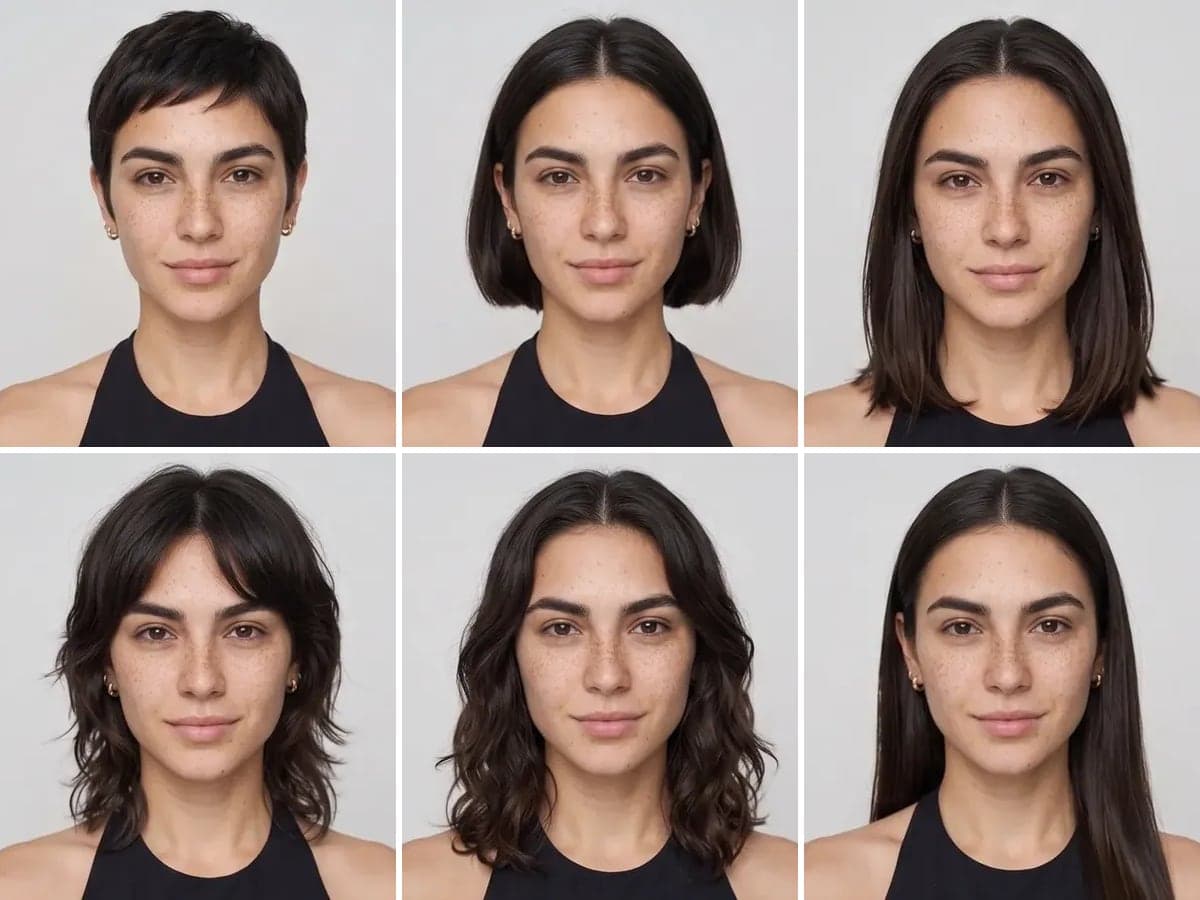
Six haircuts on your face before you book the salon.
1 photo a run for 1 poster of 6 haircutsBasic and up

Eight professional headshots from one selfie.
8 photos a run for 8 headshotsBasic and up
One run costs 1 photo. Uploads are deleted within 24 hours.
We count visits to see which pages work, without a tracking cookie (in the EU only if you accept). May we also use cookies to see which ad or link brought you here? If you say yes, Meta, TikTok and OpenAI also learn when you sign up or subscribe. “Reject” turns off both. Cookie policy