Style Makeover
AI photo template · from 1 photo
Old money, streetwear, techwear or smart casual — tried on you.
3 free photos, no card
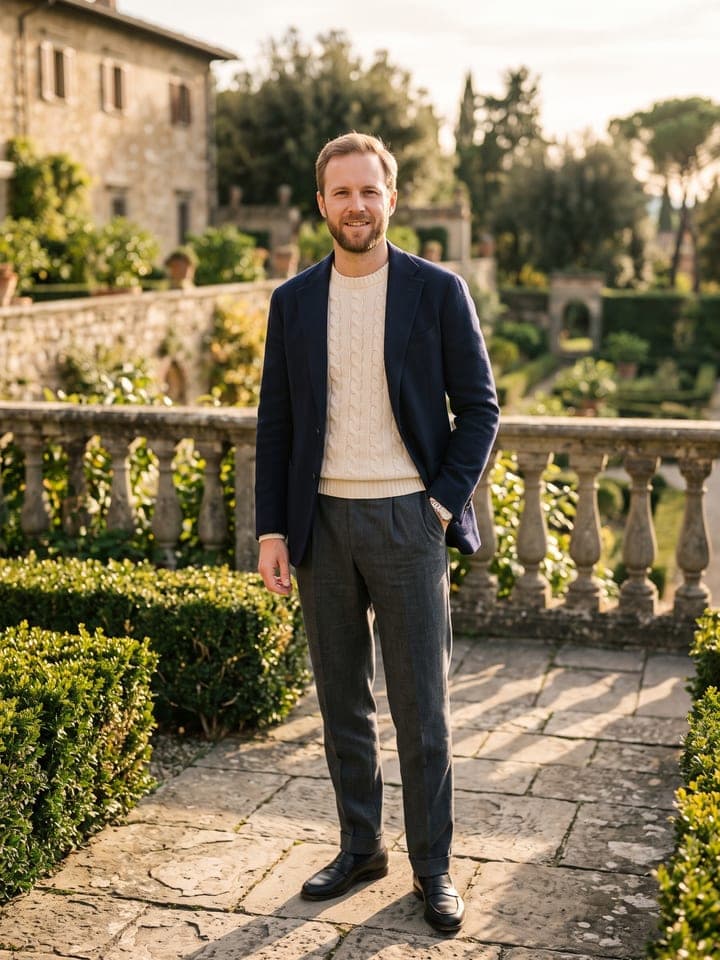
Example result. Yours is made from your own photo.
The style you pick — old money, streetwear, techwear or smart casual — tried on you, with a setting and light to match. Your face, build and hair stay yours, so you see how the look works on you before you buy anything.
1 photo
per result
3 free photos, no card
Shapes: 9:16 · 3:4 · 4:5 · 1:1 · 4:3 · 16:9. Example shown in 3:4. How photos are counted
How to make an old money outfit photo of yourself with AI
To see the old money aesthetic for men on yourself, upload one waist-up or full-length photo to Style Makeover and keep Old money selected: 1 photo per run on any plan, and the first 3 photos are free. You come back in a navy unstructured blazer over a cream cable-knit or an oxford shirt, pleated trousers and loafers, on a stone terrace in late-afternoon light. Your face, build and hair length stay yours.
- Open Style Makeover and upload a photo from the waist up or head to toe, face clearly visible, in daylight.
- Pick a Style: Old money (the default), Streetwear, Techwear or Smart casual.
- Press Create (1 photo), then switch the Style and run again to compare. Each result is a street-style shot.
What can you use it for?
- Deciding between old money and smart casual before a wardrobe refresh.
- Seeing how a navy blazer or techwear shell works with your build before buying.
- A new profile picture that looks styled without a photo shoot.
- Showing a partner or friend the look you have in mind.
How do I get a better result?
- A photo that shows your shoulders and torso helps most. The outfit is fitted to your build, and a face-only crop leaves the template guessing your proportions.
- Stand straight in the original. The result keeps your build and height, so a slouch in the input can carry into the jacket's fit.
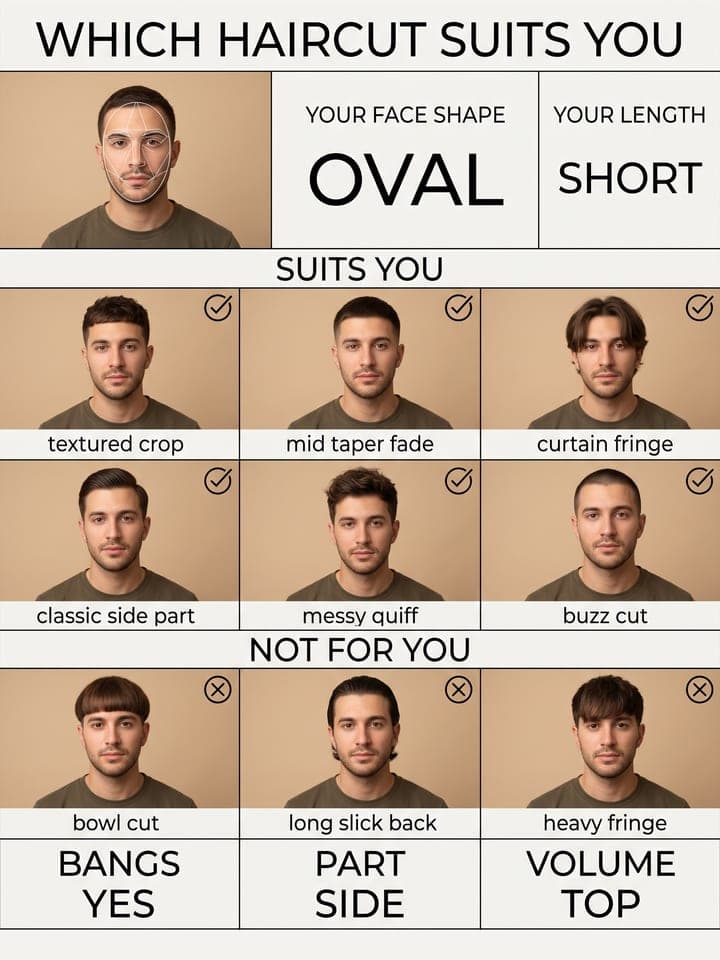
- Your haircut keeps its length and color and is only styled neatly. To see a new cut on your face, Which Haircut Suits You is the template for that.
- Compare all four styles on one photo: the setting and light change with each (terrace, city street, wet pavement at blue hour, a café), so pick the result you would actually post.
What goes wrong most often?
- Expecting branded pieces. Every item comes without logos, printed words or monograms, so no designer names appear.
- Wanting a specific shirt from a shop. Style Makeover chooses the whole outfit; to put exact items from a store on your photo, use Virtual Try-On.
- Uploading a group shot. The template restyles one person, so a photo of you alone gives it no one else to confuse you with.
What you need
Your photo
Waist-up or full-length, face clearly visible, daylight.
- You pick the style
- Old money, Streetwear, Techwear, Smart casual
Works well
- Waist-up, with your face and outfit visible
- Daylight or bright, even room light
Avoid
- Tight crops that cut off your hair or shoulders
- Mirror selfies where the phone covers your face
Guides with Style Makeover
Saw the exact pieces in a shop? Virtual Try-On puts them on you from screenshots.