Clothes Try-On
AI photo template · from 2 photos
Puts the item you picked on your photo, so you see how it fits.
3 free photos, no card
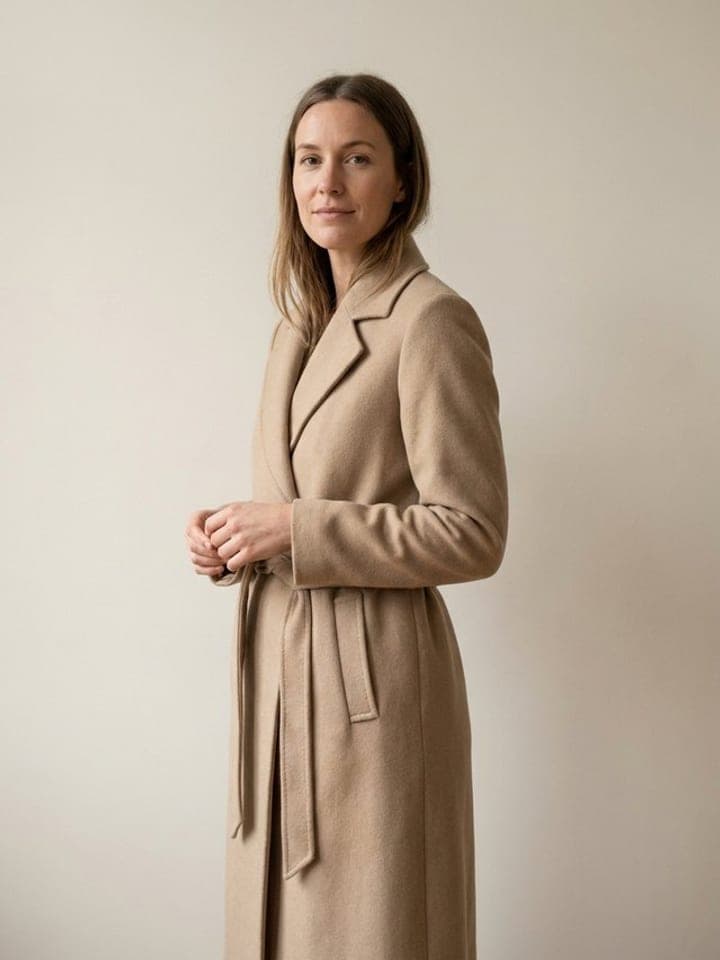
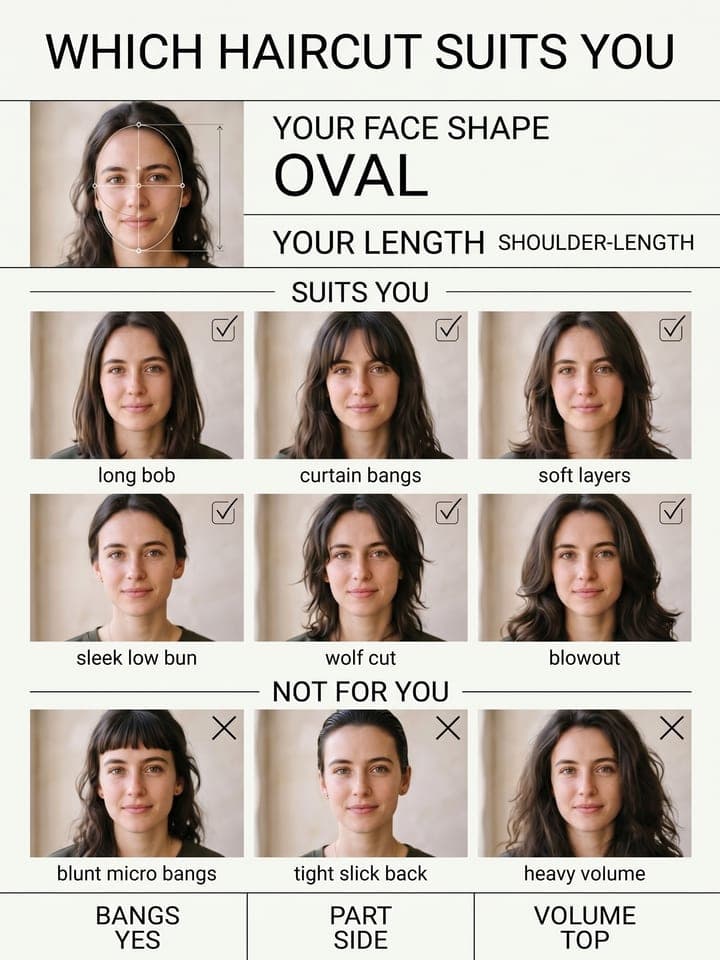
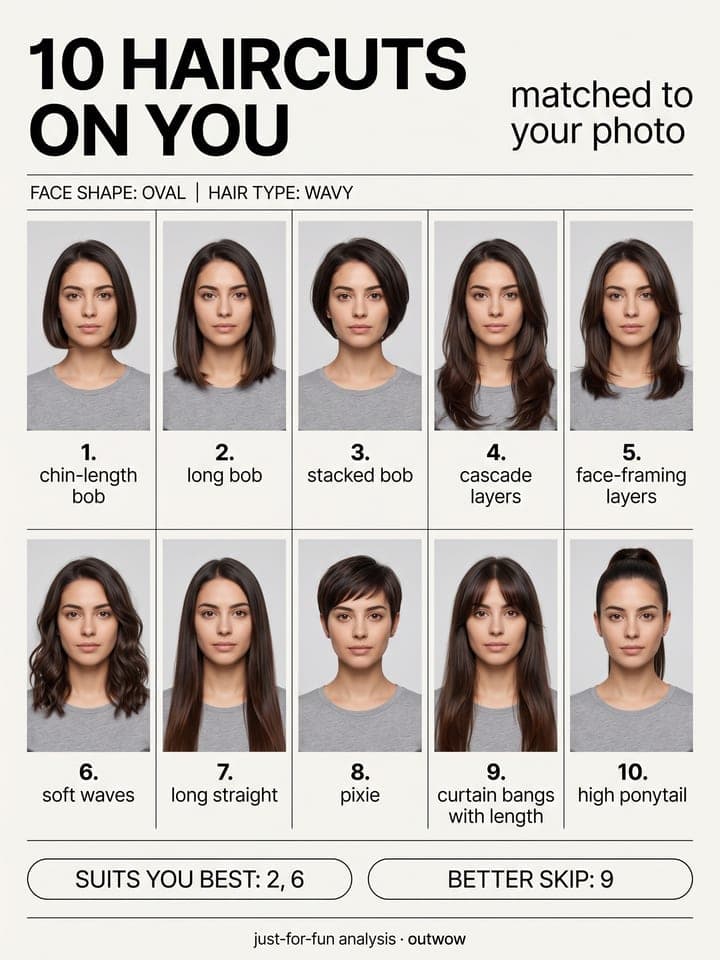
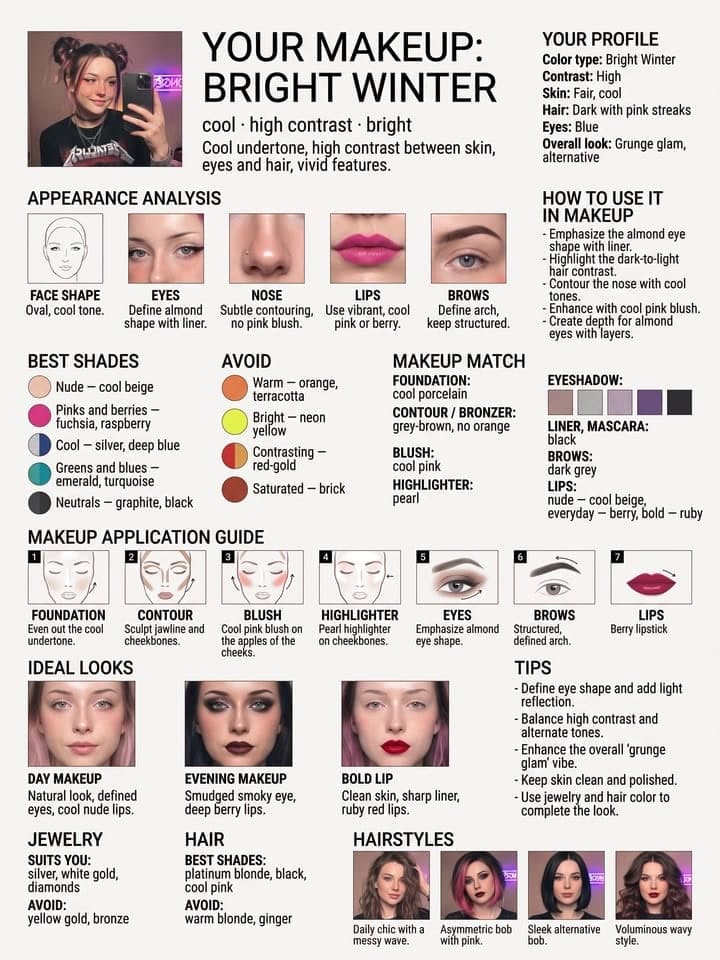
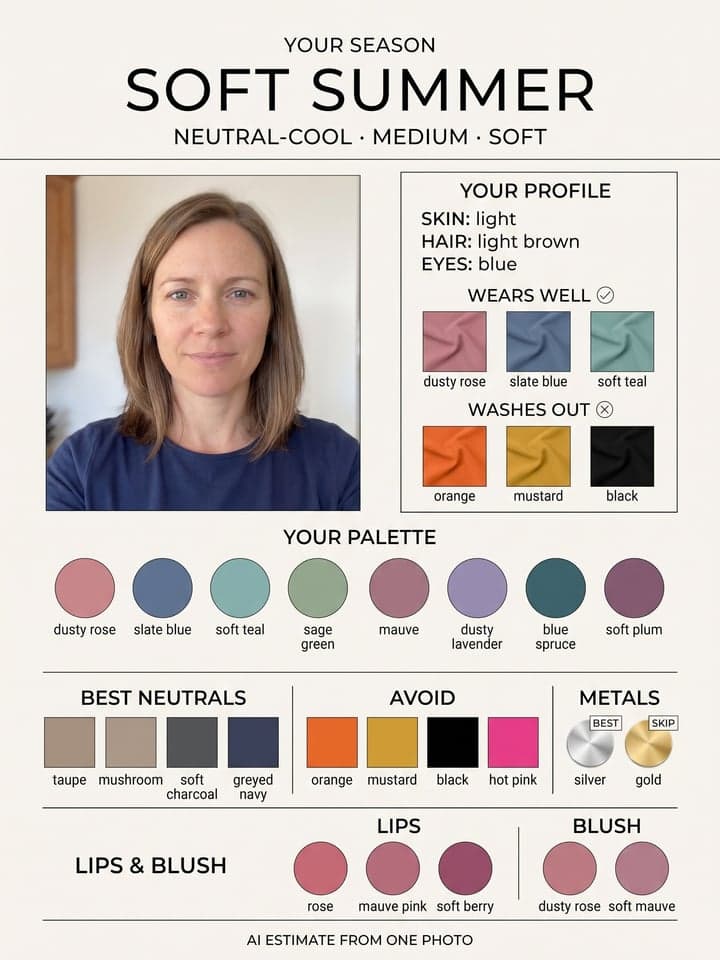
Example result. Yours is made from your own photo.
Upload a full-length photo of yourself and a photo of the item from a store website, and see it on you with realistic folds, shadows and fit. Your face, pose, proportions, background and light stay as they are.
1 photo
per result
3 free photos, no card
Output: same shape as your photo. How photos are counted
How to make a try-on photo of one item with AI
For a quick try-on of one item, upload a full-length photo of yourself and a store photo of the piece to Clothes Try-On: 1 photo per result, and it runs on the free plan. You see it on you with realistic folds, shadows and fit, while your face, pose, proportions, background and light stay as they were. To try up to four garments at once and get four looks, use Virtual Try-On.
- Upload a full-body photo: head to toe, standing, face clearly visible.
- Upload the item: a product photo from the store's website with the whole piece in view. Optionally type what it is, such as "coat" or "sneakers".
- Press Create (1 photo) and check the fit in My creations before you order.
What can you use it for?
- Checking a coat's length on you before ordering it online.
- Deciding between two colors of the same dress, one run each.
- Showing a friend how a gift would look before buying it for them, with their photo and their consent.
How do I get a better result?
- Wear fitted clothes in your own photo. A baggy hoodie hides your shape, and the new item is fitted to the figure it can see.
- Pick the store image where the item is shown whole, ideally flat or on a plain background. A cropped close-up of the fabric gives the template half a garment.
- Type the item name when the photo is ambiguous, for example "cropped jacket" when the model is also wearing a dress. It tells the template which piece to take.
What goes wrong most often?
- Using a waist-up selfie for shoes or pants. The template needs a head-to-toe photo to place anything below the waist.
- Expecting it to change the background or pose. Only the clothing changes; everything else stays as in your photo.
- Uploading two items in one screenshot. This template takes one piece per run.
What you need
Full-body photo
Head to toe, standing, face clearly visible.
The item
A photo of the item from the store website, the whole item visible.
What you're trying onOptional
For example: coat, dress, sneakers. Up to 40 characters.
Works well
- Head to toe in the frame, standing straight
- A plain background and good light
- A product photo with the whole item visible
Avoid
- Photos cropped at the knees or sitting down
- Bags or big coats covering most of the outfit
- Items folded, cropped or half hidden
Guides with Clothes Try-On
Trying on more than one item? Virtual Try-On takes up to four shop screenshots and gives you four looks.