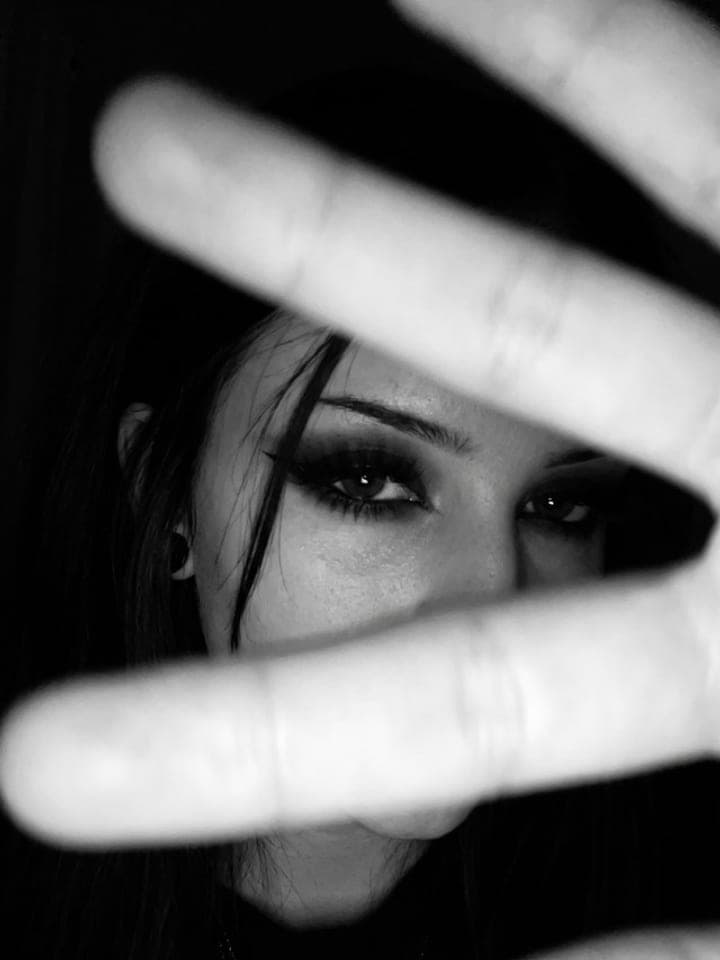
Blue Sky Digicam Photo
AI photo template · from 1 photo
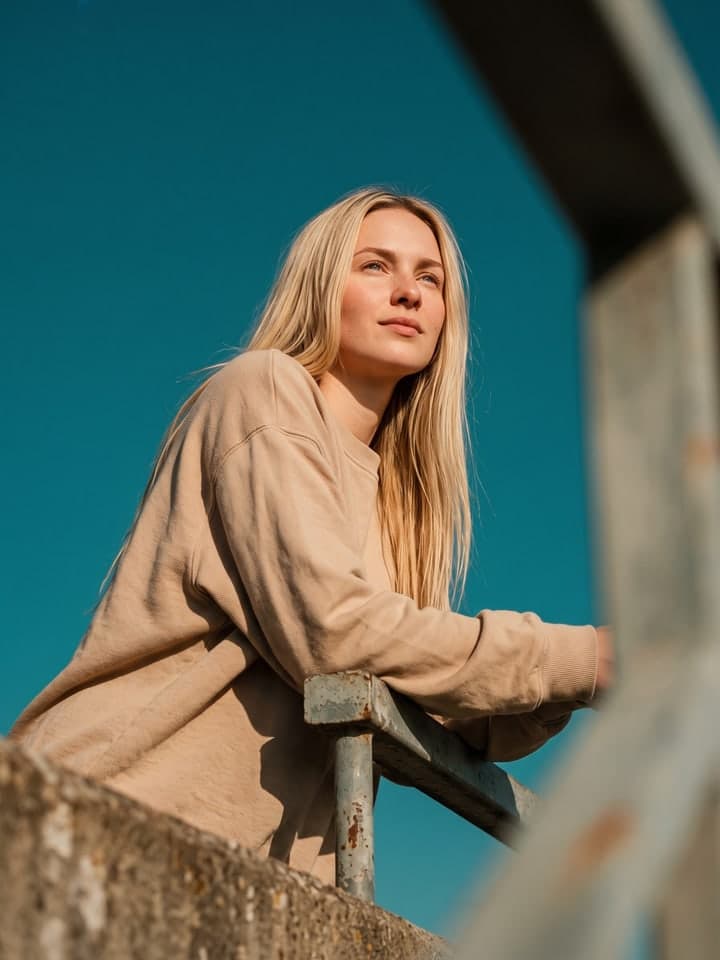
Laughing under a cobalt sky, shot from below on a dreamy digicam.
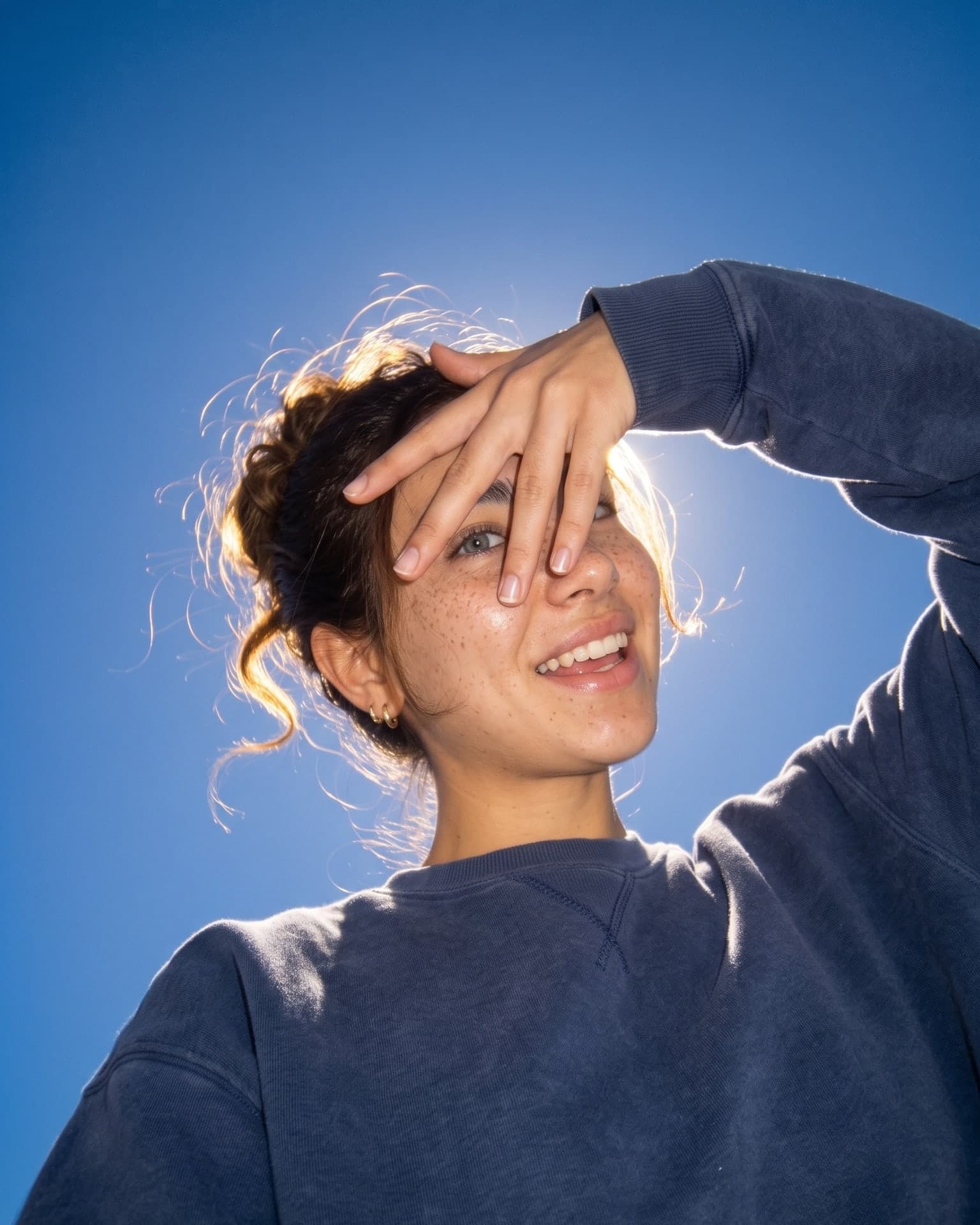
Example result. Yours is made from your own photo.
A soft, dreamy snapshot as if from an early-2000s compact digital camera held right below you: you laugh and shield your eyes from the sun with one hand while loose strands of a messy bun glow in the backlight. You wear an oversized washed navy fleece sweatshirt, and a deep cobalt-blue sky fills the frame. Flash mixed with daylight, glass-skin makeup with shimmering highlighter and grey contact lenses; your face and hair color come from your selfie.
1 photo
per result
Output: Portrait 4:5. How photos are counted
How to make a dreamy blue sky photo with AI
A blue sky photoshoot usually needs a cloudless day, a friend crouching at your feet and an old point-and-shoot; Blue Sky Digicam Photo makes the shot from one selfie. The camera looks up at you as you laugh and shield your eyes from the sun with one hand, loose strands of a messy bun glowing in the backlight, in an oversized washed navy fleece sweatshirt against a deep cobalt sky. A run costs 1 photo on the Free plan.
- Upload a sharp selfie taken face-on in daylight, both eyes open. Your hand will cover part of your face in the result, so the template rebuilds the rest from what the photo shows.
- Press Create (1 photo). The sweatshirt, the sky, the angle from below and the grey contact lenses are fixed.
- Open the result at full size and check the hand over your eye: in one of our runs it covered almost the whole face, so run it again if yours does.
What makes it look like a camera from the early 2000s
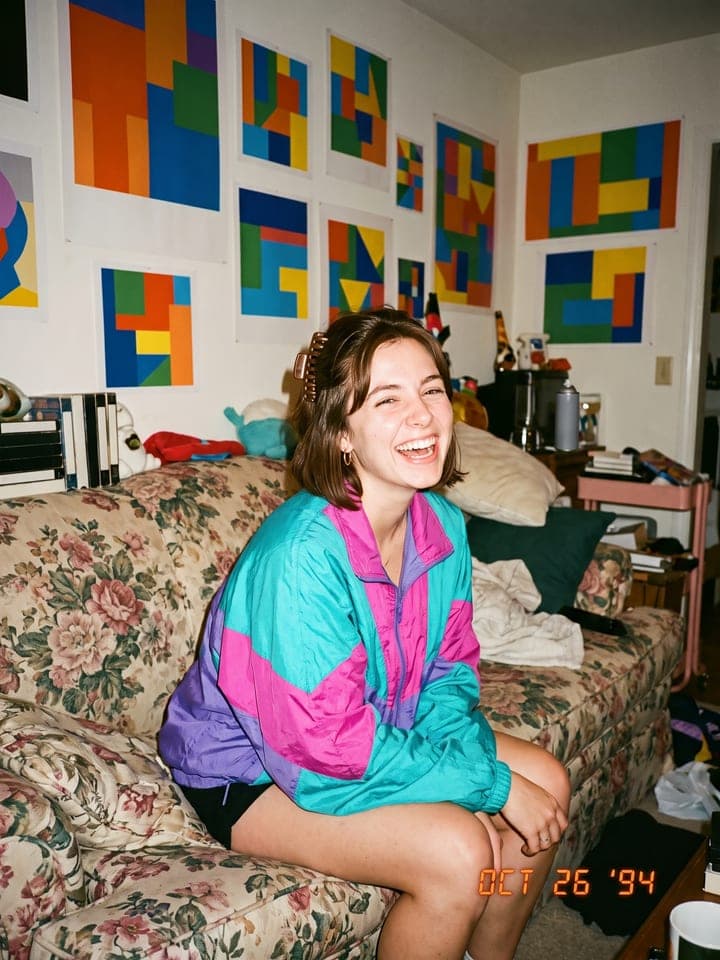
The look copies a compact digital camera of that era: a small flash mixed with bright daylight, thick old glass that blooms around the brightest edges, lifted shadows and a little motion blur. The makeup is part of it too: glass skin with shimmering highlighter on the cheekbones, the nose and the cupid's bow, softly separated lashes and cool grey contact lenses.
We tested it on the AI-generated selfie of one of our house models while tuning the wording. The sky depth and the pose changed from run to run: the hazier the run, the paler the sky came out, and on some runs the hand covered much more of the face than on others. The one shown below kept the deep cobalt and showed one eye between her fingers.
What can you use it for?
- A summer profile picture that looks caught in the moment rather than posed.
- A post for a carousel of sunny-day snapshots.
- A phone wallpaper with lots of open blue sky around you.
What does an example run look like?
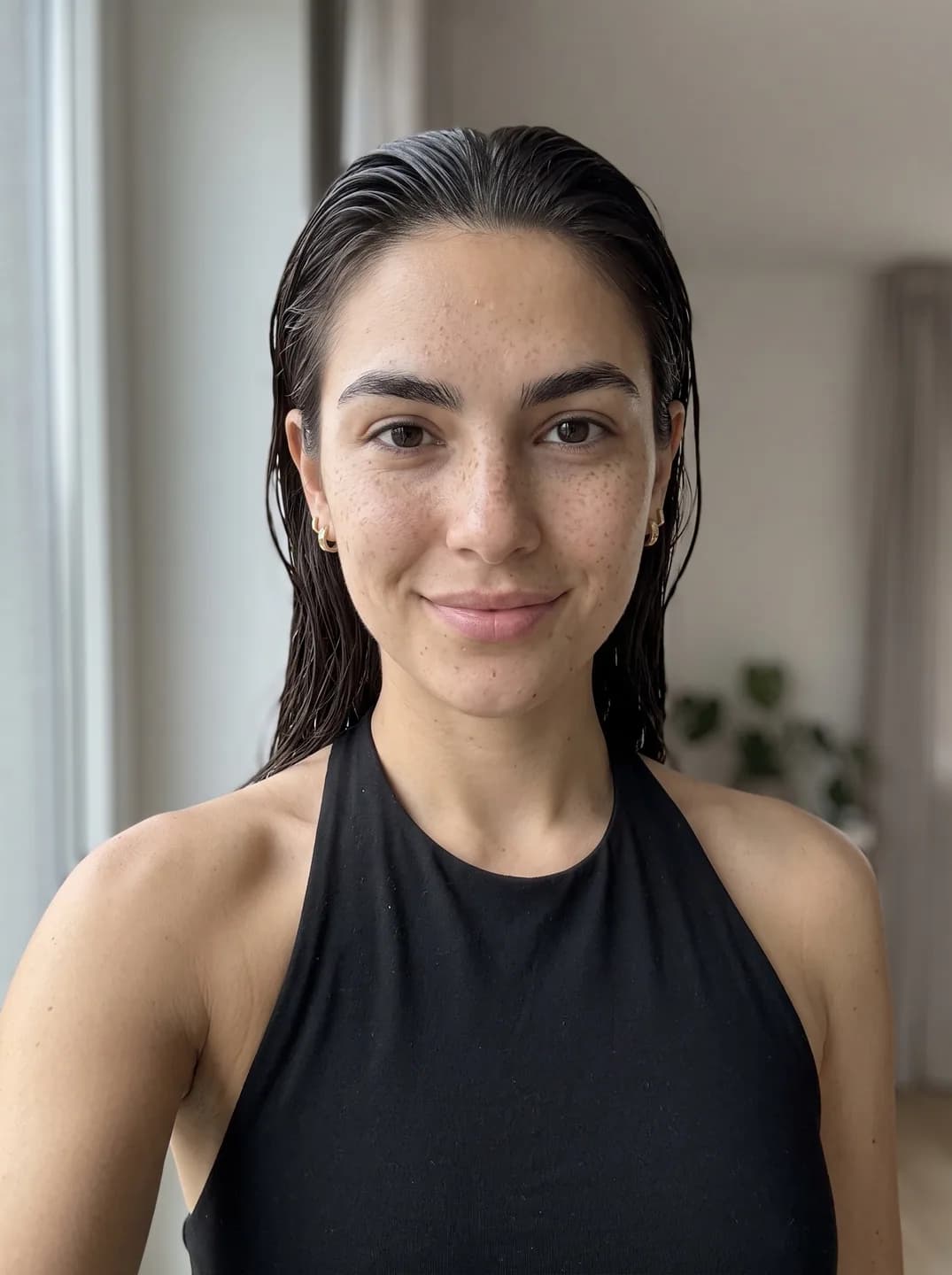
- AI-generated sample input
 Result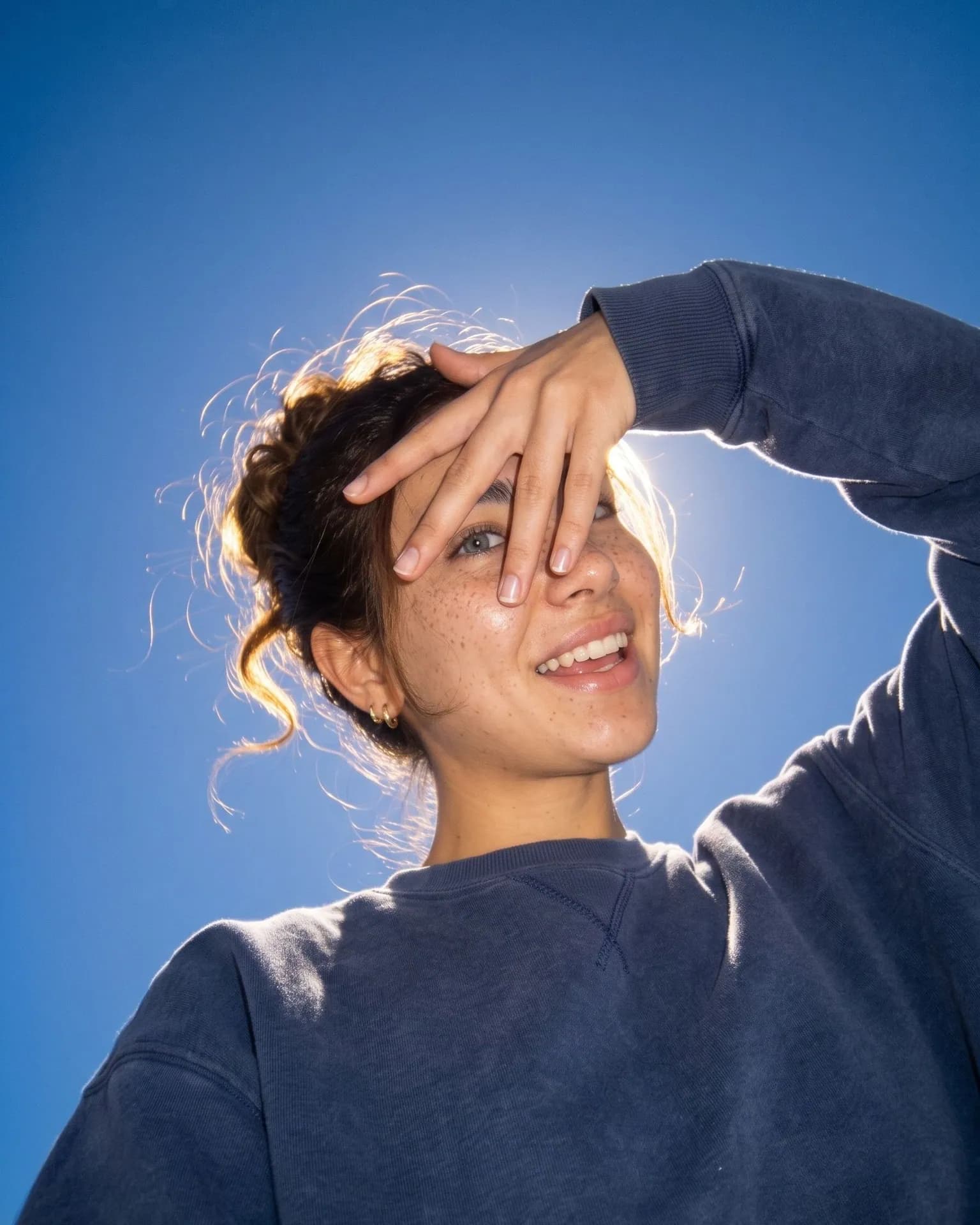
From the AI-generated test selfie on the left: her freckles, nose, smile and gold hoops carried over, the dark bun kept its color and only the loose strands glow. Her brown eyes came out grey from the lenses, and the hand hides her brows.
How do I get a better result?
- Pick a selfie where your hair shows its true color in daylight. The backlight puts a golden rim on loose strands, but the color of the bun stays yours.
- Long hair works best for the messy bun. Short hair keeps its own cut and gets a few loose strands lit by the sun instead.
- A relaxed selfie is enough. You don't need to laugh or squint in your photo: the template sets the laugh and the hand against the sun itself.
What goes wrong most often?
- Expecting your own eye color. The look includes cool grey contact lenses, so dark eyes come out grey.
- Expecting a studio-sharp face. Glow, softness and a little blur belong to the digicam look.
What you need
Your selfie
Close-up, daylight, one face. No filters or sunglasses.
Works well
- Your face close to the camera, looking straight in
- Daylight from a window in front of you
- Only you in the frame
Avoid
- Sunglasses, masks or hair over your eyes
- Beauty filters and heavy edits
- Dark rooms and photos taken from far away