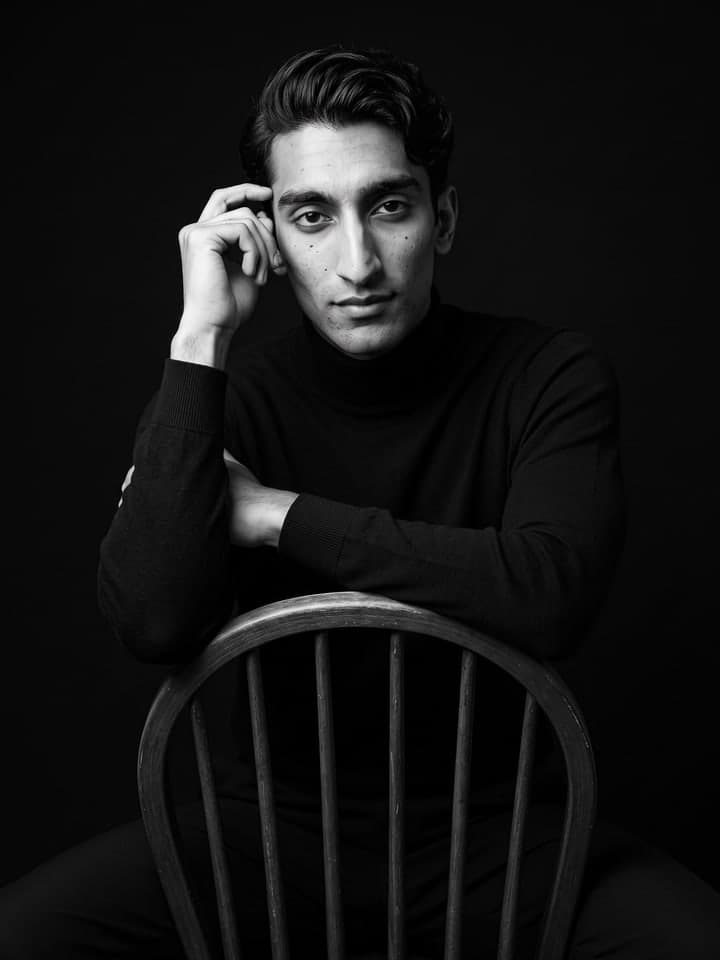
Flower Wall Burst Shots
AI photo template · from 1 photo
Three candid phone shots of you by a bougainvillea wall, in one image.
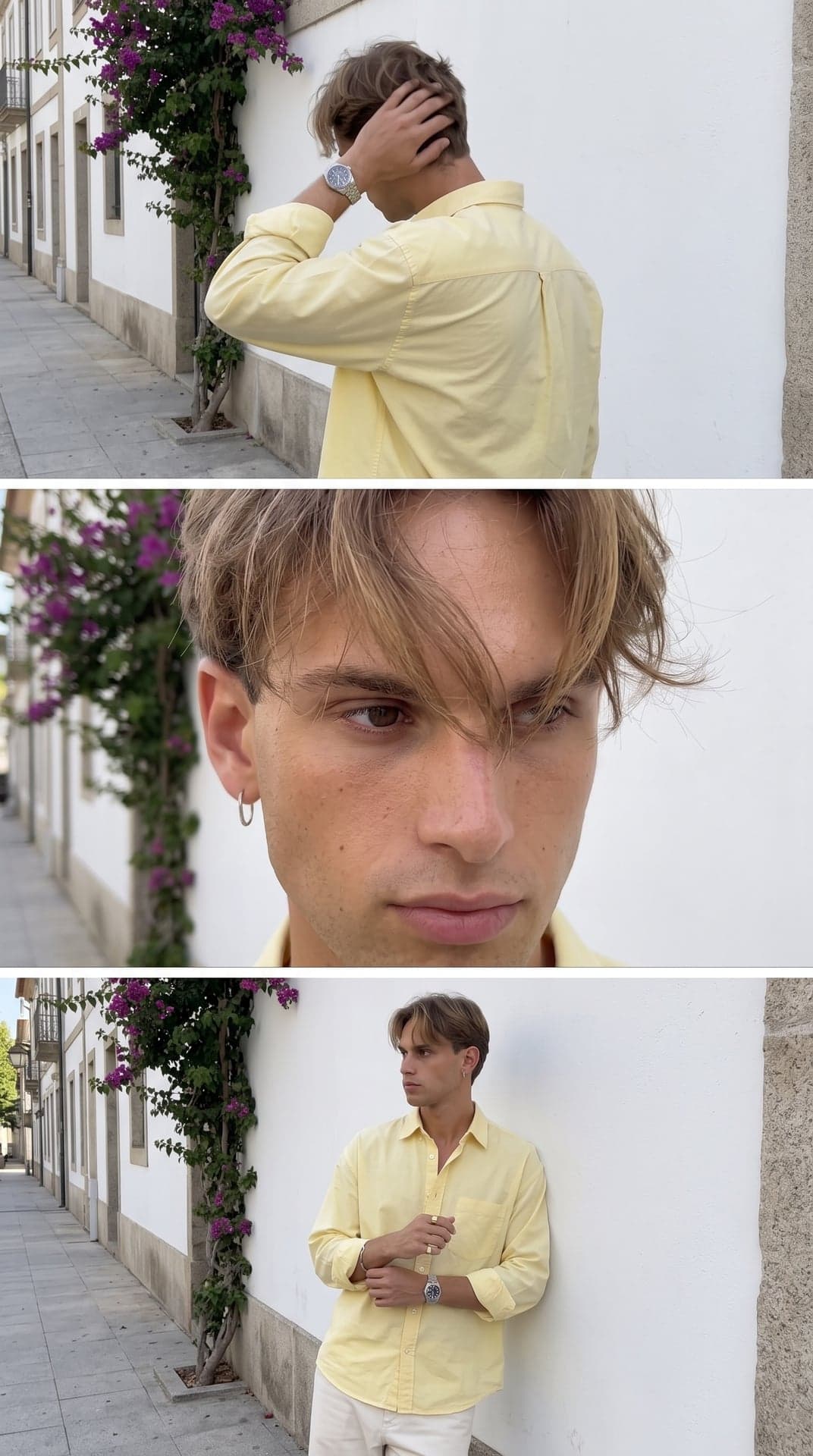
Example result. Yours is made from your own photo.
Three candid frames stacked in one vertical image, as if a friend held down the shutter: you turning away with a hand in your hair, a close-up with hair falling over one eye, and you leaning on a white wall under magenta bougainvillea. A pastel yellow shirt, off-white trousers, a metal watch, soft daylight and a real phone-camera look. Your face and hair come from your photo.
1 photo
per result
Output: Vertical 9:16. How photos are counted
How to make burst shots by a flower wall with AI
For AI Instagram photo editing that a boy can post as a real burst off his phone, upload one photo to Flower Wall Burst Shots. It returns one tall 9:16 picture of three frames taken seconds apart by a white wall with magenta bougainvillea: you turning away with a hand in your hair, a close-up with hair over one eye, and you leaning on the wall in a pastel yellow shirt. A run costs 1 photo on the Free plan, and it works the same on a girl's photo.
- Upload a waist-up photo in daylight with your hair uncovered. The bottom frame is a mid shot of you against the wall, so it helps when the photo shows your build too.
- Press Create (1 photo). The wall, the outfit, the three poses and the phone-camera look are fixed.
- Post it whole as a story, or cut it along the two white lines into three frames for a carousel.
Why the frames look a little unplanned
The format copies what happens when a friend holds down the shutter: three moments seconds apart, with motion blur on the hand and hair, soft focus in the close-up and framing that isn't quite level. The template asks for that on purpose and for no studio or HDR look, so the picture reads as phone shots rather than a shoot.
In the top frame you are turning away, so your face is mostly hidden there; the middle and bottom frames carry the likeness. The outfit follows the person in the photo: on a man the shirt hangs loose over off-white trousers with a metal watch, on a woman it is tucked into high-waisted trousers, with a thin gold watch and small gold hoops. On our runs the bougainvillea came out magenta and purple rather than pale pink.
What can you use it for?
- A story that looks like a friend's camera roll rather than a posed shoot.
- A three-slide carousel: the back view, the close-up and the full outfit.
- A profile picture cut from the middle frame, hair over one eye.
What does an example run look like?
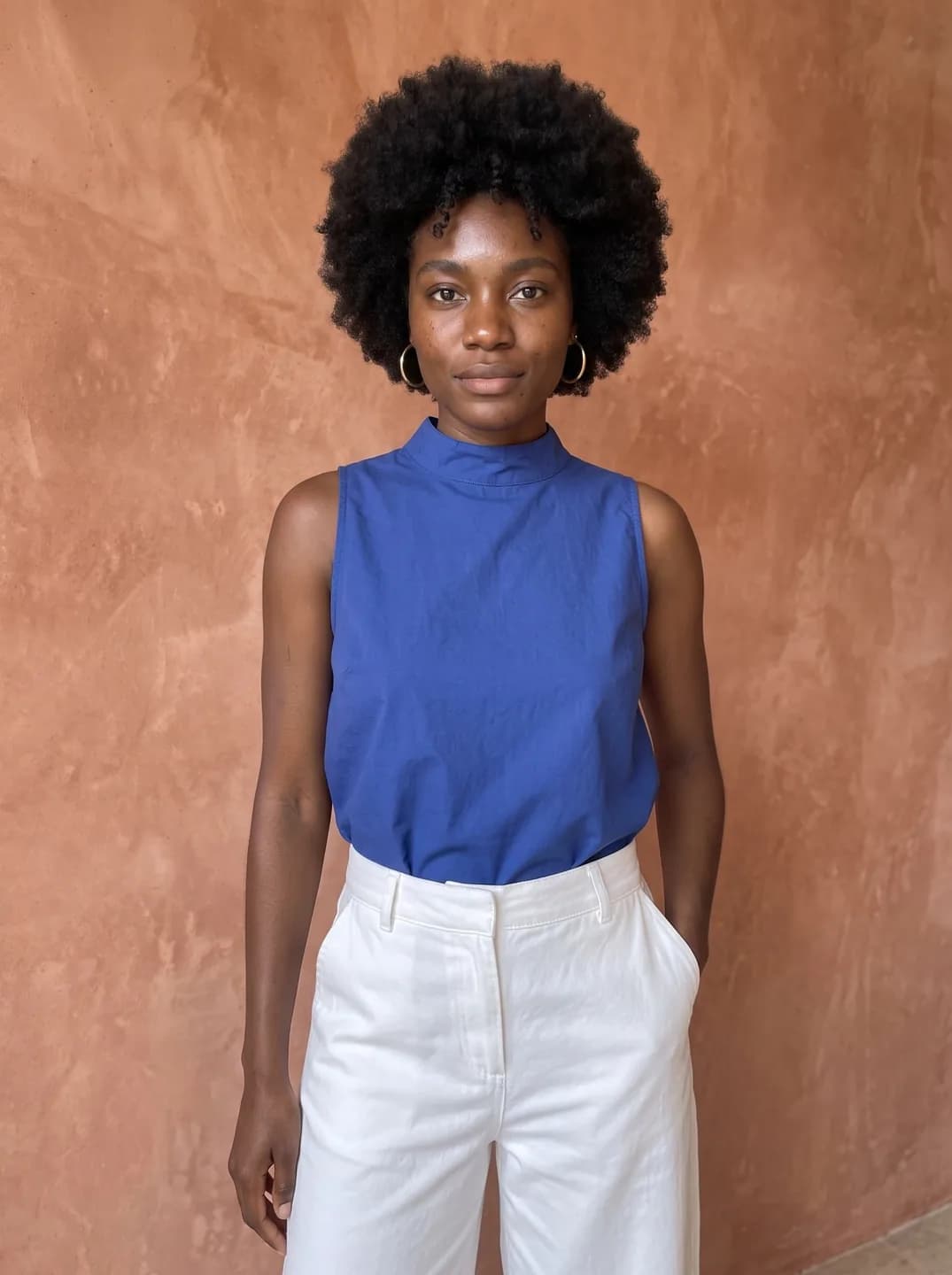
- AI-generated sample input
 Result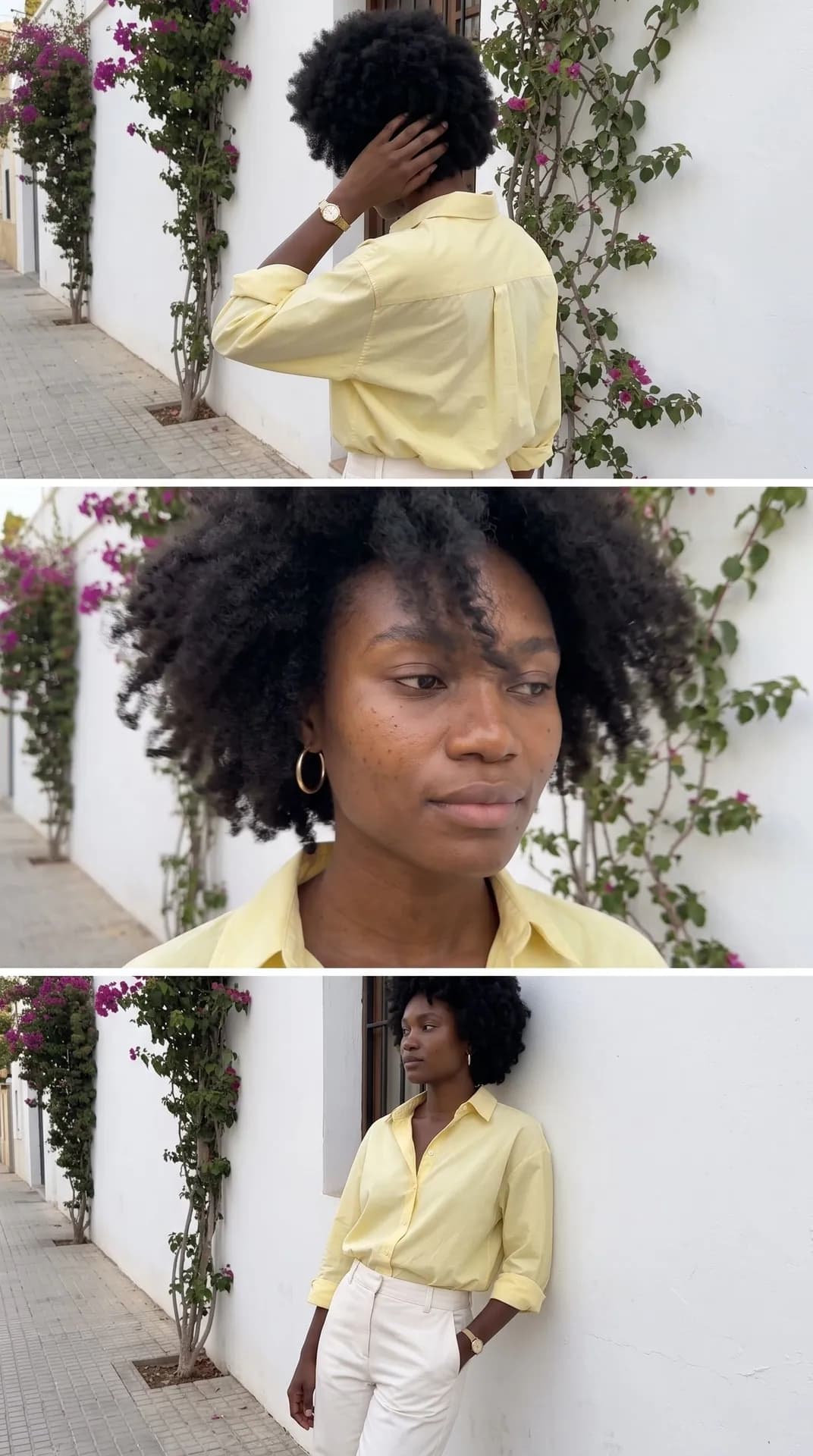
From the AI-generated waist-up test photo on the left, the first try: her afro kept its length and volume, and her freckles and gold hoops carried over into the close-up. The cobalt top became the yellow shirt, tucked into off-white trousers.
How do I get a better result?
- Leave your hair uncovered and as you usually wear it. Long hair falls across one eye in the close-up; short hair stays short and the frame becomes a close-up of your eyes.
- Take off sunglasses and caps for the photo. The template adds neither, and the close-up needs your eyes.
- A plain photo works best, with no beauty filter. The close-up keeps pores and real skin texture on purpose.
What goes wrong most often?
- Expecting three outfits or three places. It is one moment by one wall, seen three times.
- Cropping the tall picture to 4:5 for the feed. The middle of the image is the close-up, so a center crop cuts deep into both other frames.
What you need
Your photo
Face clearly visible, hair uncovered, daylight, one person. No sunglasses or cap. Waist-up works best.
Works well
- A sharp photo with the face clearly visible
- Good, even light
Avoid
- Blurry photos and heavily compressed screenshots
- Faces hidden by hands, hats or shadows