11 templates
For her
Film & retro
Film and retro templates make a photo look like it came off a Canon G7X compact, a 90s film point-and-shoot or a mid-80s roll: flash, grain and an orange date stamp. Two of them keep your own photo and change only the finish; the others restyle you into another decade, from 1985 to a school yearbook. Every template here runs on the Free plan, and a result costs 1 photo.
Film & retro templates

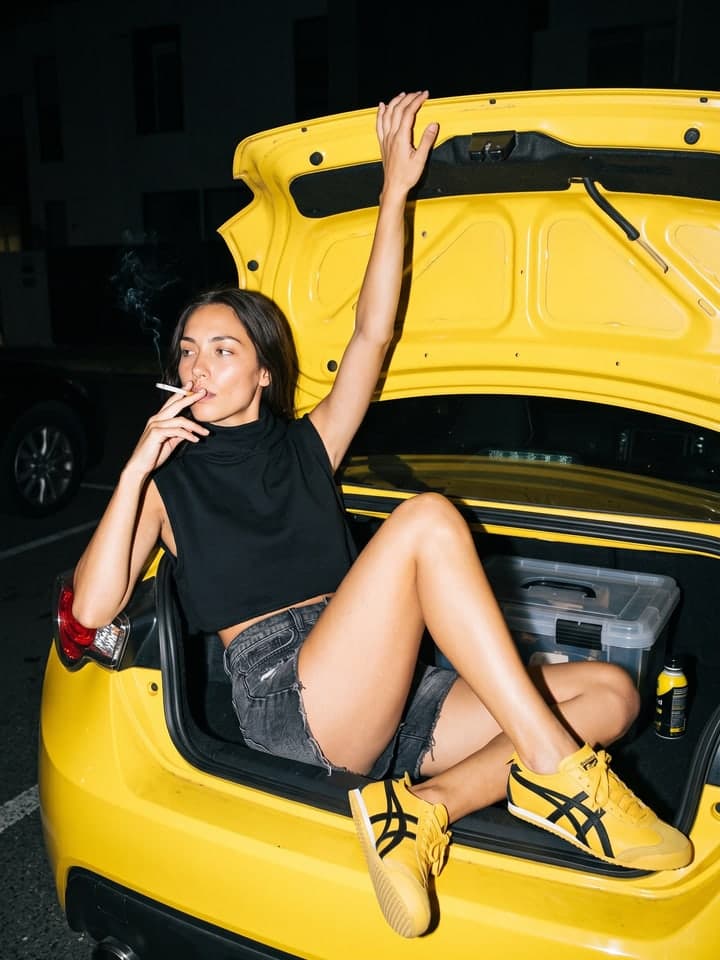
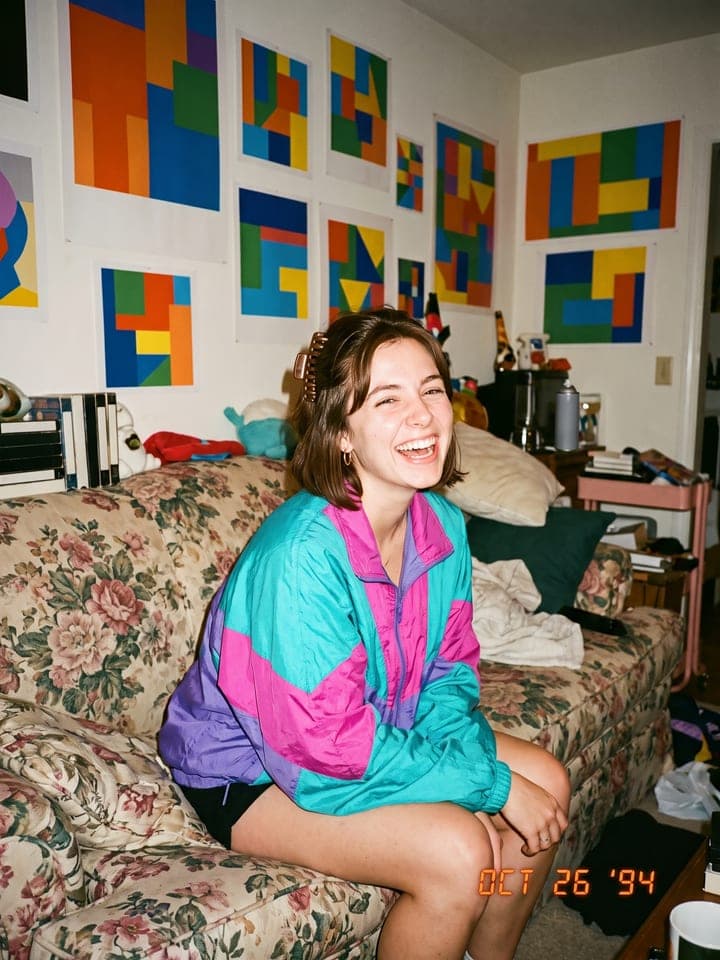
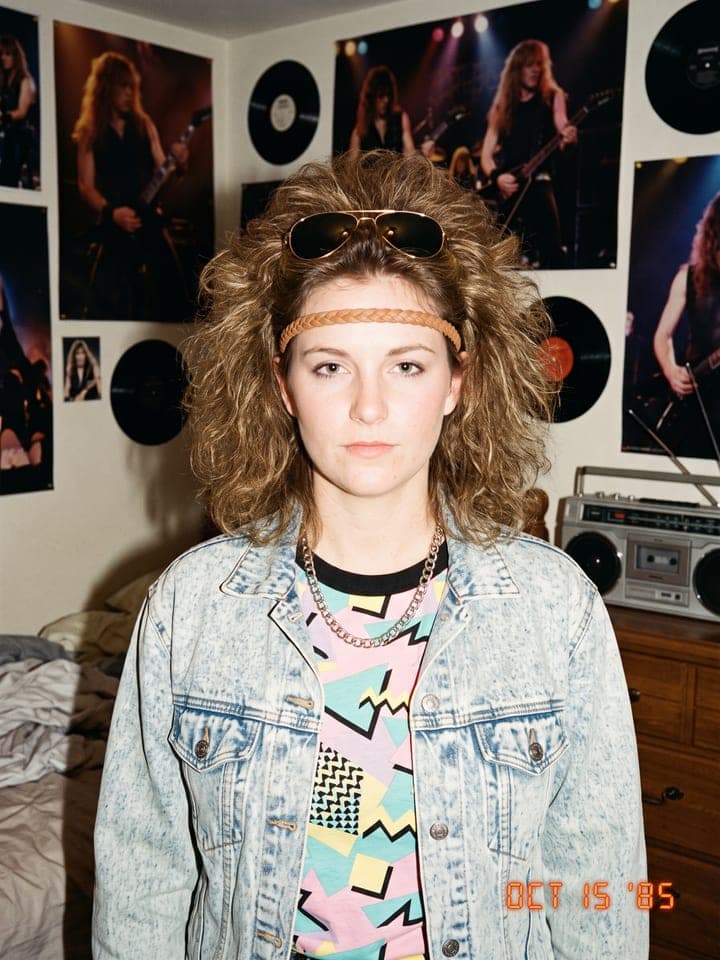
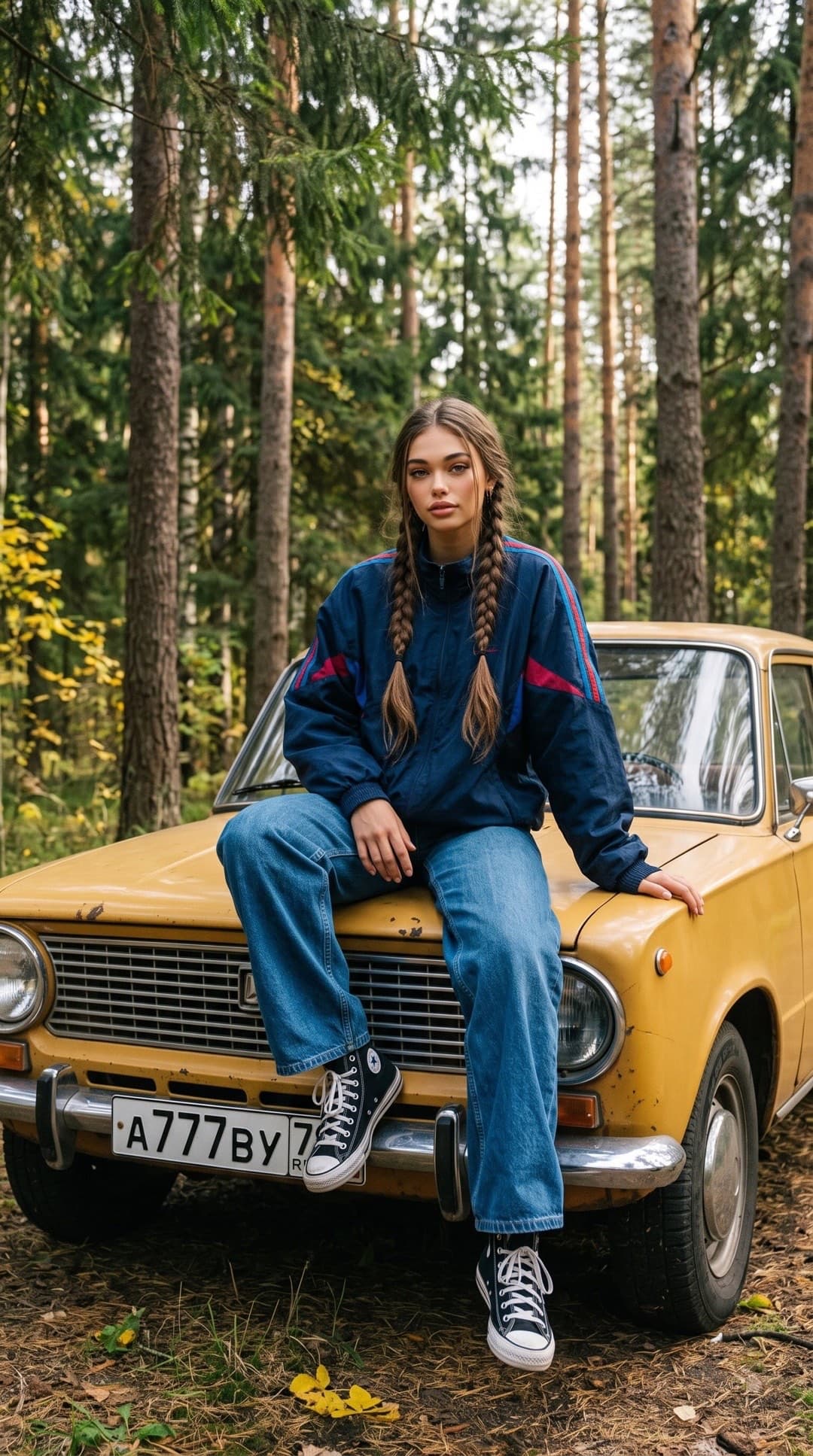

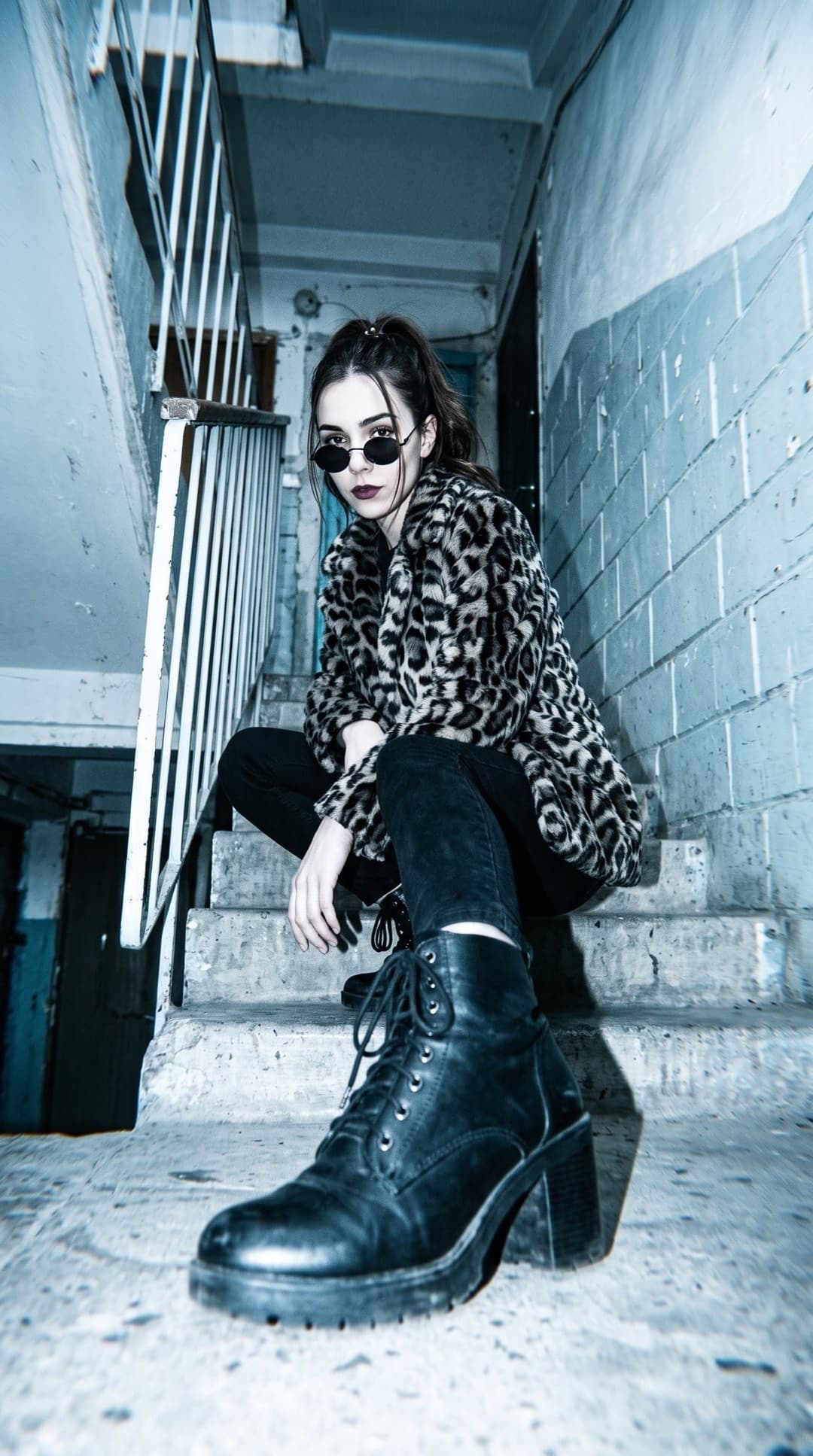
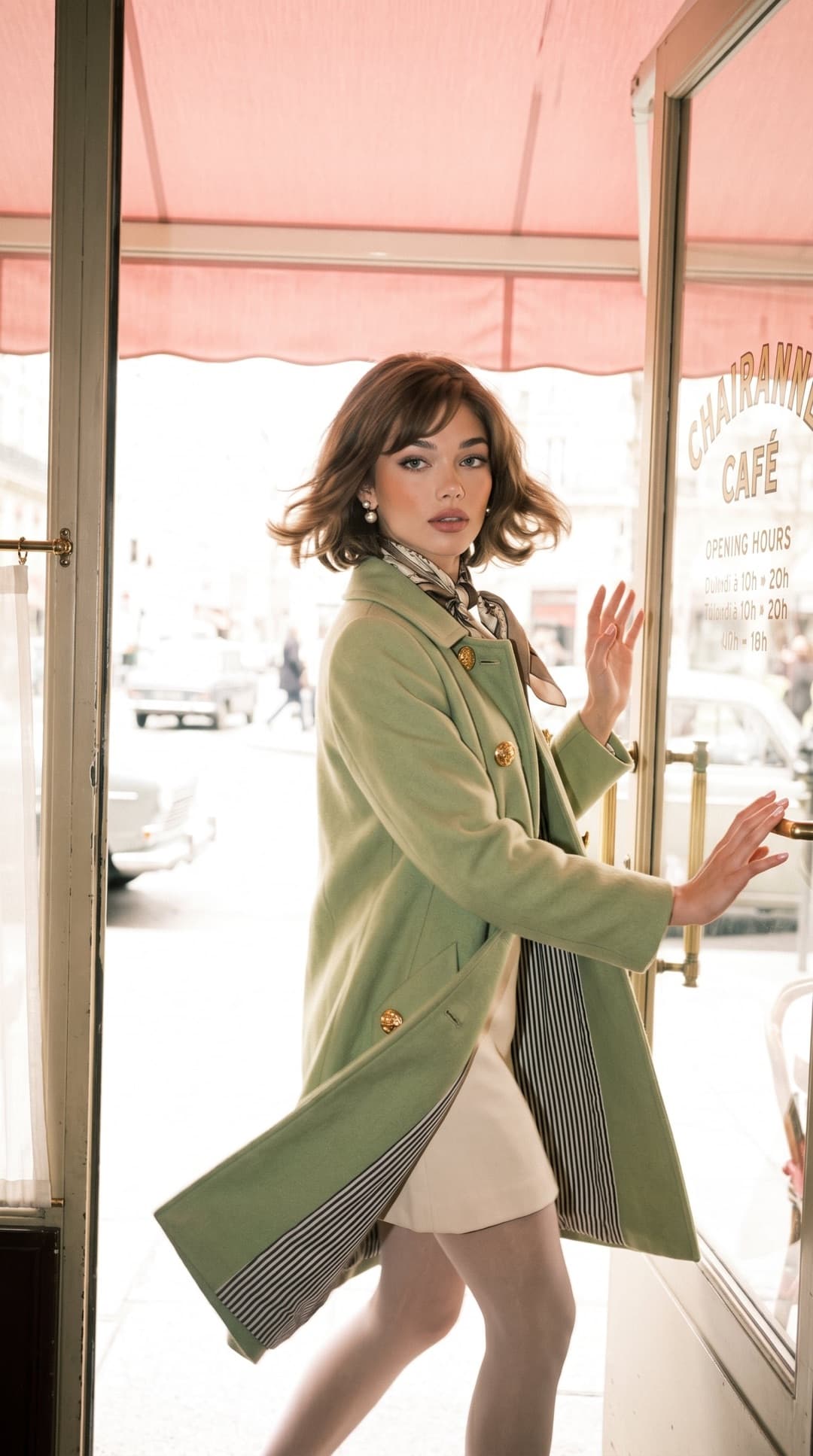


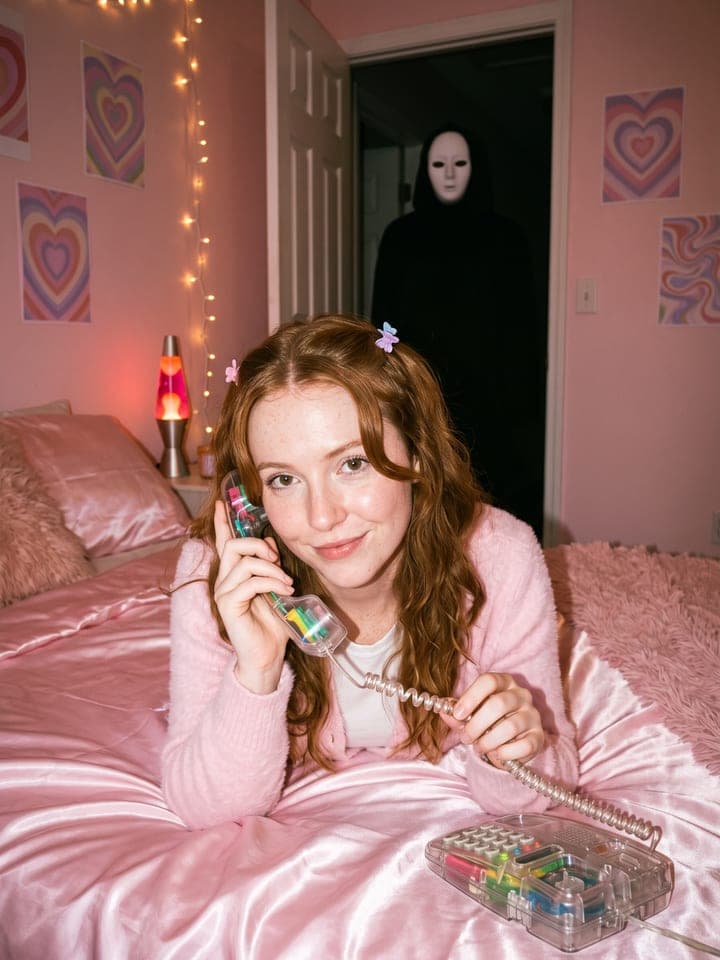
What filter looks like the Canon G7X?
Photo Like a Canon G7X gives a photo the look people mean by "G7X": warm light, golden highlights, deeper shadows and glossy skin. Your face, pose, clothes and framing stay, so it works on pictures you already have, outdoor and full-length shots included. It's a template in the browser, not a camera app, and Outwow isn't affiliated with Canon.
Film flash or a full 80s makeover
90s Film Photo also keeps your framing and turns the photo into a 90s point-and-shoot print with direct flash, light grain and a date in the corner. You in the 80s goes further and rebuilds you around 1985: hair, clothes, accessories and room. It needs a clear close-up, not a photo you want to keep as it is.
AI Yearbook Photo is the picture-day version: a school portrait in the 70s, 80s, 90s or Y2K look, with that year's hair, clothes and backdrop. One more sits here from another shelf: Y2K Slasher Phone Call is a late-90s flash photo with a slasher-movie twist.
How to get the best photo
- For Photo Like a Canon G7X and 90s Film Photo, pick a photo you already like: the pose and background stay.
- For You in the 80s, use a close-up with your eyes open and clearly lit.
- Plain, natural photos age best. Heavy filters fight the film look.
FAQ
Questions about film & retro
Last updated
Someone else in the photo?
Each hub is built for a different kind of photo.
Pick a look. Add one photo.
Your first 3 photos are free, and you don't need a card to start.