You in the 80s
AI photo template · from 1 photo
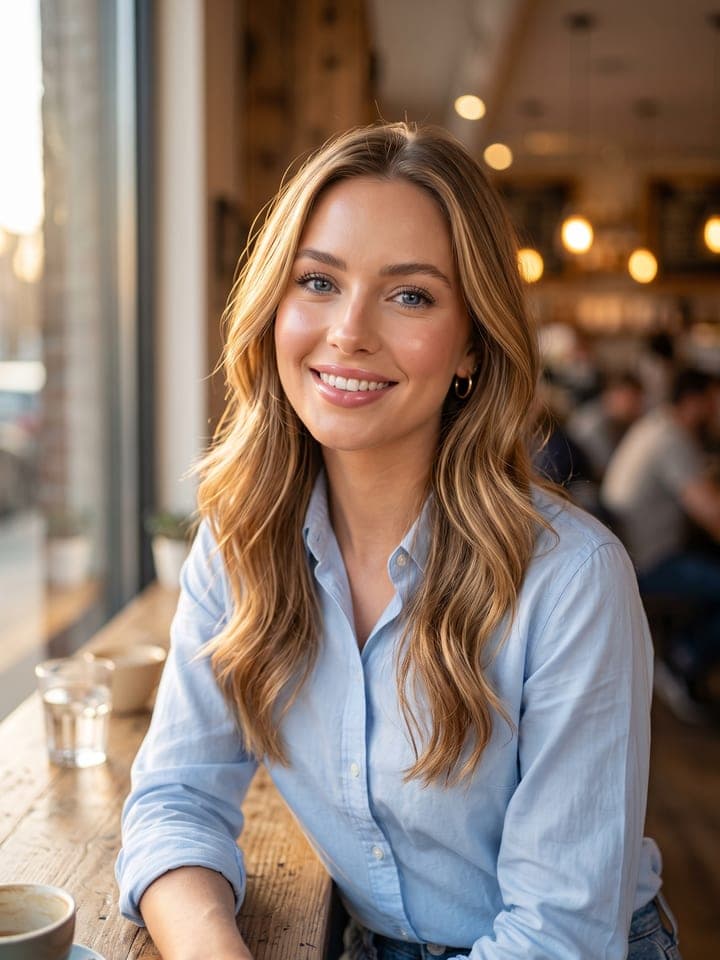
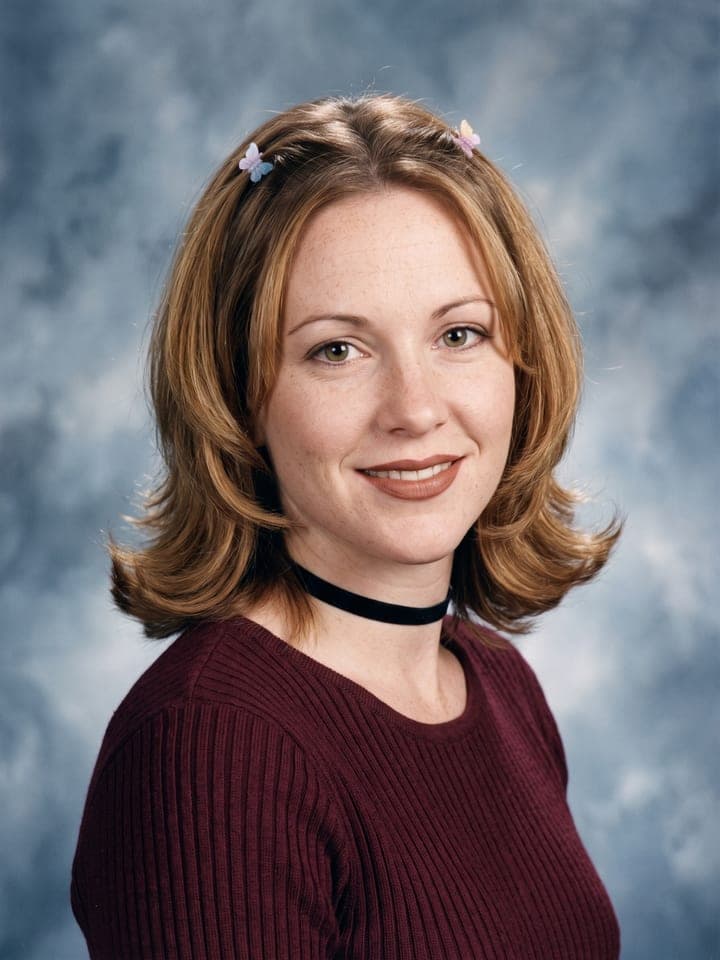
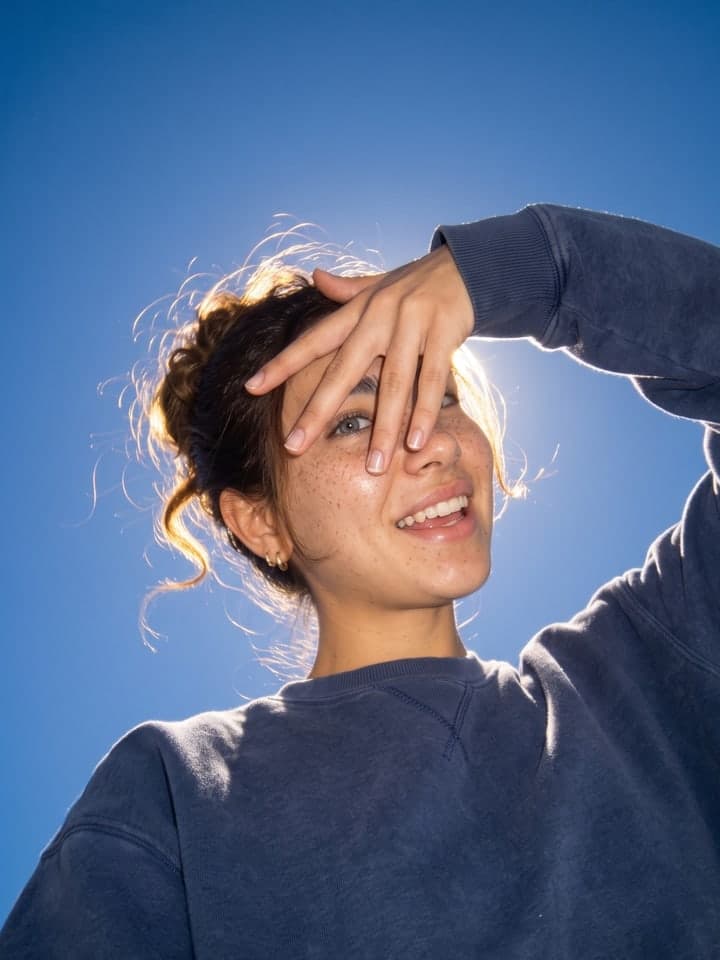
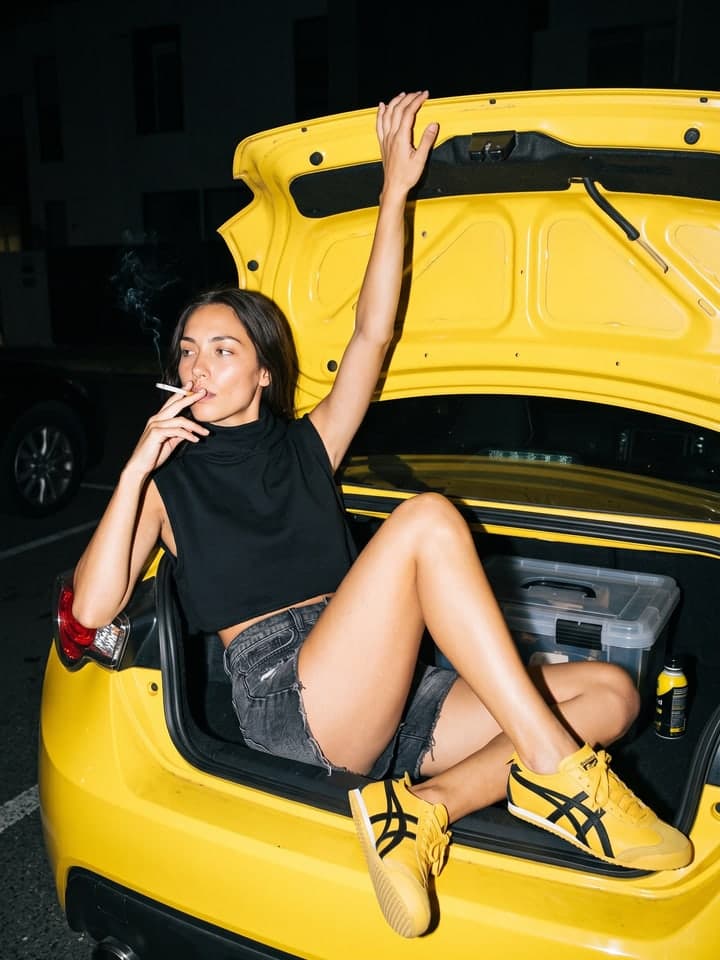
You in 1985: that era's hair, clothes, street and a red date stamp.
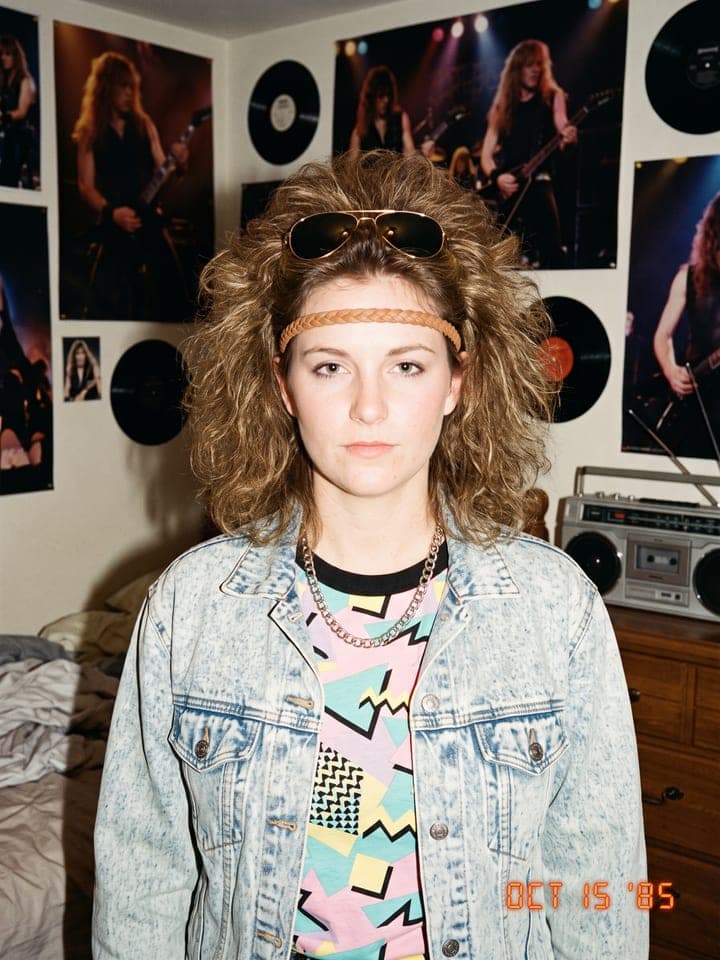
Example result. Yours is made from your own photo.
What you would have looked like around 1985: bold mid-80s hair, clothes, accessories and surroundings, analog grain, faded color and direct flash. A red-orange date stamp sits in the lower corner.
1 photo
per result
Shapes: 9:16 · 3:4 · 4:5 · 1:1 · 4:3 · 16:9. Example shown in 3:4. How photos are counted
How to make an 80s photo of yourself with AI
To make an AI 80s photo of yourself, upload one close-up selfie to You in the 80s: 1 photo per picture on any plan, and the 3 free photos a new account gets work here too. It shows you around 1985 at the age you are now, with bold mid-80s hair, clothes and accessories, a room or street of the period behind you, direct flash, grain, faded color and a red-orange date stamp in the lower corner.
- Add a daylight selfie to Your selfie: one face, no sunglasses, no beauty filter. What you wear and where you took it don't matter, because the hair, clothes and background are all rebuilt.
- Start the run (1 photo). The template offers no decade, outfit or date setting and always aims at about 1985.
- Download the snapshot from My creations. Run it again if you want another outfit and setting to choose from.
Is it the same as an 80s yearbook photo?
No. A yearbook picture of that decade was a posed school portrait, often against a mottled or laser-patterned backdrop. This template makes the other kind of 80s picture: a casual snapshot from a compact film camera, the flash fired straight at you, colors faded the way old prints fade, and the date printed into the corner in orange-red digits, as many cameras of the time could do. You get the room or street around you as well, not a studio backdrop. For the posed picture-day portrait itself, AI Yearbook Photo has an 80s option.
The face is meant to stay yours. The prompt keeps your features, skin tone and age and changes only hair, clothes, accessories and surroundings. Nothing modern is allowed in the frame, and the date stamp is the only lettering.
What can you use it for?
- A throwback post when the family albums from that decade don't include you.
- Placing yourself next to a parent's real photo from 1985.
- The picture on an invitation to an 80s-themed birthday.
- A costume plan for an 80s party: the hair, clothes and accessories make a ready shopping list.
How do I get a better result?
- Take off sunglasses and pull back anything covering your eyes. Under the grain, the flash and the new hairstyle, the eyes do most of the work of keeping you recognizable.
- Choose a sharp, well-lit selfie over a moody one. Grain, fading and softness are added on top, and a dim, noisy original leaves little detail for them to sit on.
- Hold the phone at arm's length rather than right at your face. A very close phone shot stretches the nose and chin, and the template keeps your features as the selfie shows them.
What goes wrong most often?
- Expecting a younger you. The template keeps the age in your selfie, so a forty-year-old comes back as a forty-year-old in 1985.
- Hoping to set the date. The red-orange stamp with an 80s date comes with the look and has no text field; crop that corner if you need a clean frame.
- Wanting one particular 80s scene, like a roller rink or an arcade. There is no scene option, and each run picks its own room or street.
- Wanting your own photo kept, just made to look old. 90s Film Photo works on the photo you upload and gives it the 90s film look: warm faded color, grain, direct flash and an orange date in the corner.
What you need
Your selfie
Close-up, daylight, one face. No filters or sunglasses.
Works well
- Your face close to the camera, looking straight in
- Daylight from a window in front of you
- Only you in the frame
Avoid
- Sunglasses, masks or hair over your eyes
- Beauty filters and heavy edits
- Dark rooms and photos taken from far away