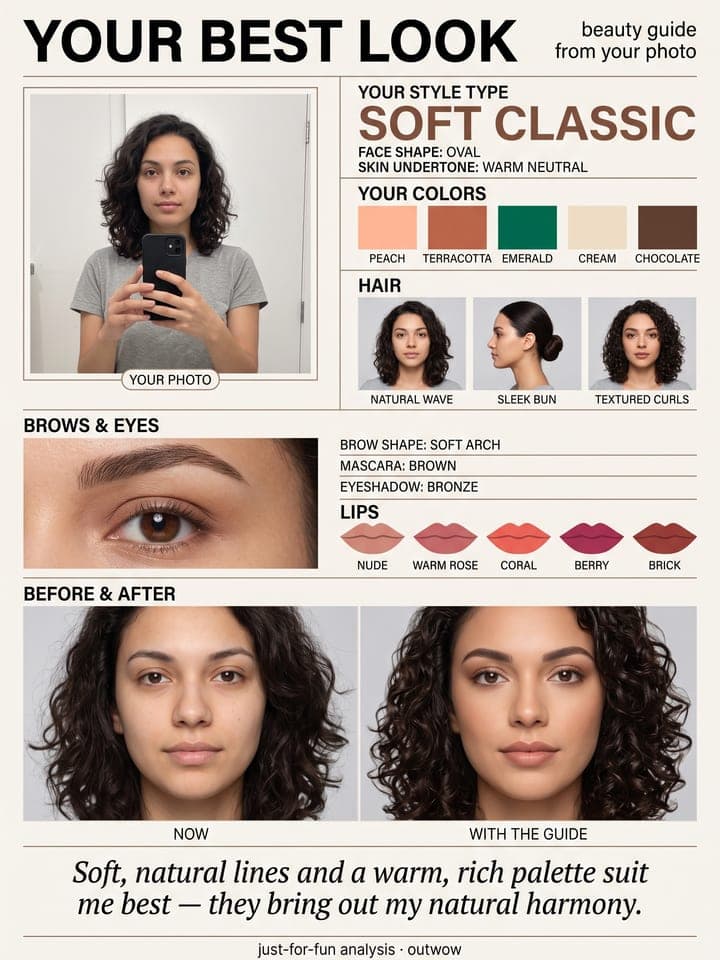
Makeup Try-On: 6 Looks on You
AI photo template · from 1 photo
Six makeup looks on your own face, side by side in one poster.
3 free photos, no card
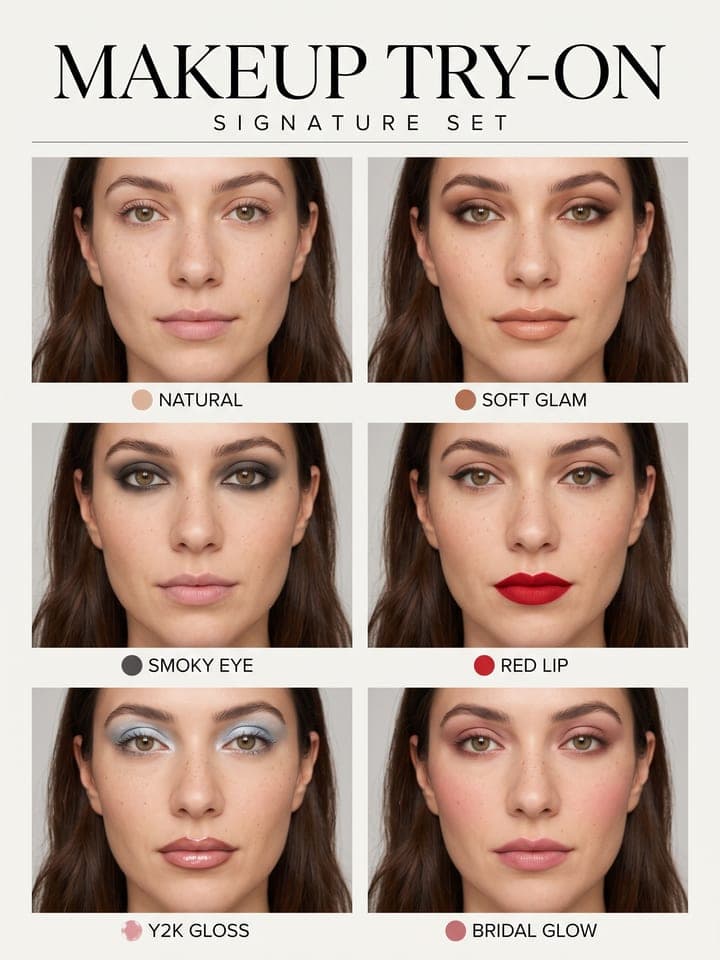
Example result. Yours is made from your own photo.
Six makeup looks tried on your own face in one beauty poster, all in the same light and crop so you can compare them at a glance: natural, soft glam, a smoky eye, a red lip, Y2K gloss and bridal glow, or an everyday, evening or bridal set. Only the makeup changes; your face, skin tone, skin texture and hair stay as they are.
1 photo
per result
3 free photos, no card
Output: Portrait 3:4. How photos are counted
How to try on makeup looks on your own photo with AI
To try on makeup with AI, upload one selfie to Makeup Try-On and choose a set of looks: you get a beauty poster with six close-ups of your own face, each in a different makeup look, side by side for comparison. A poster costs 1 photo on any plan, and the first 3 photos on a new account are free. Only the makeup changes; your skin tone, features and hair stay as they are in the selfie.
- Upload a front-on daylight selfie with your eyes open, bare-faced or in light makeup, sunglasses off.
- Choose a Looks set: Signature six (the default), Everyday, Evening or Bridal. Each look's name is printed under its frame.
- Press Create (1 photo), then open the poster at full size and compare one thing at a time, such as the lips across all six frames.
Why put six looks on one poster?
Makeup photos taken on different days, in different light, are hard to compare. Here every frame is meant to be the same shot: one tight close-up from forehead to neck, one head angle, a light-grey backdrop and soft daylight-balanced light, so only the makeup changes. Each look is applied at full strength, as a makeup artist would for a campaign, so it reads even on a phone screen; only Natural and a few soft looks, such as Clean Girl in the Everyday set, stay subtle.
In our 16 test runs the title, set name and six labels were spelled correctly every time. Not every run moved the face into the grey studio: in some, the selfie's own wall stayed behind it, as in the first example.
What can you use it for?
- Choosing a look for a wedding, as the bride or a guest, before booking a trial with a makeup artist.
- Finding out whether a red lip or a smoky eye suits you before buying either.
- Picking a party look from the Evening set, from siren eyes to a cobalt-blue graphic liner.
What does an example run look like?
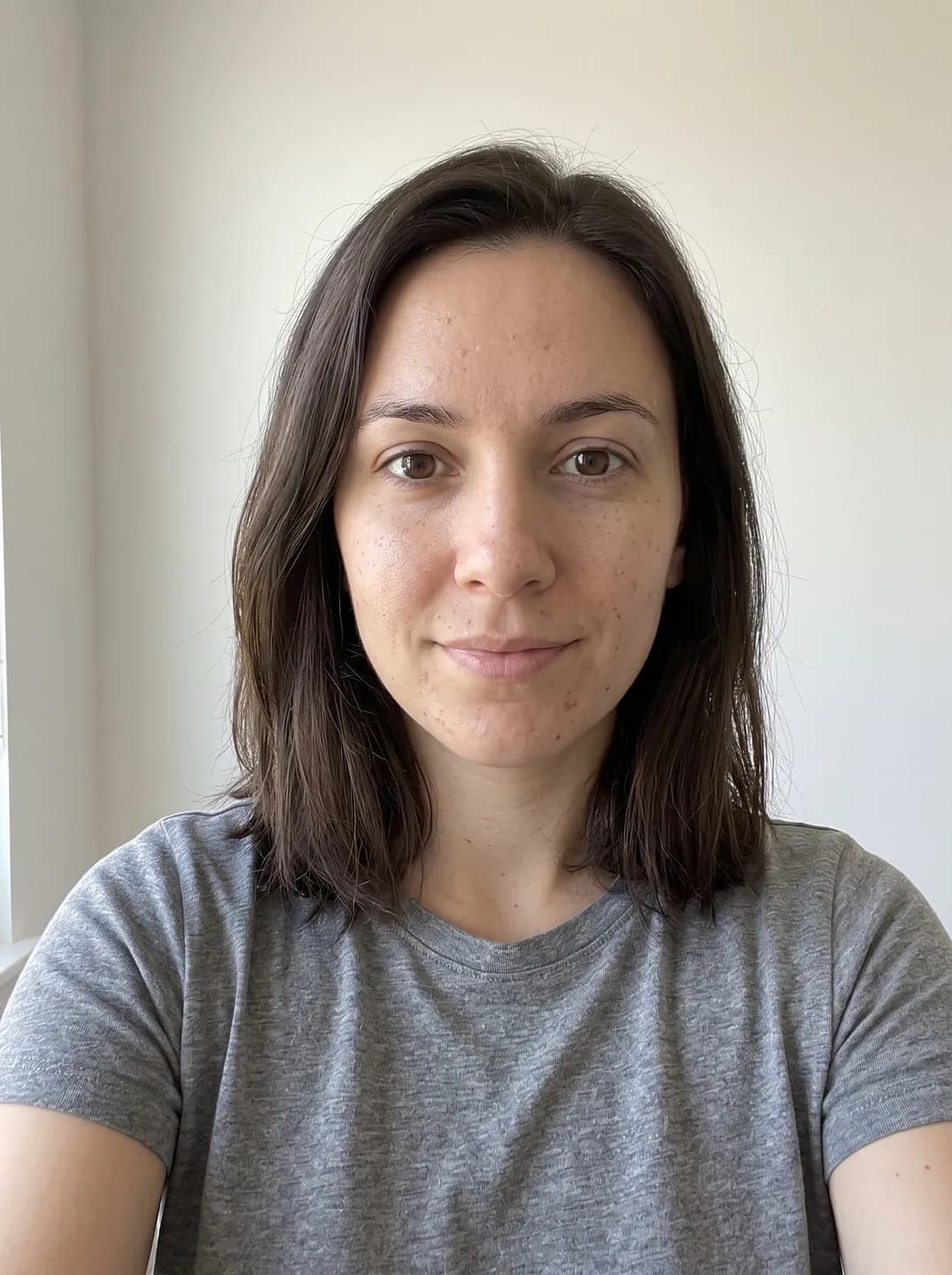
- AI-generated sample input
 Result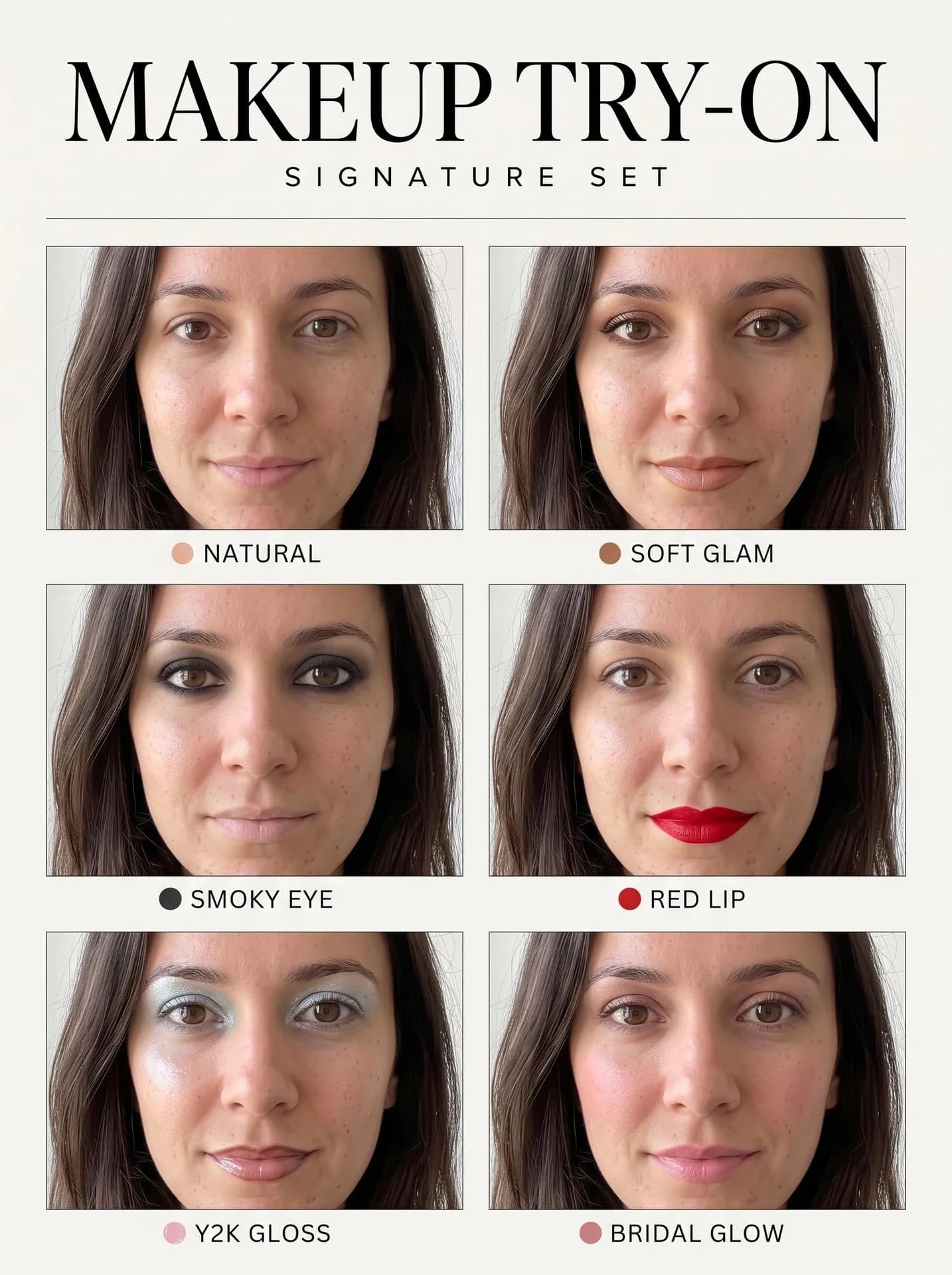
Signature six, made from the synthetic test selfie on the left. Her freckles and loose dark hair carried into all six frames; the background stayed her own wall. - AI-generated sample input
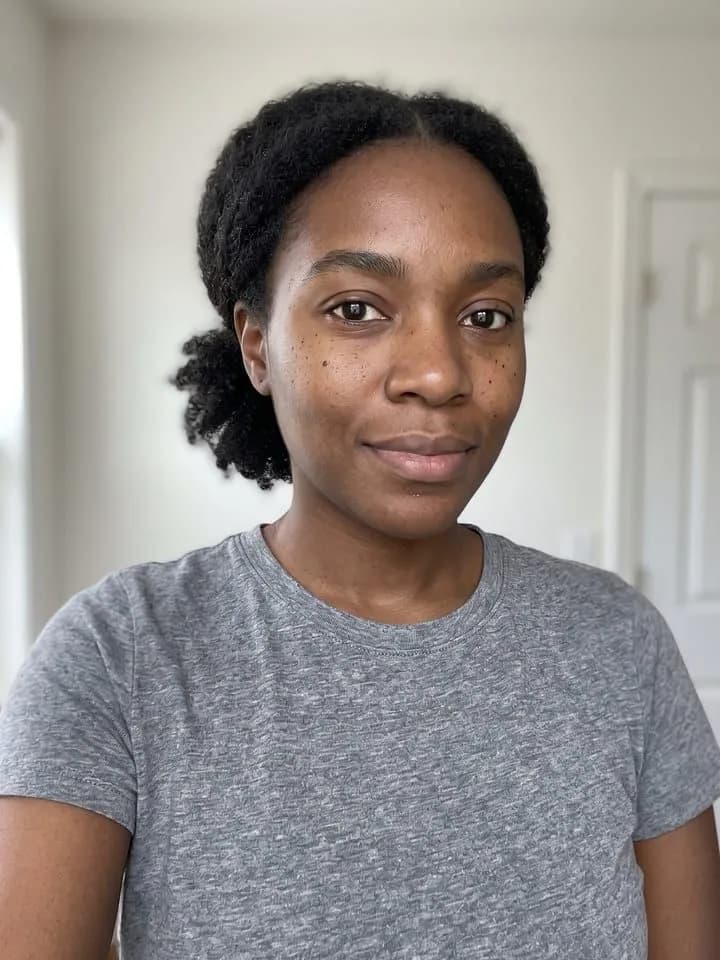 Result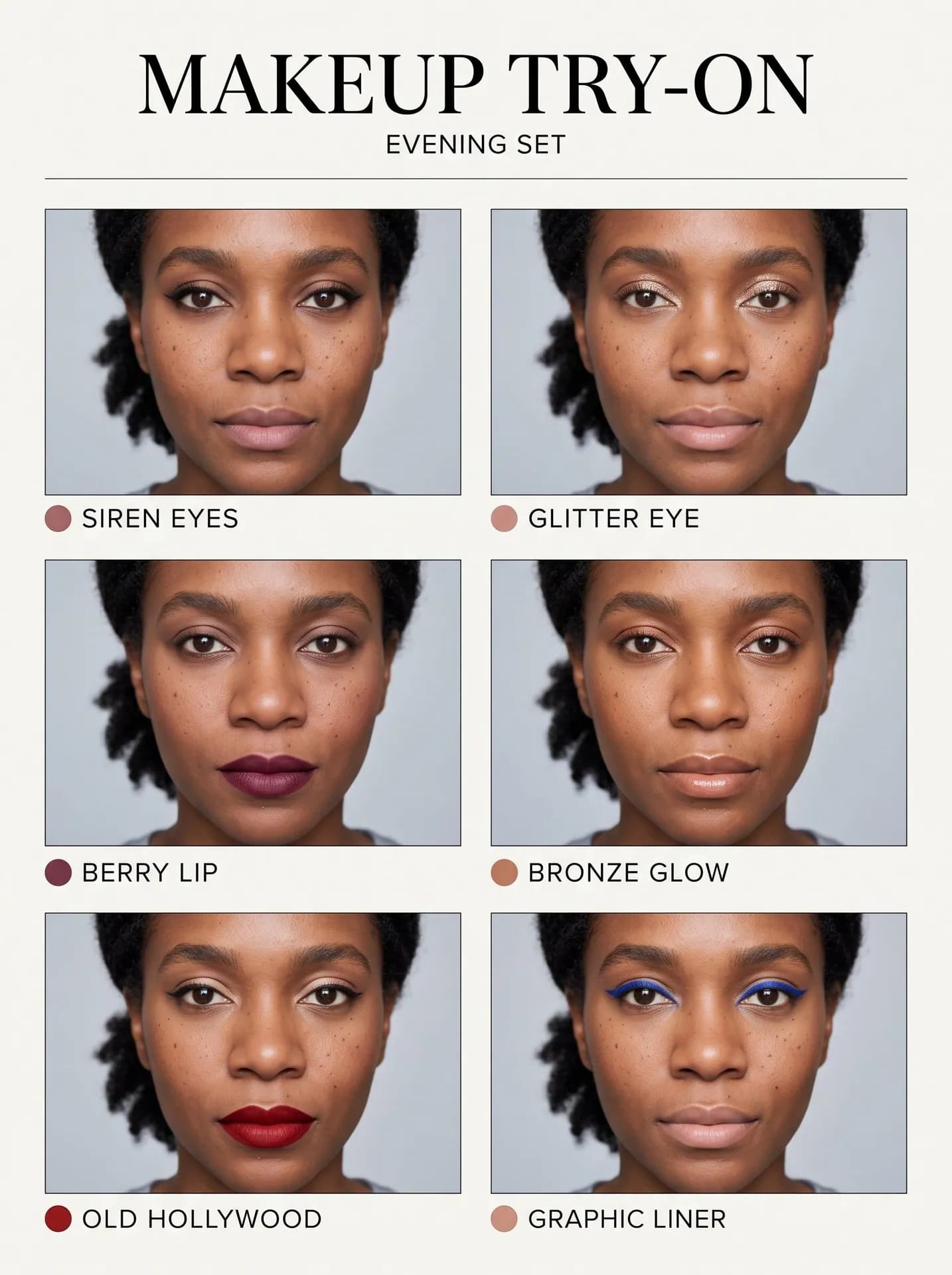
Evening set, made from the synthetic test selfie on the left. Her skin tone holds in all six frames. An earlier run added a few extra dark spots on her cheeks; this one keeps them close to the original.
What kind of selfie gives the clearest comparison?
- Look into the lens with relaxed, closed lips. Every frame shows open eyes and a closed mouth, so a squint or a wide grin leaves less to work from.
- Keep your usual hairstyle in the selfie. Loose hair stays loose around the face in all six frames and tied-back hair stays tied, so each look is judged with your real hair.
- Avoid warm lamplight and beauty filters. Foundation is matched to the skin tone it sees, so a color cast can carry into the base.
What goes wrong most often?
- Expecting product names or shade numbers. The poster prints no brands, only the look names and a dot in each look's lip color; take it to a store counter to match shades.
- Expecting a face edit. The lipstick is told to stay inside your own lip line, brows keep their shape, and the nose and jaw stay as they are.
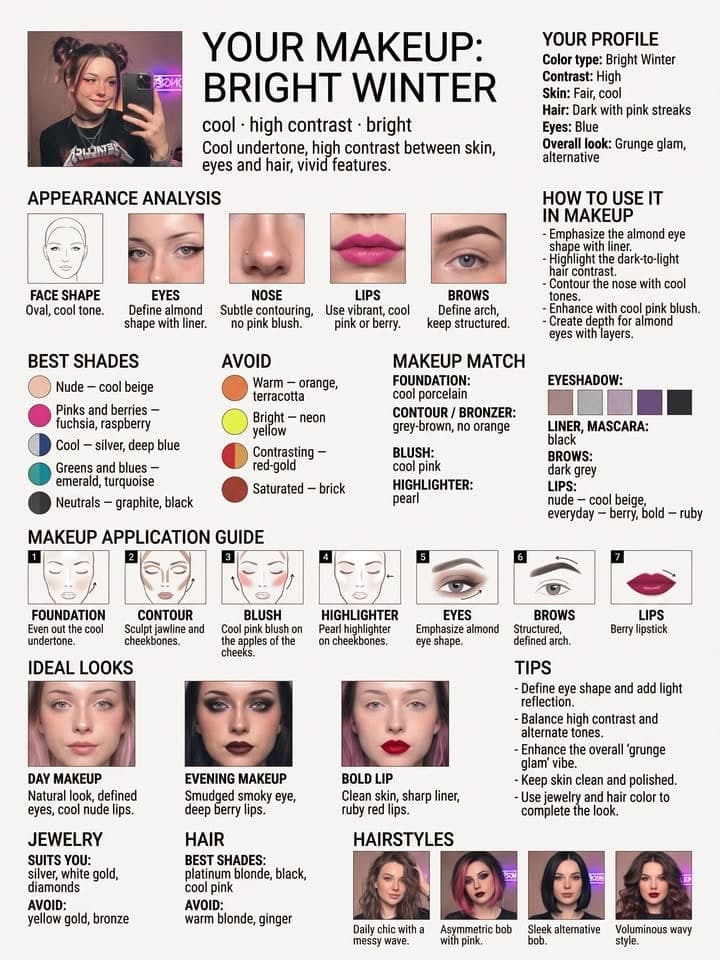
- Looking for lip and eye colors picked for your undertone. The six looks are fixed, and only the base and cheek tint adapt to your skin; Makeup for Your Color Type reads your color type from a selfie and lists the shades to wear and to skip.
What you need
Your selfie
Face the camera, eyes open, bare face or light makeup, daylight. No filters or sunglasses.
- You pick the looks
- Signature six, Everyday, Evening, Bridal
Works well
- Your face close to the camera, looking straight in
- Daylight from a window in front of you
- Only you in the frame
Avoid
- Sunglasses, masks or hair over your eyes
- Beauty filters and heavy edits
- Dark rooms and photos taken from far away