Beauty Guide from Your Photo
AI photo template · from 1 photo
Personal style guide: hair, brows, makeup and looks for your face.
3 free photos, no card
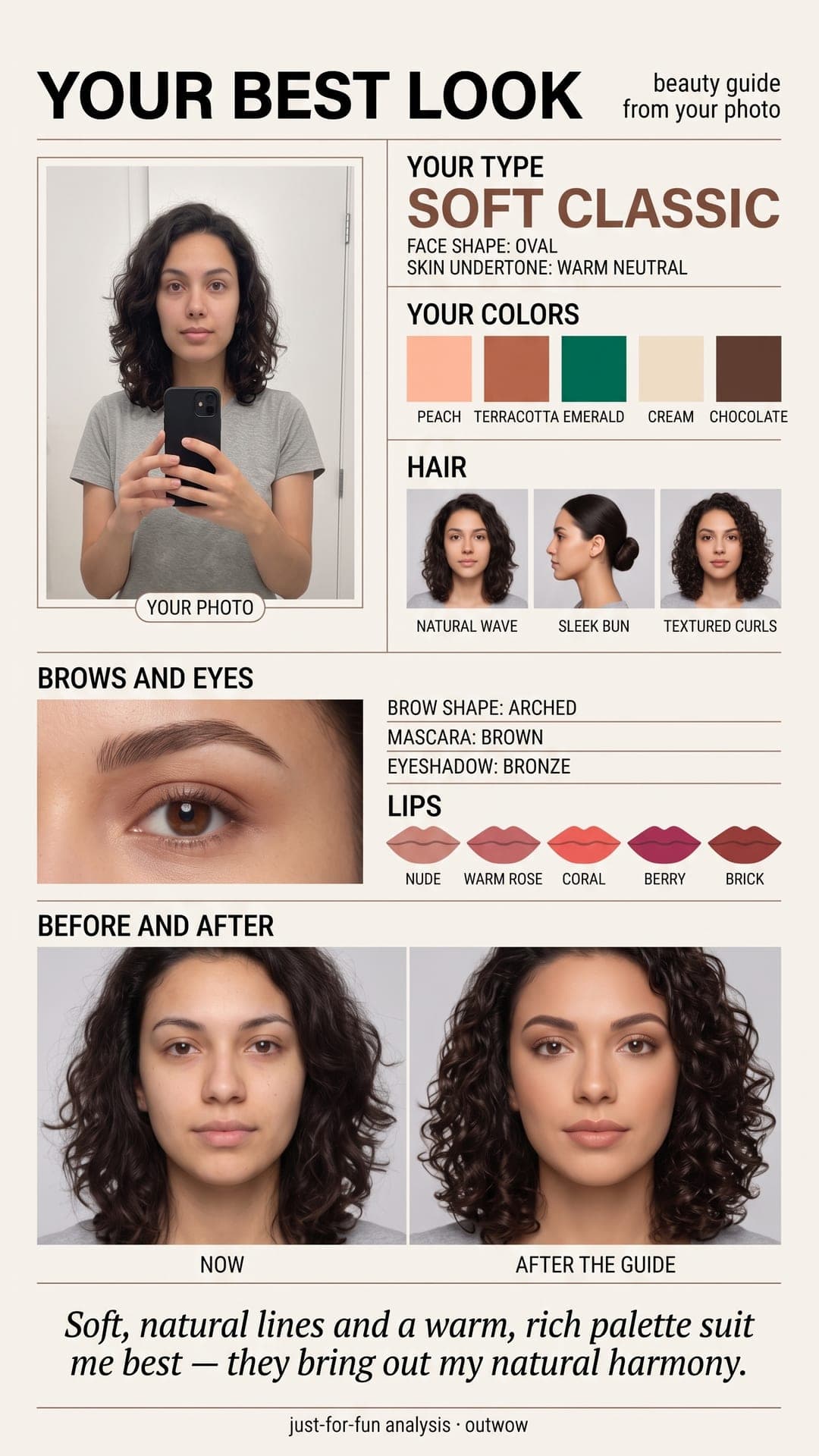
Example result. Yours is made from your own photo.
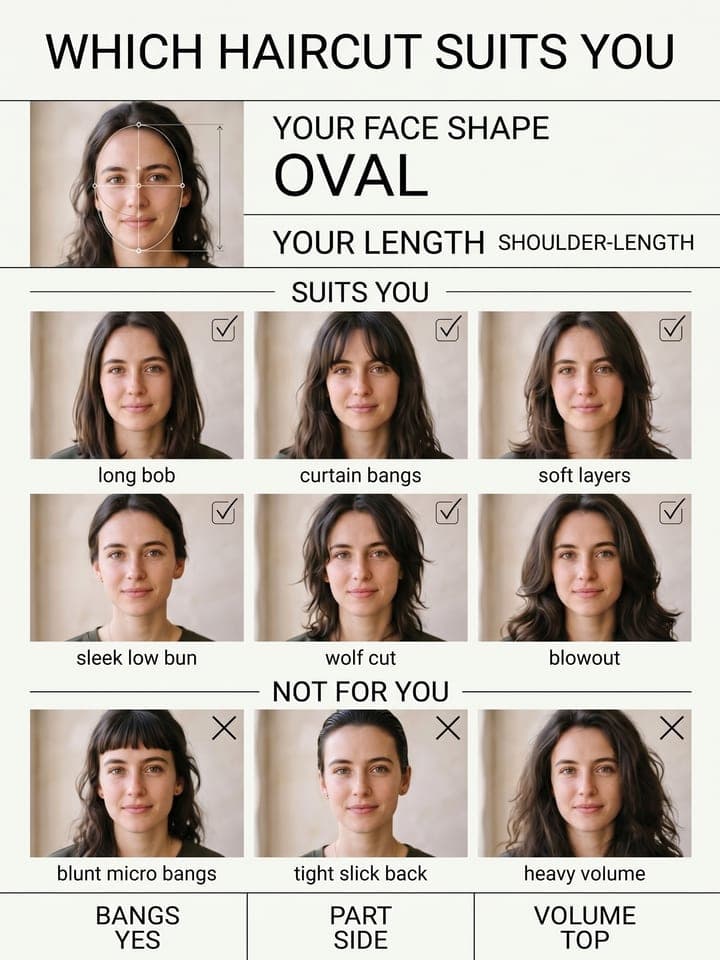
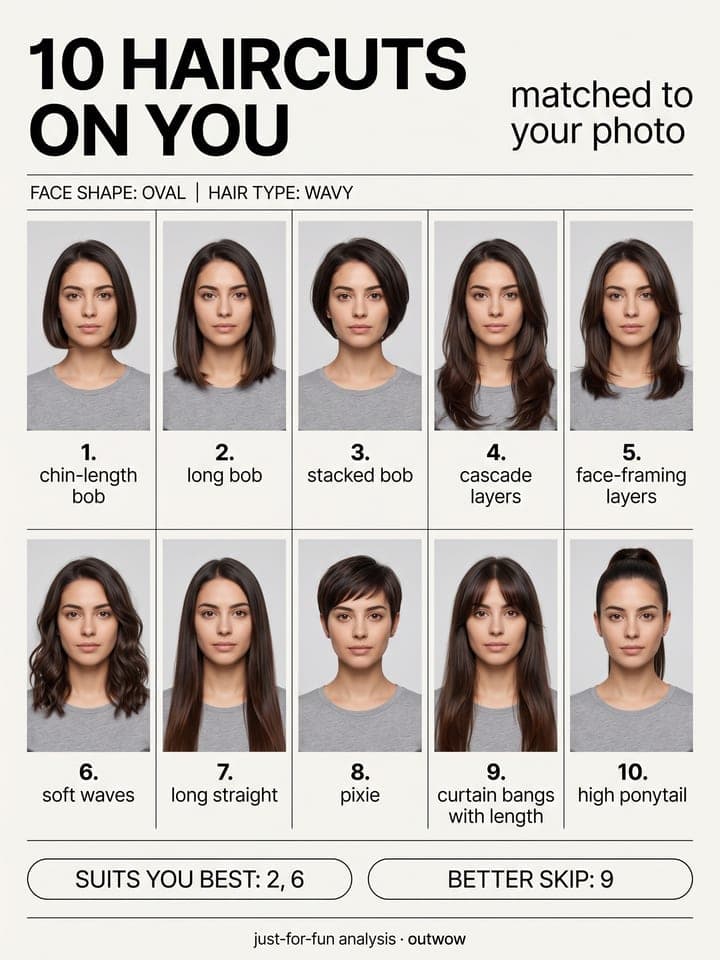
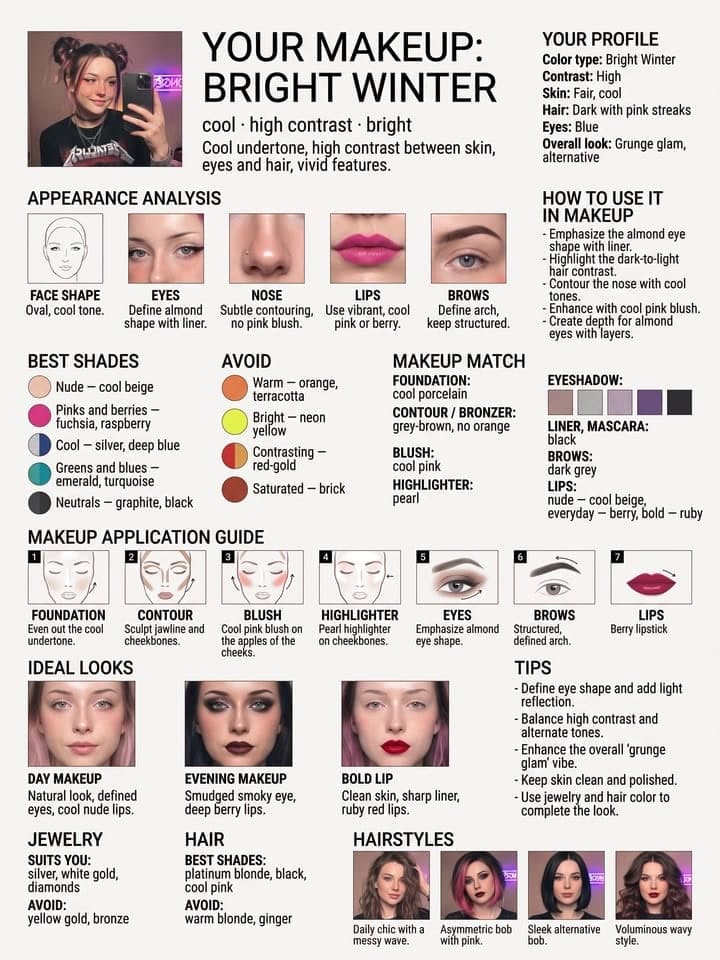
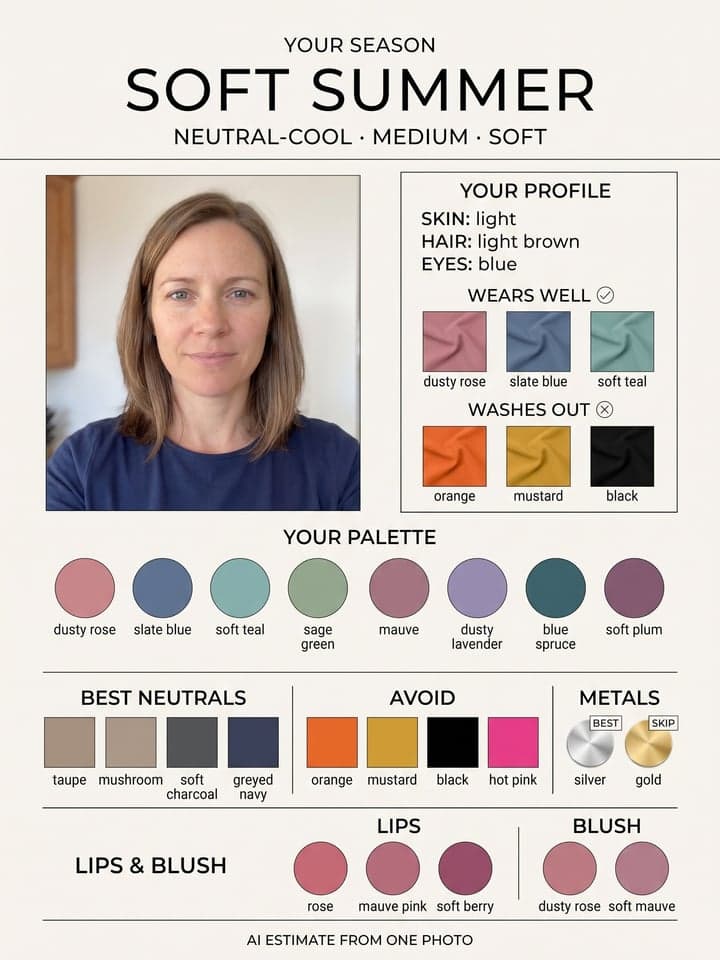
A premium magazine-style beauty guide from your photo: your type, face shape and undertone, a signature palette, three hairstyles, brow and eye tips, lip shades and a before-and-after. It ends with a one-line verdict about what suits you.
1 photo
per result
3 free photos, no card
Output: Vertical 9:16. How photos are counted
- It matches options to your face, so you'll agree to face matching before the first run.
How to get an AI glow up guide from a selfie
For a glow up with AI that also tells you how to get there, upload one close-up selfie to Beauty Guide from Your Photo. A poster costs 1 photo on every plan, Free included. You get a tall 9:16 magazine-style page: your type, face shape and skin undertone, five colors, three hairstyles, notes on brows and eyes, five lip shades, a before-and-after of your own face and a one-line verdict at the end.
- Take a selfie facing a window: one face, eyes on the camera, no filter or sunglasses. Push hair off your brows if it covers them, because the brows-and-eyes block is a close-up of your eye and brow drawn from it.
- Tick the box that lets the template match styles to your face; the hairstyles and shades are chosen for it.
- Press Create (1 photo) and save the poster from My creations. The 9:16 shape fills a phone screen, so it can go straight into a story.
What changes between NOW and AFTER THE GUIDE?
The two close-ups at the bottom are the glow-up. The left one shows you as the photo does. The right one applies the poster's own advice: makeup in your colors, a neater brow shape, well-groomed skin and fresher styling. The prompt forbids changing the nose, eye shape or other features, so the difference comes from color, grooming and hair alone.
Everything above them is a one-page guide. The type name at the top is free-form: the prompt offers examples such as soft classic or bright drama instead of a fixed list, so two runs on one selfie can word it differently. Read it as a mood. For a season picked by fixed rules, AI Color Analysis is built for that.
What can you use it for?
- A one-page plan to show a hairdresser or the person at a makeup counter.
- A before-and-after for a glow-up post in which you still look like yourself.
- Narrowing three new hairstyles down to one before booking a cut.
How do I get a better result?
- Shoot in daylight rather than under a yellow lamp. The undertone and the five lip shades are read from the colors in your photo, and warm indoor light pushes them warmer.
- Come as you usually are: your everyday makeup or none, not full glam. The NOW frame repeats the photo, and the AFTER frame needs room to show a difference.
- Show your hair the way you usually wear it, not hidden under a hood or a hat. The three hairstyle frames keep its color, so they need to see it.
- Don't worry about a messy room behind you. The selfie is cropped to your face and redrawn as a clean portrait before the poster is laid out.
What goes wrong most often?
- Using a selfie with a beauty filter on. The NOW frame copies the smoothed skin, and the before-and-after loses its point.
- Expecting the hairstyle frames to test new colors. They change length, cut and styling only; Hair Color Match tries shades on you.
- Looking for lipsticks to buy by name. The lip row shows five shades with short color captions, not products, so take the poster to a store and match the color there.
Guide: Haircuts for Your Face Shape: Round, Oval, Square, Heart and Long
What you need
Your selfie
Close-up, daylight, one face, looking at the camera. No filters or sunglasses.
Works well
- Your face close to the camera, looking straight in
- Daylight from a window in front of you
- Only you in the frame
Avoid
- Sunglasses, masks or hair over your eyes
- Beauty filters and heavy edits
- Dark rooms and photos taken from far away