10 Haircuts on You
AI photo template · from 1 photo
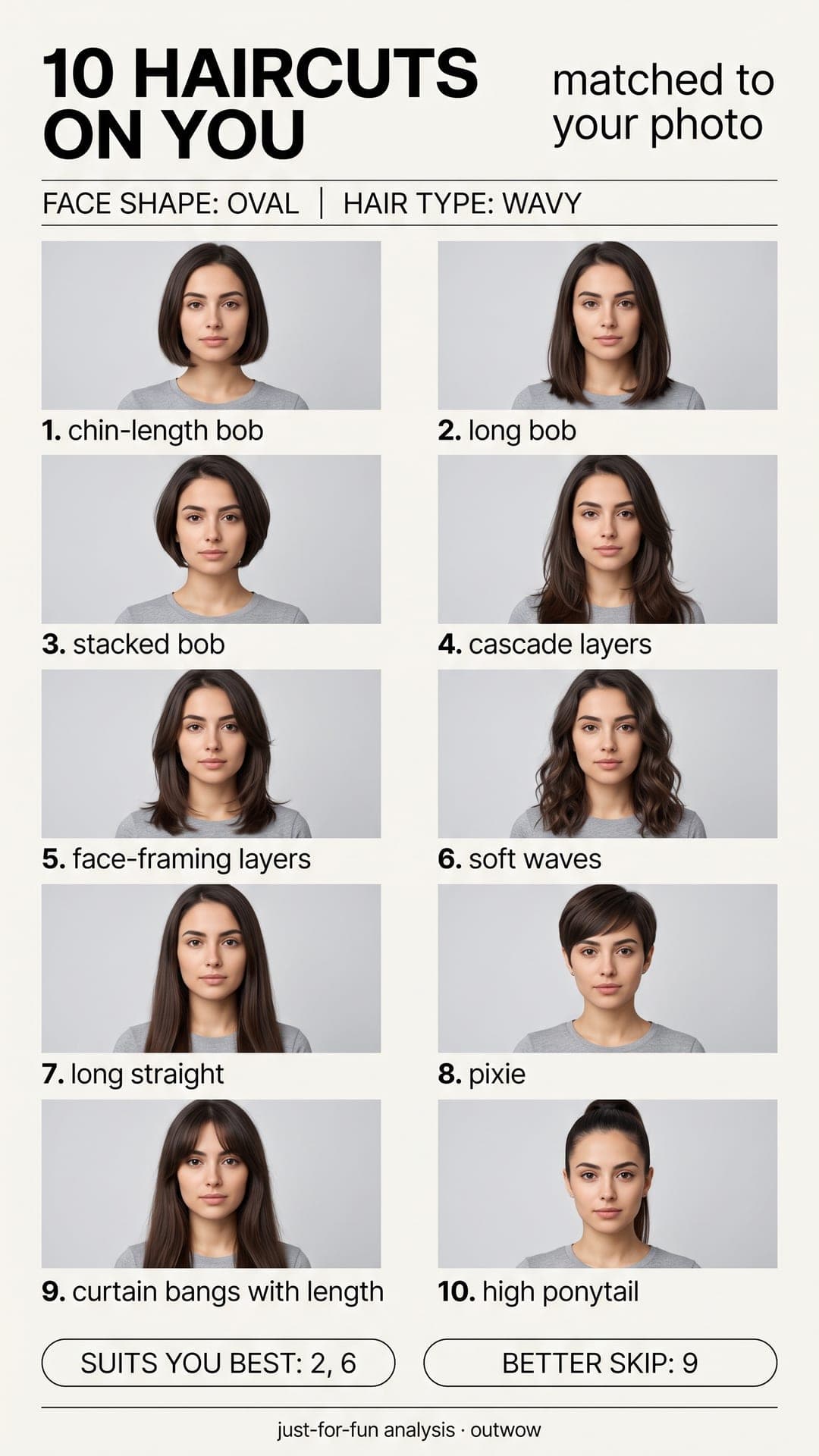
Ten haircuts tried on your face, each with a benefit and a verdict.
3 free photos, no card
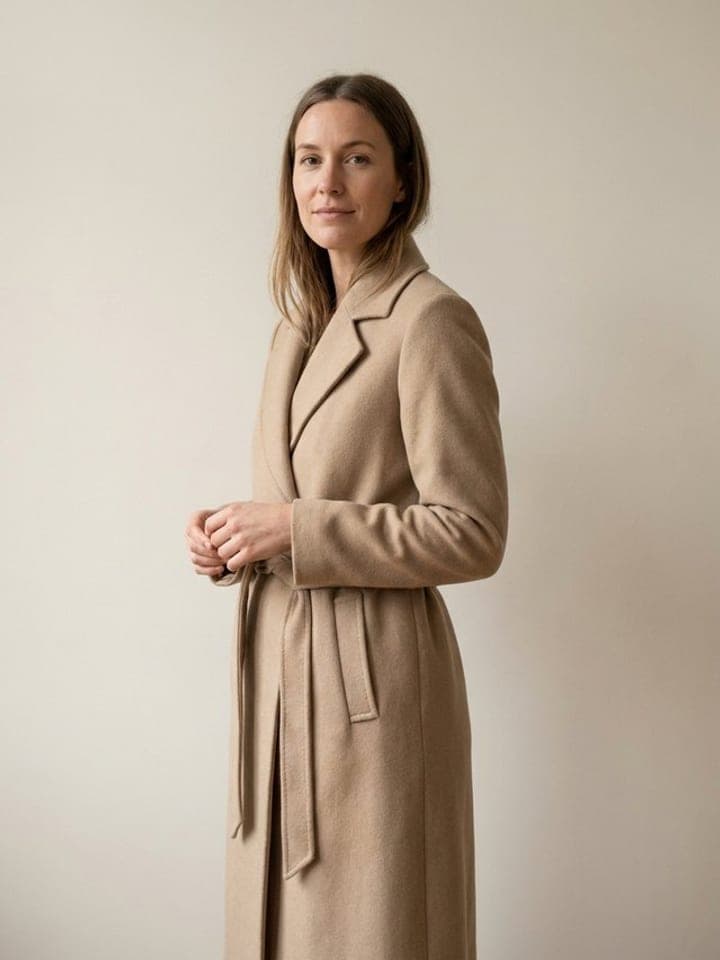
Example result. Yours is made from your own photo.
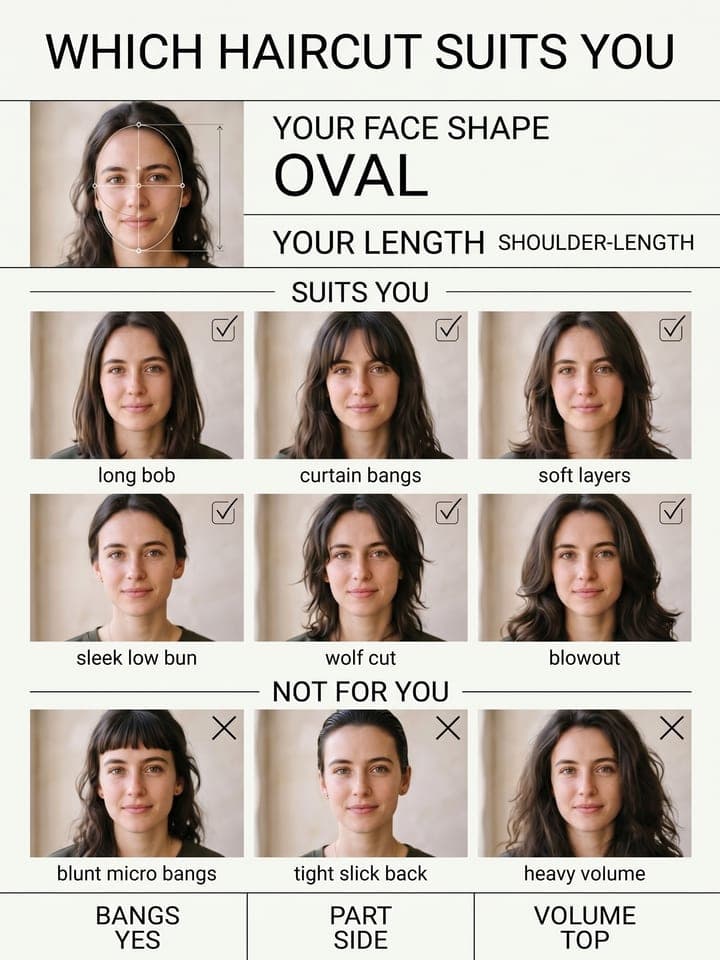
A catalog of ten haircuts tried on your own face in one 9:16 poster: bobs, layers, waves, pixie, bangs and a high ponytail. Each has a name and a benefit for your face shape, plus which suit you best and which to skip.
1 photo
per result
3 free photos, no card
Output: Vertical 9:16. How photos are counted
- It matches options to your face, so you'll agree to face matching before the first run.
How to make a 10-haircut try-on poster from one selfie
For a haircut try on with ten options at once, upload one selfie to 10 Haircuts on You: a poster costs 1 photo on every plan, Free included. You get a tall 9:16 catalog poster with ten numbered frames of your own face, each in a different cut from a chin-length bob to a pixie, with a one-line benefit for your face shape, plus the two that suit you best and one to skip. Your hair color stays.
- Take a close-up selfie facing the camera in daylight, no filter, no sunglasses, hair visible.
- Open 10 Haircuts on You, upload the selfie and agree to face matching before the first run.
- Press Create (1 photo). The 9:16 poster lands in My creations; zoom in on the numbers and names under each frame.
What can you use it for?
- Narrowing ten ideas down to two before booking a cut.
- A story-sized poster to post and let friends vote on a number.
- Checking how a pixie or curtain bangs would look before committing to growing them out again.
How do I get a better result?
- The ten cuts are fixed: chin-length bob, long bob, stacked bob, cascade layers, face-framing layers, soft waves, long straight, pixie, curtain bangs with length and a high ponytail. If none of those is what you have in mind, use the Hairstyle Try-On tool, where you choose women's or men's cuts, the length and the color.
- Every frame uses the same front angle, scale and gray background, so a straight-on selfie makes the comparison fair across all ten.
- Your natural hair color is kept in every frame. Dye or highlights in your selfie will show in all ten cuts, which is useful if you plan to keep them.
What goes wrong most often?
- Using a selfie where your hair is pulled into a hat or hood. The poster needs to see your hair's color and texture to carry them into ten cuts.
- Treating "better skip" as a verdict on your looks. It is a styling suggestion for your face shape; nothing about you is scored.
- Opening the poster small on a phone and missing the captions. Download it and zoom: the benefit line under each cut is the useful part.
Guide: Is It Safe to Upload Your Face to an AI Photo App? A 7-Point Checklist
What you need
Your selfie
Close-up, daylight, one face, looking at the camera. No filters or sunglasses.
Works well
- Your face close to the camera, looking straight in
- Daylight from a window in front of you
- Only you in the frame
Avoid
- Sunglasses, masks or hair over your eyes
- Beauty filters and heavy edits
- Dark rooms and photos taken from far away
Guides with 10 Haircuts on You
Want to set the cuts yourself? Hairstyle Try-On takes women's or men's cuts, the length you want and a hair color, and shows six on your face.