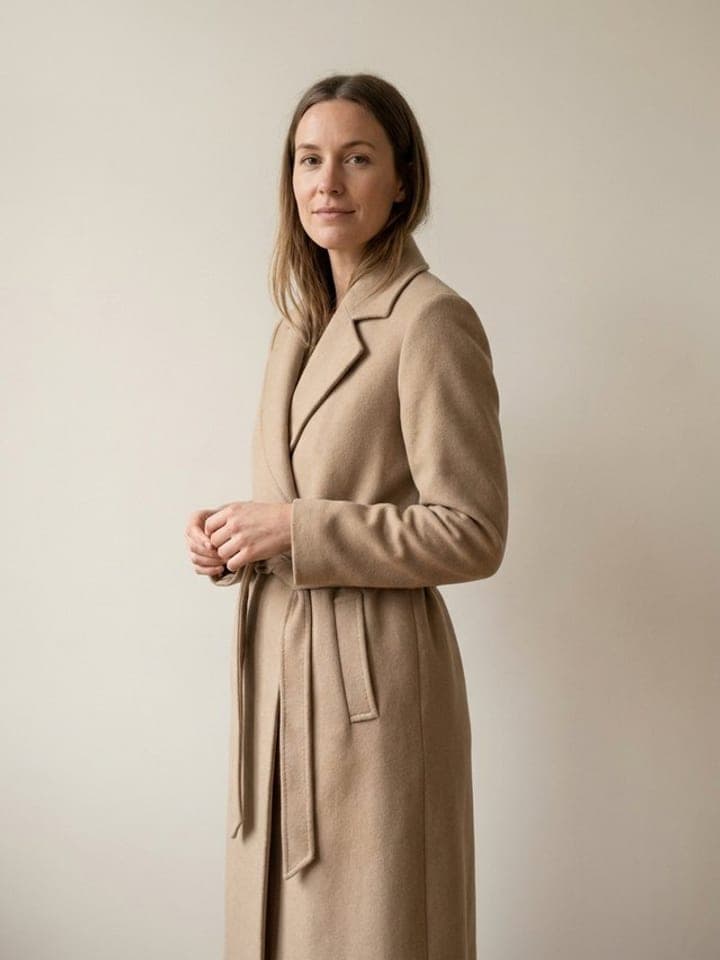
AI Color Analysis
AI photo template · from 1 photo
Your color season from one selfie, with the colors to wear and to skip.
3 free photos, no card
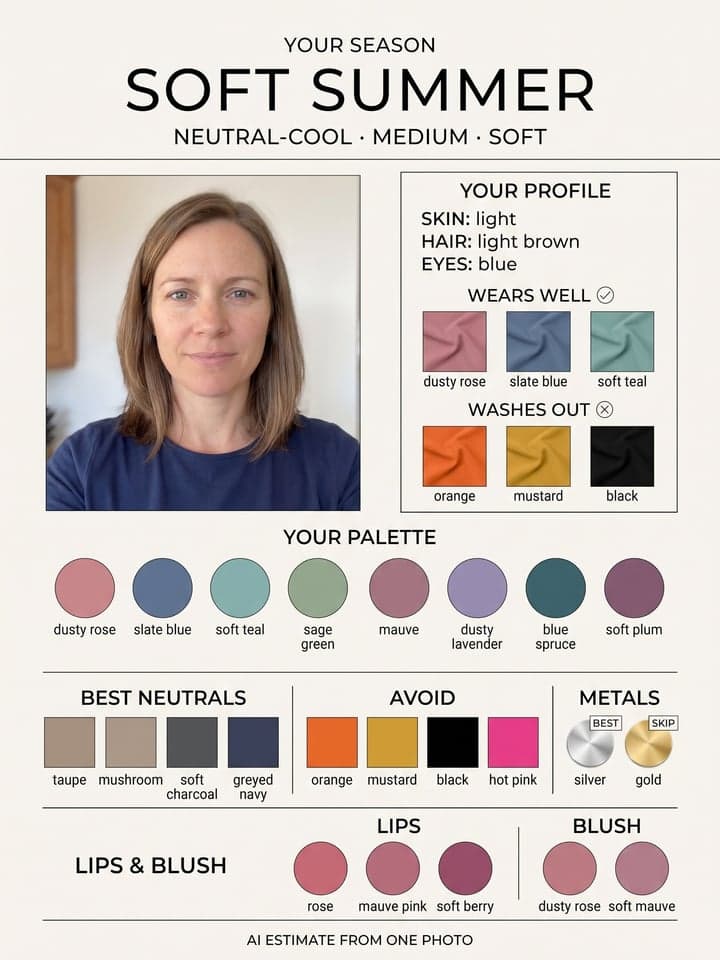
Example result. Yours is made from your own photo.
A seasonal color analysis poster from one selfie. It reads your skin depth, hair color and eye color, names one of the 12 seasons by fixed rules from your hair and eyes, and prints that season's colors: three fabric swatches that suit you and three that wash you out beside your photo, an eight-color palette, four best neutrals, four colors to avoid, gold or silver, and lip and blush shades (on a man's photo, glasses and leather colors instead). Each season always gets the same colors, so a second run on the same photo gives the same advice unless it reads your hair or eyes differently; it's an estimate from one photo, not an in-person draping.
1 photo
per result
3 free photos, no card
Output: Portrait 3:4. How photos are counted
- It matches options to your face, so you'll agree to face matching before the first run.
How to get a color analysis from a photo with AI
For an AI color analysis from one photo, upload a daylight selfie to AI Color Analysis: the poster names your season in the 12-season system and prints its colors, with fabric swatches to wear and to skip beside your photo, an eight-color palette, neutrals, colors to avoid and gold or silver. A run costs 1 photo on every plan, Free included. It's an estimate from one photo, not an in-person draping.
- Sit facing a window in daytime, with no makeup or filter and your hair loose around your face, and take a selfie straight on. Add it to the Your selfie slot.
- Tick the two consent boxes before you press Create: one for the rights to the photo, one for face matching.
- Press Create (1 photo). The poster comes back as a 3:4 image you can save and hold up next to your closet.
How does the poster pick your season?
Carole Jackson's book Color Me Beautiful (1980) made four-season color analysis popular; the 12-season version used here splits each season by its strongest trait. The poster first writes down three readings from your photo: skin depth, hair color and eye color. Then it applies fixed rules to the hair and eyes. Black or dark brown hair with brown eyes is Deep Winter, or Deep Autumn if the hair clearly shines gold or red. Light or medium brown hair with blue or grey eyes is Soft Summer, and with brown, hazel or green eyes Soft Autumn. It doesn't judge warm or cool from your skin, because skin color in a photo shifts with the light.
Each season has one fixed set of colors, so the same season always gets the same swatches. We ran two AI-generated sample faces five times each. The light-haired woman got Soft Summer every time, with dusty rose, slate blue and soft teal to wear and orange, mustard and black to skip. The man got Deep Winter every time, with emerald, ruby red and royal blue to wear and mustard, camel and peach to skip. Silver was the best metal for both, every time.
What can you use it for?
- Seeing what a 12-season analysis covers before you book an in-person draper.
- Getting a shortlist of colors to hold against your own clothes by a window.
- Checking which neutrals to build a capsule wardrobe around: black and navy, or taupe and soft charcoal.
What does an example run look like?
- AI-generated sample input
 Result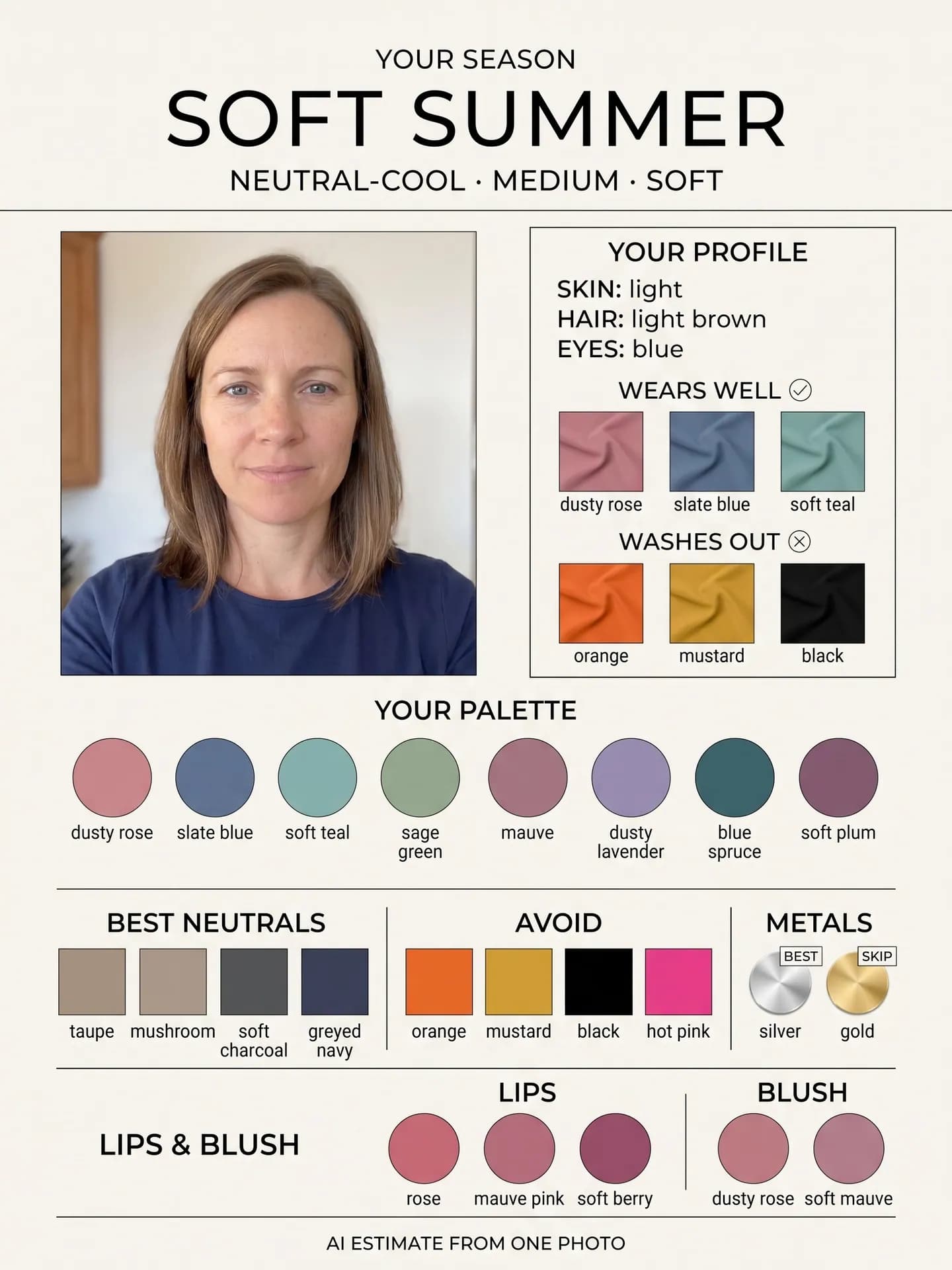
Soft Summer on all five runs on this photo, with the same colors each time. - AI-generated sample input
 Result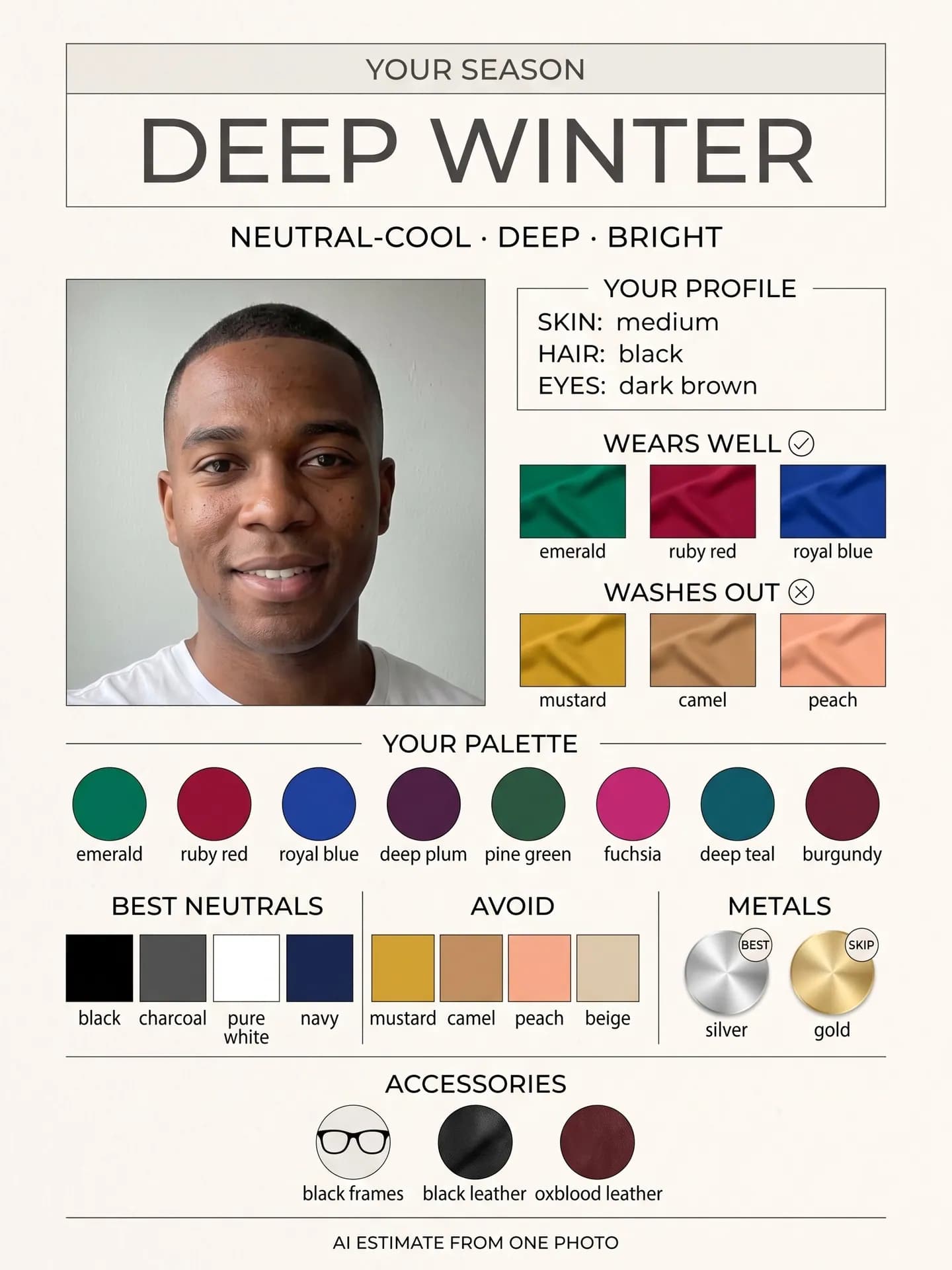
Deep Winter on all five runs on this photo; accessories replace lips and blush.
How do I get a better result?
- Shoot by daylight with warm lamps off. Warm bulbs can make hair look more golden, and the season rules go by the hair color the photo shows.
- Show your natural hair color if you can. The poster reads the color it sees, so a fresh dye job or sun-lightened ends can move you to a different season.
- Skip filters and tinted lenses. A filter changes skin and hair color, and colored contacts change the eye color the rules use.
What goes wrong most often?
- Treating it as an in-person draping. The swatches beside your photo are the season's fixed colors, not fabric held to your face; check them against real clothes in daylight.
- Running it on a dyed color you plan to grow out. The season follows the hair in the photo, so use a photo with your natural shade.
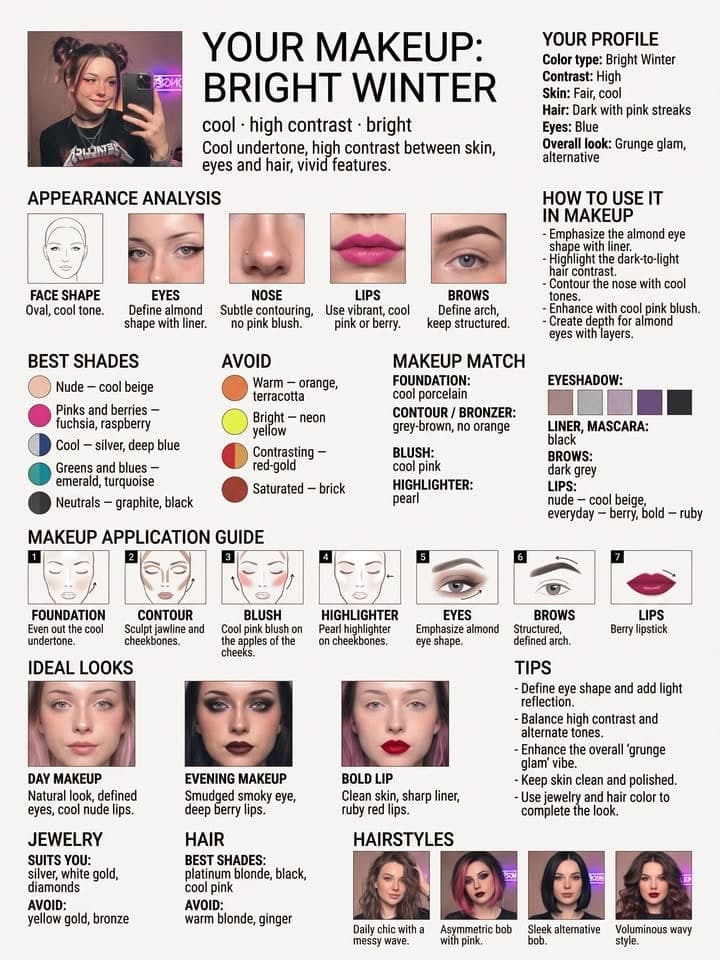
- Expecting a makeup guide. The makeup row is three lip and two blush swatches; for a seven-step guide, use Makeup for Your Color Type.
Guide: Is It Safe to Upload Your Face to an AI Photo App? A 7-Point Checklist
What you need
Your selfie
Daylight by a window, no makeup or filter, hair visible, face the camera.
Works well
- Your face close to the camera, looking straight in
- Daylight from a window in front of you
- Only you in the frame
Avoid
- Sunglasses, masks or hair over your eyes
- Beauty filters and heavy edits
- Dark rooms and photos taken from far away