Minecraft-Style Food
AI photo template · from 1 photo
Your dish or drink turns into Minecraft cubes, the rest stays real.
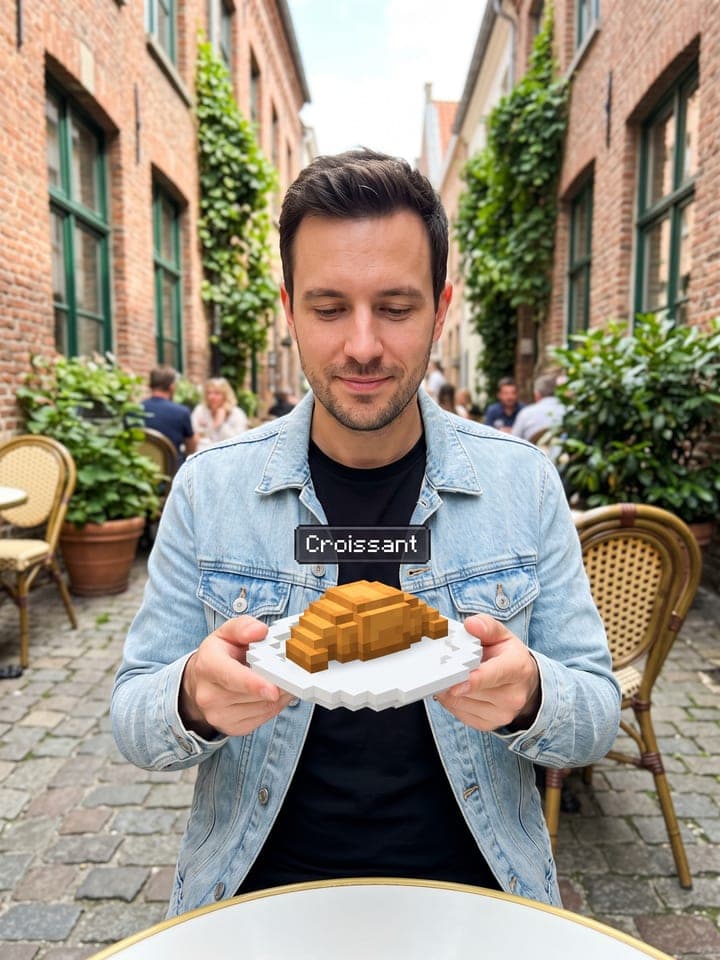
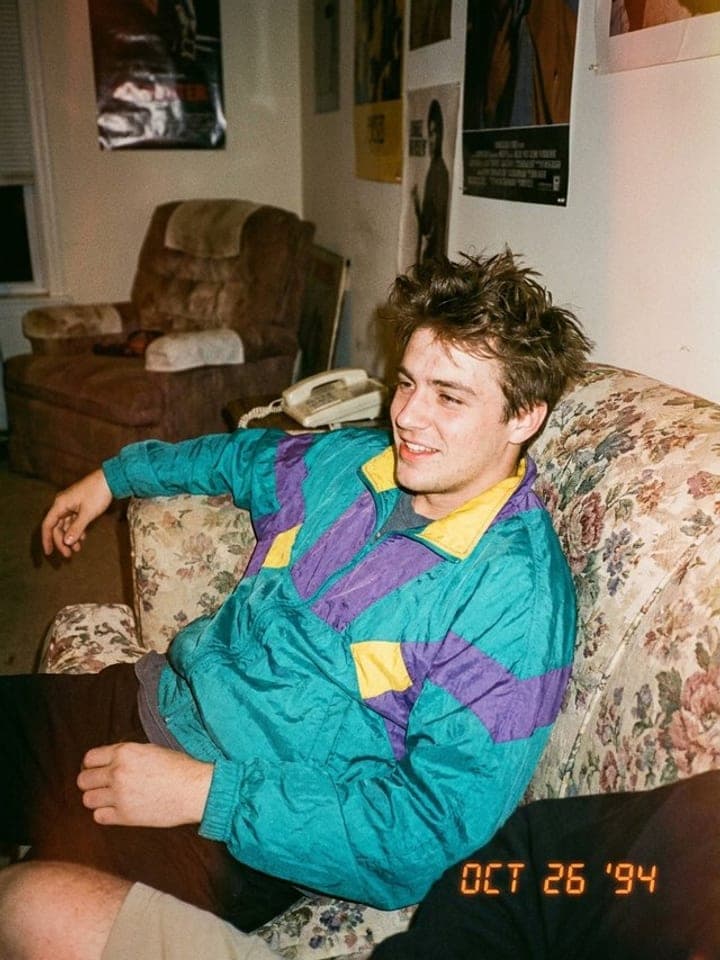
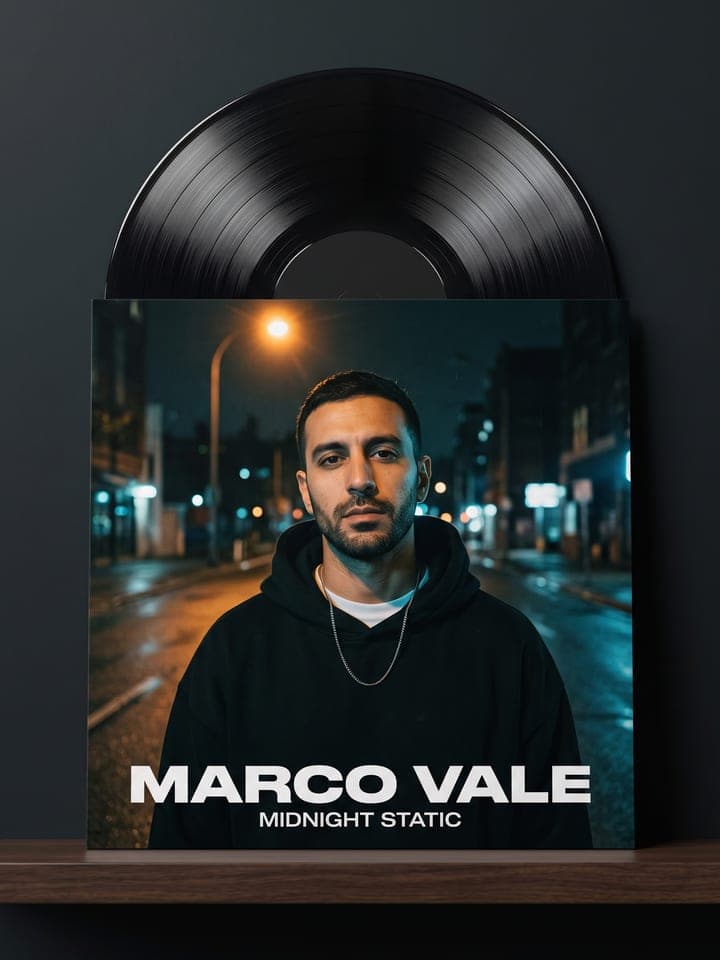
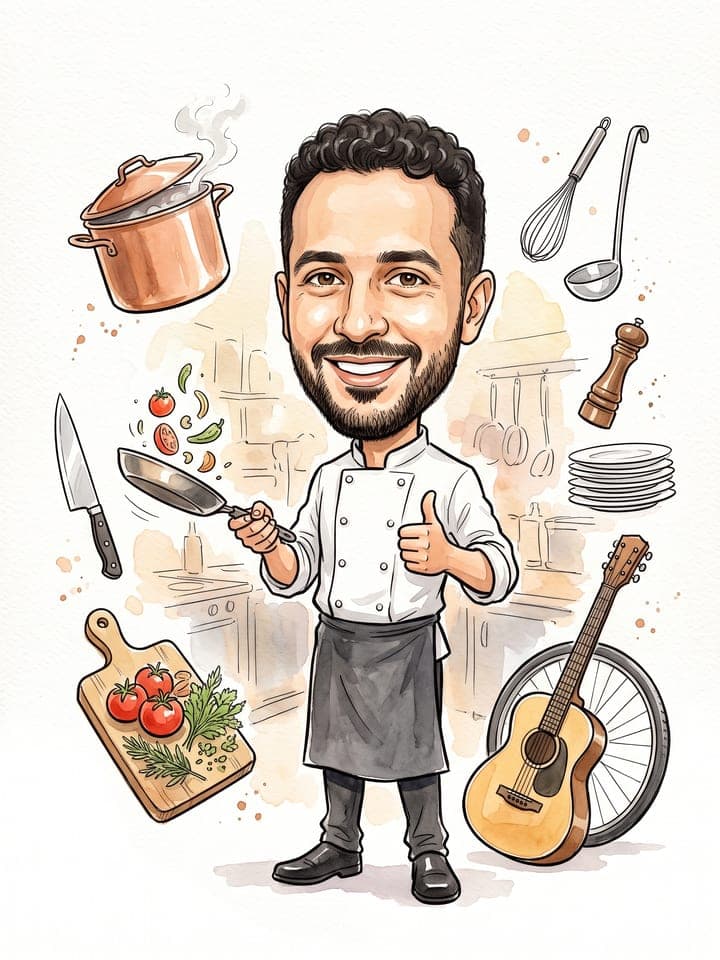
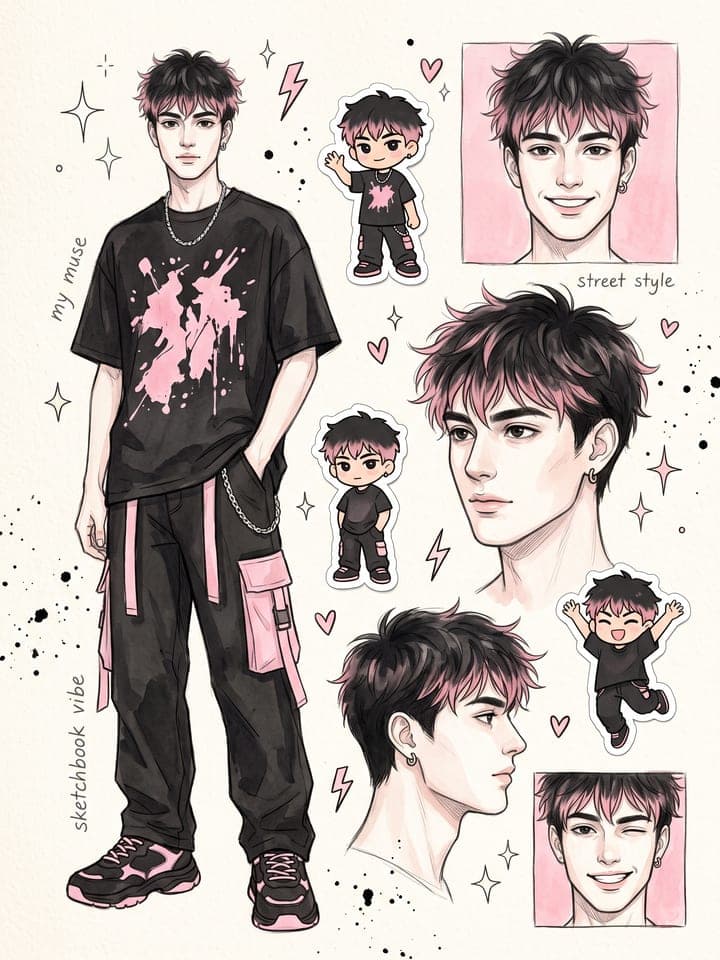
Example result. Yours is made from your own photo.
Only the food and drinks in your photo turn into Minecraft-style voxel objects, cup or plate included, with a floating tooltip naming them in the pixel font. People, hands, background and light stay photoreal.
1 photo
per result
Output: same shape as your photo. How photos are counted
- Not an official Minecraft product. Not approved by or associated with Mojang or Microsoft.
How to turn the food in your photo into Minecraft blocks
For the Minecraft food filter look, upload one photo with a dish or a drink in it to Minecraft-Style Food: 1 photo per run on any plan, and new accounts get 3 free photos. The cup, glass or plate turns into one blocky voxel object together with what is in it, a small tooltip beside it names the food in white pixel letters, and the rest of the shot, from faces and hands to the table and the light, stays a real photo.
- Choose a photo where the dish or drink is clearly in frame and lit by daylight. A cafe selfie with a cup in hand and a top-down shot of a plate both fit the slot.
- Put it in Photo with food or a drink; a run costs 1 photo. You don't type anything, because the template names the food itself, in English.
- Check the label in the tooltip and the shape of the blocks. If the name is off or the object no longer reads as your order, run it again.
Why does the cup turn into blocks too?
The template treats the cup, glass or plate and what is in it as one thing, so the whole object becomes a single solid piece of large cubes with visible faces and square edges, no gloss and no smooth shading, in the look of a block item from the game. It is told to keep the object recognizable, so a latte stays a latte and a croissant stays a croissant instead of turning into a food from the game.
The tooltip is a dark, semi-transparent rounded box with a thin line pointing at the object and the English name in a white pixel font, such as Latte, Matcha Latte or Croissant. People, skin, clothes, furniture and the background keep their real texture, and the camera angle and perspective of your photo stay as they were.
What can you use it for?
- A brunch post where the croissant is the joke and everyone at the table still looks like themselves.
- A birthday-cake photo for a friend who plays the game, with the cake as a block.
- A quick reply in a group chat, made from a food photo already in your camera roll.
Which food photos turn out best?
- One dish or drink per photo is easiest to label. The prompt asks for a single tooltip, so on a full table only one item may get a name.
- Keep the food whole in the frame. A hand around a cup is fine, because hands stay real, but a plate cut off by the edge leaves the blocks less of the shape to copy.
- Keep the whole cup, glass or plate in the shot with a little space around it, so nothing is cut off at the edge if the result is framed differently.
- Mind the light. The lighting of your photo is kept as it is, so a dim bar shot stays dim; the slot asks for daylight.
What goes wrong most often?
- Expecting the whole photo to go blocky. Only food and drinks change; for a pixel version of yourself, Minecraft Figure of Yourself makes a printable papercraft sheet from your photo.
- Looking for a box to type the dish name. The name comes from what the template sees, so an unusual dish may get a more general label.
- Expecting the label in another language. The tooltip text is always in English.
What you need
Photo with food or a drink
The dish or drink clearly in frame, daylight.
Works well
- A sharp photo with the face clearly visible
- Good, even light
Avoid
- Blurry photos and heavily compressed screenshots
- Faces hidden by hands, hats or shadows