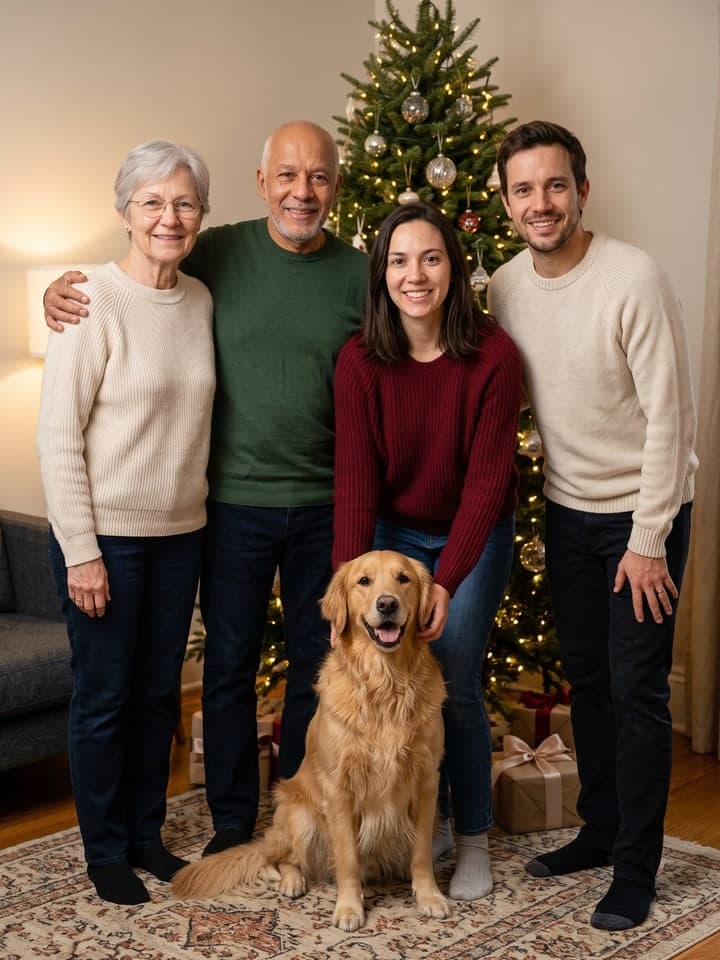
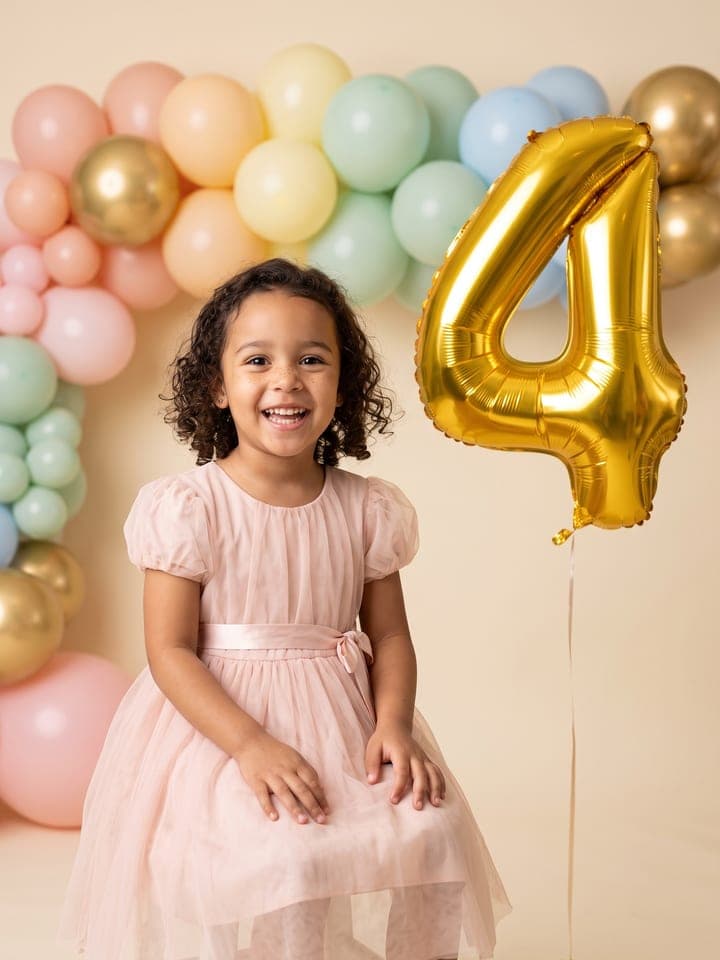
Photo to Coloring Page
AI photo template · from 1 photo
Your pet, your family or your house as a printable coloring page.
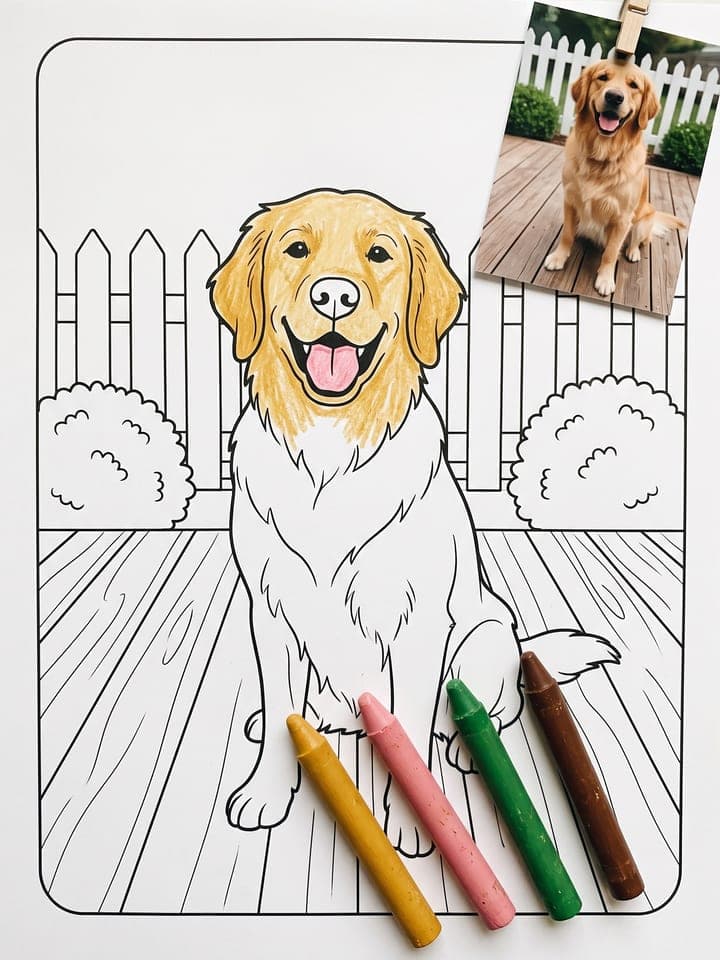
Example result. Yours is made from your own photo.
Any photo of your dog or cat, the family, your house or a favorite toy becomes a clean black-and-white coloring page: solid, closed outlines on pure white, no grey shading, and a white margin so it prints right on Letter or A4. Pick bold, simple lines for little kids or fine, detailed lines for older kids and grown-ups. The markings, faces and shapes come from your photo, so it's your own pet to color, not a stock one.
1 photo
per result
Output: Portrait 3:4. How photos are counted
- For parents and guardians. Photos of children are deleted within 24 hours.
How to turn a photo into a coloring page with AI
To make AI line art from a photo that a child can color in, upload one picture of your pet, your family, your house or a favorite toy to Photo to Coloring Page. It comes back as a 3:4 page of closed black outlines on pure white, with no grey shading and a thin rounded frame inside a white margin. A page costs 1 photo on the Free plan, and new accounts get 3 free photos.
- Put one sharp photo in Your photo, with the whole subject in frame. Everyone in it stays on the page; strangers in the background and clutter are dropped.
- Choose Lines: Bold & simple for kids of about 3 to 6, or Fine & detailed for older kids and adults. Press Create (1 photo).
- Download it from My creations and print it with fit to page on, on Letter or A4.
What makes it a page you can actually color?
A coloring page fails on paper in three ways: grey shading prints as smudge, gaps in outlines let crayon run, and lines at the sheet's edge get cut off. This template draws solid black on flat white, closes every outline and stops background lines at its frame. Dark fur and dark hair stay white inside, so a black Lab is still something to color.
Faces took the most fixing. Early test runs added wrinkle lines that aged a woman and filled a man's brows in solid black. The final version draws skin as one open area and brows as outlines, with no freckle dots.
What can you use it for?
- A rainy-afternoon page of the family dog.
- The house you are moving out of, for the kids to color and keep.
- A slow coloring session for grown-ups from a family photo in Fine & detailed.
- A craft day: the dog's coloring page next to a cut-and-fold 3D Pet Figurine sheet of the same dog.
What does an example run look like?
- AI-generated sample input
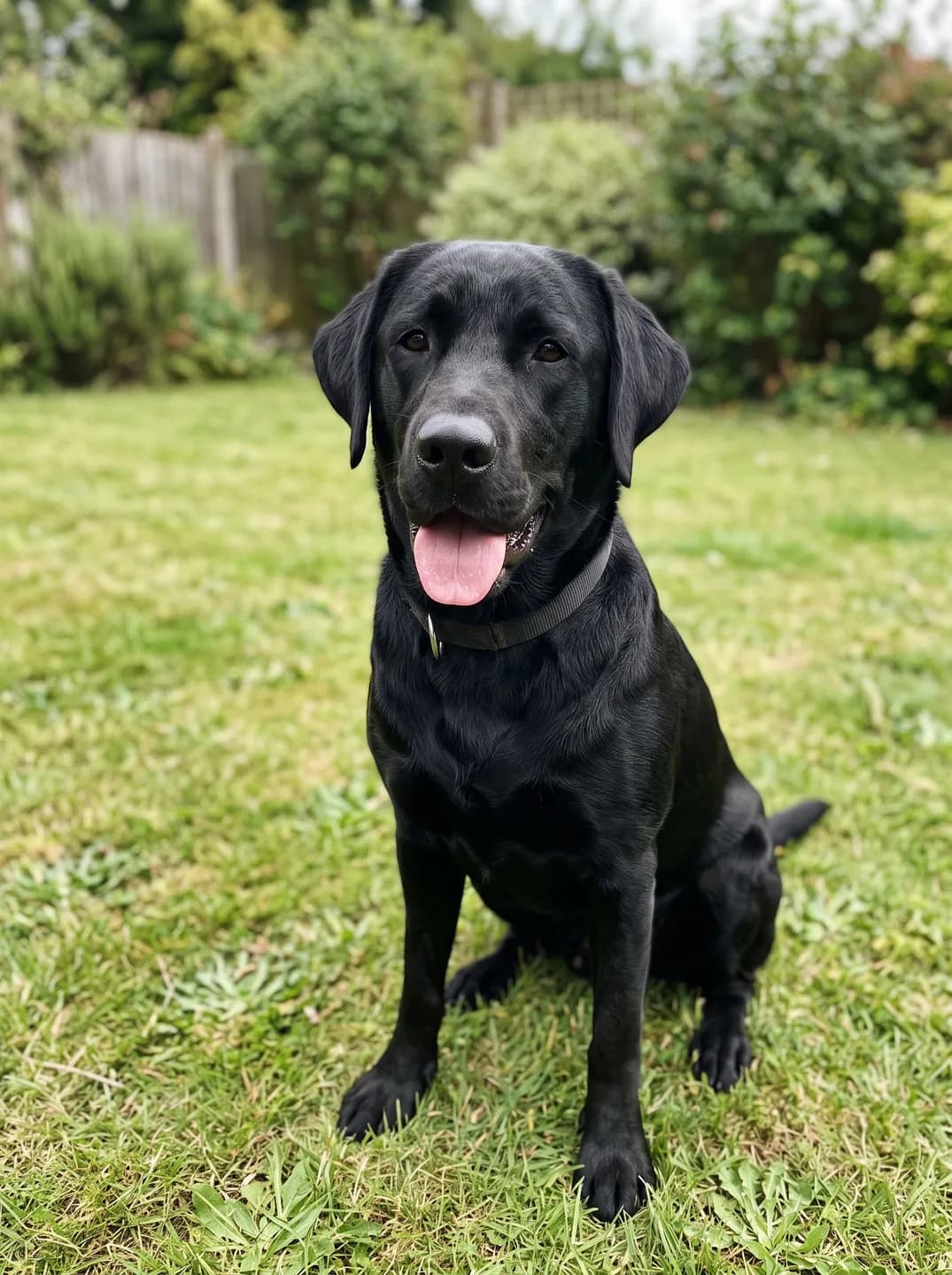 Result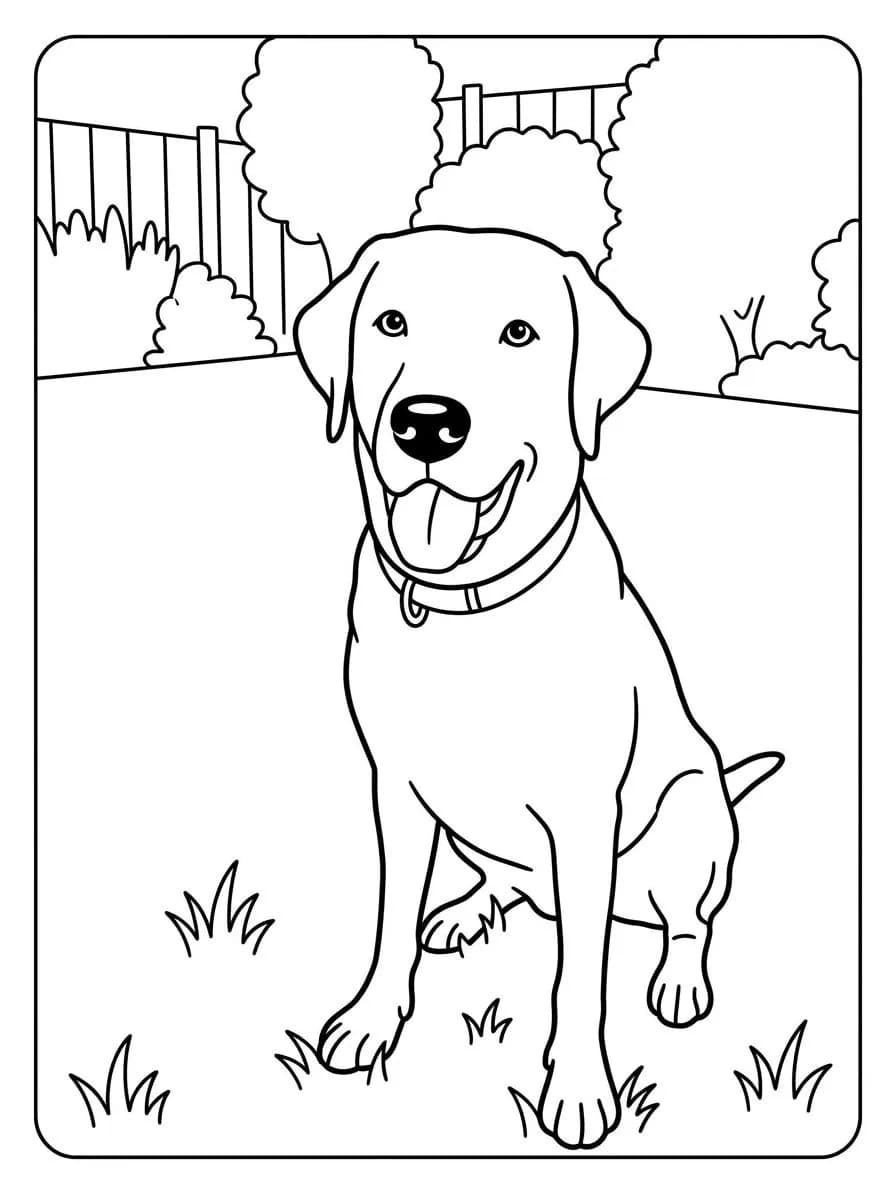
Bold & simple, made from the synthetic test photo on the left in one run. The black coat is left white to color. - AI-generated sample input
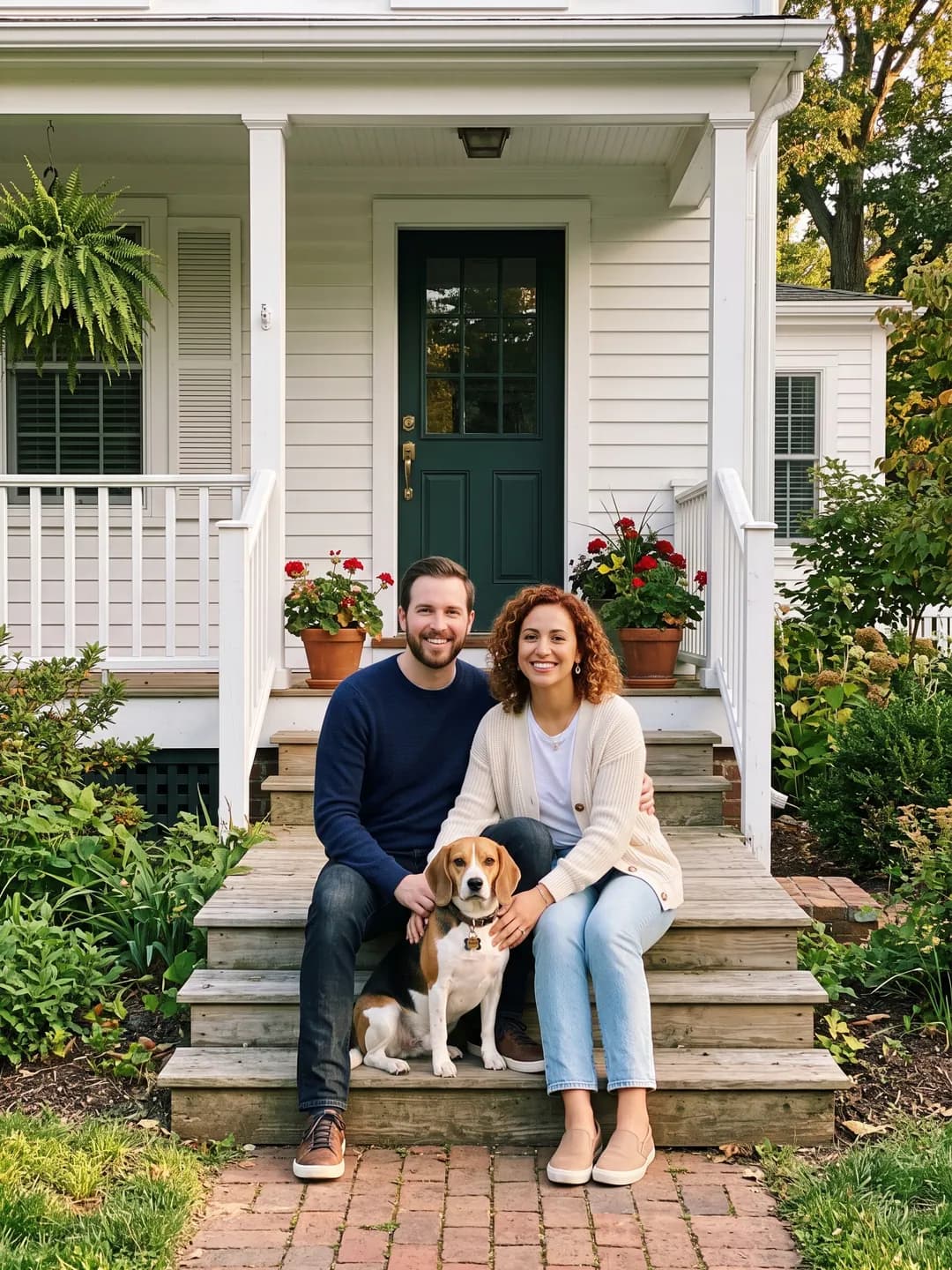 Result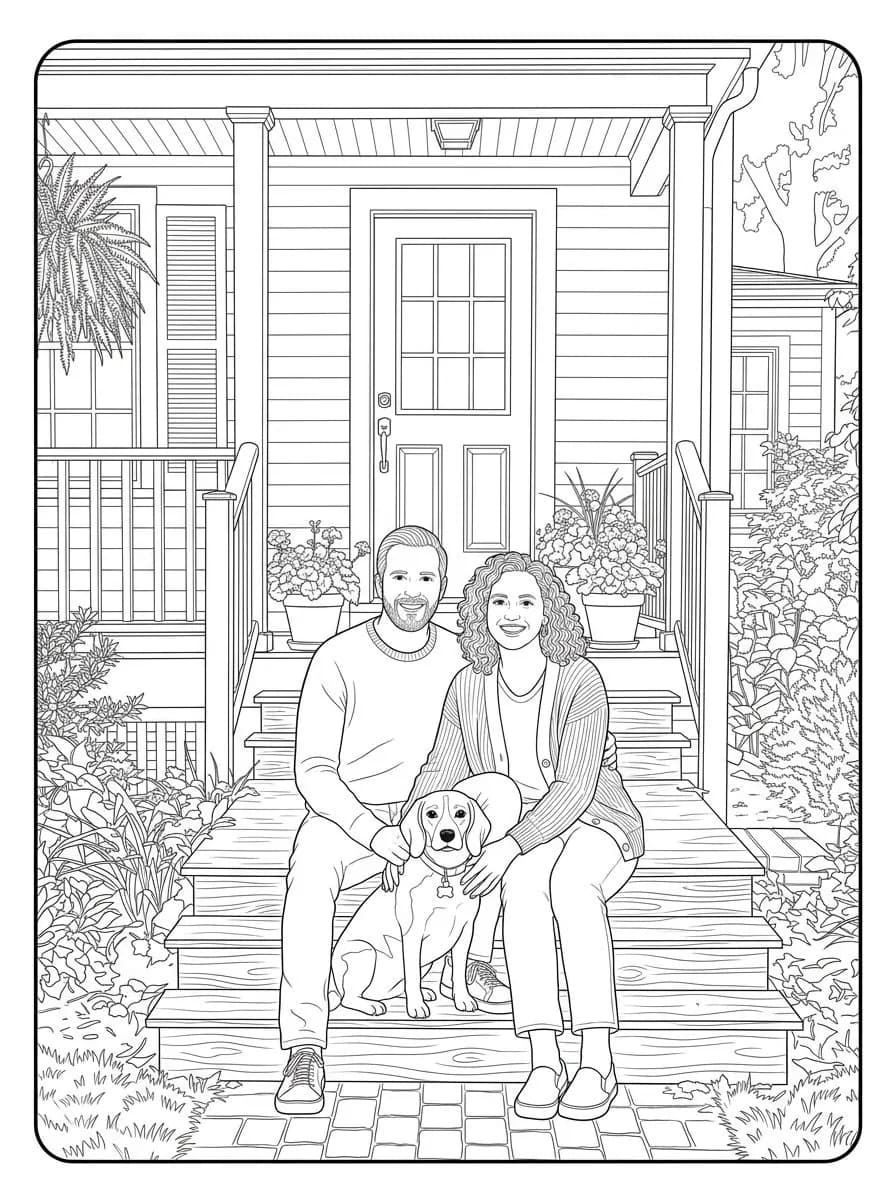
Fine & detailed, made from the synthetic test photo on the left. The beagle's blaze, its bone-shaped tag and the hands resting on it are all kept.
Which photo makes the best coloring page?
- For a pet, choose a shot that shows its markings: patches, a blaze, white socks and tabby stripes each become their own outlined shape to color.
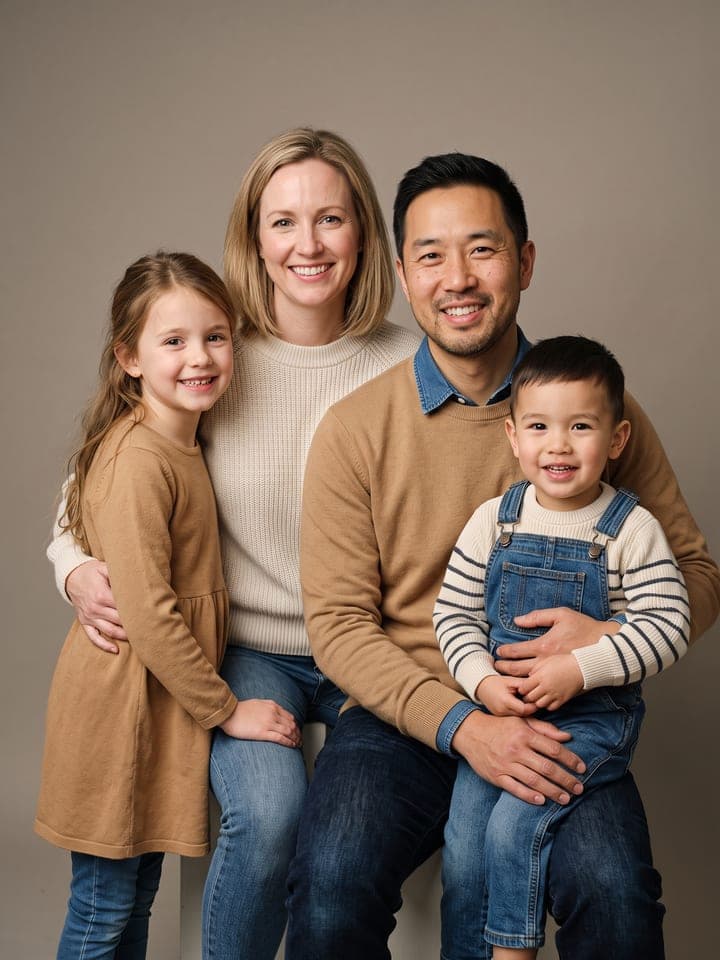
- For people, pick a photo where faces are a good size in the frame. Each face becomes a few lines, and tiny faces in a wide group shot lose their likeness.
- A selfie against a bare wall makes a sparse Fine & detailed page, with the detail going into hair and clothes. A photo taken in a room or a garden fills it.
- Freckles are left out by design, so add them with a pen after printing if they matter to you.
What goes wrong most often?
- Expecting fat marker lines in Bold & simple. In our runs the lines came out thinner than asked; the page is easier for small hands because it has fewer, bigger areas, roughly 30 to 60.
- Asking for a name on the page. There are no words or numbers at all, so write it in by hand.
- Printing Free-plan pages for a class. Free results carry a watermark, and here it sits on the sheet the kids color.
What you need
Your photo
A pet, your family, your house or a favorite toy. Sharp, good light, the whole subject in frame.
- You pick the lines
- Bold & simple, Fine & detailed
Works well
- A sharp photo with the face clearly visible
- Good, even light
Avoid
- Blurry photos and heavily compressed screenshots
- Faces hidden by hands, hats or shadows