AI Christmas Card Photo of Your Family From Separate Photos
Family Christmas Card · AI photo template · from 2–7 photos
Everyone in one Christmas photo, each from their own picture.
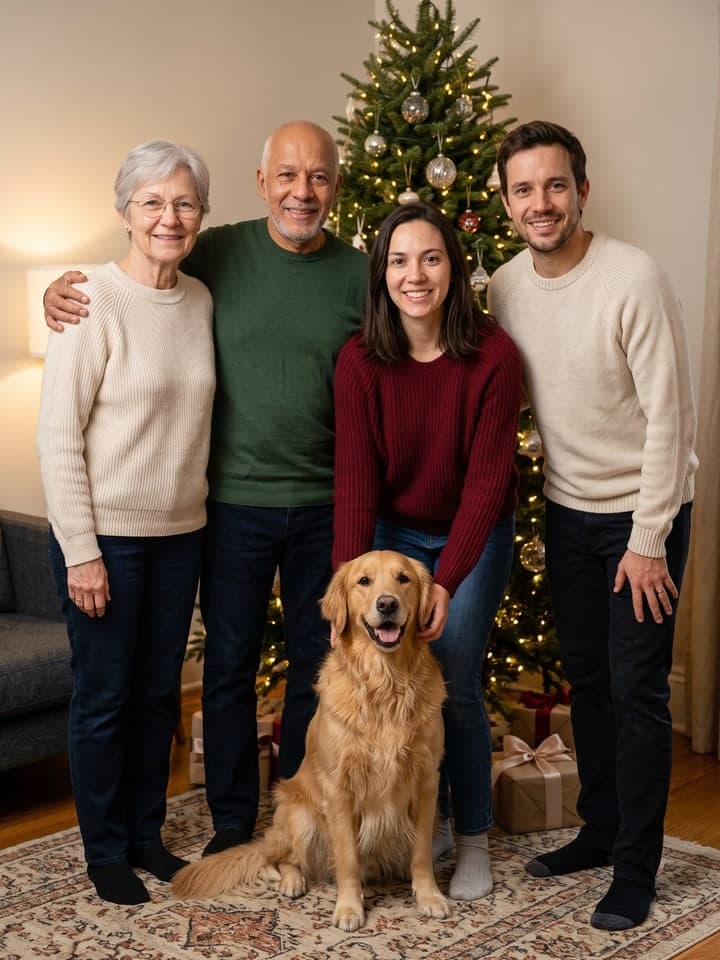
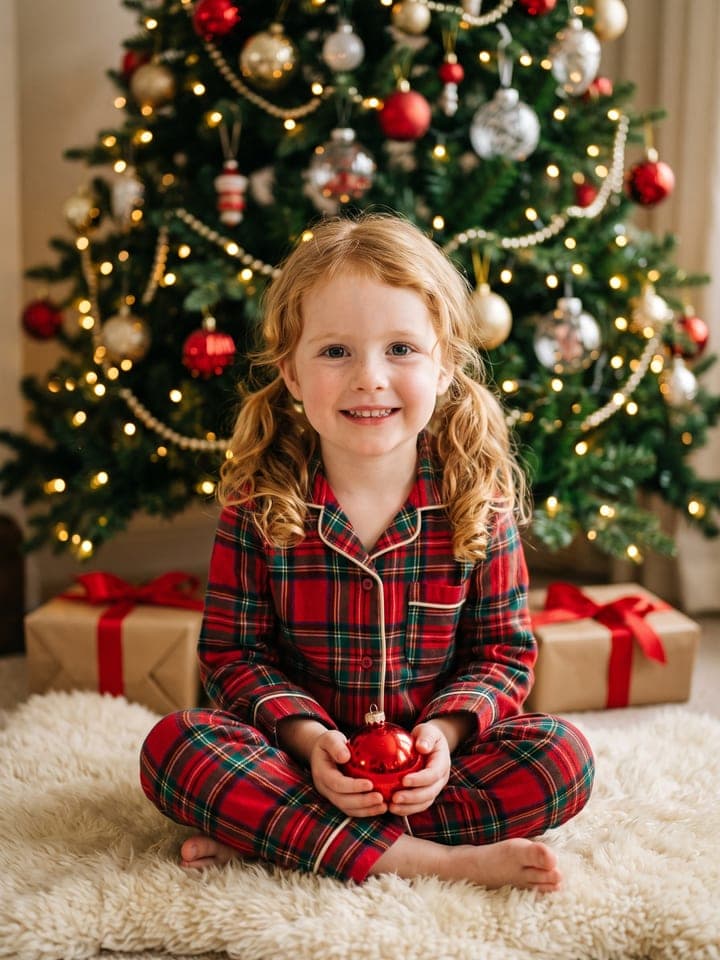
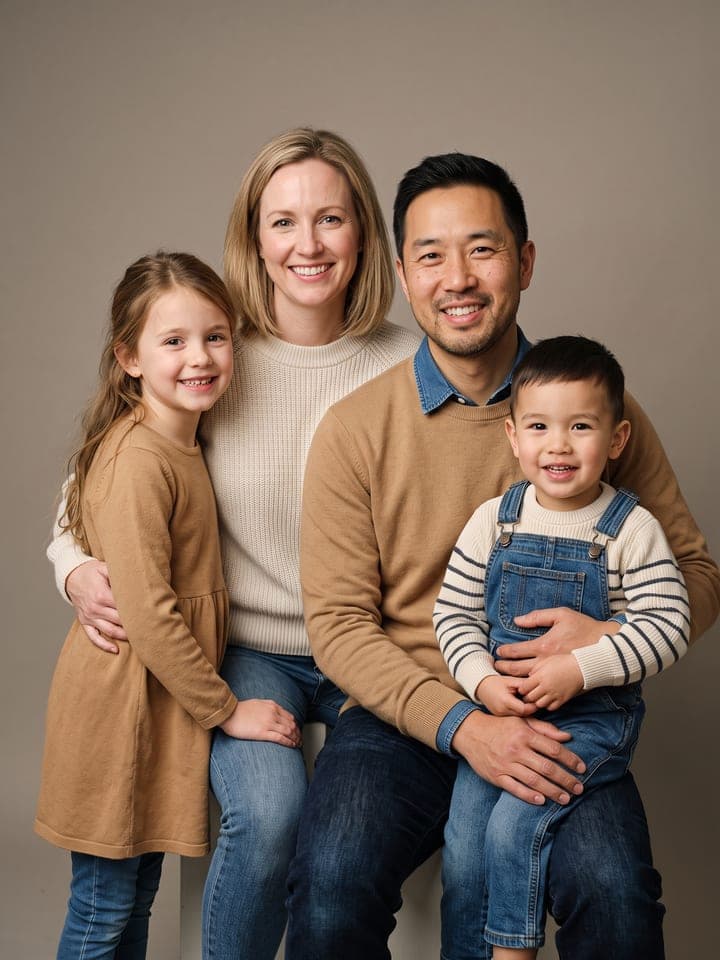
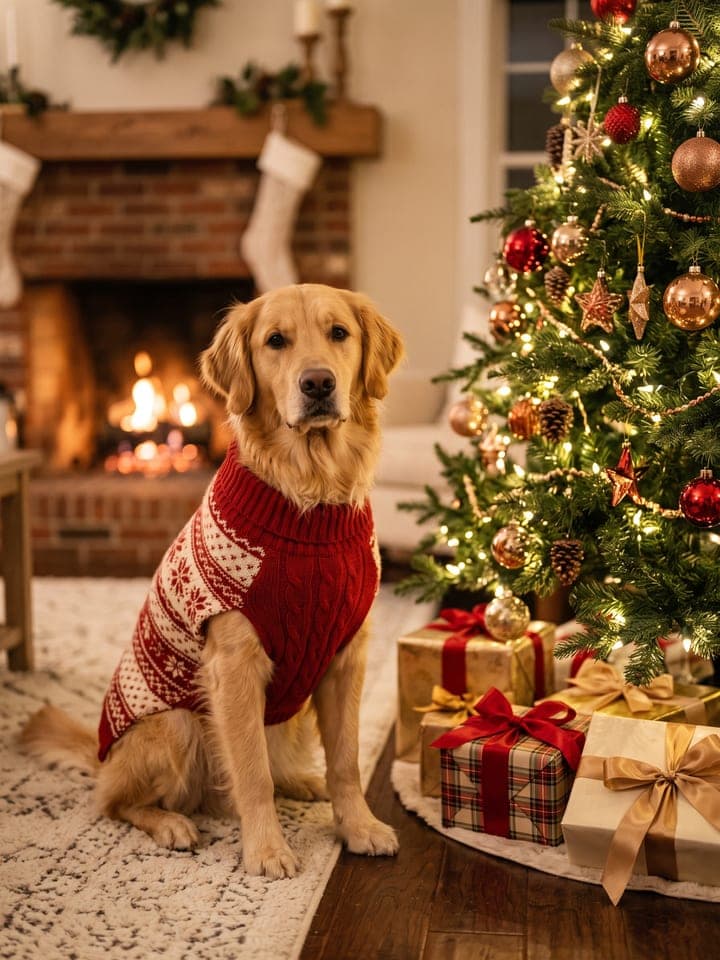
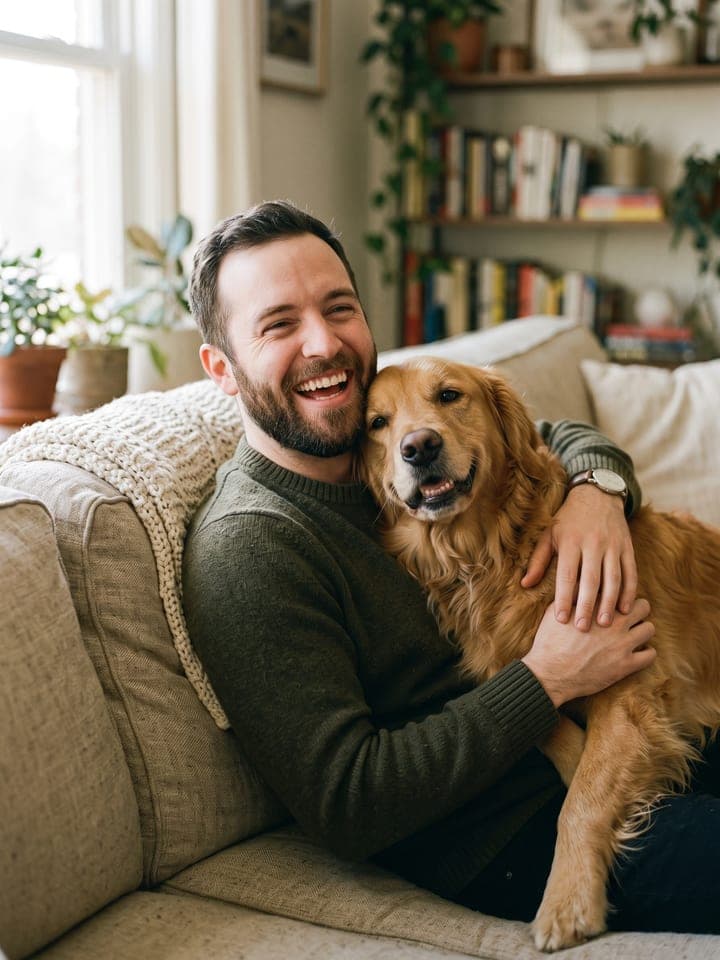
Example result. Yours is made from your own photo.
One Christmas card photo of the whole family, made from separate pictures: two to five people and up to two pets, each kept from their own photo, together in one of six cozy scenes. Use it when the family lives in different places or never stands still long enough for a group shot.
1 photo
per result
Shapes: 3:4 · 4:5 · 1:1 · 4:3 · 16:9. Example shown in 3:4. How photos are counted
- It uses more than one person's photo. Upload only photos of people who agreed to it.
- For parents and guardians. Photos of children are deleted within 24 hours.
How to make a family Christmas card photo from separate pictures
To make a family Christmas card from separate photos, upload one picture per person, two to five people plus up to two pets, and pick a scene: 1 photo per card on any plan, and new accounts get 3 free photos. The result is one photoreal picture of everyone together by the tree, on a snowy porch, in matching pajamas, by the fireplace, at a winter market or in a sleigh, with each face taken from its own photo.
- Collect one clear photo of each person, face visible, in daylight, and a close-up of each pet. Person 1 and Person 2 are required; Persons 3 to 5 and both pets are optional.
- Upload the people in the order you want them to stand, left to right, then the pets. Choose a Scene (By the tree is the default) and confirm that everyone shown agreed to it.
- Press Create (1 photo). Download the picture and add your greeting in the card designer of the print shop you use.
How does it keep everyone looking like themselves?
The prompt tells the model to show exactly as many people and pets as you uploaded photos, each once, and never to add a stranger, a child, Santa or an extra animal, or to blend two faces. The model can still slip, so count the faces; if someone is missing or doubled, run it again. Each person keeps their face, hair color and length, glasses and real age, so grandparents keep their grey hair; hair length drifts most, so check it before you print. Pets keep their coat and markings and are drawn at real size, on the floor or a lap rather than propped up to people's height.
There is no text in the picture at all: no greeting, no names, no letters on sweaters or stockings. Nothing comes out misspelled, and the wording stays yours.
What can you use it for?
- A holiday card when grown children, parents and grandparents live in different cities.
- The family photo with pets that never sit still.
- A card that includes a relative who couldn't travel home this year.
What does an example run look like?
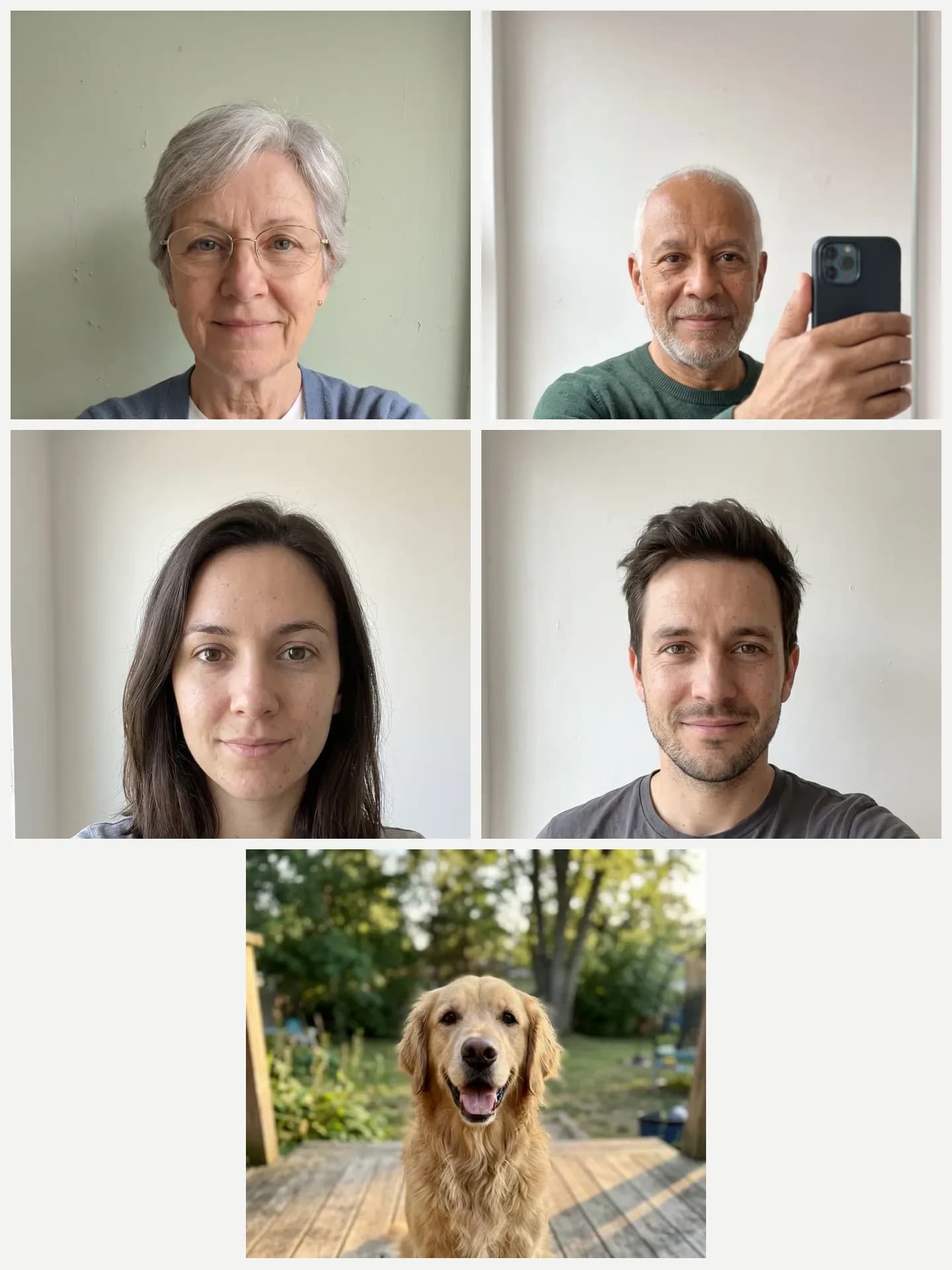
- AI-generated sample input
 Result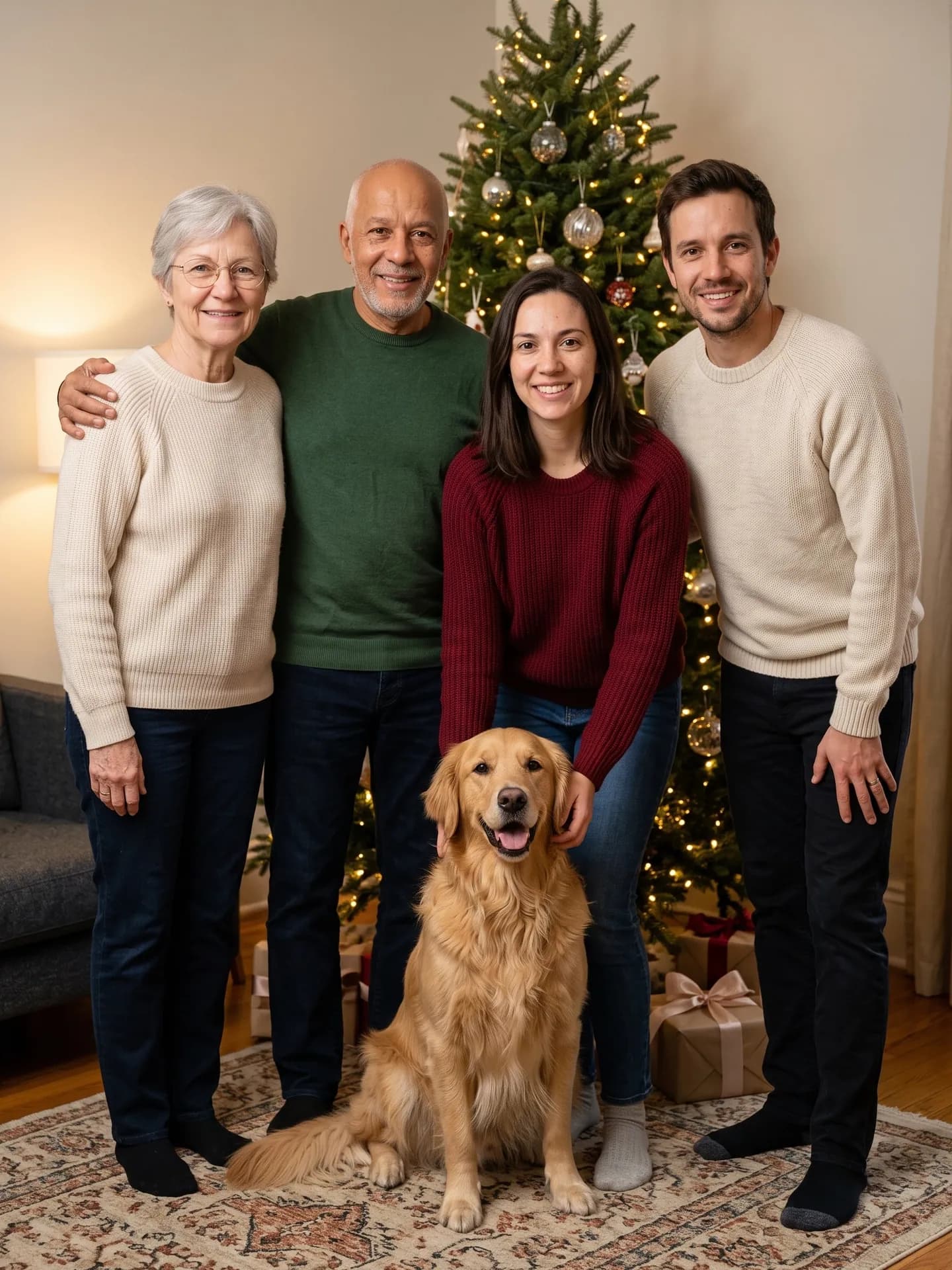
By the tree: four people and a dog from five separate photos. 2nd run; the 1st shortened the younger woman's hair. - AI-generated sample input
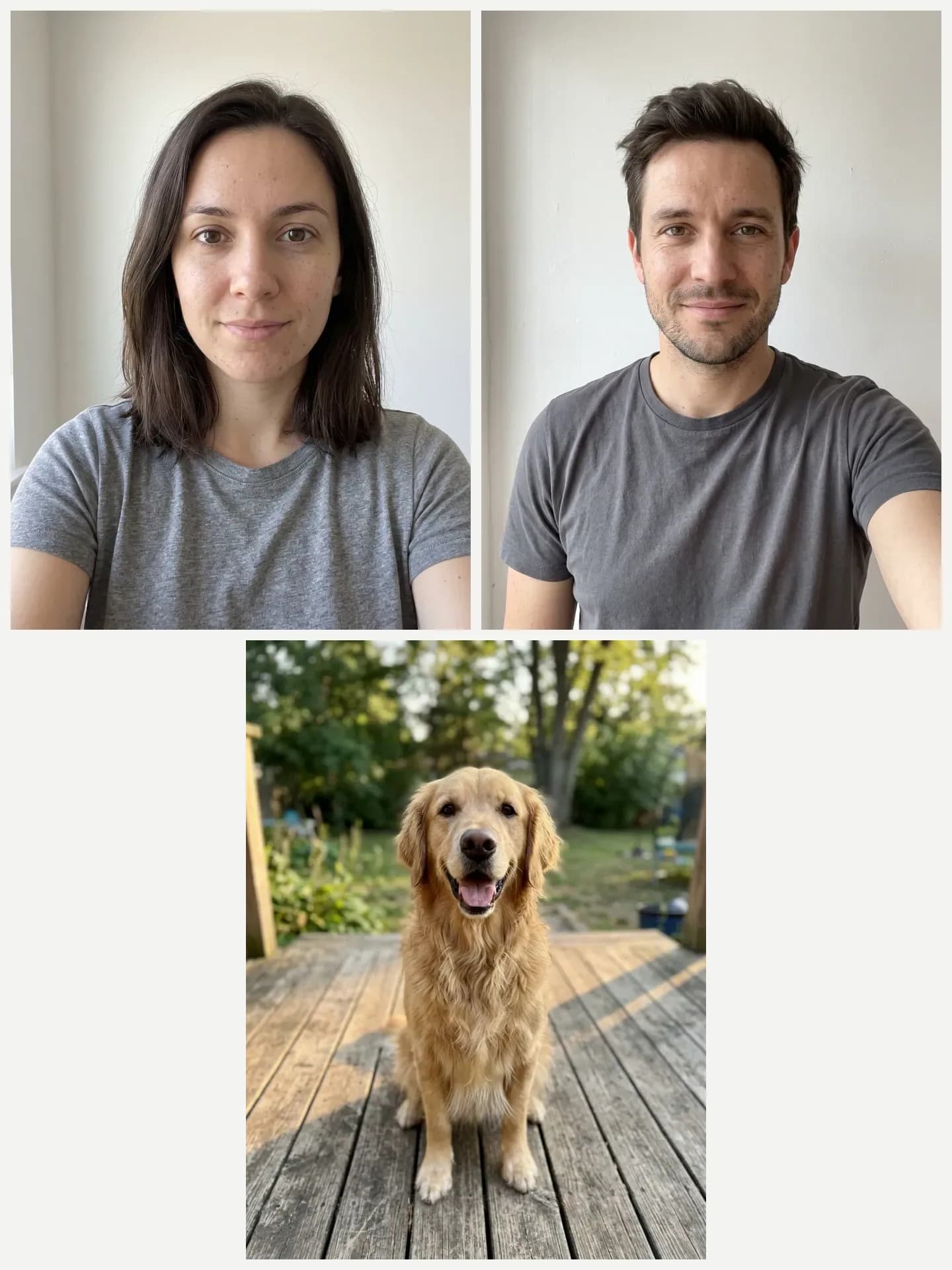 Result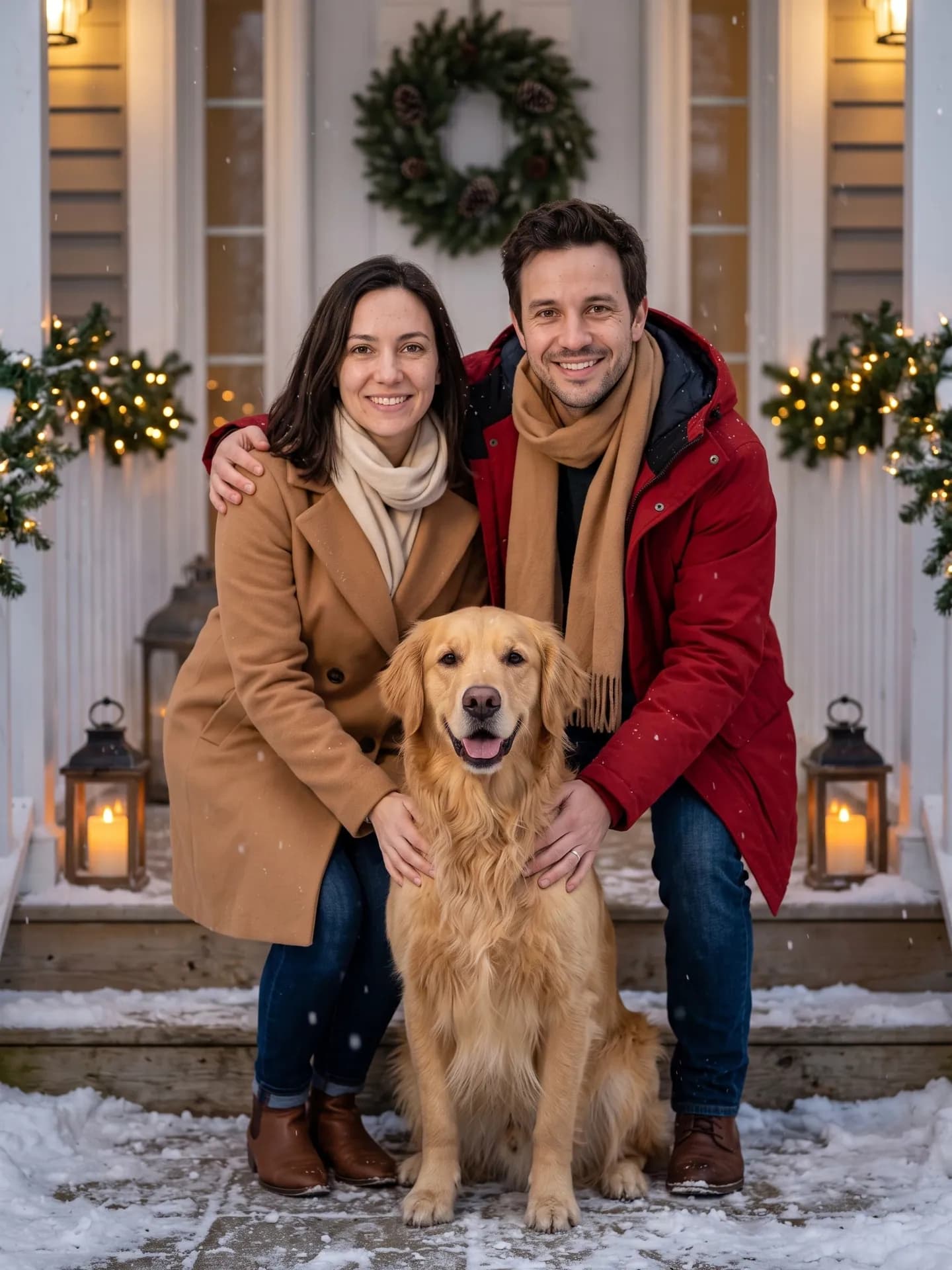
Snowy porch: two people and a dog. 3rd run; the 1st put the dog on a box, chest-high, and the 2nd shortened her hair. - AI-generated sample input
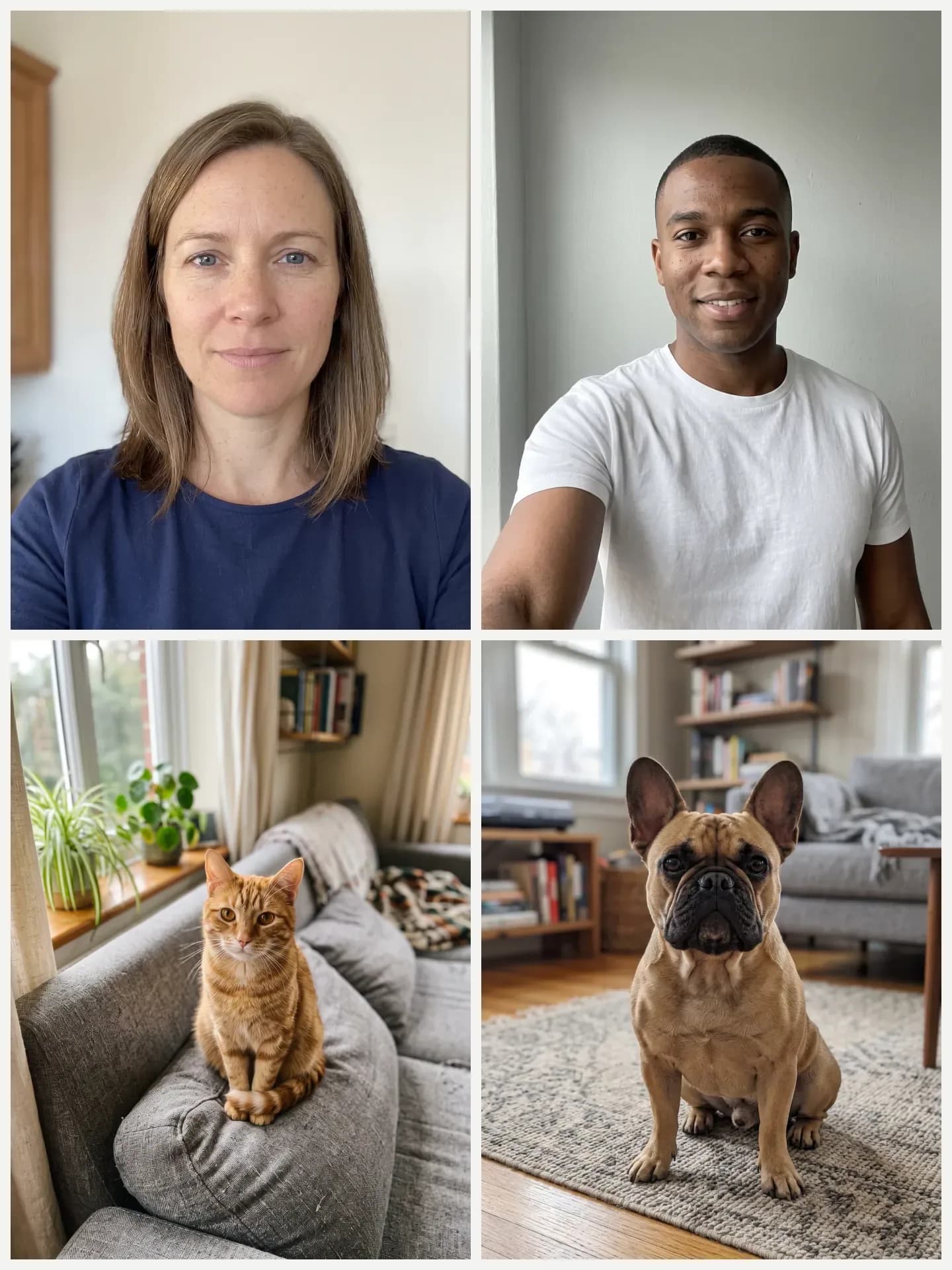 Result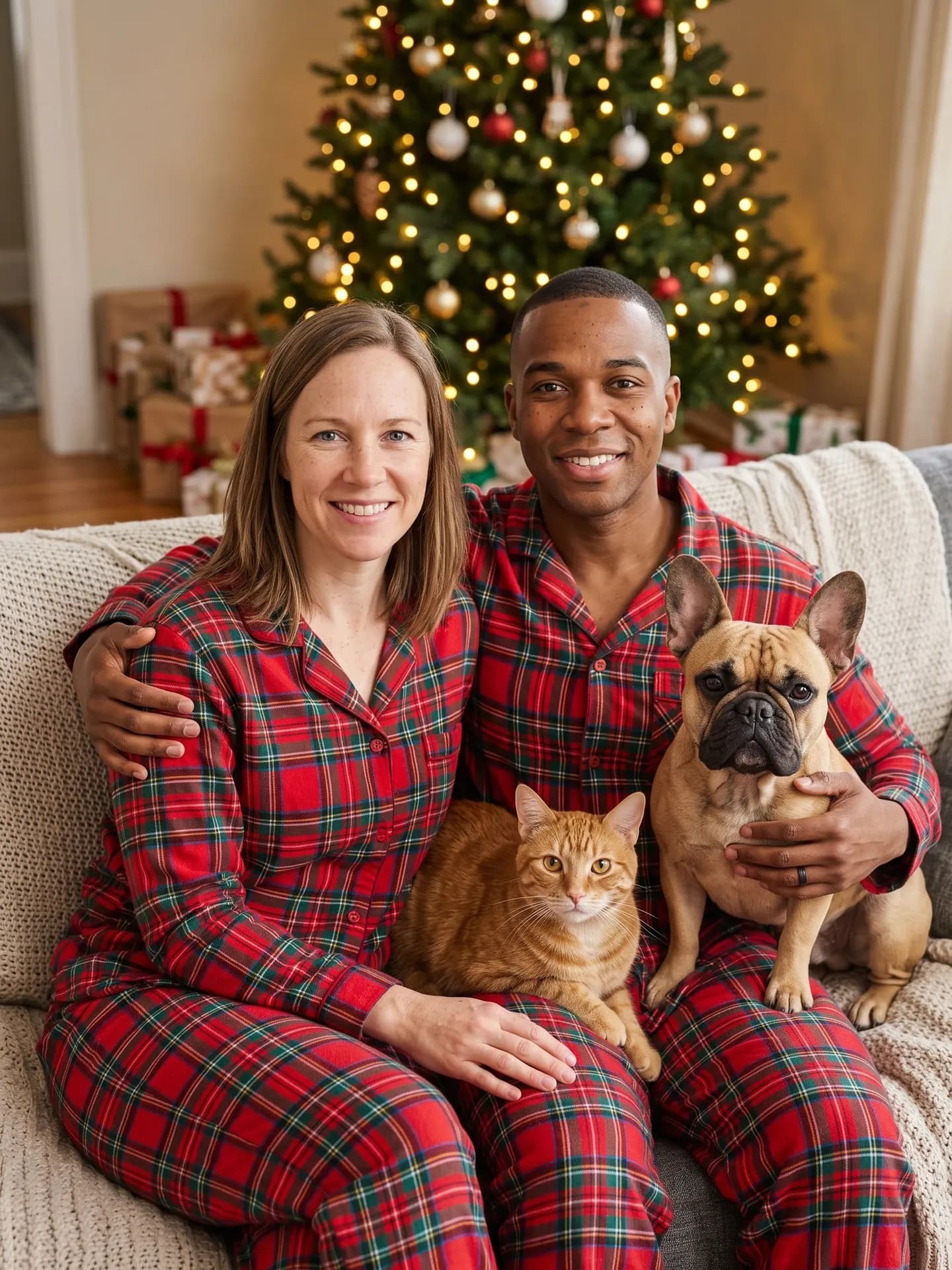
Matching pajamas: two people, a cat and a dog. 1st run. - AI-generated sample input
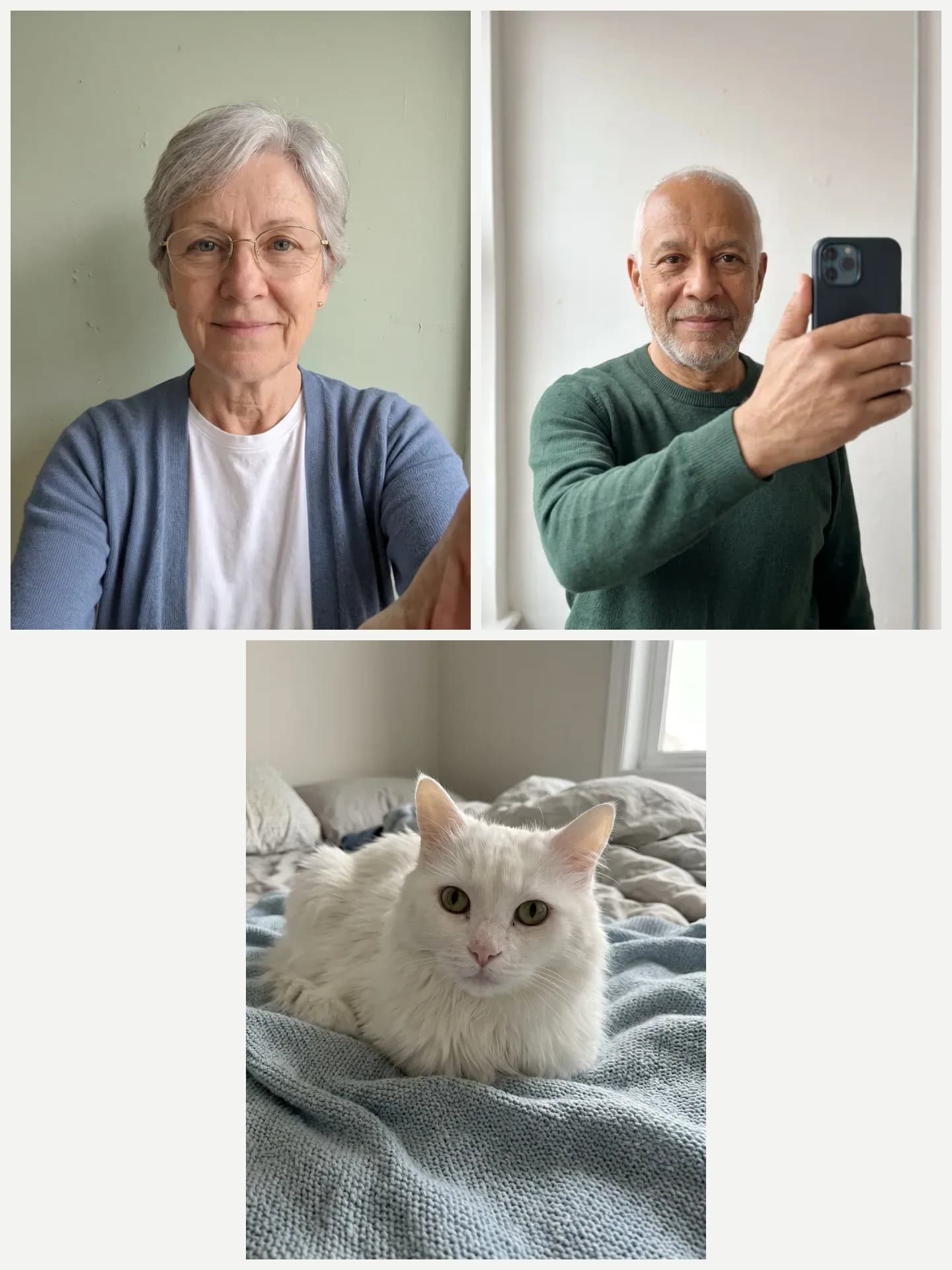 Result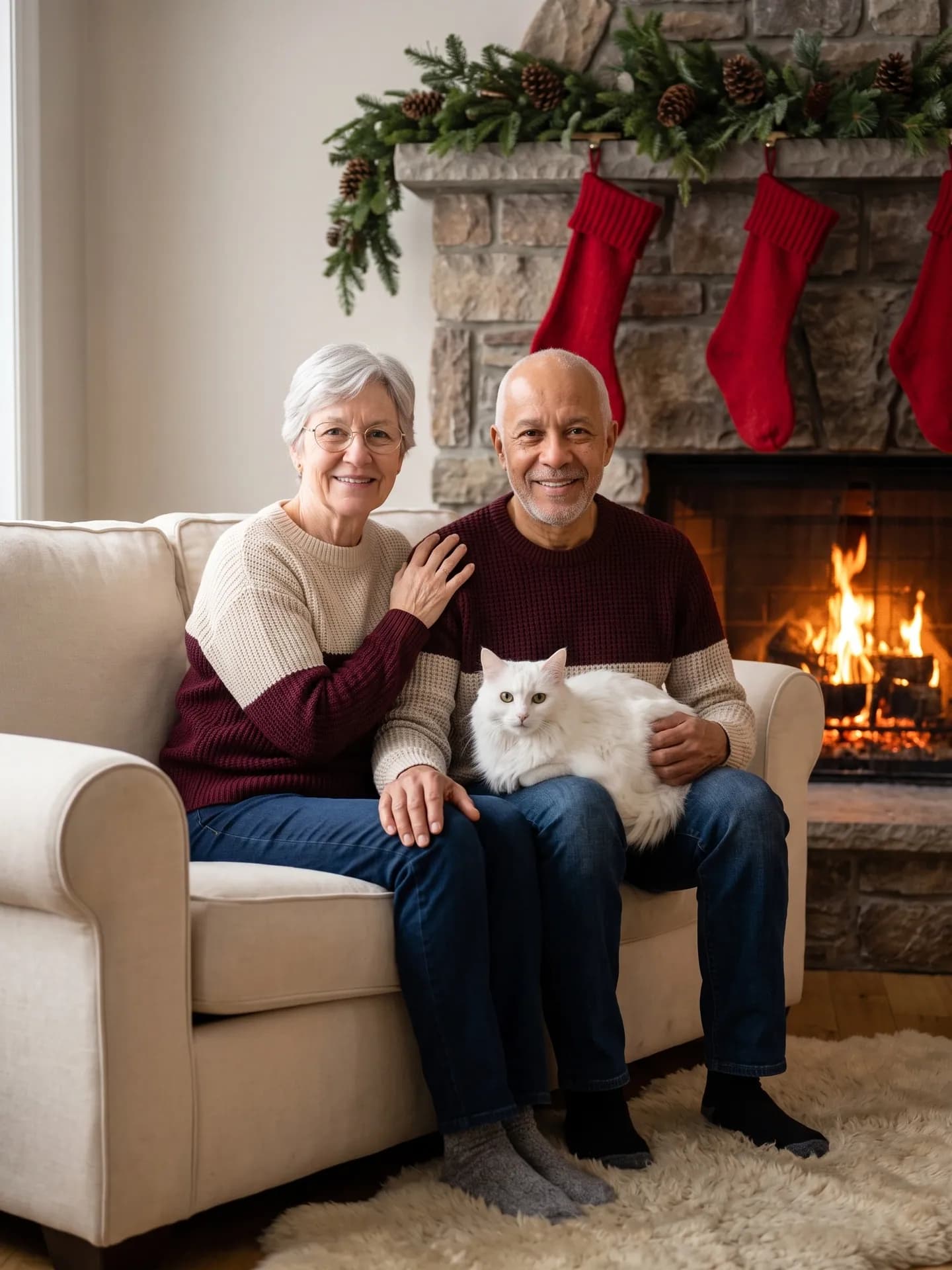
By the fireplace: two people and a cat. 8th run; earlier runs drew the cat without hind legs, seated someone off the end of the sofa, put Santa figurines on the hearth or gave a hand a shapeless thumb. - AI-generated sample input
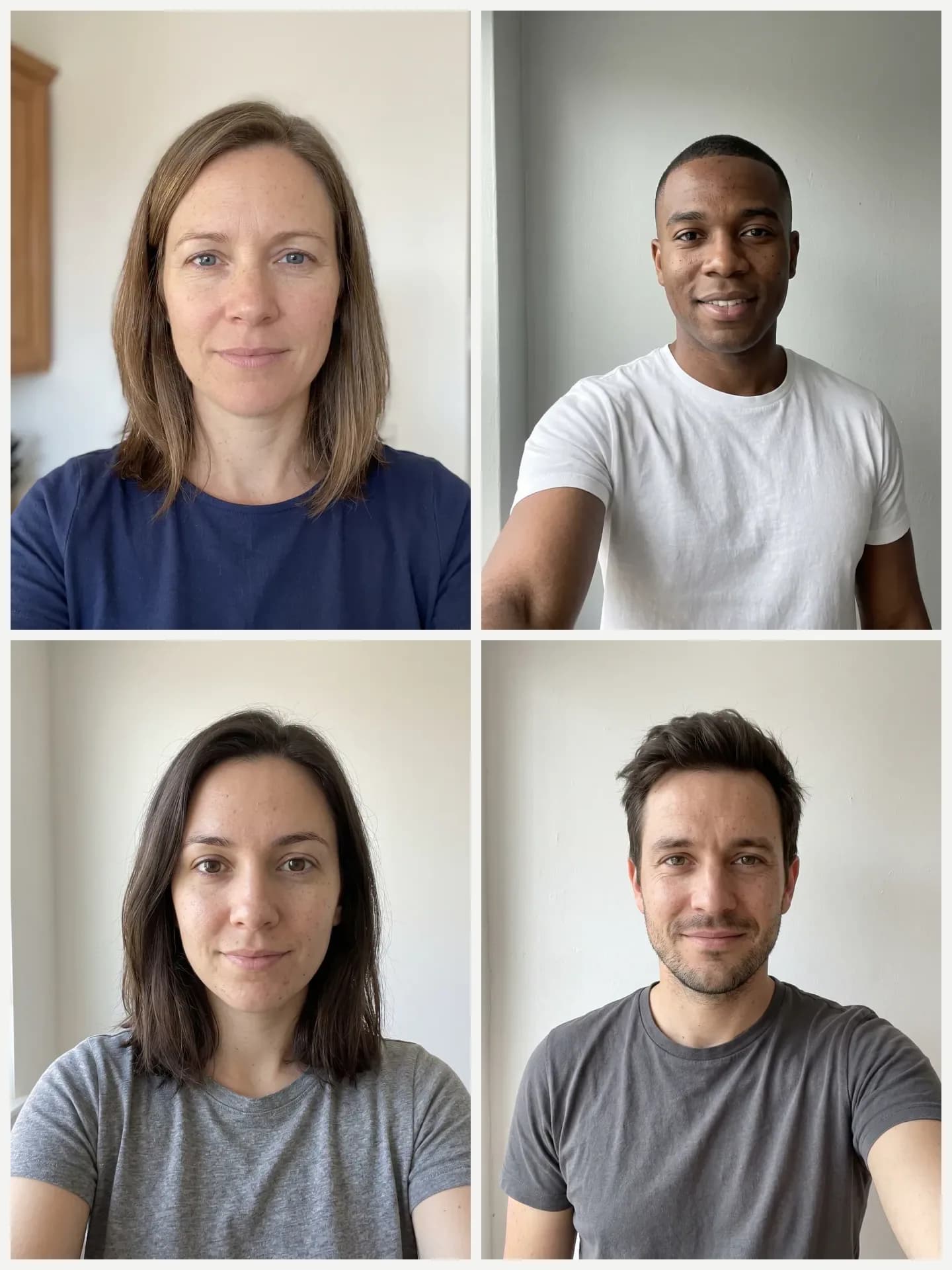 Result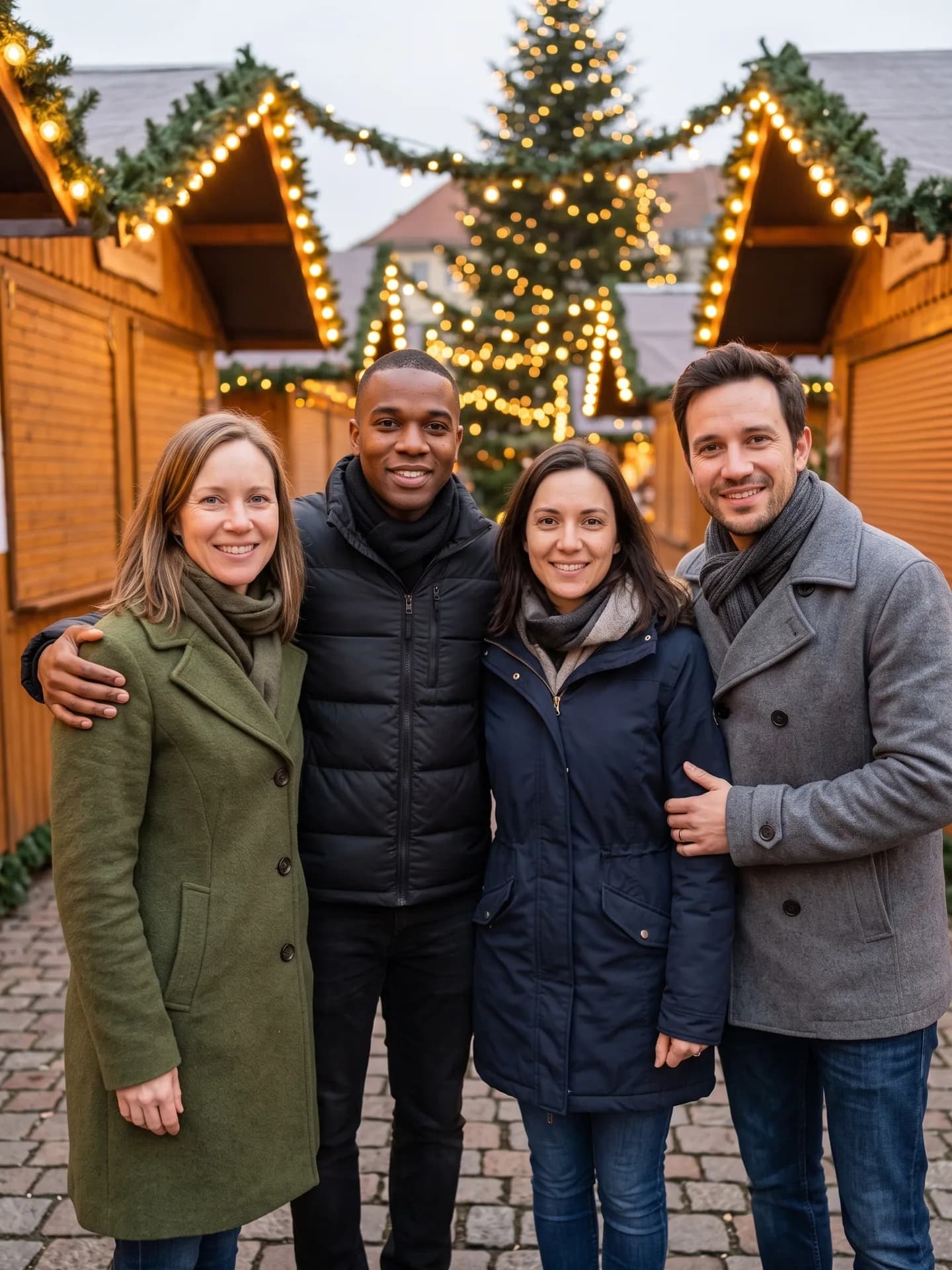
Winter market: four people, no pets. 2nd run; the 1st had strangers in the background, so the market is now empty. - AI-generated sample input
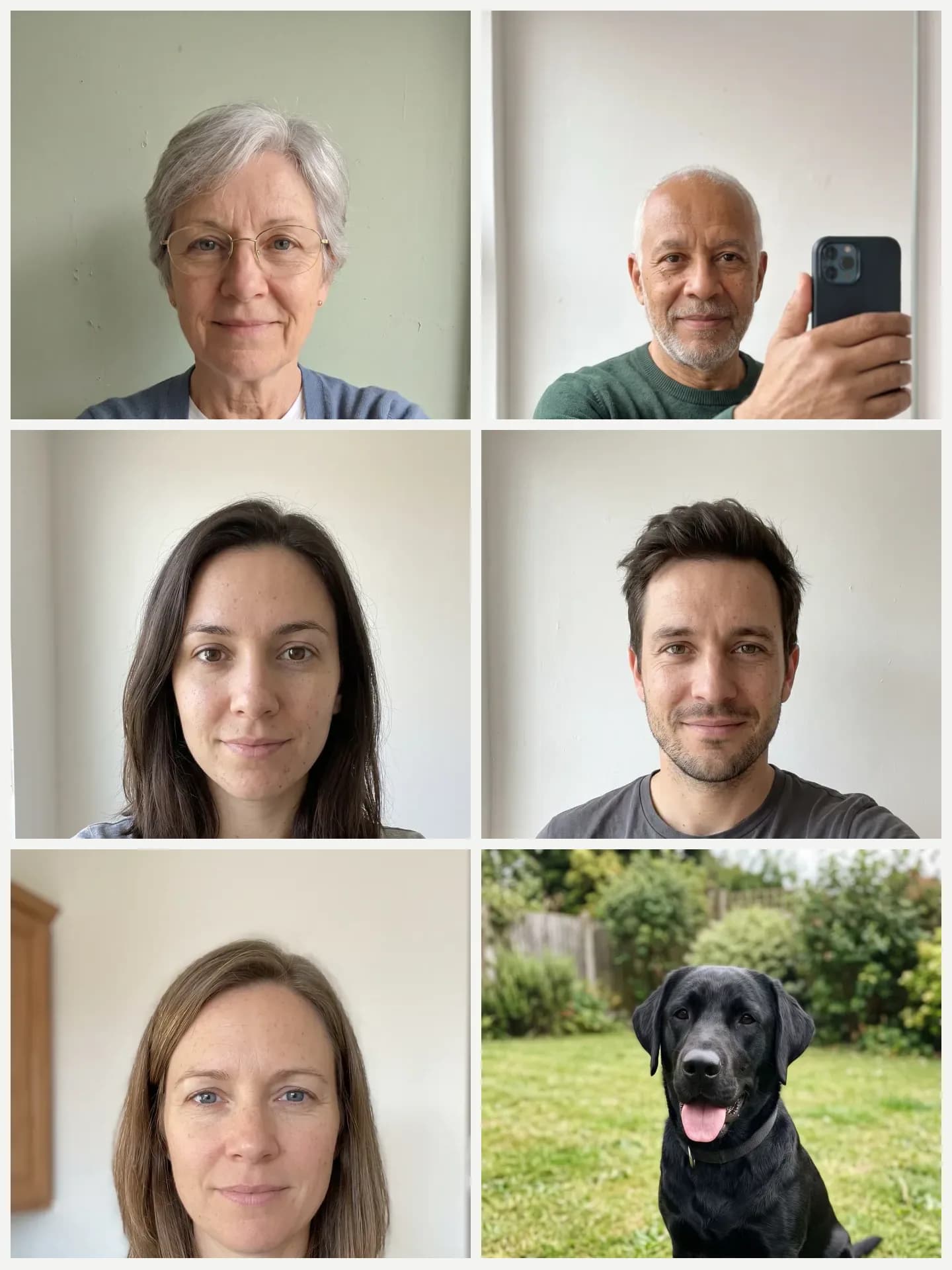 Result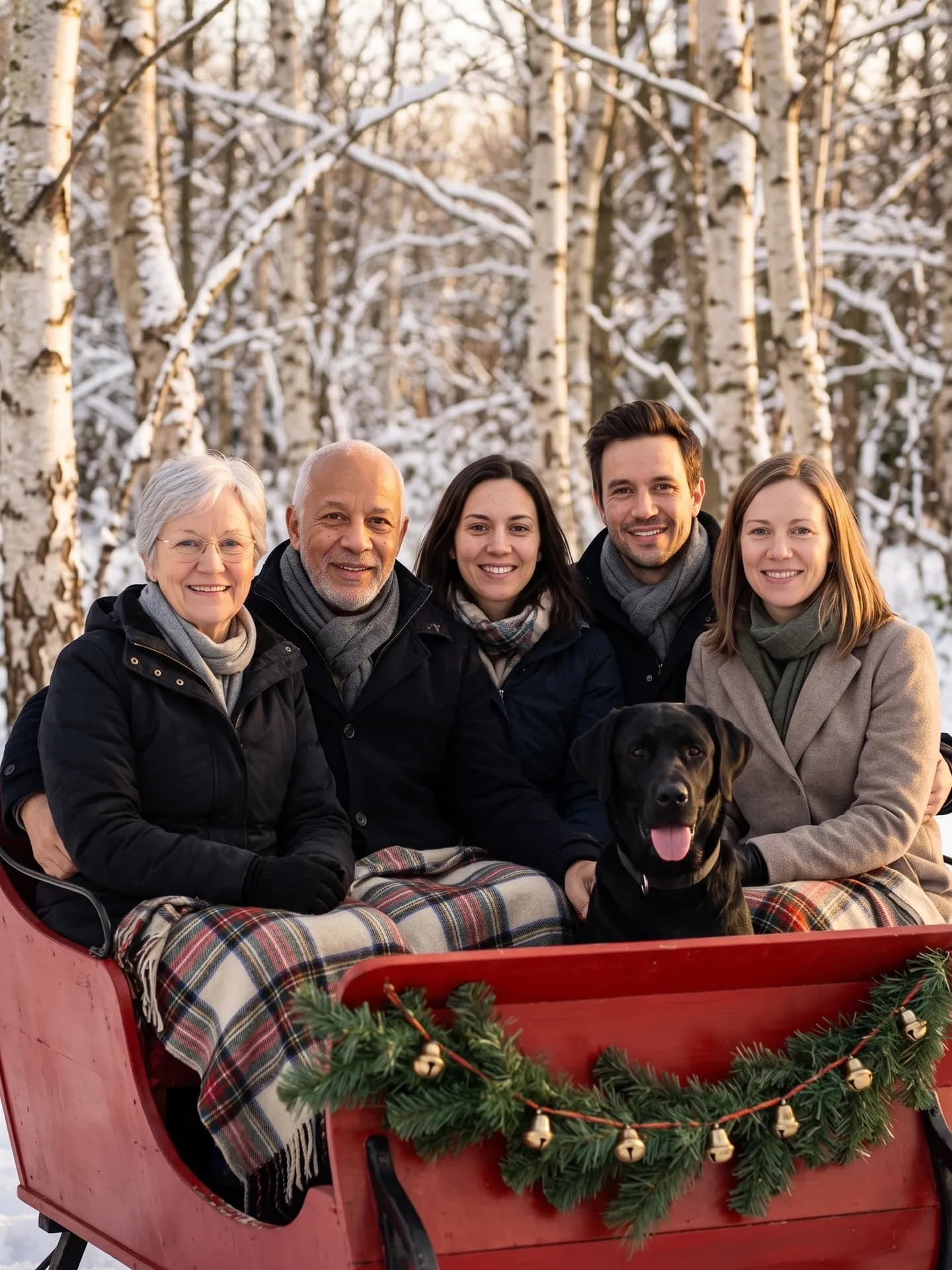
Sleigh ride: five people, the maximum, and a dog. 2nd run; the 1st placed the horse beside the sleigh.
How do I get a better result?
- Use photos where each face is turned toward the camera and lit by daylight.
- One person or one animal per photo. A group shot in a single slot adds faces the card has no place for.
- Clothes in your photos don't matter: every scene dresses the family in coordinated outfits. Pets wear nothing but a collar they already have in their photo.
- For a relative in an old print, scan it flat without glare. If it is creased or faded, run it through Old Photo Restoration first and upload the restored file.
What goes wrong most often?
- Uploading the same person twice to fill a slot. The card is told to show exactly as many people as photos, so a duplicate turns into a twin.
- Expecting a greeting on the picture. The template adds no text; type it in the card layout when you order prints.
- Using it for a pet alone: Pet Christmas Portrait is made for that.
Guide: Is It Safe to Upload Your Face to an AI Photo App? A 7-Point Checklist
What you need
Person 1
One person, face clearly visible, daylight.
Person 2
One person, face clearly visible, daylight.
Person 3Optional
One person per photo.
Person 4Optional
One person per photo.
Person 5Optional
One person per photo.
Pet 1Optional
One animal, close-up in daylight.
Pet 2Optional
One animal, close-up in daylight.
- You pick the scene
- By the tree, Snowy porch, Matching pajamas, By the fireplace, Winter market, Sleigh ride
Works well
- A sharp photo with the face clearly visible
- Good, even light
- Your pet's face close up, eyes open
- Daylight, taken at your pet's eye level
Avoid
- Blurry photos and heavily compressed screenshots
- Faces hidden by hands, hats or shadows
- Dark or tiny photos: they can change the fur color
- Motion blur, or other animals in the frame