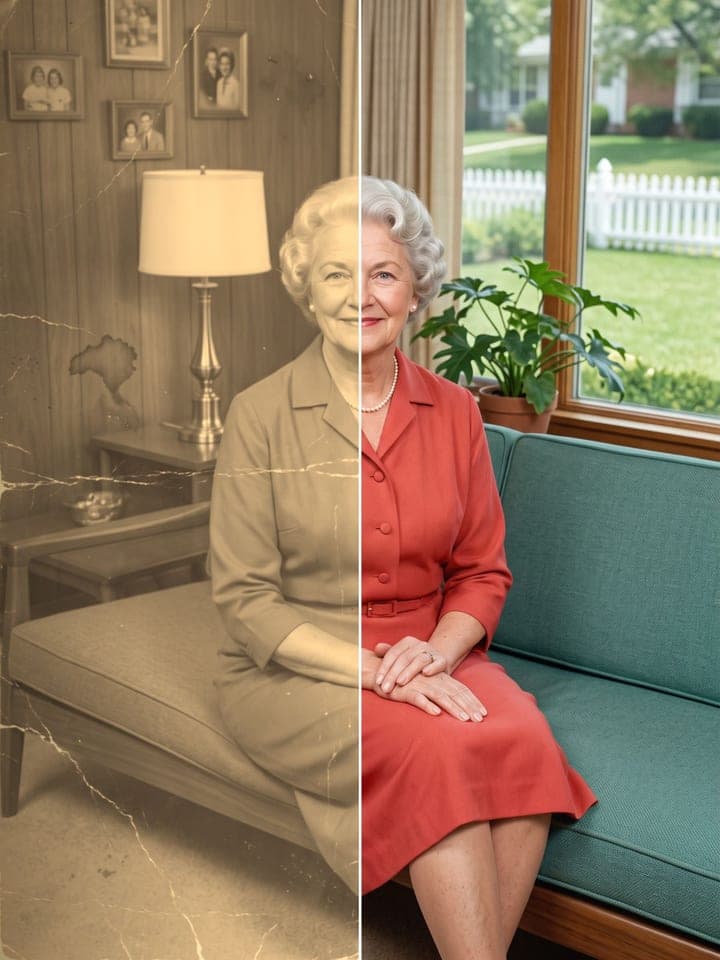
Old Photo Restoration
Brings grandma's photo from the family album back to life, in color.
Parents1 photo
1 photo a run · Weekly Pass and up
To put color into a black-and-white photo, upload a clean scan to Colorize B&W and get 1 colorized photo with plausible, era-appropriate tones for skin, clothes, sky and plants, while the grain and detail stay as they were. There is nothing to set. One run costs 1 photo, and the tool is one of the 4 basic tools included from the Weekly Pass ($6.99 a week) up. Damaged prints are a job for Restore & Colorize.
1 colorized photo per run. Weekly Pass and up.
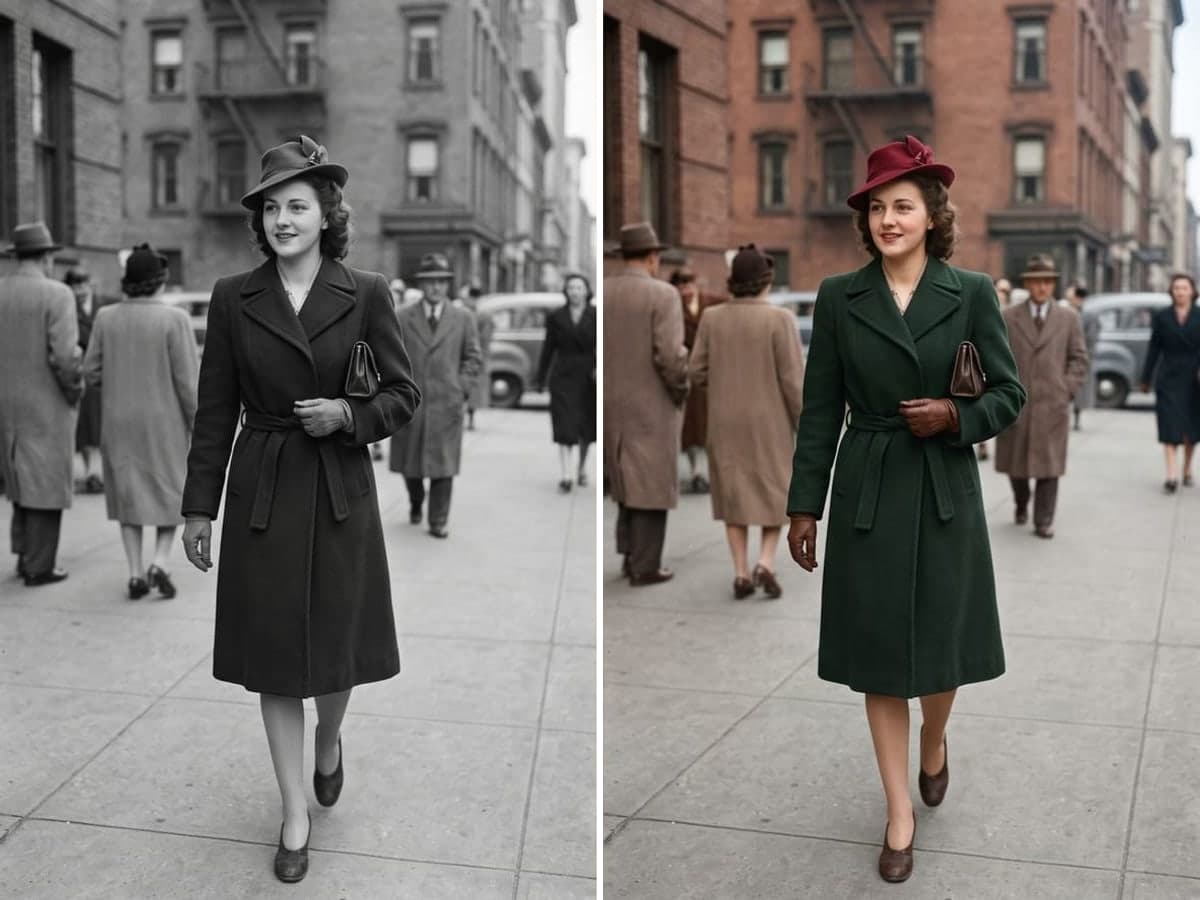
Colorize B&W adds natural, period-appropriate color to a black-and-white photo, with no settings to choose: skin tones, fabrics, sky and foliage, with the grain and detail of the original kept. For torn or scratched prints, use Restore & Colorize instead.
A scan or a straight-on photo of the print.
No settings: colors are chosen to match the era and the scene.
Natural color with the original grain and detail kept.
1 photoper run
Each run makes 1 colorized photo. Photos come from your plan, the cost is on the button before you start, and a failed run costs nothing.
How photos are countedSame idea, one photo, one fixed look.
Not on the free plan; it is included from the Weekly Pass ($6.99 a week) up, together with Restore & Colorize, Background Swap and Remove Anything. A new free account gets 3 photos to use on templates.
The colors are plausible for the era and the scene, not a record of the real ones. A black-and-white photo stores only brightness, so a red dress and a green dress of the same tone look identical in it, and any colorizer, human or software, has to choose. What the tool does reliably is keep the photo itself: faces, grain and detail stay as in the original. If you know a detail, like a blue car or red hair, colorize first and then describe the change in Create using the colorized result.
Use Colorize for a clean black-and-white photo: a good scan with no tears, creases or stains. Use Restore & Colorize when the print is damaged, since it repairs the scratches, fading and lost detail and adds color in the same run, for the same cost. Both keep faces, ages and poses as they were, and both work best from a flat, straight-on scan without glare. Colorize B&W has no settings at all, while Restore & Colorize has a Color option, so it can also repair a print and leave it in black and white.
A flat, straight-on scan of the print without glare. A flatbed scanner is ideal; a phone photo in daylight works if you hold the phone parallel to the print and avoid your own shadow. Crop off the album page and any white border. Leave the grain alone: the tool keeps the original grain and detail, so there is no need to smooth or sharpen the scan first, and heavy editing before upload can make skin look waxy after color is added.
FAQ
Last updated

See clothes from any shop on your own photo.
4 photos a run for 4 looksBasic and up
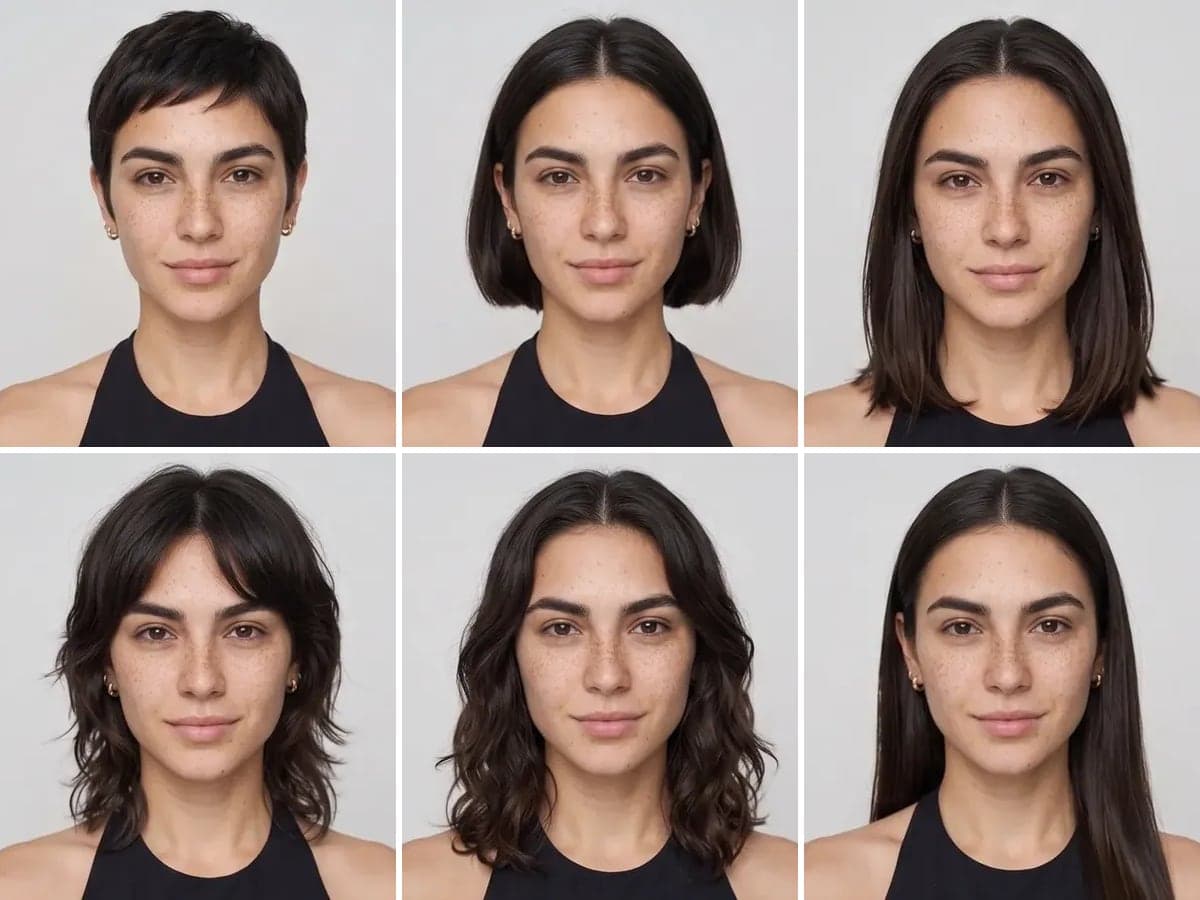
Six haircuts on your face before you book the salon.
1 photo a run for 1 poster of 6 haircutsBasic and up

Eight professional headshots from one selfie.
8 photos a run for 8 headshotsBasic and up
One run costs 1 photo. Uploads are deleted within 24 hours.
We count visits to see which pages work, without a tracking cookie (in the EU only if you accept). May we also use cookies to see which ad or link brought you here? If you say yes, Meta, TikTok and OpenAI also learn when you sign up or subscribe. “Reject” turns off both. Cookie policy