Pet Christmas Portrait
AI photo template · from a pet photo
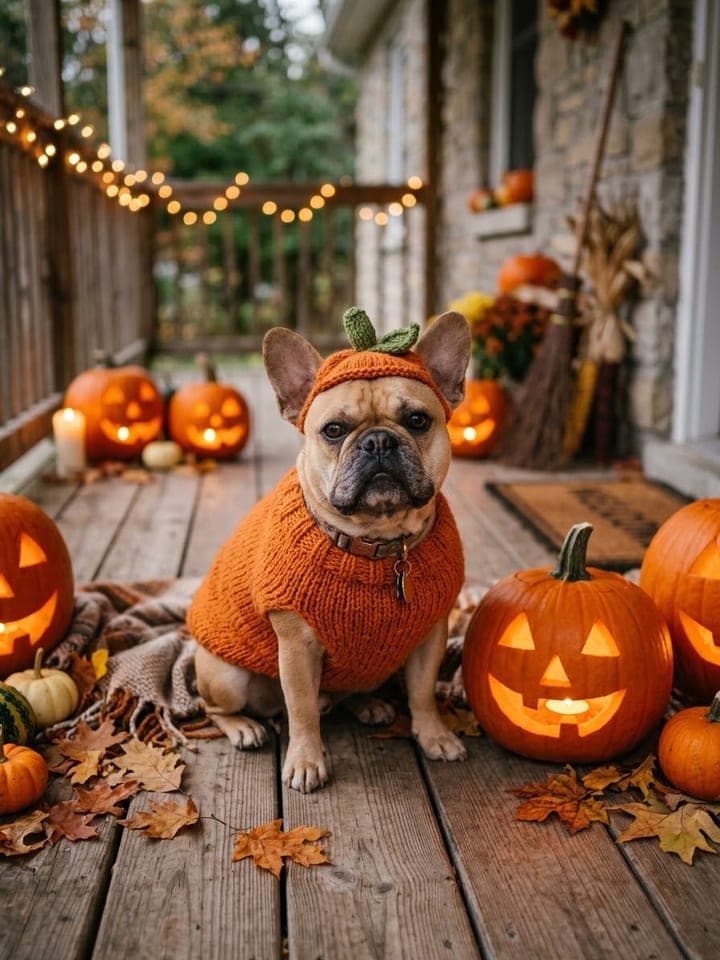
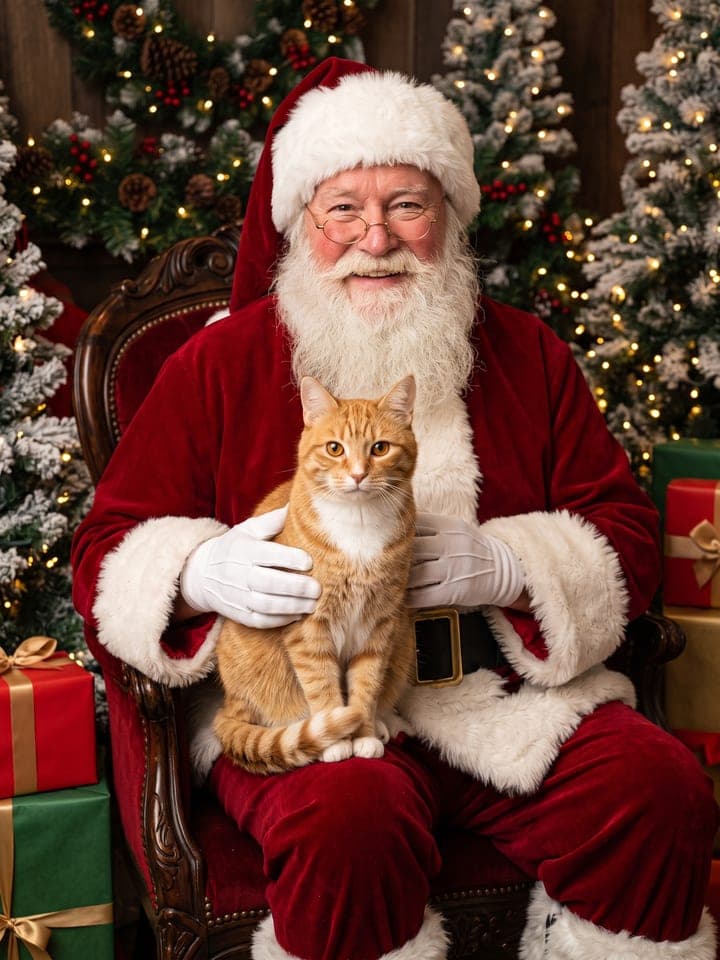
A holiday card portrait: knit sweater, tree lights and gifts.
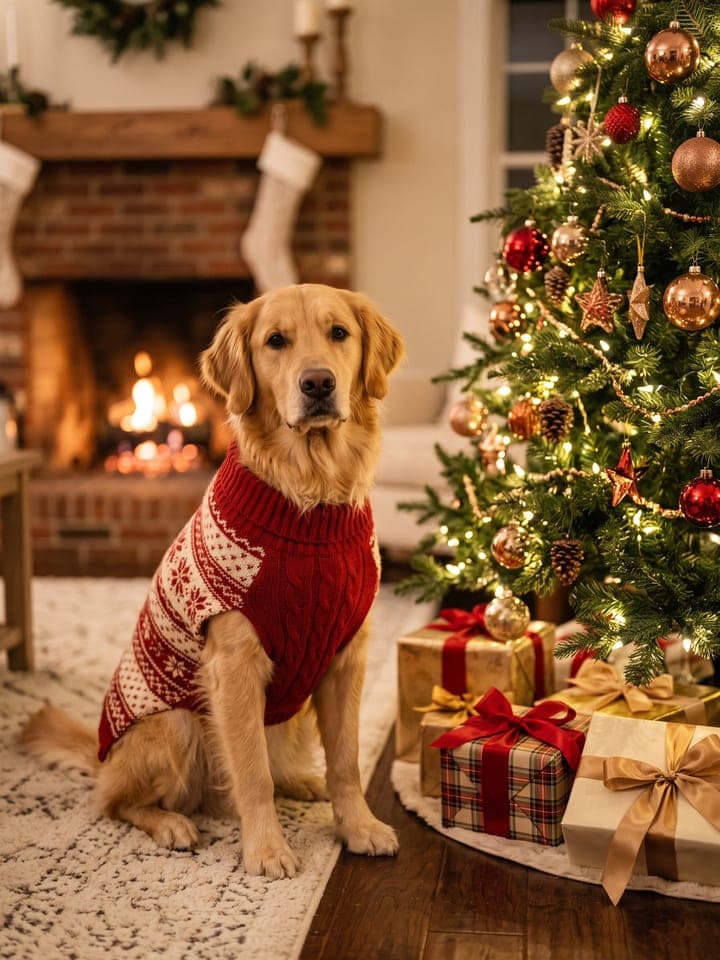
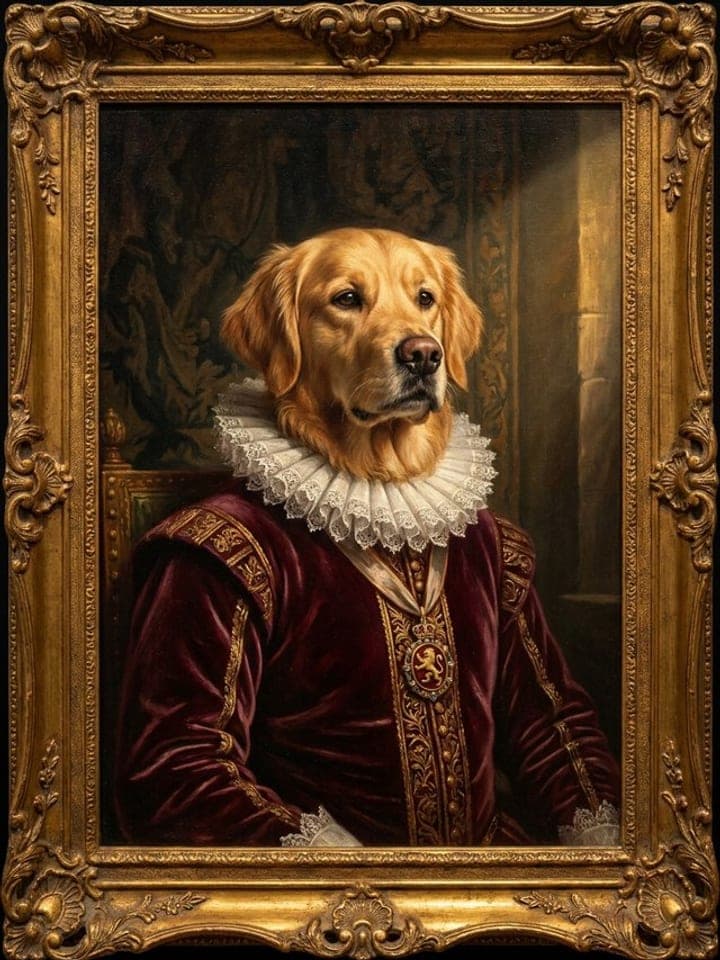
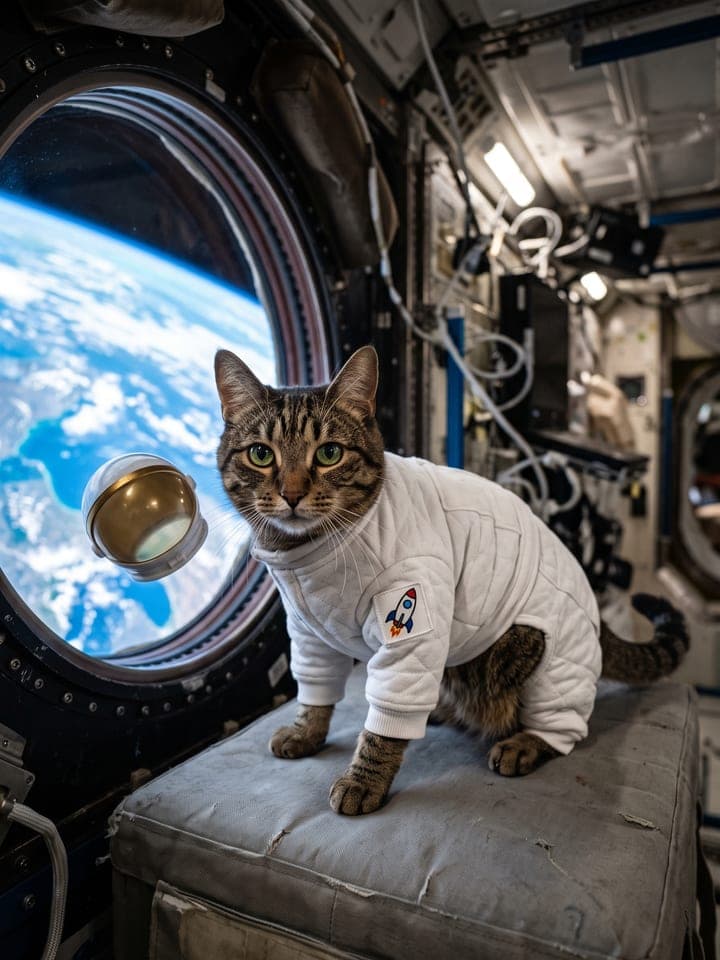
Example result. Yours is made from your own photo.
A holiday-card portrait: your pet by a lit tree in a cozy knit sweater, with wrapped gifts and warm fairy lights behind. There is no text in the picture, so you can add your own greeting when you print the card.
1 photo
per result
Shapes: 9:16 · 3:4 · 4:5 · 1:1 · 4:3 · 16:9. Example shown in 3:4. How photos are counted
How to make a Christmas card photo of your pet with AI
For a pet Christmas card photo without wrestling your pet into a sweater, upload one close-up of your dog or cat to Pet Christmas Portrait: 1 photo per run on any plan, and your first 3 photos are free. Your pet sits by a lit tree in a red-and-cream knit sweater (or a small plaid scarf when that suits it better), with wrapped gifts, fairy lights and a fireplace glowing out of focus behind. The picture has no text, so the greeting is yours.
- Choose a daylight close-up of your pet with the eyes visible, and upload it to Your pet's photo.
- Press Create (1 photo). The sweater, the tree, the gifts and the warm light are all part of the template.
- Download the portrait from My creations and drop it into your card design, then type your greeting there.
What can you use it for?
- The family holiday card, with the dog finally looking at the camera.
- A gift tag or a small framed print for a pet-loving relative.
- A December profile picture for your pet's account.
How do I get a better result?
- Plan for the card size. At 3:4, a 5×7 card is a little narrower, so leave room for a thin crop at the sides when you place it.
- Your pet is posed looking at the camera with calm space around it. That space is where a greeting fits best if your card maker lets you type over the photo.
- White and cream coats can pick up the warm glow of the lights. A daylight input photo keeps the true color as the starting point.
What goes wrong most often?
- Uploading a photo of your pet already in a holiday outfit. The template dresses your pet itself, and a costume in the original can hide the markings it needs to copy.
- Expecting names on the gifts or the sweater. The template keeps letters off every surface so the card design stays yours.
- Using a photo where your pet looks away. In the portrait your pet faces the camera, so the face has to be visible in your photo to be copied.
What you need
Your pet's photo
Close-up in daylight, eyes visible. Small or dark photos can change the fur color.
Works well
- Your pet's face close up, eyes open
- Daylight, taken at your pet's eye level
Avoid
- Dark or tiny photos: they can change the fur color
- Motion blur, or other animals in the frame