AI Pet Halloween Costume Generator
Pet Halloween Costume · AI photo template · from a pet photo
Pumpkin, bat, dragon, shark and more: a costume without the fuss.
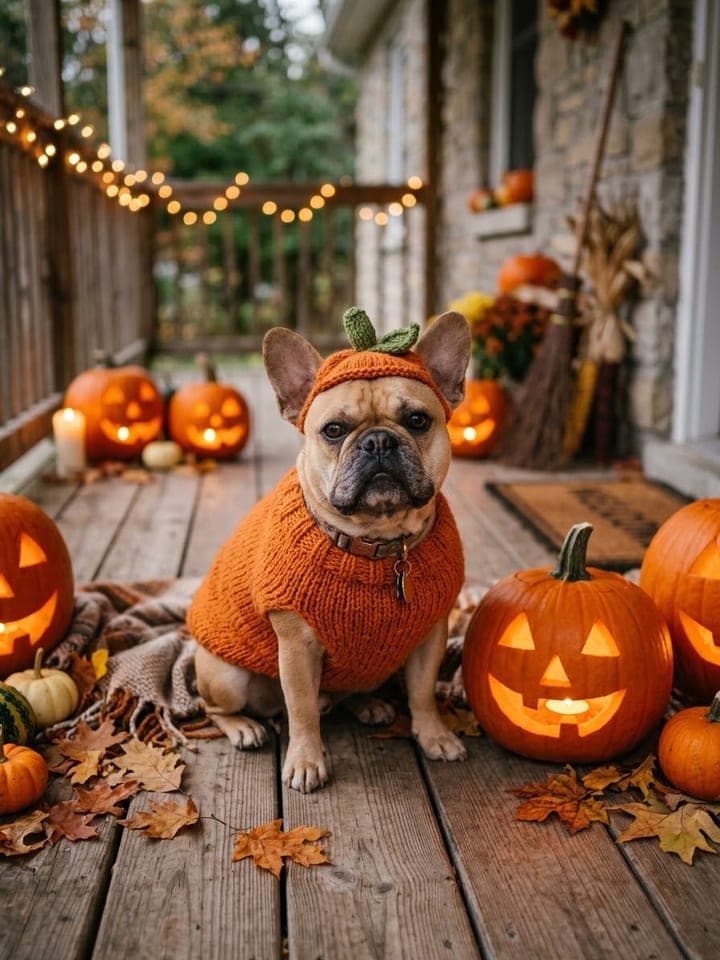
Example result. Yours is made from your own photo.
Your pet in a Halloween costume, minus the wrestling: classics like a pumpkin sweater, a witch hat or a vampire cape, or sillier ones like a lion mane, a shark hood or bumblebee stripes with tiny wings, in a cozy scene with candlelit jack-o'-lanterns. Cute, never gory. The fur, face and markings stay your pet's.
1 photo
per result
Shapes: 9:16 · 3:4 · 4:5 · 1:1 · 4:3 · 16:9. Example shown in 3:4. How photos are counted
How to use the AI pet Halloween costume generator
An AI pet Halloween costume generator dresses your dog or cat from one ordinary photo. Upload a close-up to Pet Halloween Costume, pick one of 11 costumes, from pumpkin and witch to dragon, shark and little devil, and your pet comes back in a candlelit scene with its own fur, face and markings. Dogs are shown lying down. Each picture costs 1 photo. Free accounts get 3 photos with a watermark; every paid plan, from Weekly Pass at $6.99 a week, saves them without one.
- Take a close-up of your pet in daylight, at its eye level, with both eyes visible. One animal per photo.
- Open Pet Halloween Costume, upload the photo, pick a Costume chip (Pumpkin is selected by default) and press Create (1 photo).
- Download the picture. For another costume, keep the same photo, switch the chip and run it again.
Which costume works on which pet?
We tested the costumes on cats and dogs only: three AI-generated sample cats (ginger, tabby and white) and three sample dogs (golden retriever, black Labrador and French bulldog). We have not tried rabbits or other animals. Passed on a dog lying down, the way the template now poses every dog: pumpkin, vampire and bat. Passed on a cat: witch, dragon, bat, bumblebee, lion, shark, pirate, skeleton and little devil. The other 8 have passed on a cat only so far; you can still pick them for a dog, we just haven't verified a result. We threw away runs with a band under the chin, ears cut by a hat, a costume ear, wing or tail beside the pet's own, a garment under the belly or a changed face.
Two things changed the template. A dog sitting square to the camera often got an odd shape between its hind legs (10 of the dog runs we threw away), so the template now always shows dogs lying down, front paws forward; none of the three lying-down test runs had that shape. And four costumes never passed, so they are not offered: a mummy (loose gauze kept hanging under the body), a wizard (the hat brim covered the ears on both cats), a hot dog (the bun wrapped under the chin like a collar or lay behind the pet like a bed) and a unicorn (the hood closed under the chin like a balaclava). Only the vampire and bat pictures below were made with the exact wording the template uses today; the others come from earlier test rounds, and we kept only those that already show what the current wording asks for.
A photo costume is also the kind option for a pet that hates being dressed. The ASPCA's Halloween safety tips (checked October 1, 2026) advise against putting a dog or cat in a costume unless you know it loves it.
What can you use it for?
- A Halloween card or party invitation with your pet in costume, no fitting session needed.
- Trying several of the 11 costumes on the same pet before you buy a real one.
- A carousel post: one pet, five costumes, the same face.
What does an example run look like?
- AI-generated sample input
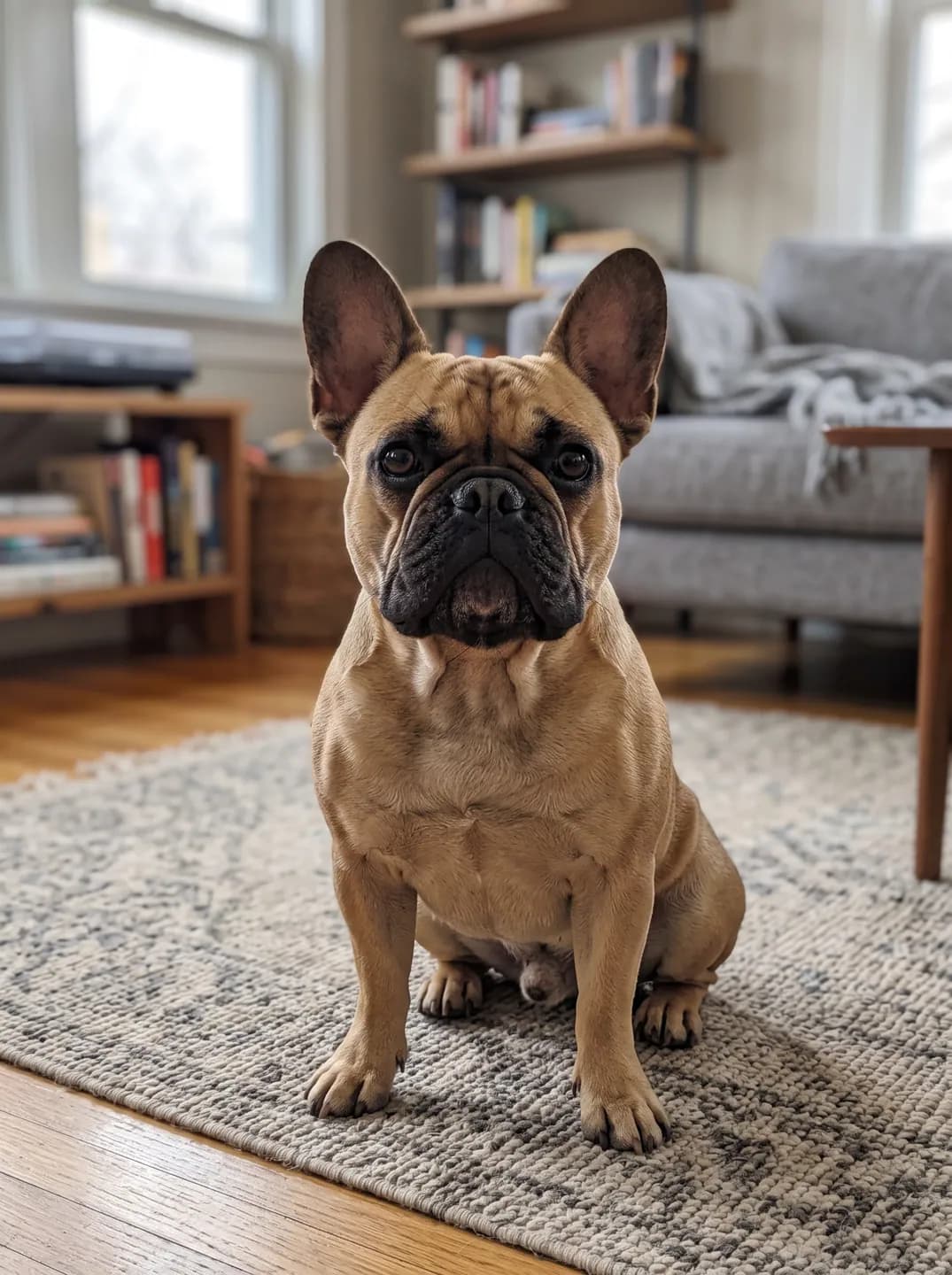 Result
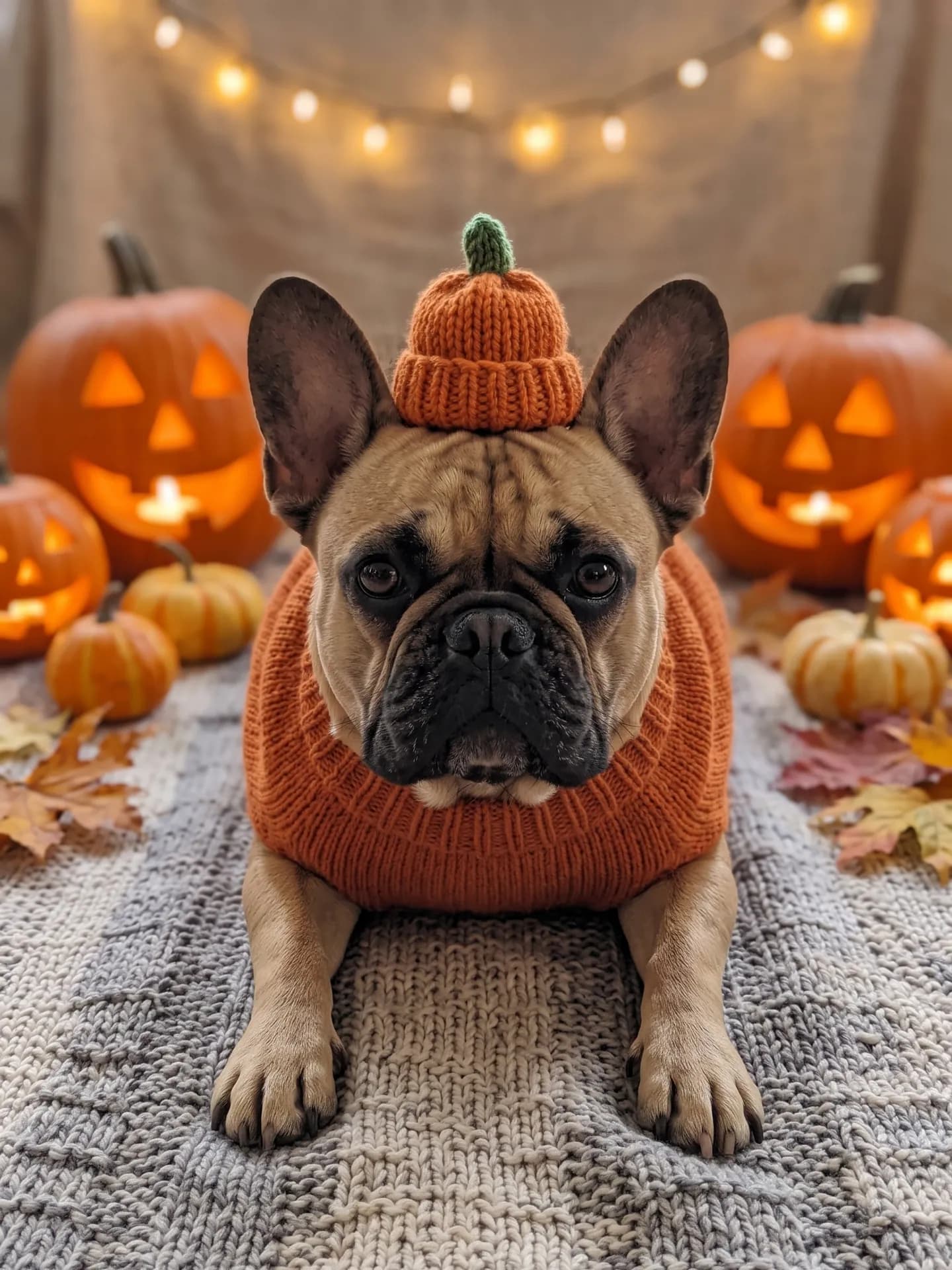
Pumpkin on a French bulldog. - AI-generated sample input
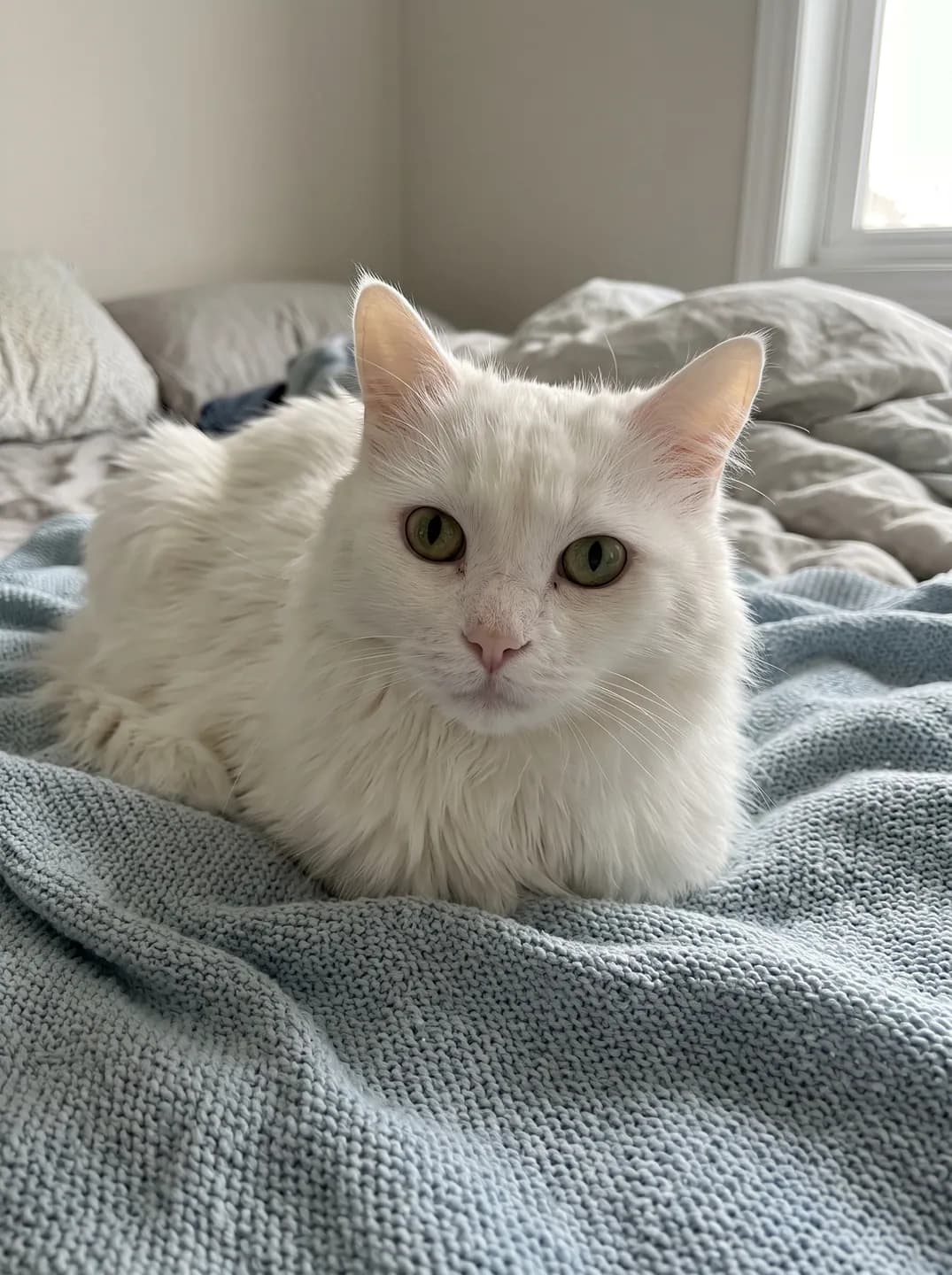 Result
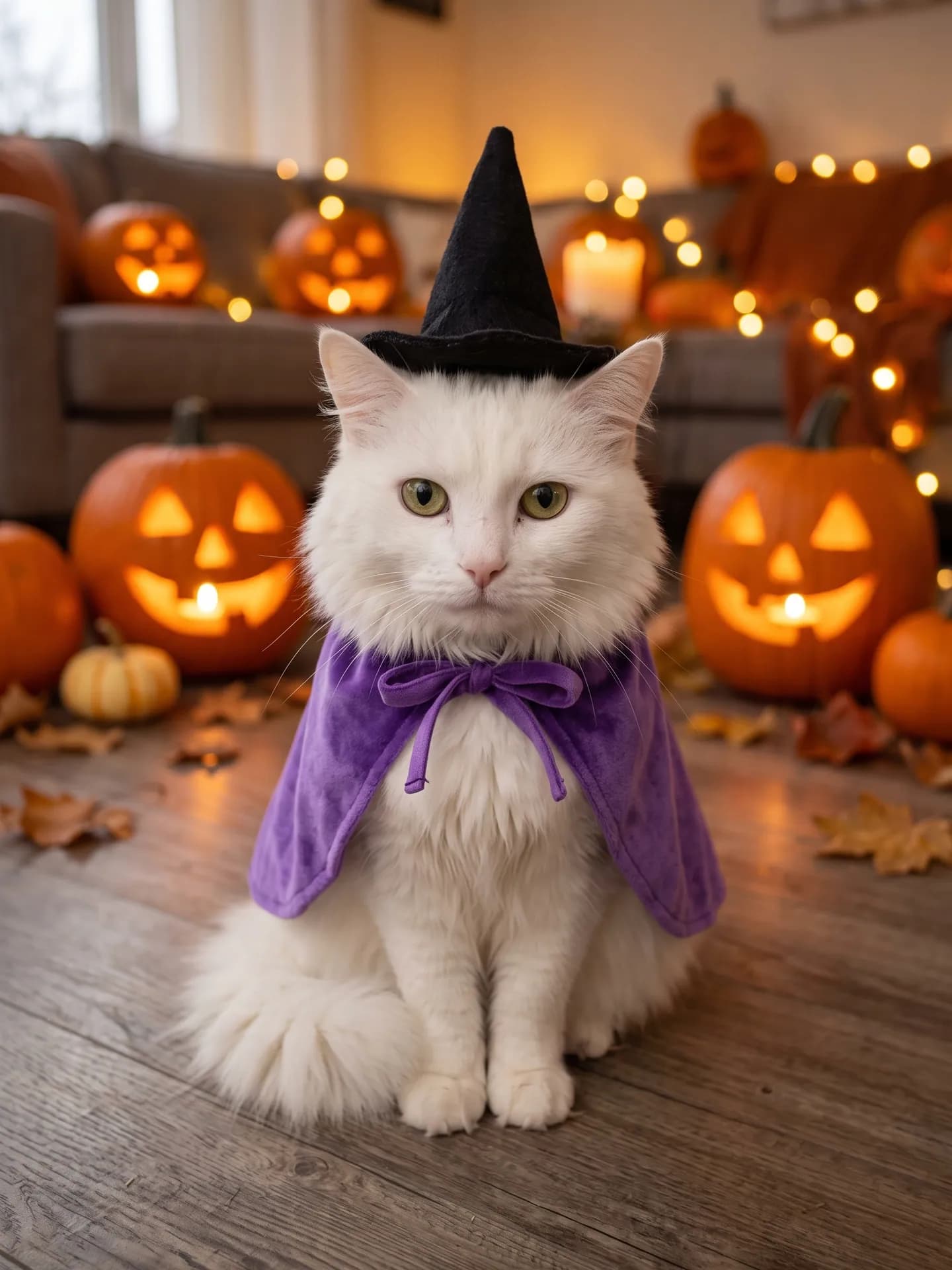
Witch on a white cat. - AI-generated sample inputResult
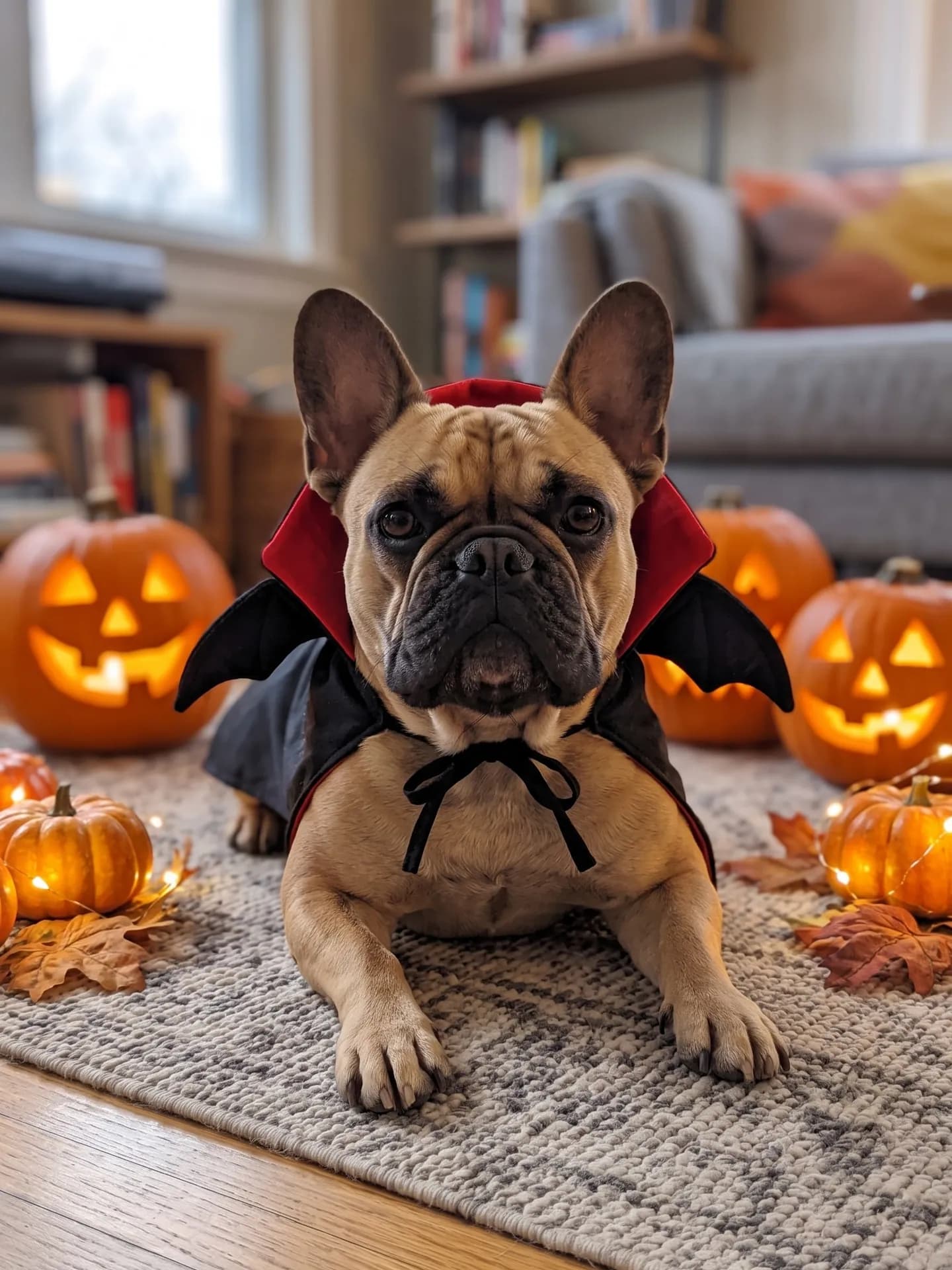
Vampire on a French bulldog, made with the current template. - AI-generated sample input
 Result
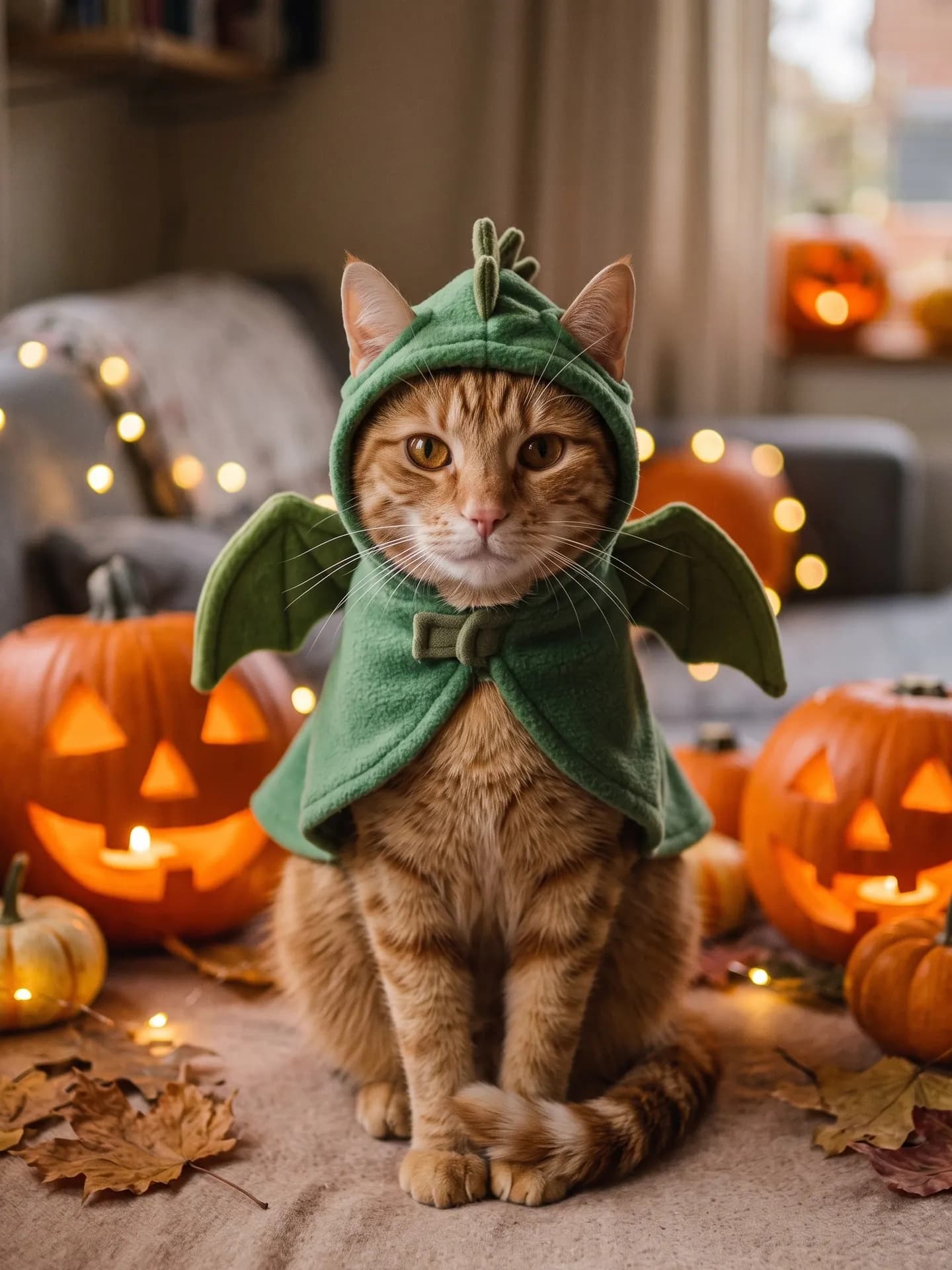
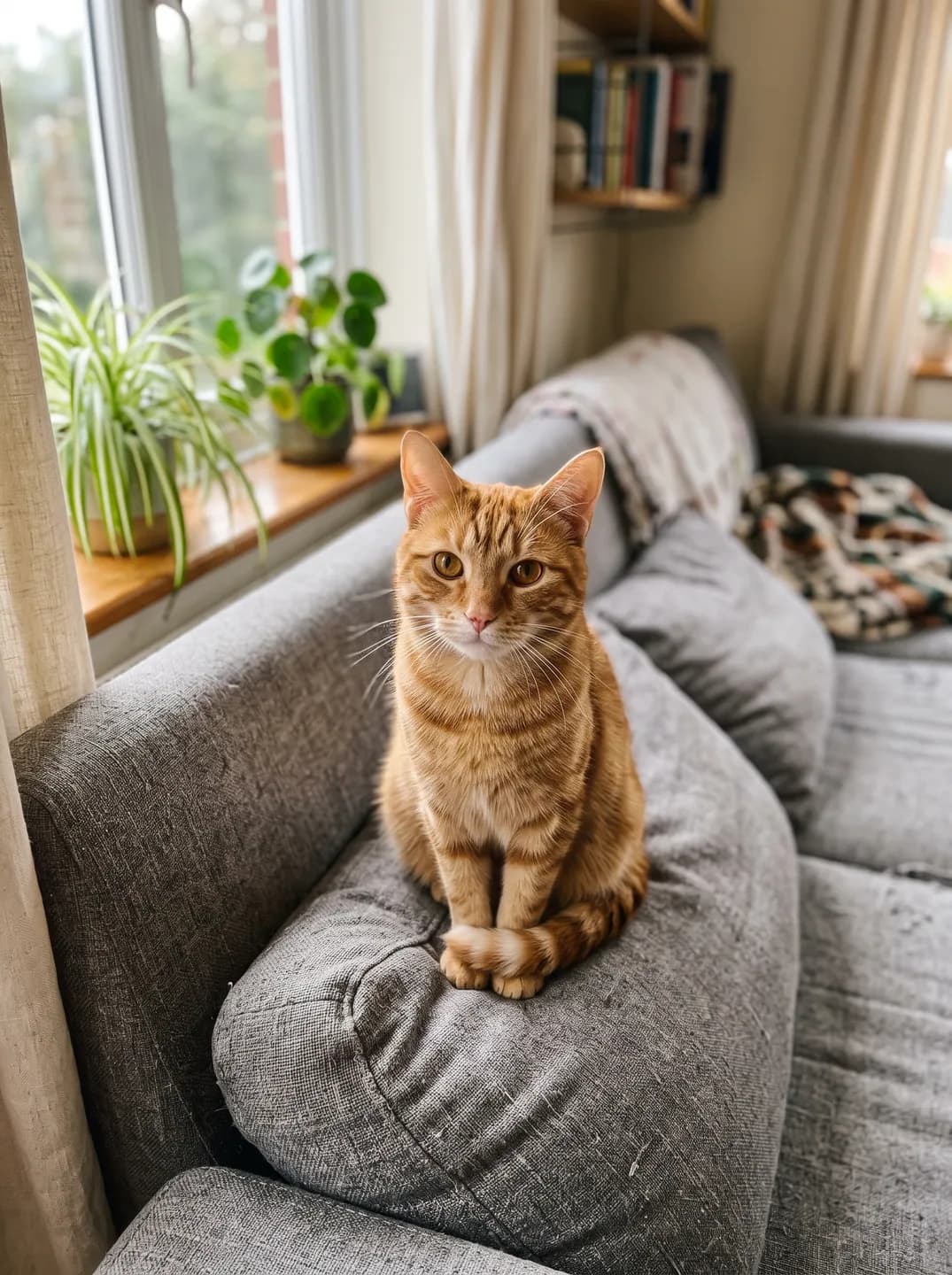
Dragon on a ginger cat. - AI-generated sample input
 Result
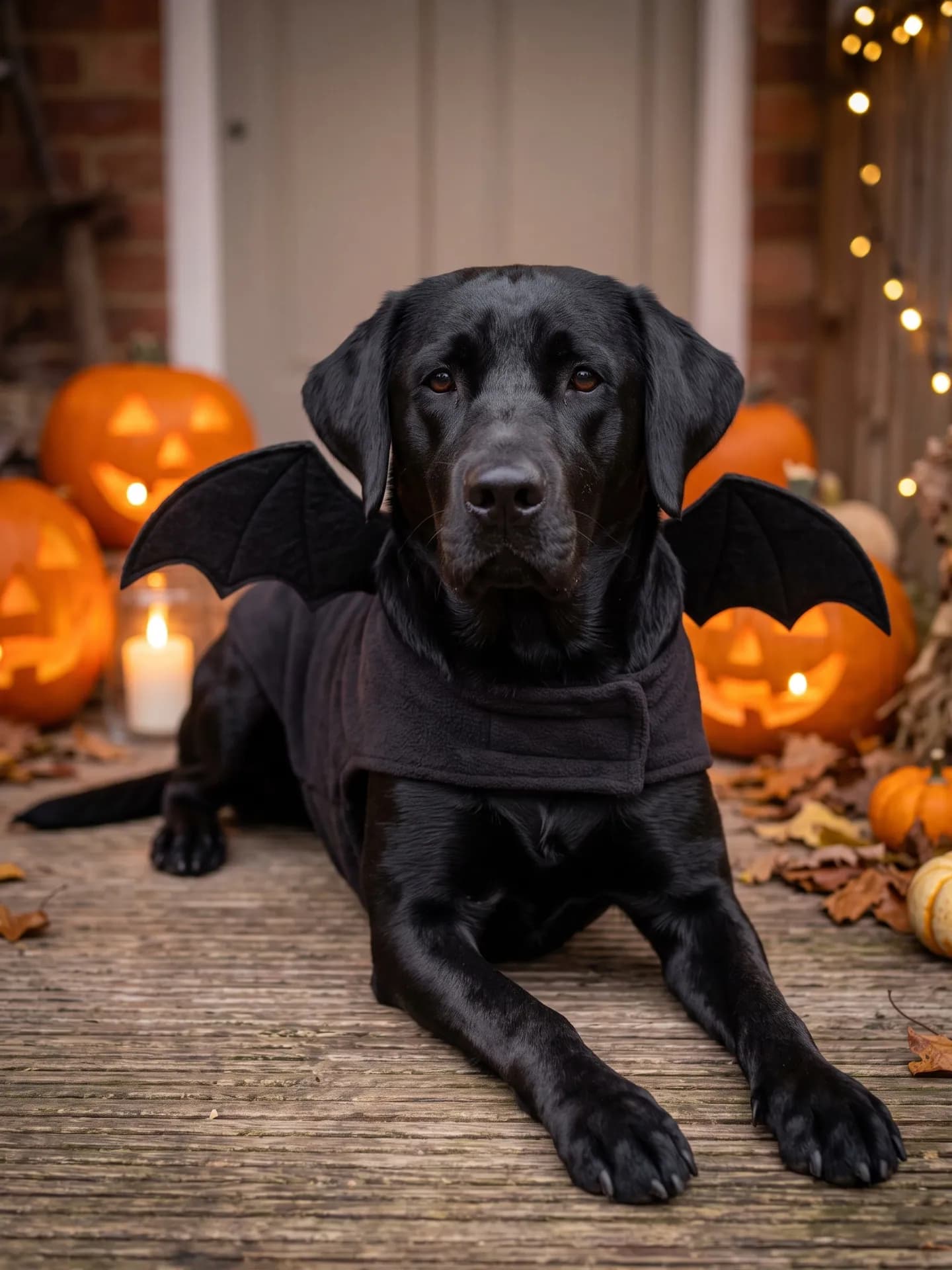
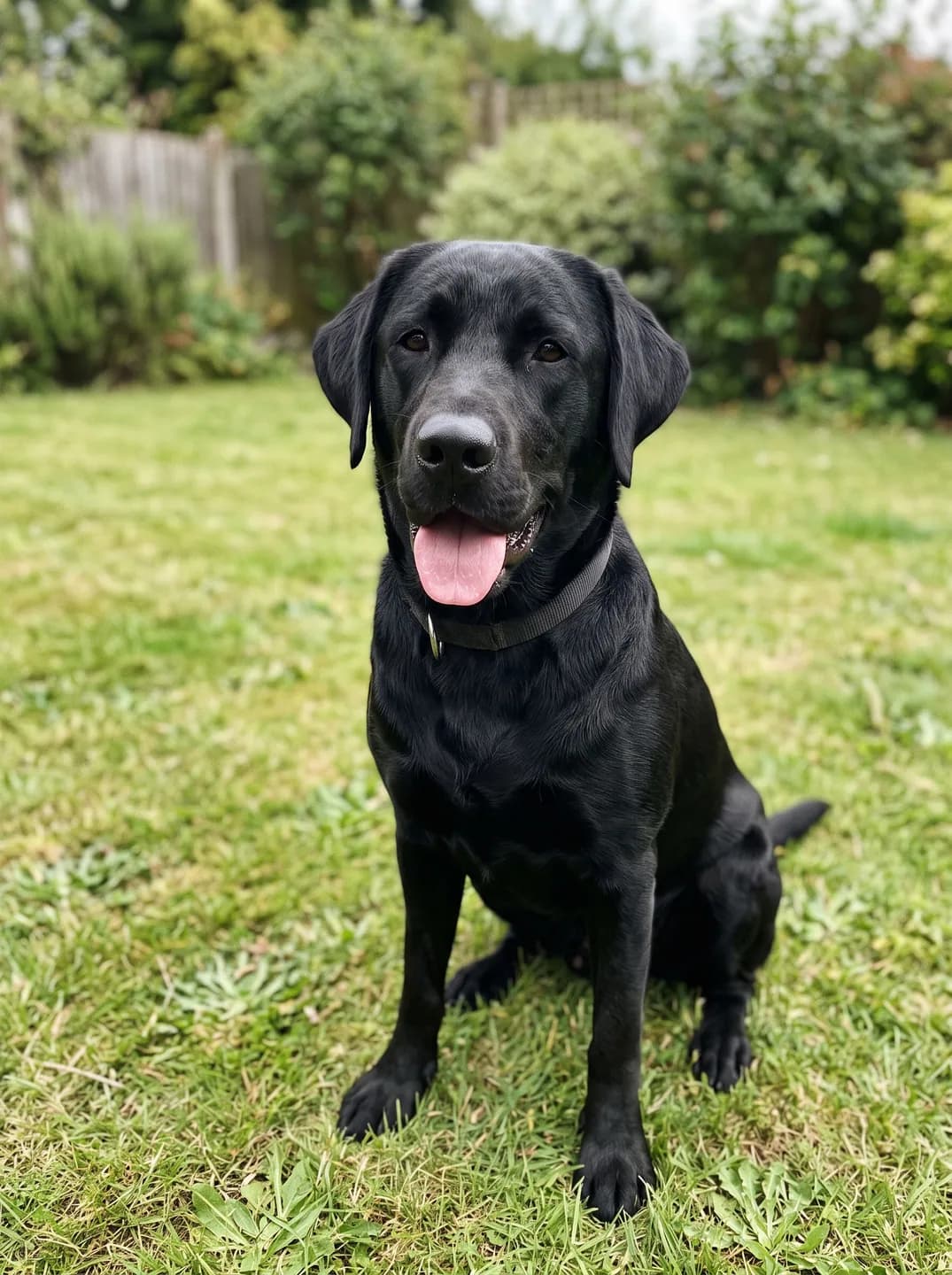
Bat on a black Labrador, made with the current template. - AI-generated sample input
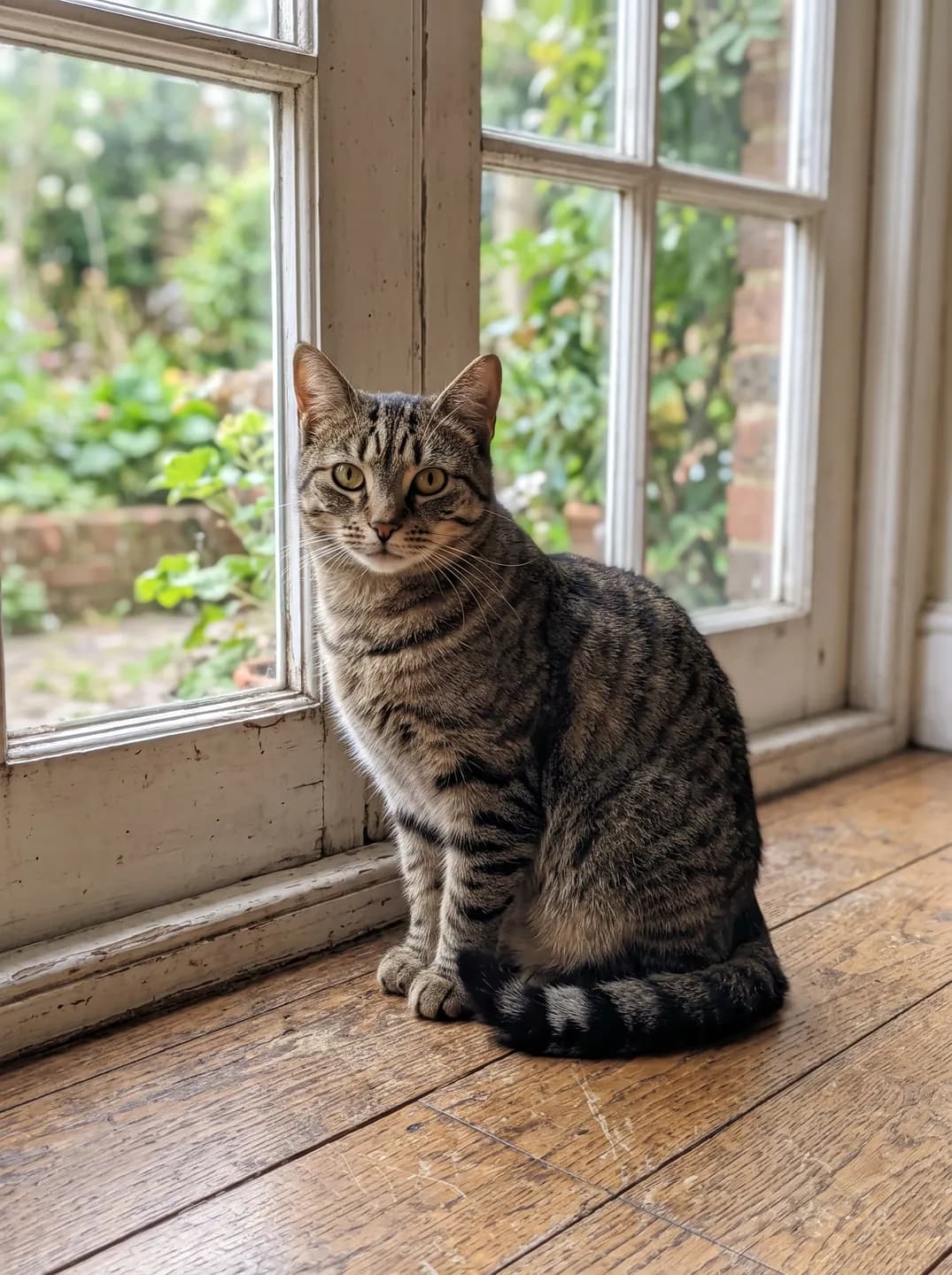 Result
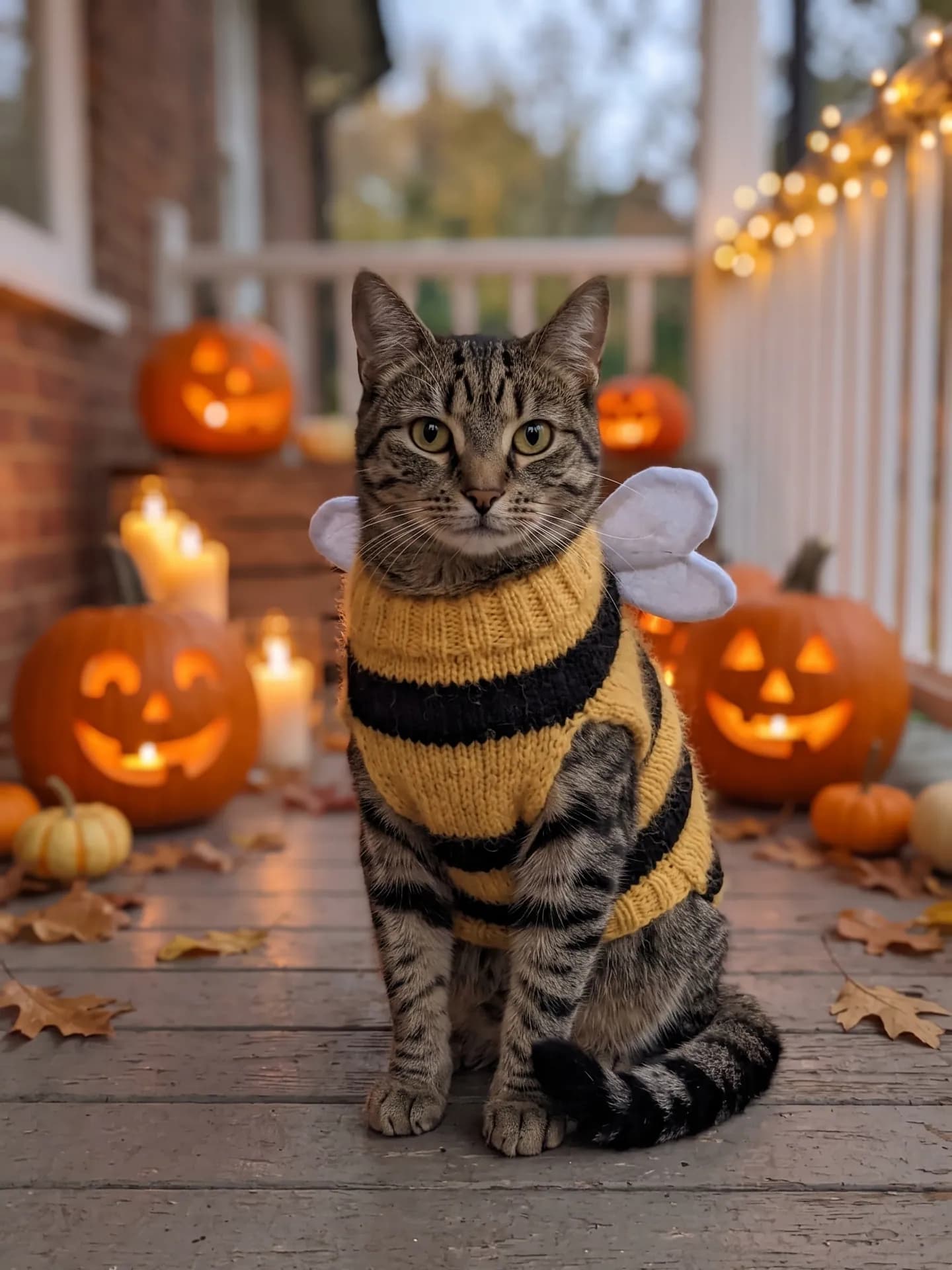
Bumblebee on a tabby cat. - AI-generated sample inputResult
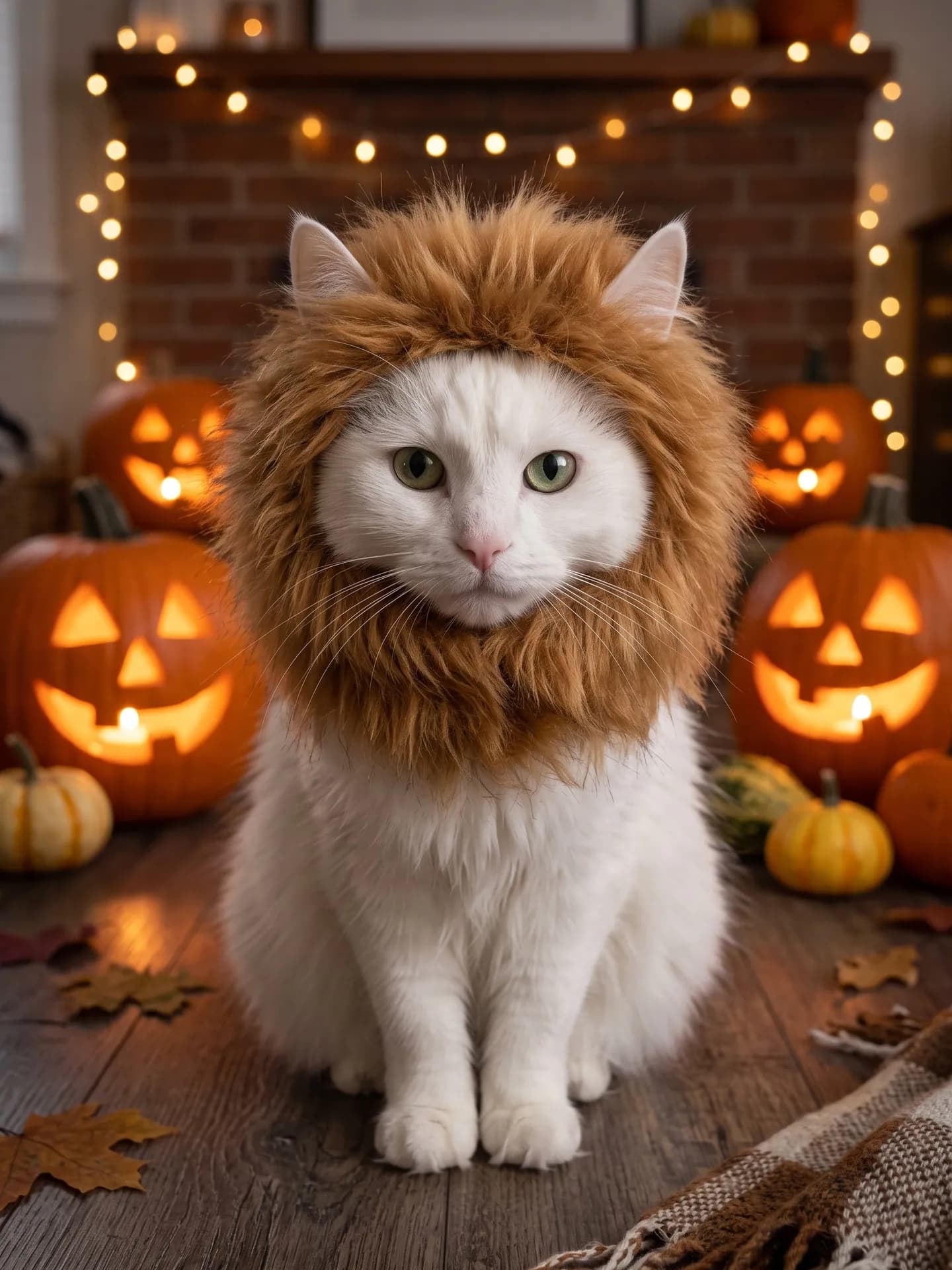
Lion on a white cat. - AI-generated sample inputResult
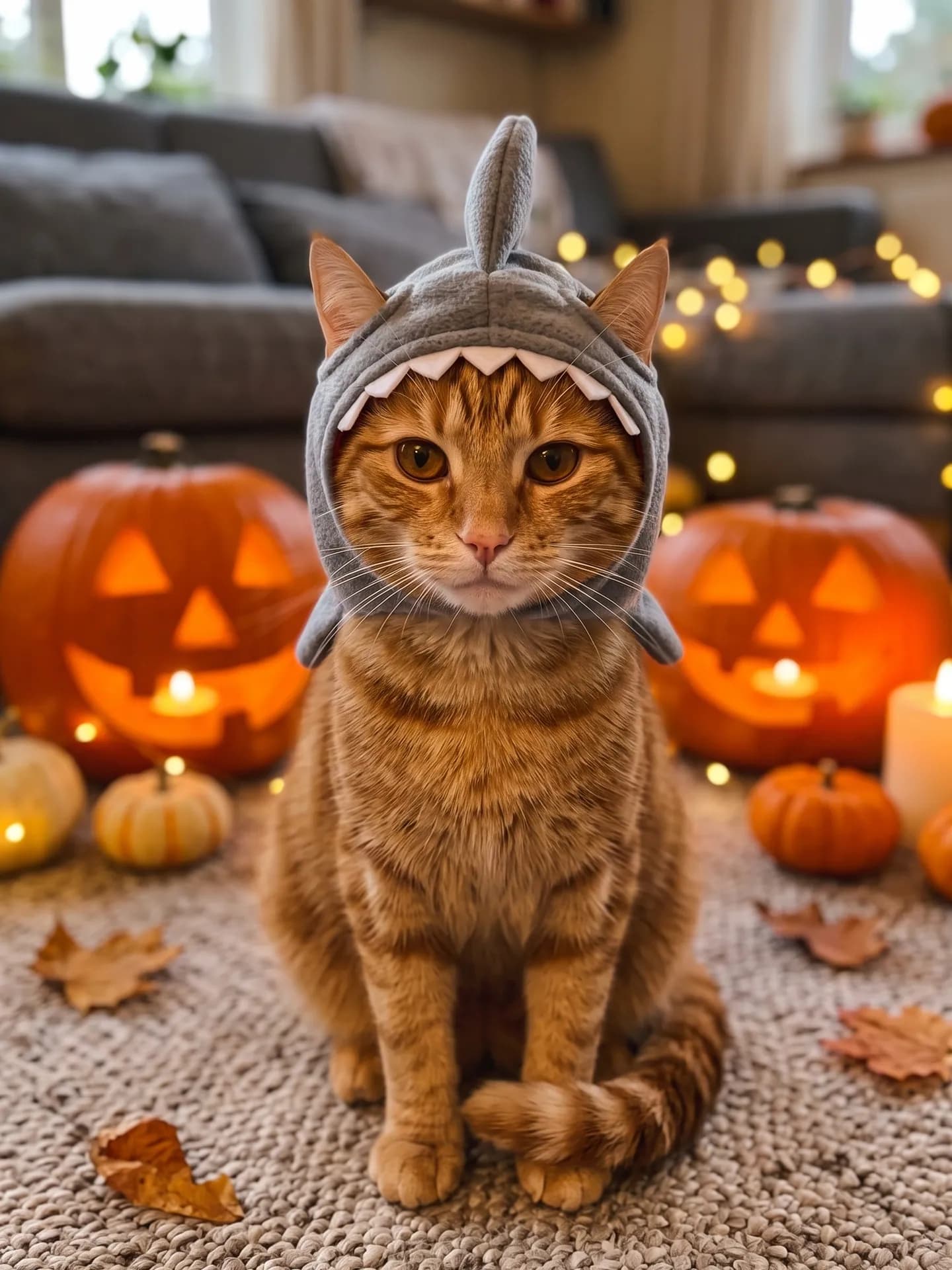
Shark on a ginger cat. - AI-generated sample inputResult
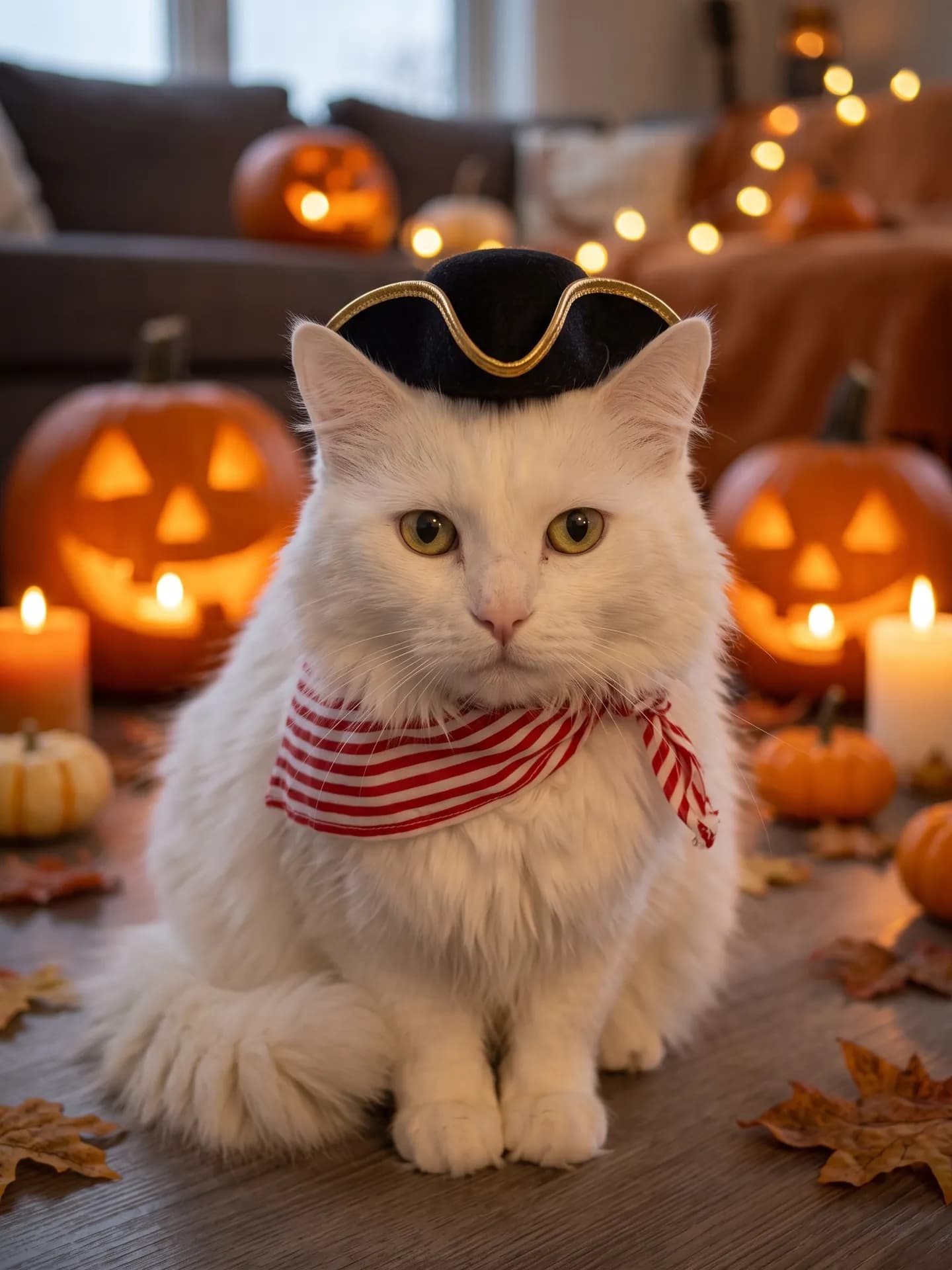
Pirate on a white cat. - AI-generated sample inputResult
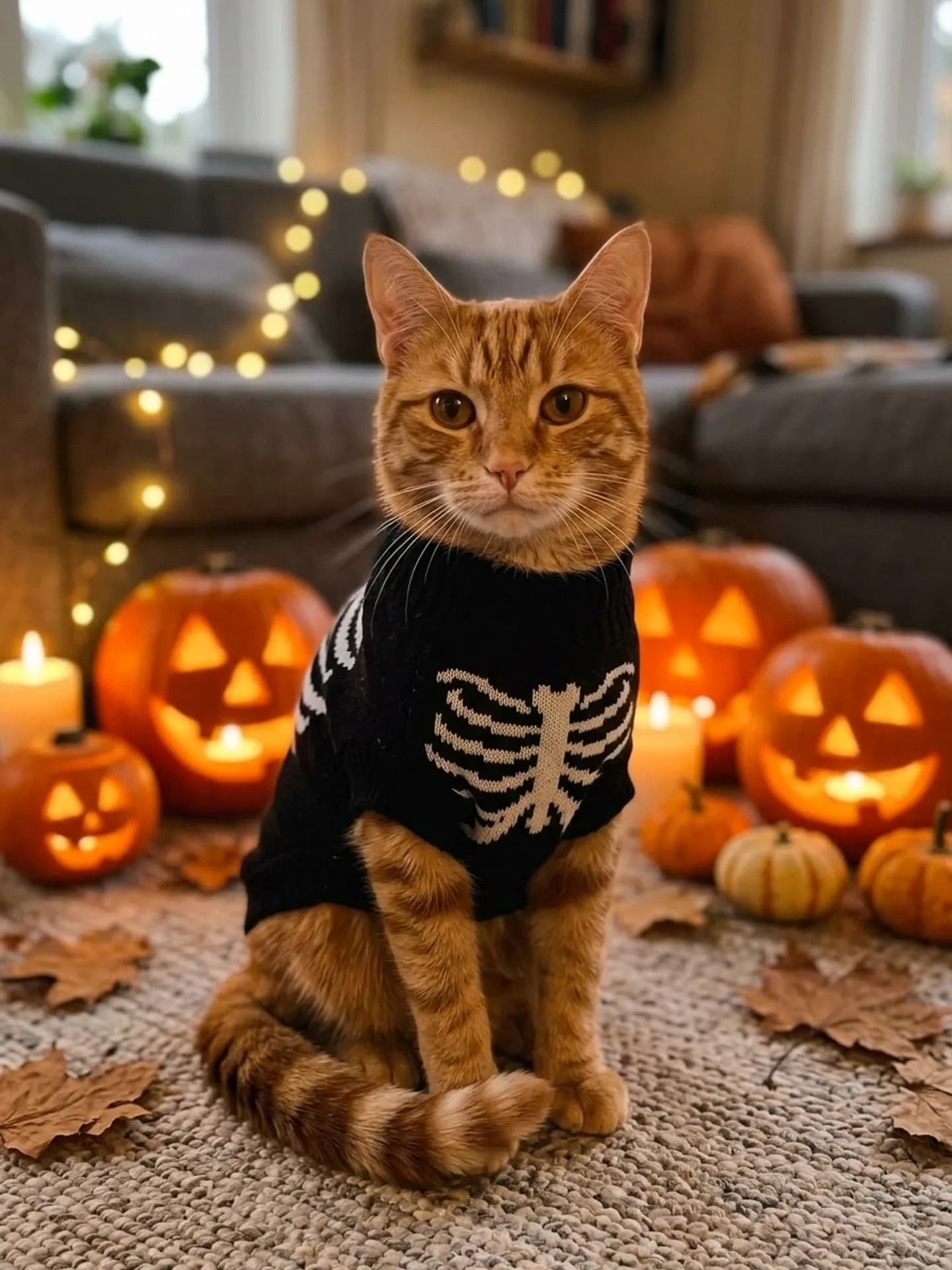
Skeleton on a ginger cat. - AI-generated sample inputResult
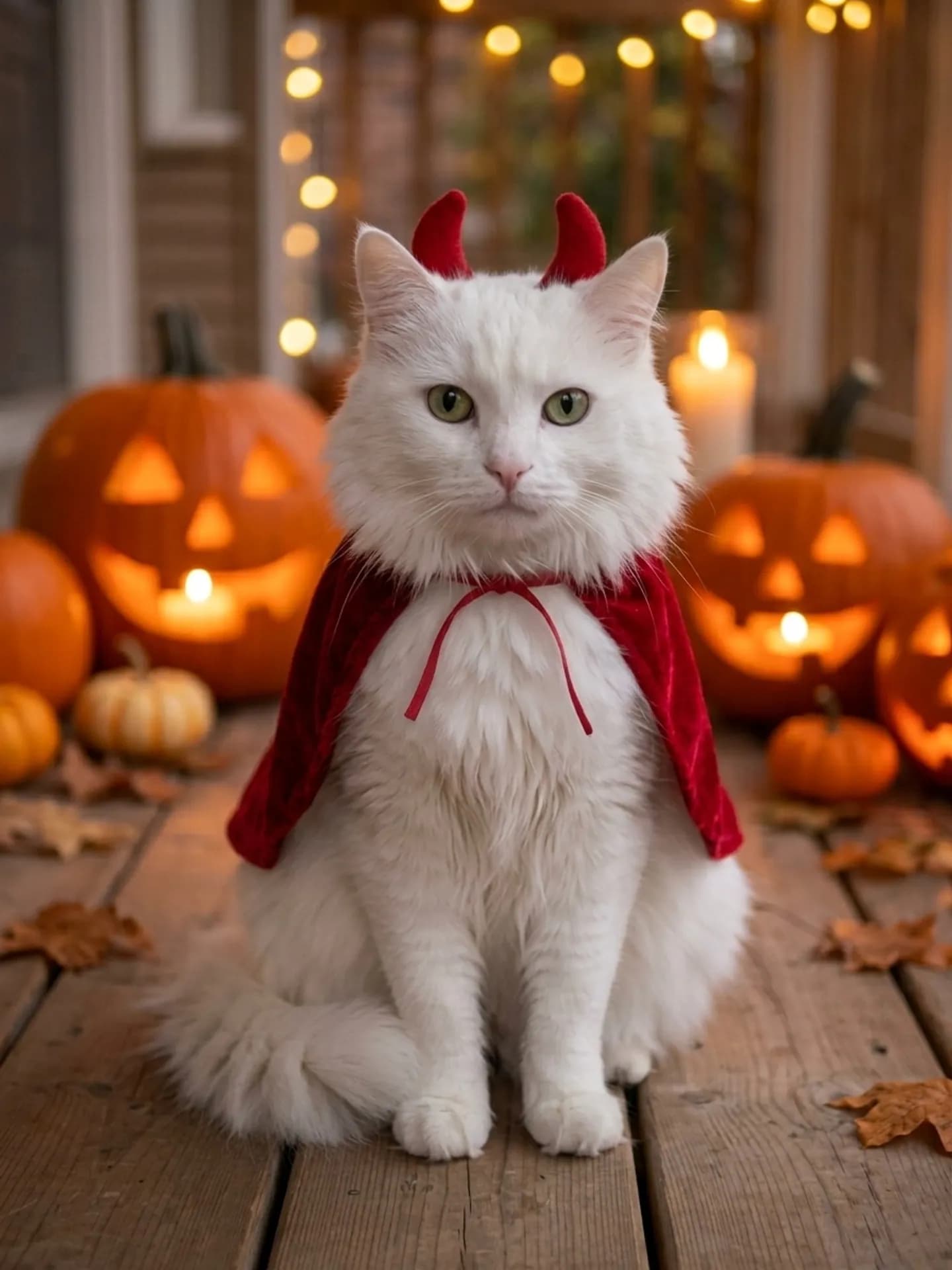
Little devil on a white cat.
How do I get a better result?
- For black or very dark coats, shoot by a window in daytime. The scene is lit by candles, and a dim photo loses detail in the fur and eyes.
- Frame the head and the front of the body: hats, hoods and capes need the shoulders, and a face-only crop gives them nothing to hang on.
- Match the costume to the coat: black pieces like the bat wings and the witch hat stand out on light fur, while the red horns and cape of the little devil stand out on white fur.
- Check the ears, the chin and the legs before you share a picture; if something looks off, run the same photo again.
What goes wrong most often?
- Uploading two pets in one photo. The template dresses one; run each separately.
- Using a night photo with the flash on. Glowing eyes and flattened fur carry into the costume scene.
- Expecting a scary result. The scene is cute by design, with nothing gory.
Guide: AI Halloween Photo Ideas: 18 Looks, One Photo Each (2026)
What you need
Your pet's photo
Close-up in daylight, eyes visible. Small or dark photos can change the fur color.
Works well
- Your pet's face close up, eyes open
- Daylight, taken at your pet's eye level
Avoid
- Dark or tiny photos: they can change the fur color
- Motion blur, or other animals in the frame