Pet in Character
AI photo template · from a pet photo
Astronaut, king, rock star or chef — pick the role.
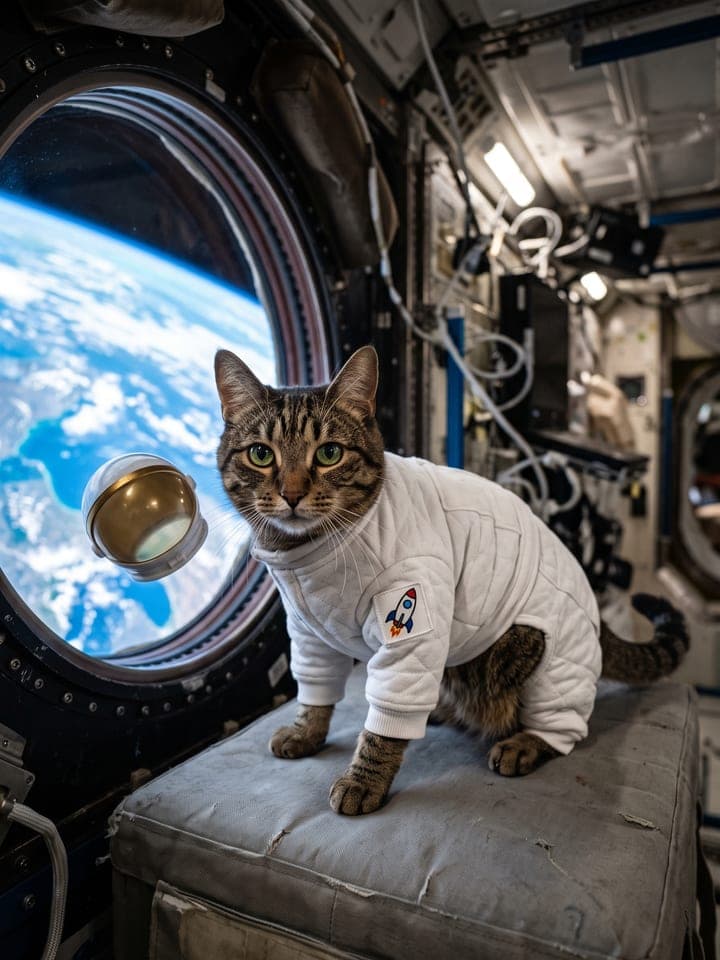
Example result. Yours is made from your own photo.
Your pet dressed for the part you pick: an astronaut floating by a station window, a king on a velvet throne, a rock star on a lit stage or a chef in a busy kitchen. The costume and scene change; the face, fur and markings stay true to your photo.
1 photo
per result
Shapes: 9:16 · 3:4 · 4:5 · 1:1 · 4:3 · 16:9. Example shown in 3:4. How photos are counted
How to make a costume portrait of your pet with AI
For a pet portrait in costume shot as a real photo, not a painting, such as a dog dressed as an astronaut or a cat on a throne, upload one close-up to Pet in Character and pick a role: Astronaut, King or queen, Rock star or Chef. Each run costs 1 photo on any plan, and a new account comes with 3 free photos. The result is a photoreal shot with a costume cut for an animal of your pet's size, a scene that fits the role, and the face, ears, eyes and fur kept as they are in your photo.
- Upload a daylight close-up with both eyes and both ears in view. The template is told to keep the face and ears visible, so what the photo shows of them is what the portrait copies.
- Choose a Role and press Create (1 photo). Astronaut is the default, and each role brings its own outfit and setting.
- Compare the markings with your photo before you share the result. For the full set of four, run the same photo once per role.
What does each role look like?
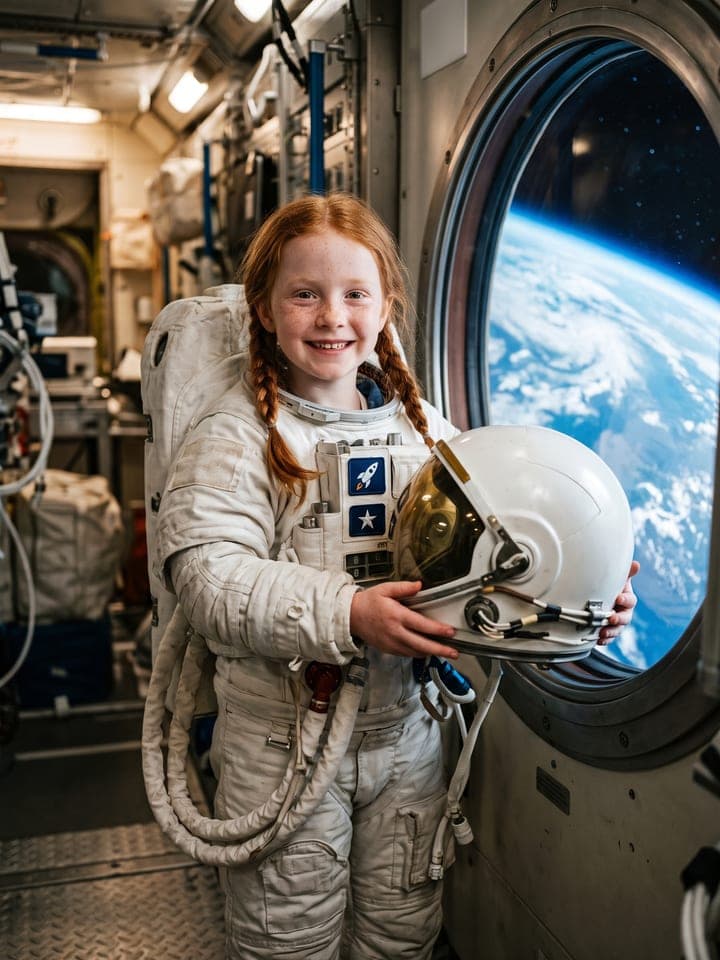
Astronaut: a white spacesuit with made-up mission patches, the helmet off beside your pet as it floats at a round space station window with Earth behind. King or queen: a velvet cape trimmed with ermine, a small gold crown and a jeweled collar, on a red velvet throne in a candlelit palace hall. Rock star: a studded black leather jacket and a small bandana on a dark stage with colored spotlights, haze and a guitar leaning nearby. Chef: a white double-breasted jacket and a tall toque at the pass of a busy restaurant kitchen hung with copper pans.
In every role your pet stays an animal wearing a costume and looks into the camera; the template steers away from a human body with an animal head. Patches, badges and props are plain shapes with no words, names or logos, so there is no space agency emblem, band name or restaurant sign in the frame.
What can you use it for?
- A birthday card for the cat who already acts like royalty, in the King or queen role.
- A rock-star avatar for a pet account with a loud personality.
- A thank-you picture for a pet sitter, starring the dog who lives for dinner as the chef.
- A carousel of all four roles worn by the same pet.
How do I get a better result?
- Pick a photo where your pet faces the lens. Every role has it looking straight at the camera, so a head-on shot leaves less of the face to guess.
- Use plain daylight even if you want the Rock star role. The stage is dark and lit by colored spotlights, and a photo already tinted by a lamp misleads the template about the real fur color.
- Let the ears show in their usual position, since their shape comes from your photo. In the King or queen and Chef results, check that the crown or toque has not hidden them; if it has, run again.
What goes wrong most often?
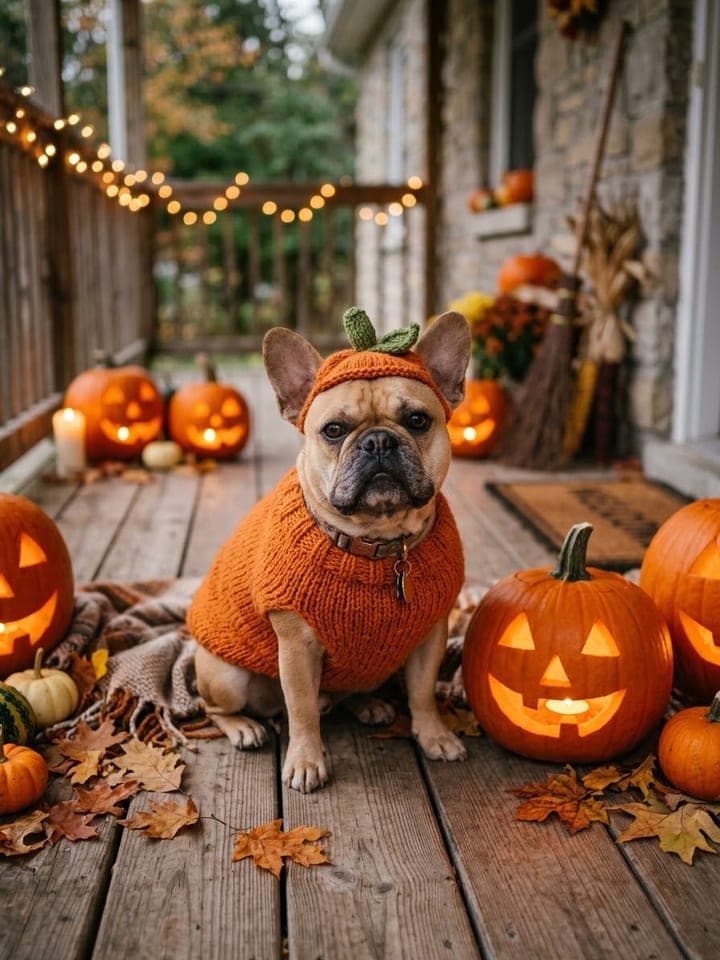
- Looking for Halloween costumes here. The four roles aren't seasonal; pumpkin, witch, vampire and other spooky outfits are in Pet Halloween Costume.
- Expecting an oil painting from the King or queen role. It is a costume photo; for a palace portrait on canvas in a gilded frame, use Pet Aristocrat.
- Hoping for your pet's name on the chef jacket or the spacesuit. No lettering is added anywhere, so add a caption in an editor.
Guide: Royal Pet Portrait Ideas: Renaissance and Palace Oil Paintings of Your Pet
What you need
Your pet's photo
Close-up in daylight, eyes visible. Small or dark photos can change the fur color.
- You pick the role
- Astronaut, King or queen, Rock star, Chef
Works well
- Your pet's face close up, eyes open
- Daylight, taken at your pet's eye level
Avoid
- Dark or tiny photos: they can change the fur color
- Motion blur, or other animals in the frame