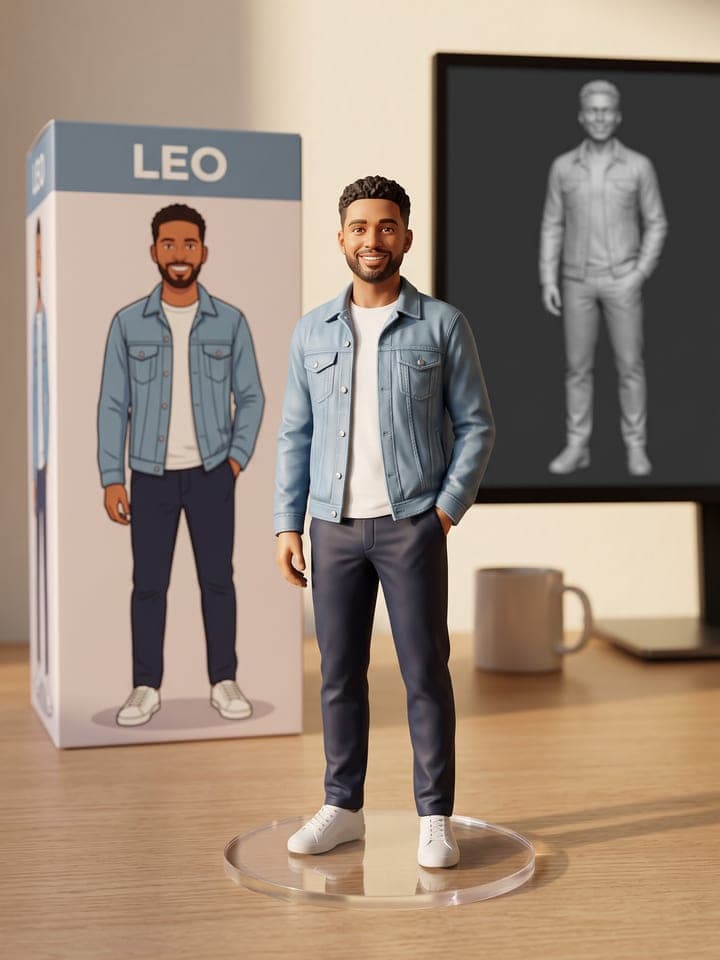
Action Figure of Yourself
AI photo template · from 1 photo
You as a collectible action figure in blister packaging.
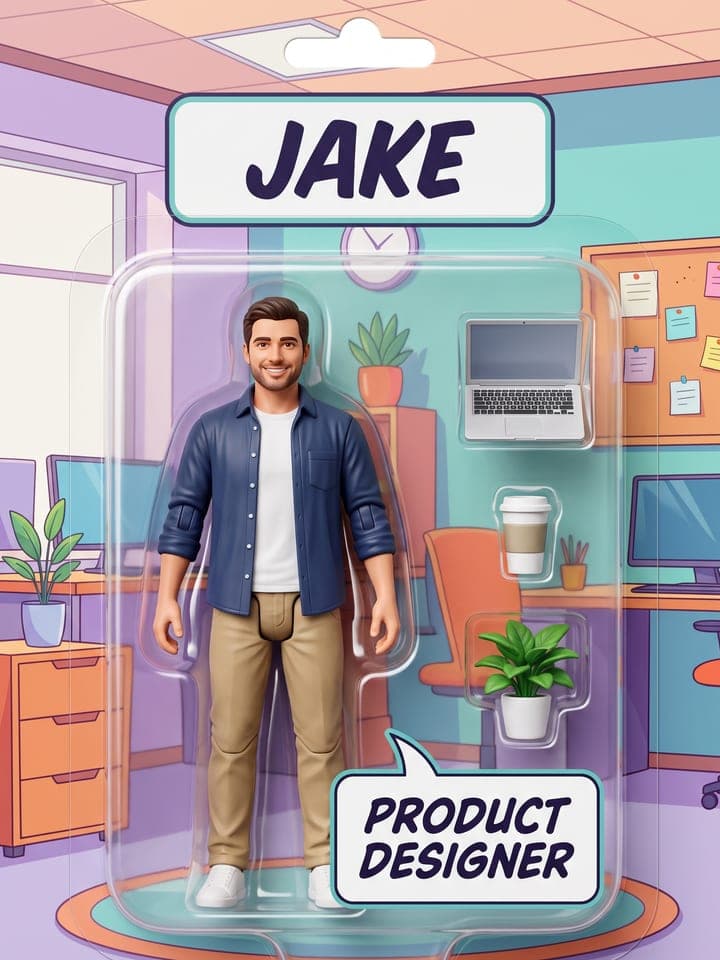
Example result. Yours is made from your own photo.
You as a realistic plastic figure in branded blister packaging: your name in big letters on top, your job at the bottom and two or three mini accessories for your line of work. Glossy plastic, store lighting.
1 photo
per result
Shapes: 9:16 · 3:4 · 1:1. Example shown in 3:4. How photos are counted
How to make an action figure of yourself with AI
To make an AI action figure of yourself, upload one photo to Action Figure of Yourself and type your name and job: 1 photo per run on any plan, with the first 3 photos free. You get a realistic plastic figure of you in a clear blister on a printed card, with your name in big letters on top, your job at the bottom and, if you list them, two or three mini accessories next to you.
- Open Action Figure of Yourself and upload a photo with your face clearly visible, one person, good light.
- Fill in Name on the box and Your job in Latin letters. Accessories is optional: two or three items for your work, separated by commas.
- Hit Create, which spends 1 photo, then check the spelling on the card in the result before you share it.
Where did the boxed action figure trend start?
The boxed action figure took off in spring 2025, after ChatGPT's new image generator arrived: people asked it for a toy version of themselves in a sealed blister pack, with their name on the card and a few personal items in the tray. Forbes explained the trend on April 15, 2025, noting that on LinkedIn the figures had become a playful way to show off professional strengths. This template turns that prompt into three fields.
What can you use it for?
- A LinkedIn post for a new job, a promotion or a work anniversary.
- A team page where everyone gets their own figure and job title.
- A birthday card for a colleague, with their hobbies as the accessories.
- A matching figure of the family pet next to yours, made with Pet 3D Figurine.
How do I get a better result?
- Keep Name on the box short. A first name or a nickname fits the big top lettering better than a full name with a middle initial.
- Write Your job the way you want it read, such as "Creative Director" or "Night Shift Nurse"; it goes on the card as you type it.
- Pick accessories that are small, physical objects: "laptop, coffee, plant" gives clear mini items, while "leadership" or "strategy" have nothing to show.
- If you leave Accessories empty, the template adds a default set of everyday work items, so fill it in when your job needs something specific, like a stethoscope or a camera.
What goes wrong most often?
- Typing a name in another alphabet or with emoji. The text fields take Latin letters only.
- Listing six accessories. The field asks for two or three, and a long list crowds the small tray next to the figure.
- Using a photo with sunglasses or a cap pulled low. The figure's face is small on the card, so it needs every clear feature from your photo.
What you need
Your photo
Face clearly visible, good light, one person.
Name on the box
Latin letters. Up to 20 characters.
Your job
Latin letters. Up to 30 characters.
AccessoriesOptional
2 or 3 items for your work. Up to 60 characters.
Works well
- A sharp photo with the face clearly visible
- Good, even light
Avoid
- Blurry photos and heavily compressed screenshots
- Faces hidden by hands, hats or shadows