Your Pet as a Human
AI photo template · from a pet photo
What your cat or dog would look like as a person.
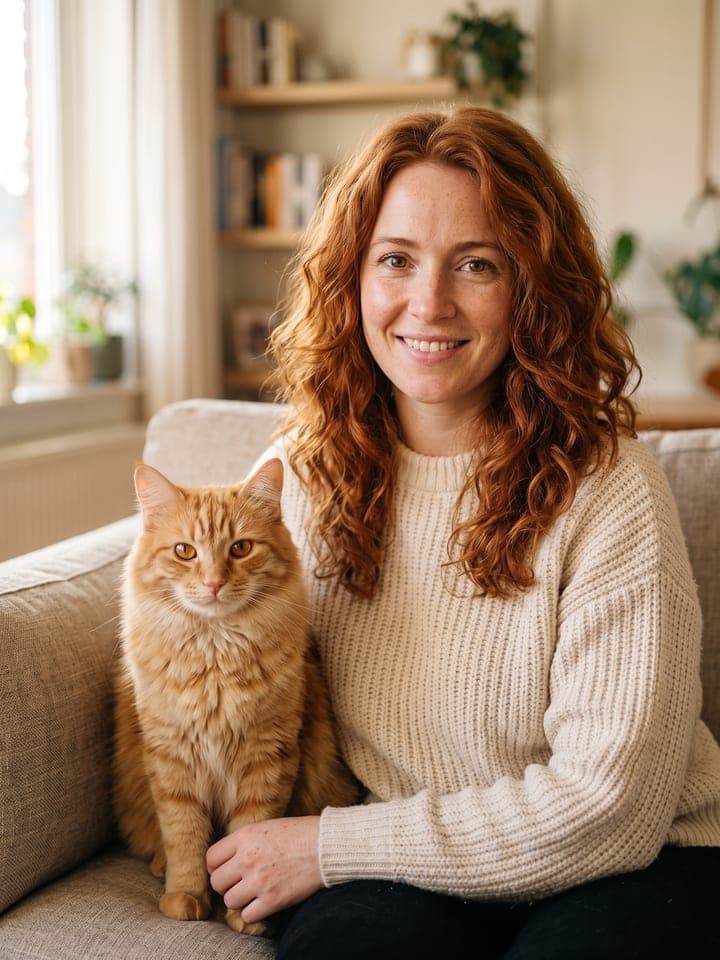
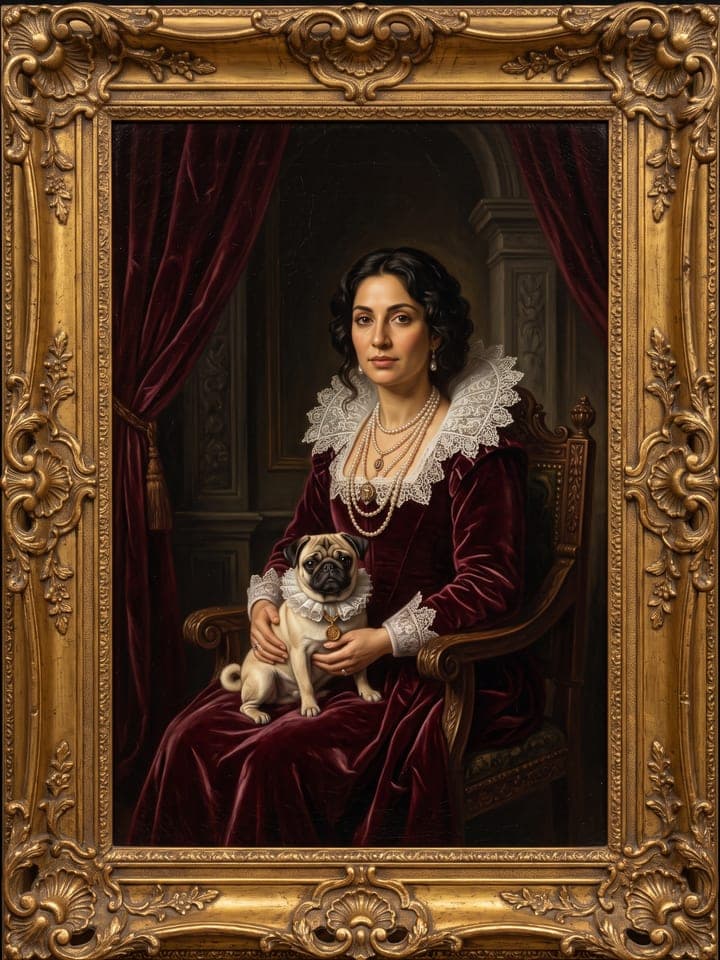
Example result. Yours is made from your own photo.
Your cat or dog, imagined as a person: hair color from the fur, eye color from the eyes, and a look and outfit that match the breed's energy, in a warm portrait. The person is invented — an adult who resembles your pet, not anyone real.
1 photo
per result
Shapes: 9:16 · 3:4 · 4:5 · 1:1 · 4:3 · 16:9. Example shown in 3:4. How photos are counted
How to make a pet-to-human photo with AI
The answer to "what would my dog look like as a human" takes one photo: upload a clear close-up of your dog or cat to Your Pet as a Human, and you get a warm portrait of an invented adult with hair in the color of the fur, eyes in the color of your pet's eyes, and clothes and a look that match the breed's energy. It takes about a minute and costs 1 photo per run on any plan, including Free: a new account's first 3 photos are free.
- Pick a close-up of your dog or cat in daylight, face toward the camera, both eyes visible and open.
- Open Your Pet as a Human, put the picture in the Your pet's photo slot and press Create (1 photo). There are no options to set: the template reads everything from the photo.
- Look at the result next to the original. For a different person with the same colors, run it again; every run invents someone new.
Good to know before you start
The template is an interpretation, not a prediction. It copies three things from your photo: the fur color becomes the person's hair color, the eye color stays the same, and the general energy of the breed decides the outfit and the look. Everything else is invented. The person is an adult who resembles your pet and is not modeled on anyone real, and the template decides whether it is a man or a woman from your pet's look.
That is also why two runs of the same photo differ: the colors hold because they come from the picture, while the face, the haircut and the clothes are drawn fresh each time. In our test runs the black Labrador became a smiling dark-haired man (on the second run; the first recolored the dog's own eyes amber), the ginger cat a man with copper-red hair and beard, and the white cat a woman with long white hair. In all three the pet itself sat next to its human version, and the outfit picked up the coat color too: a rust sweater for the ginger cat, a cream one for the white cat.
What can you use it for?
- A ready-made side-by-side post: in our runs the pet sat right next to its human version in the same picture.
- A birthday card for the pet, or for the person who owns it.
- Settling the family argument about whether the cat would be a grumpy uncle or a film star.
- A pair of portraits for a two-pet home, one human version of each, printed the same size.
What does an example run look like?
- AI-generated sample input
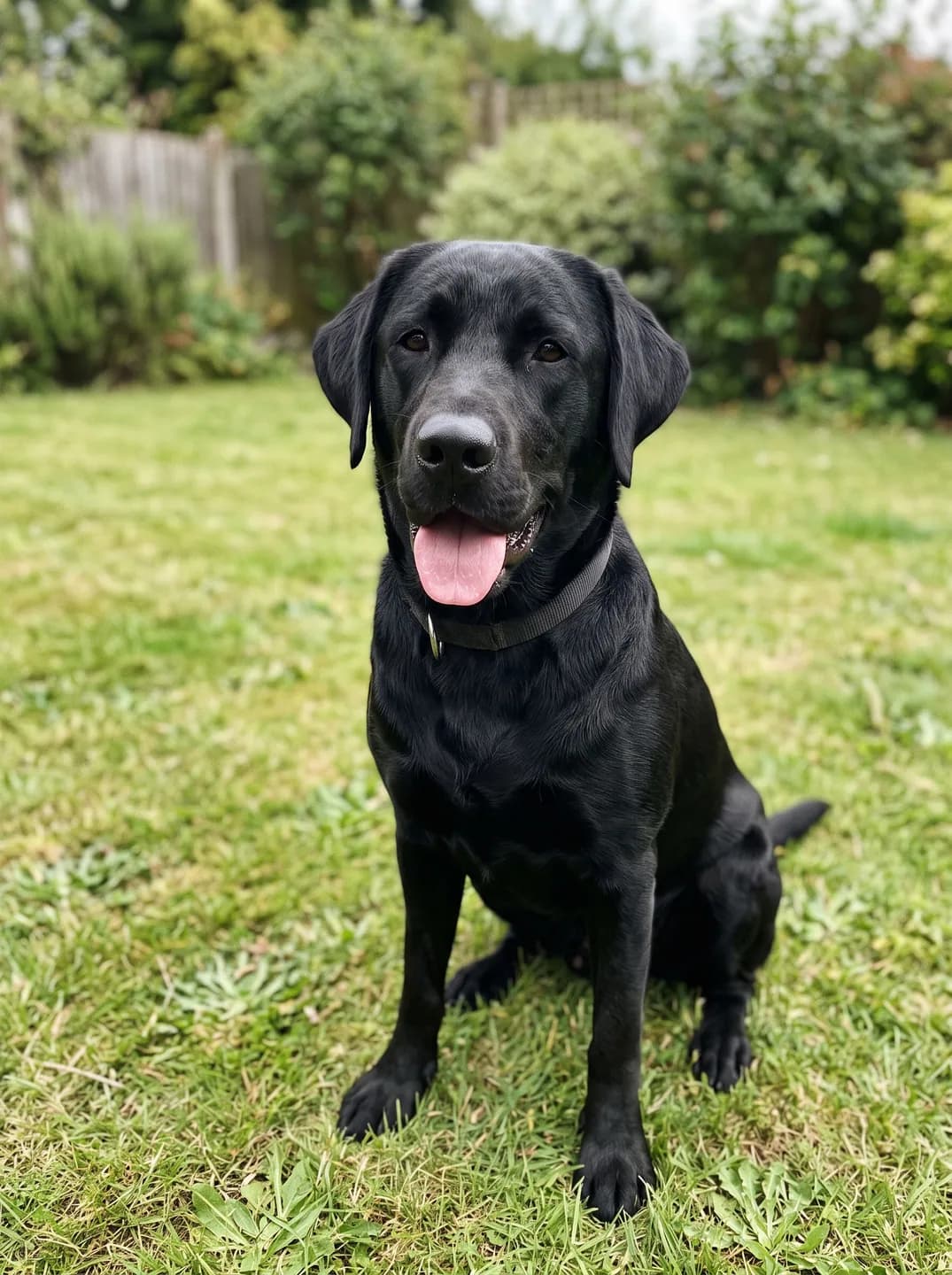 Result
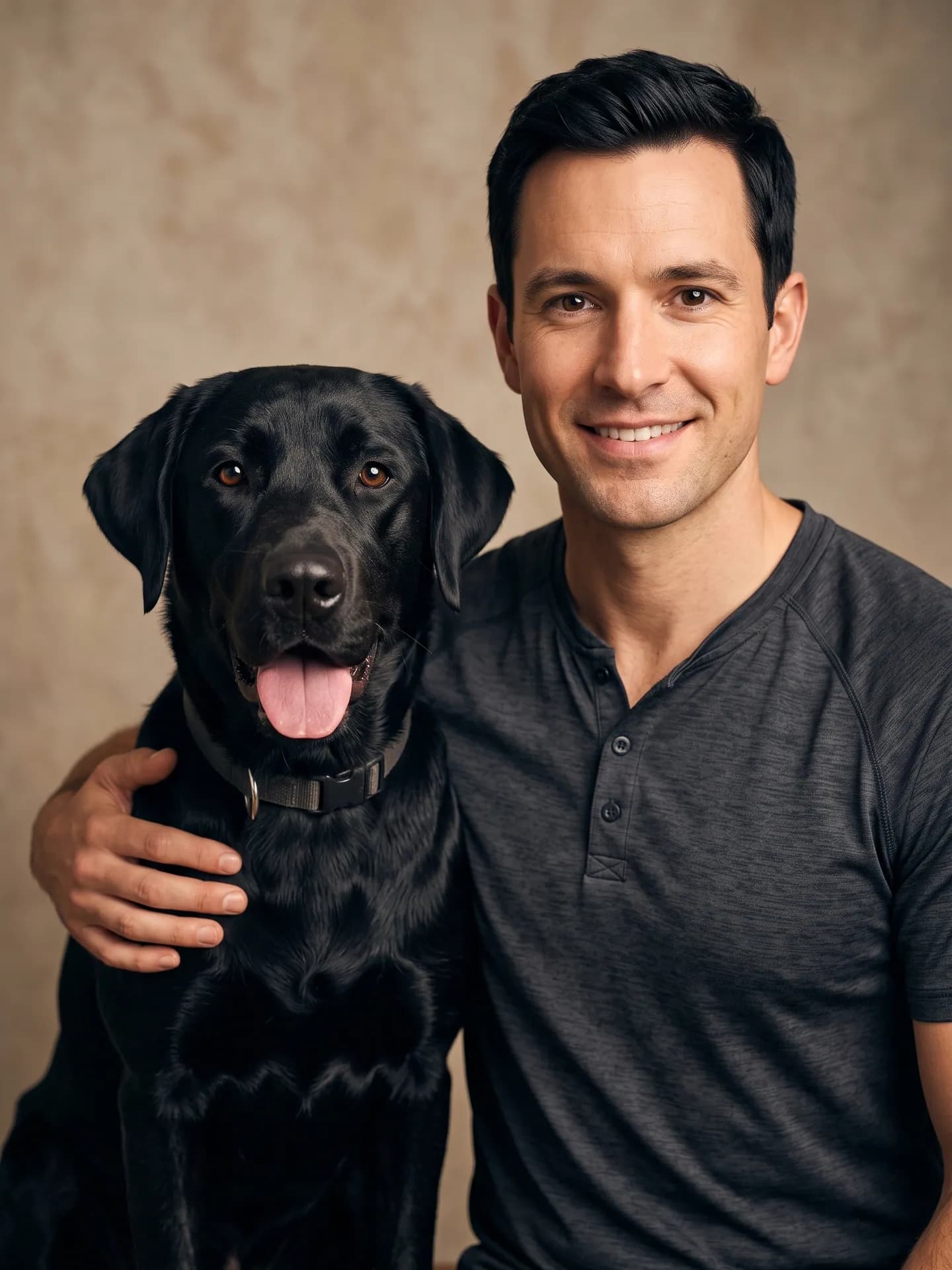
Black Labrador in, a smiling dark-haired man out, with the dog beside him. 2nd run. - AI-generated sample input
 Result
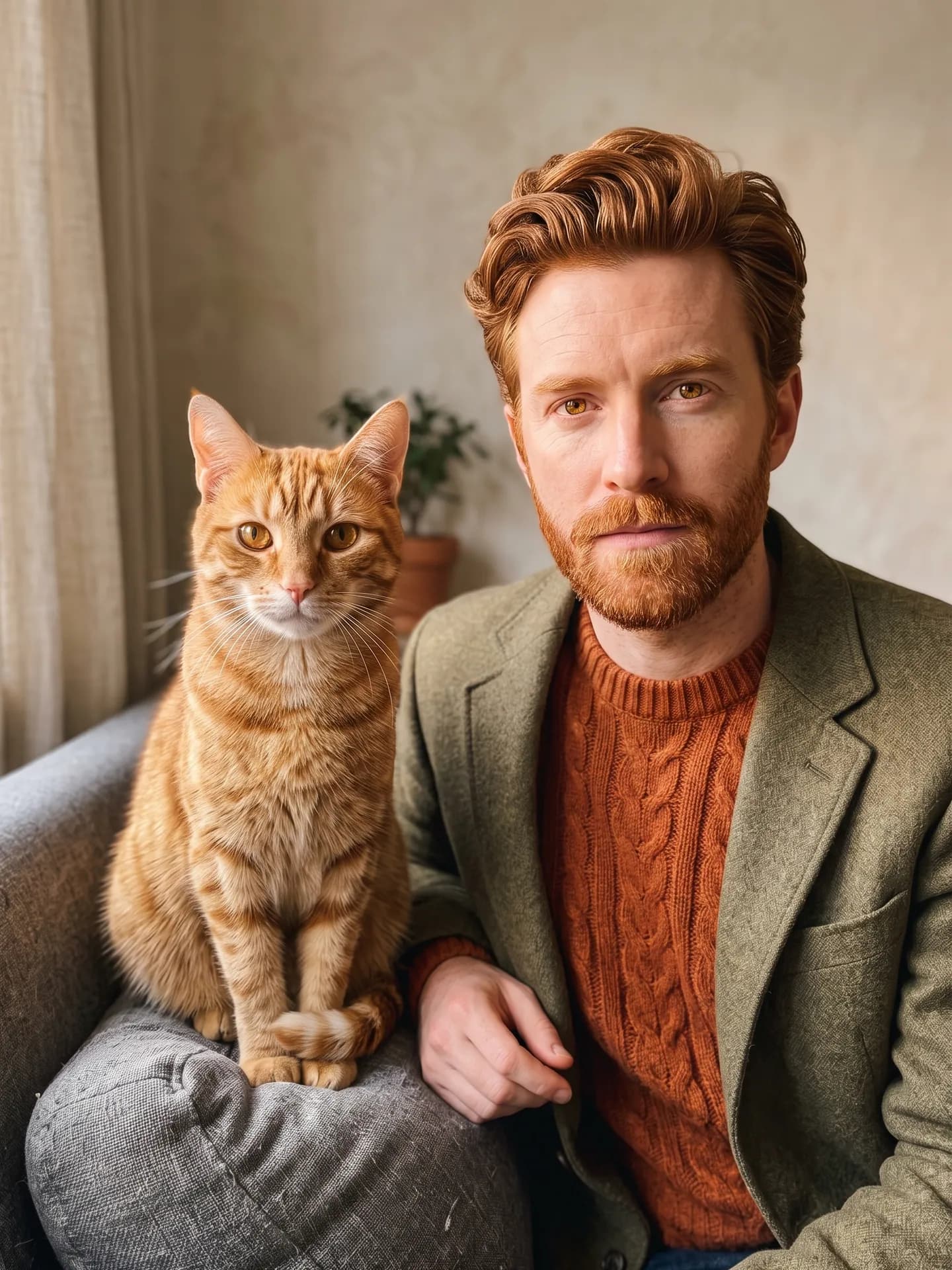
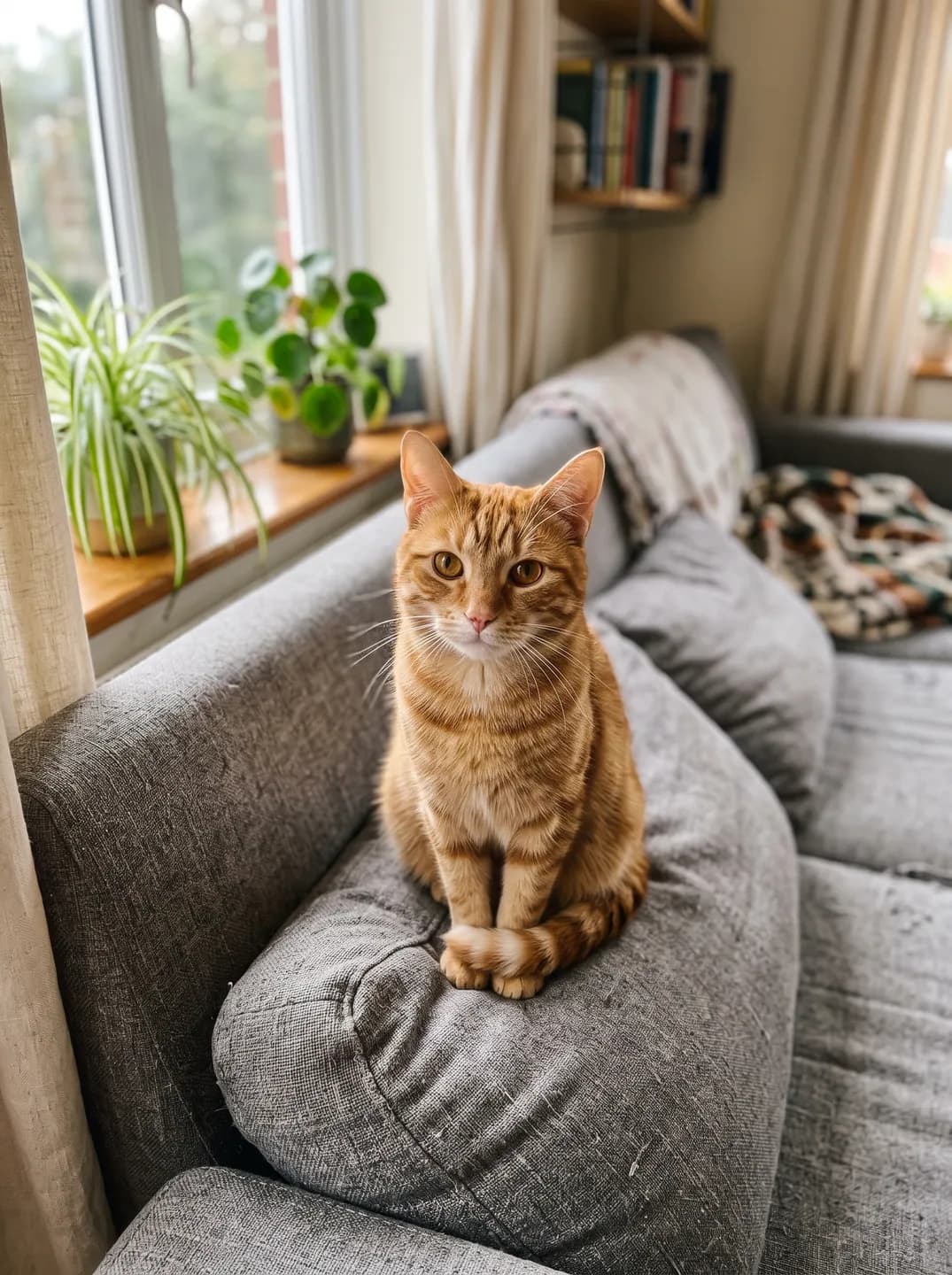
Ginger cat in, copper-red hair and beard out, sweater to match. 1st run. - AI-generated sample input
 Result
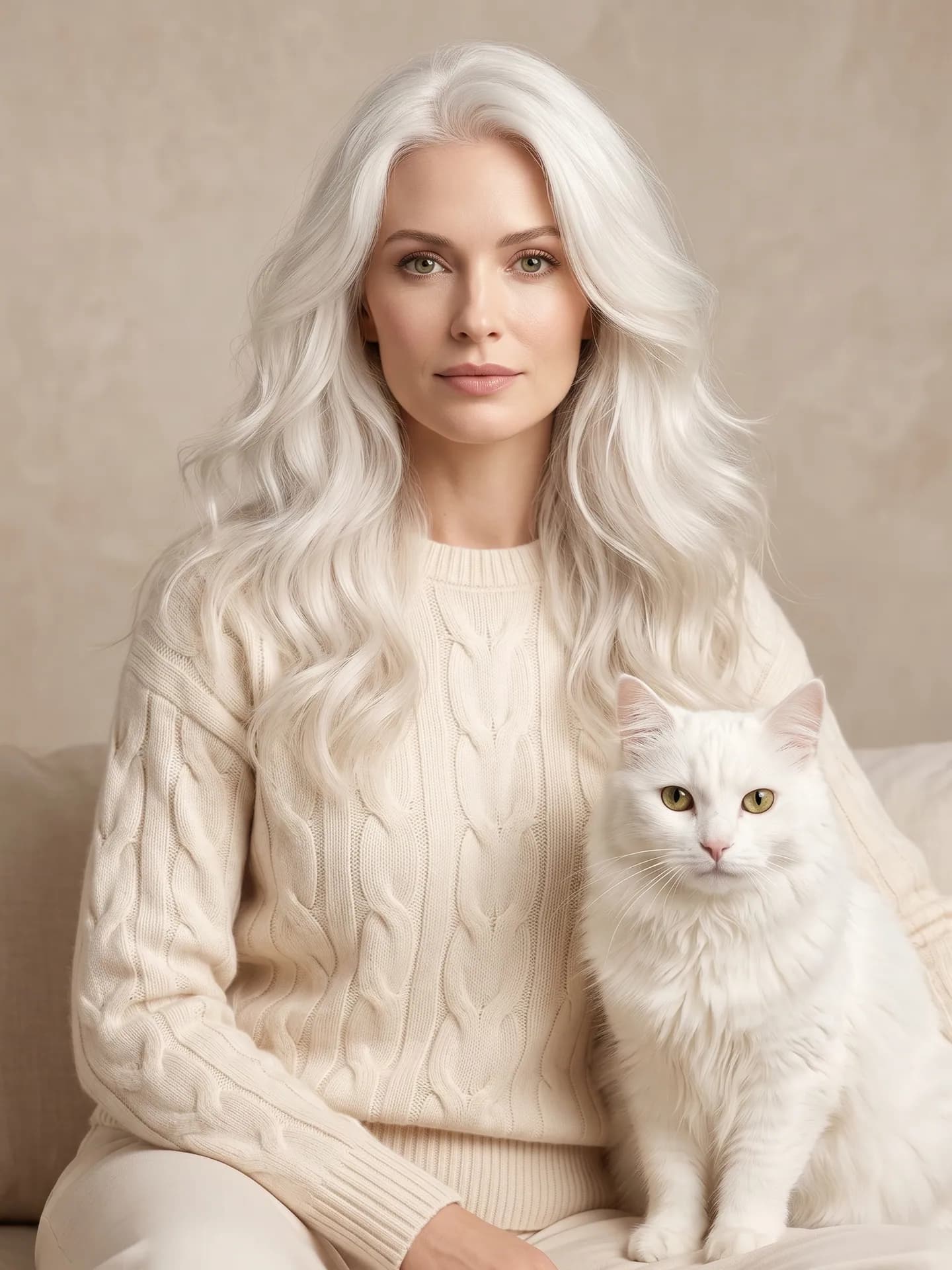
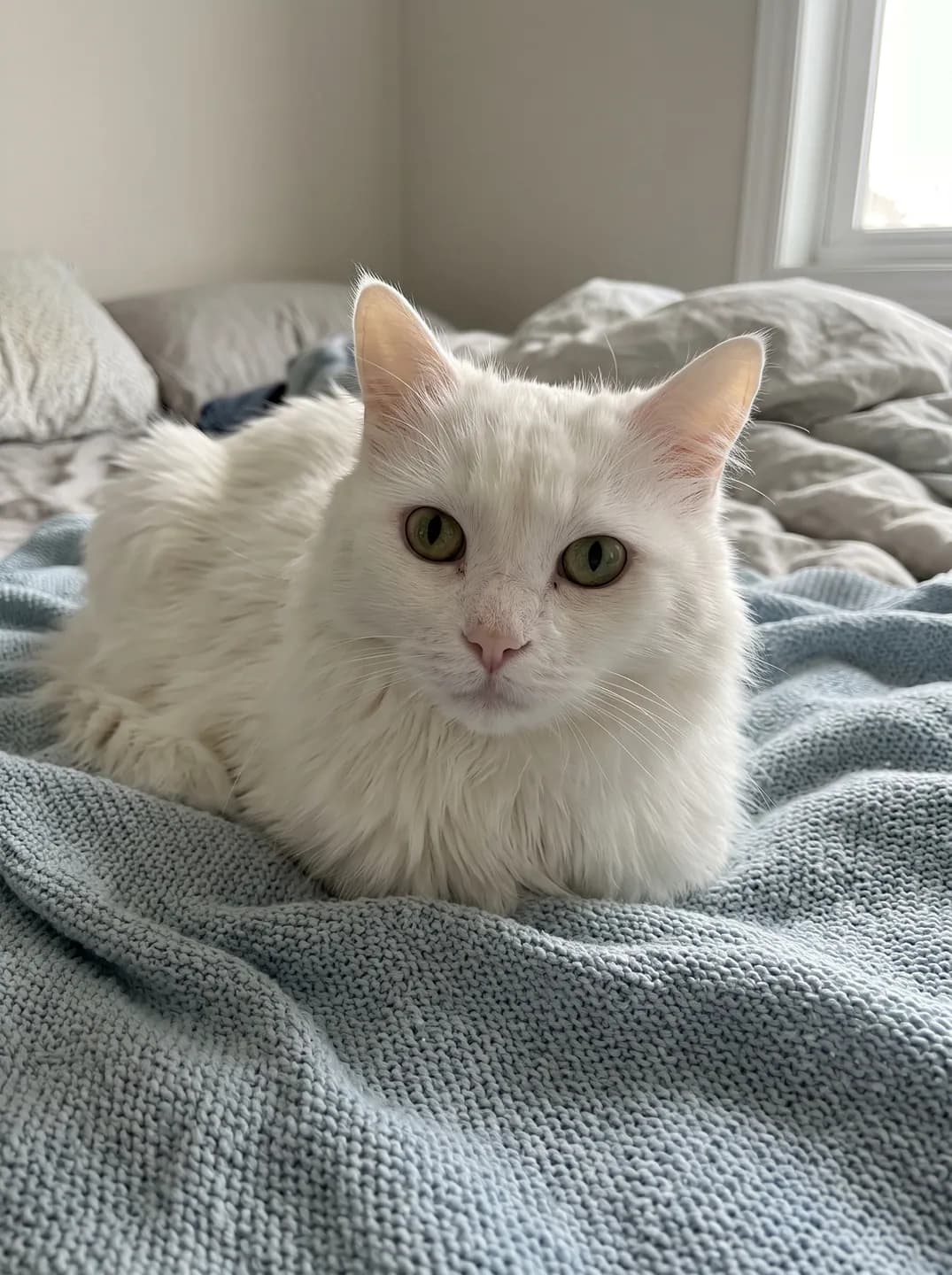
White cat in, long white hair and a cream sweater out. 1st run.
How do I get a better result?
- Fill the frame with the head and shoulders. The slot asks for a close-up because the eye color is read from the eyes, and eyes that are a few pixels wide can come back a different color.
- Shoot in daylight near a window. Dark or small photos are what shift fur color, and on this template the fur color is the person's hair color, so a warm lamp or a sunset that tints the fur also tints the hair.
- Keep the ears and the muzzle in the picture. They are what makes a Labrador read as a Labrador, and the outfit and look are picked to match the breed.
- For a pet with two or more coat colors, choose the angle that shows the main color best. The hair color is read from the fur the template can see, so a photo that shows mostly a white chest gives lighter hair than one that shows a dark back.
What goes wrong most often?
- Uploading a photo with two pets or a person in it. The template imagines one pet as one person; crop to a single animal first.
- Expecting a portrait of you. The human is invented; to put yourself next to your real pet, the Me and My Pet template combines your photo and your pet's photo in one natural picture.
- Using a photo with sunglasses, a costume or a hat on the pet. Accessories hide the fur and eyes the template reads the colors from.
Guide: Royal Pet Portrait Ideas: Renaissance and Palace Oil Paintings of Your Pet
What you need
Your pet's photo
Close-up in daylight, eyes visible. Small or dark photos can change the fur color.
Works well
- Your pet's face close up, eyes open
- Daylight, taken at your pet's eye level
Avoid
- Dark or tiny photos: they can change the fur color
- Motion blur, or other animals in the frame